Reddit "You've Been Blocked by Network Security": Every Cause, and the Fix for Each
It is not a ban and there is nothing to appeal. It comes from Reddit's edge, applies to your connection, and has six causes. Here is how to tell which one you have, and how long each lasts.
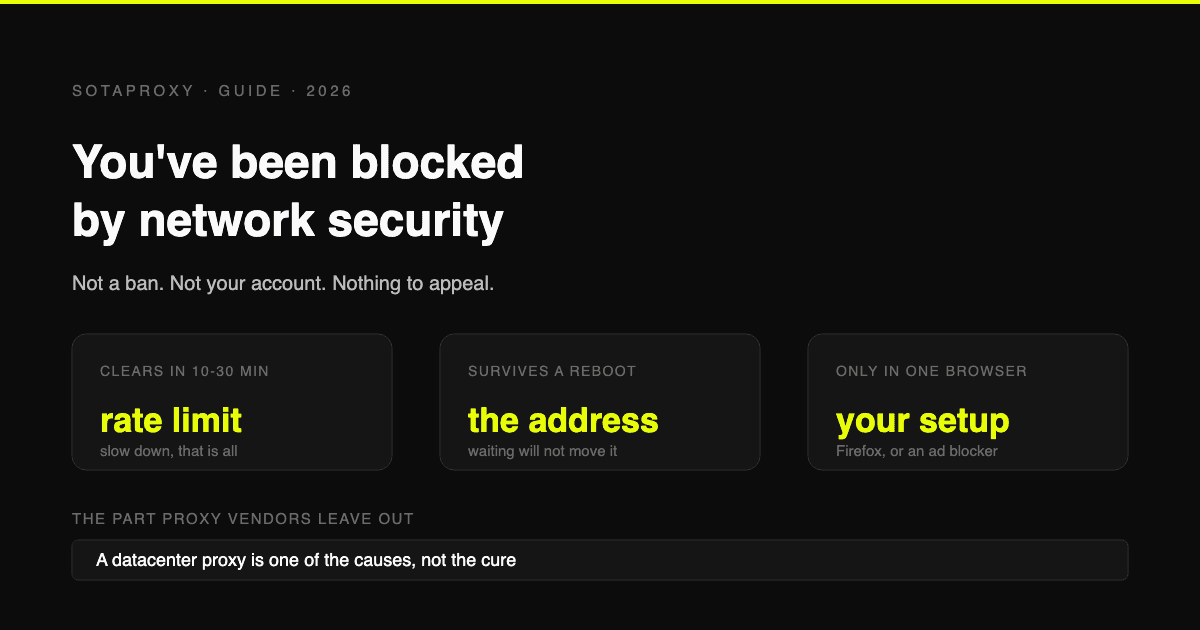
The message has several wordings and one meaning. "You've been blocked by network security." "Your request has been blocked by network security." Sometimes with "please login" attached, sometimes on a page that will load fine thirty seconds later from your phone.
Here is the thing almost every guide on this gets wrong: it is not an account action. Nothing has been suspended, you have not been shadowbanned, and there is nothing to appeal. It comes from Reddit's edge layer, it applies to the connection you are making the request from, and it happens before your account is considered at all.
Which is good news and bad news. Good, because your account is fine. Bad, because the usual reflexes, clearing cookies and making a new account, fix nothing.
There are six causes, plus three special cases where the answer is different again: unofficial clients, the login and password-reset flows, and plain rate limiting. The whole trick is telling them apart, because the fix for one is useless for the others.
Which version of the message are you seeing?
The wording narrows it down before you change anything:
| What you see | What it usually means |
|---|---|
| "You've been blocked by network security" on any page | Connection-level block: address, client or rate limit |
| "Your request has been blocked by network security" while browsing logged out | The edge trusts logged-out traffic from your address less |
| The same message with "please login" | Reddit is offering the way out: an authenticated session carries more trust than an anonymous one |
| It appears only on login, signup or password reset | Auth endpoints have tighter thresholds than reading does |
| It appears only in one browser | The browser, not the connection |
| It appears everywhere, on every device on your wifi | The address, or the network |
That last row is the fastest test in the whole article. Try the same page on mobile data with wifi off. If it loads, the problem is your home or office address. If it still blocks, the problem travels with the account or the client.
Cause 1: your address, with no VPN involved at all
The most common single case, and the one the "turn off your VPN" advice cannot help with. Plenty of people hit this on plain home wifi with nothing installed.
Why it happens:
- Carrier-grade NAT. Many ISPs and nearly all mobile carriers put hundreds or thousands of subscribers behind one public address. If any of them attracted attention, everyone sharing that address inherits it.
- Dynamic addresses get recycled. Your ISP handed you an address that somebody else was using aggressively last week.
- The whole range has a reputation. Some residential ranges, and most ranges in some countries, carry more abuse history than others.
- Work, school and public wifi. A shared office network with a few hundred people on it behaves, from the outside, exactly like automation.
What actually works, in order of effort:
- Switch to mobile data. Diagnostic first, fix second.
- Restart the router. If your ISP assigns dynamic addresses, this often hands you a different one, and that is the entire fix.
- Wait. Address-reputation blocks are not permanent, they decay.
- Use a different network. If it is the office, it is the office.
Cause 2: Firefox, and only Firefox
There is a whole family of people who see this in Firefox and nowhere else, and the cause is not the connection at all. Firefox ships some of the most aggressive privacy defaults of any mainstream browser, and two settings in particular break the check Reddit's edge runs:
- Enhanced Tracking Protection in Strict mode, which blocks more than the standard setting and is known to break site functionality.
privacy.resistFingerprinting, the about:config flag. Mozilla's own documentation says enabling it can cause some websites to function improperly. This is that.
These two need different fixes, which is the part worth getting right:
- For ETP, click the shield icon in the address bar and turn protections off for reddit.com. That is a per-site allowance, not a global surrender.
- For
resistFingerprinting, the shield does nothing: it is a global about:config flag with no per-site exception. Set it back tofalsethere, and if you wanted the protection, use the Fingerprinting Protection option inside ETP instead, which is Mozilla's own recommendation and less likely to break sites.
The same logic applies to hardened Brave settings and to privacy-focused Chromium forks. If one browser blocks and another does not, stop looking at your address.
Cause 3: your ad blocker
uBlock Origin, Privacy Badger and Ghostery can all trigger this. The mechanism is not that Reddit is angry about ad blocking: it is that these extensions modify request headers and block scripts, and a request with modified headers and a missing challenge script looks like a bot to a security layer that cannot tell the difference.
The fix: disable extensions one at a time until the page loads, then allowlist reddit.com in the one that was responsible rather than turning it off everywhere.
This is also why the block sometimes appears after an extension update rather than after anything you did.
Cause 4: incognito mode, which makes it worse
A surprising number of people reach for private browsing as a fix and find the block gets more reliable, not less. That is the expected result.
Incognito starts with no cookies, no history and no session. Every trust signal your normal browser has accumulated is gone, so you arrive looking like a brand-new anonymous client, which is exactly the profile the edge layer is strictest with. The "please login" wording is the same phenomenon stated out loud.
Incognito is still a useful diagnostic, because extensions are off by default: if the page loads in private mode, jump to cause 3.
Cause 5: your VPN exit
If you are on NordVPN, Proton, Mullvad or anything similar, this is almost certainly it. VPN exits are shared by thousands of people and live in datacenter ranges, which is the combination the edge layer is best at recognising.
Two sub-cases worth separating:
- Switching servers sometimes works, because you land on an exit that has not been flagged yet. It is a coin flip that gets worse over time as more exits accumulate history.
- iCloud Private Relay is a VPN for this purpose, even though Apple does not present it as one. Which brings us to the iPhone case.
Cause 6: iPhone, iPad and Safari
If the block only happens on your Apple devices, check Private Relay before anything else. It routes Safari traffic through two relays on known egress ranges, those ranges are published as lists, and any site that wants to treat them as non-residential can.
Turn it off for one test: Settings, your name, iCloud, Private Relay. If Reddit loads, you have your answer, and you can decide whether to keep it off for Reddit's sake or live with the occasional block.
On Android, the equivalents are a private DNS profile or a VPN app you forgot was running.
Special case: the app, old.reddit.com and third-party clients
Three related but distinct situations:
- The official app blocking while the browser works is usually the address, since the app is on the same network. Test it on mobile data.
- old.reddit.com and the current site do not always behave the same, so the block can appear on one and not the other. Worth trying as a signal rather than as a fix, and do not read too much into which one works.
- Unofficial clients and scripts, including old third-party app builds and tools like gallery-dl, look like automation because they are. Since Reddit's 2023 API pricing changes, unofficial clients are outside the sanctioned path, and hitting the site without a paid key means hitting the same edge protections a scraper does. No amount of address hygiene fixes a client that the platform does not want talking to it.
Why it happens on login and password reset specifically
Authentication endpoints are the ones attackers hammer, so their thresholds are lower than the ones for reading posts. A few failed attempts, a password manager retrying, or several accounts logging in from one address in a short window can be enough.
If the block appears exactly when you try to log in or reset a password: wait fifteen minutes rather than retrying, and do not queue up more attempts. Each retry is another data point in the pattern that caused it.
How long does it last?
The duration is the diagnostic. This is the single most useful table here:
| How long it holds | What it was |
|---|---|
| Clears in 10 to 30 minutes | Rate limiting. You were going too fast, or something on your network was |
| Clears within 24 hours of leaving it alone | Temporary block, decayed on its own |
| Survives a wait, a reboot and a router restart | Address reputation. It holds until you connect from somewhere else |
| Never clears, but only in one browser | Not a timing question at all: that is a browser configuration, so jump to cause 2 or 3 |
If waiting does not help, waiting longer will not either. That is the point at which to change the address or the client instead of refreshing.
The fix order, if you want one list
- Try the page on mobile data with wifi off. This splits address problems from everything else in ten seconds.
- Try another browser. If it works, it is your browser or its extensions.
- Try incognito. If it works, it is an extension: allowlist reddit.com. If it makes things worse, that is cause 4 and it is telling you the same thing from the other direction.
- In Firefox, turn off protections for reddit.com with the shield icon.
- Turn off VPN or iCloud Private Relay and retry.
- Restart the router to pick up a new dynamic address.
- Log in, if you were browsing anonymously. The message often says so.
- Wait 30 minutes without retrying, then reassess with the duration table.
Can you bypass it?
Not in the sense the query implies. There is no toggle, no header, no cookie. The edge layer is making a judgement about your connection and your client, and the only real inputs are: connect from somewhere with a better reputation, or stop looking like automation.
Which is why two pieces of popular advice are worth naming as useless here:
- Clearing cookies does nothing when the trigger is the address. It can help if a stale session was involved, so it is cheap to try and wrong to rely on.
- Making a new account does nothing at all. The block never looked at your account.
Does a proxy fix it? Honestly, it depends which kind
We sell proxies, so here is the version with our thumb off the scale.
A datacenter proxy will usually make this worse. Datacenter ranges are the single easiest thing for an edge security layer to identify, and Reddit is particularly good at it. Putting a cheap shared proxy in front of Reddit is one of the more reliable ways to see this error rather than avoid it. If you are already using one and getting blocked, you have found your cause.
A residential or ISP address behaves like an ordinary subscriber, because that is what it is: an address assigned by a consumer internet provider rather than a hosting company. That is the category that works here, and it is the honest reason to buy one, not "proxies unblock Reddit".
Two more details that matter more than the marketing:
- Static, not rotating. A session that changes exit address mid-flight is its own trigger. For reading and for logged-in use you want a static address that stays put, not a rotating pool.
- Check the address before you trust it. A range that is already flagged will fail the same checks Reddit runs, and you can run them yourself in ten minutes: how to test a proxy before you buy it.
And to be clear about the case that brings most people here: if you are one person, on your own home wifi, who wants to read Reddit, you do not need to buy anything. Restart your router, turn off Private Relay, allowlist reddit.com in uBlock. The address purchase is for people running accounts that need a stable, clean, dedicated address for other reasons, and the Reddit specifics of that are in how many Reddit accounts you can have.
FAQ
What does "You've been blocked by network security" mean on Reddit?
That Reddit's edge layer refused your request based on the connection, not your account. Nothing is suspended and there is nothing to appeal. The causes are a flagged or shared IP address, a browser privacy configuration, an ad blocker, a VPN or Private Relay exit, an unofficial client, or rate limiting.
Why am I blocked by network security on Reddit with no VPN?
Because the address itself is the problem. Most likely you share a public address with many other subscribers through carrier-grade NAT, or your ISP assigned you a recycled dynamic address with recent history. Restarting the router often fixes it outright, and switching to mobile data confirms the diagnosis in seconds.
How long does the Reddit network security block last?
Rate-limit blocks clear in 10 to 30 minutes and most temporary ones inside 24 hours if you leave them alone. If it survives that, it is address reputation and it holds until you connect from a different address.
Why does Reddit block me only in Firefox?
Enhanced Tracking Protection in Strict mode and the resistFingerprinting flag both break the check Reddit's edge runs. Click the shield icon in the address bar and turn protections off for reddit.com. Mozilla itself notes that resistFingerprinting can stop sites working properly.
Can uBlock Origin cause the network security error?
Yes. uBlock Origin, Privacy Badger and Ghostery modify request headers and block scripts, which can read as a bot. Disable extensions one at a time to find the culprit, then allowlist reddit.com in it rather than switching it off entirely.
Why do I get blocked in incognito mode?
Because private browsing removes every trust signal you had: no cookies, no session, no history. You arrive as an anonymous new client, which is the profile the edge treats most strictly. It is still useful as a test, since extensions are disabled there by default.
Why is Reddit blocked by network security on my iPhone?
Usually iCloud Private Relay, which routes Safari traffic through relay addresses that sites can identify. Turn it off in Settings, your name, iCloud, Private Relay and retry. If you have a VPN app installed, check that too.
How do I bypass the Reddit network security block?
There is no bypass in the sense of a trick. Either connect from an address with a better reputation, or stop looking like automation: drop the VPN, allowlist Reddit in your ad blocker, relax Firefox's protections for the site, log in instead of browsing anonymously, and slow down.
Can I file a ticket with Reddit about it?
You can contact support, but this is not an account action, so there is nothing to appeal and reddit.com/appeals is the wrong destination. In almost every case the faster route is the diagnostic list above, because the block is on your side of the connection.
Will buying a proxy fix it?
Only the right category. A datacenter proxy typically causes this error rather than solving it. A residential or ISP address looks like an ordinary subscriber, which is what the edge is checking for. And if you are a single user on home wifi, the free fixes above will almost always be enough.
Related articles
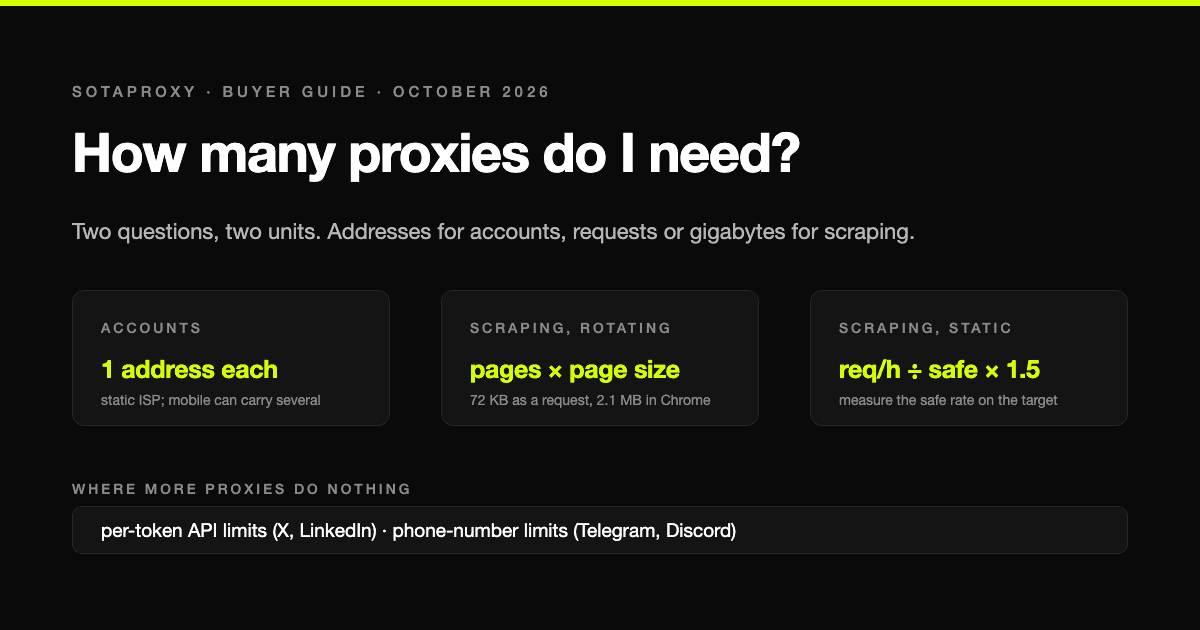
How Many Proxies Do I Need? Two Formulas: One for Accounts, One for Scraping
The answer depends on whether you are running accounts or collecting pages, and the two questions have different units: addresses for accounts, requests per address or gigabytes for scraping. Both formulas, the real per-address limits that platforms publish or that we measured, and four worked examples with what they cost.
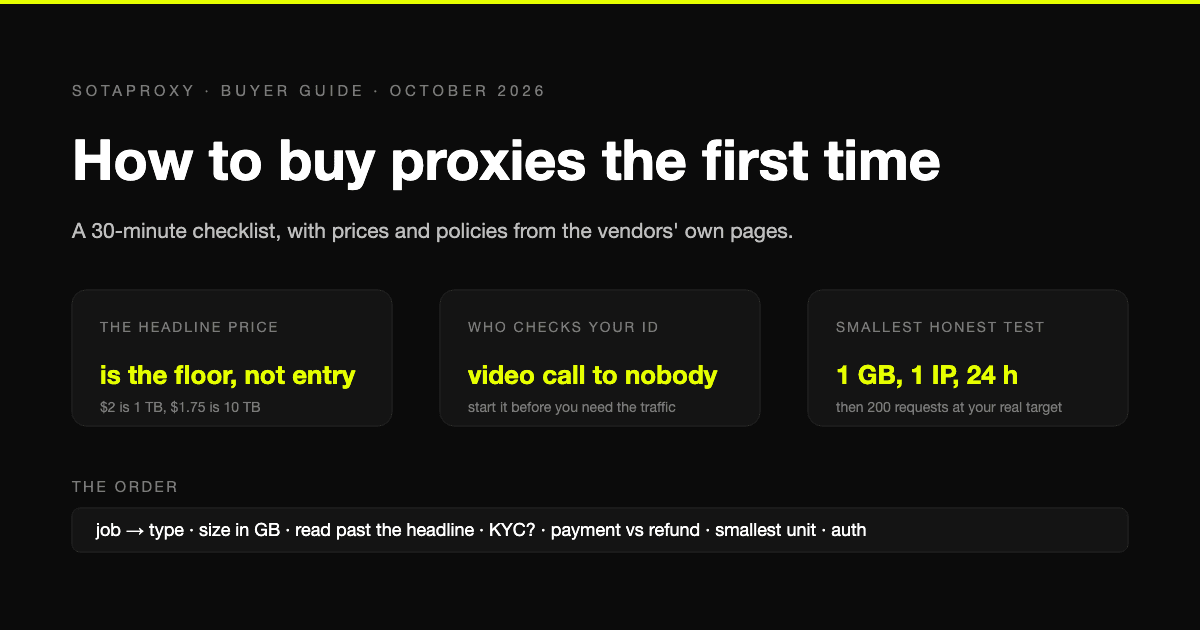
How to Buy Proxies for the First Time: A 30-Minute Checklist
A first purchase goes wrong in predictable places: the wrong proxy type, a headline price nobody pays, an identity check nobody mentioned, a refund that does not apply to how you paid. The checklist, with prices and policies from the vendors' own pages.
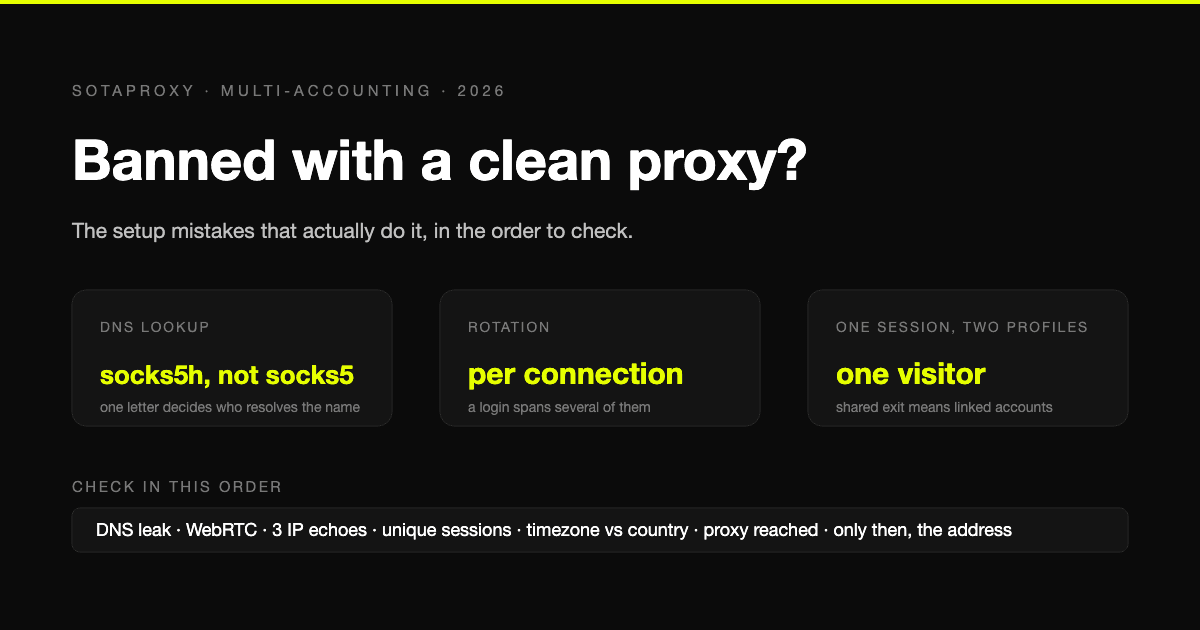
Banned With a Clean Proxy? The Setup Mistakes That Actually Do It
The proxy was clean, the address was residential, and the account still died. In most cases we see, the address was never the problem. Seven setup faults, each one checkable in a minute, in the order they usually turn out to be the cause.
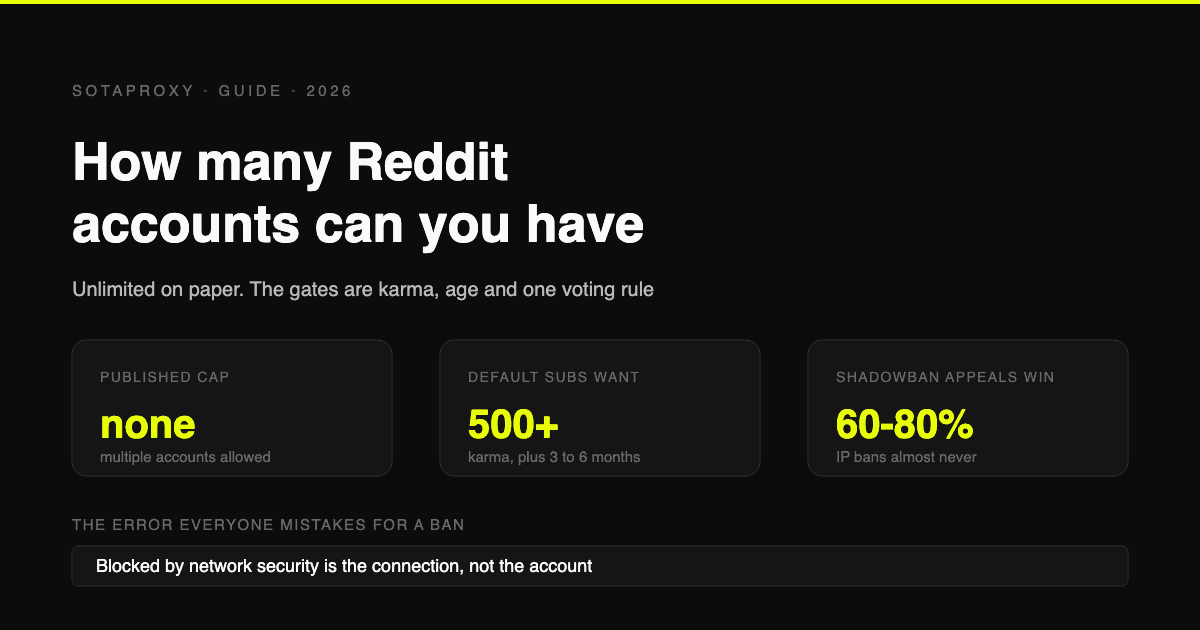
How Many Reddit Accounts Can You Have in 2026 (Karma Gates, Bans, Network Security Blocks)
Reddit allows multiple accounts outright. What stops you is karma gates, contributor quality, rate limits and one hard rule about voting, plus the three bans, how each is appealed, and why "blocked by network security" is none of them.

Account, Proxy, Environment: Why Purchased Accounts "Die" on the First Login and How to Stop It
Purchased accounts rarely die because of the seller: more often the account history, the proxy and the environment contradict each other. Proxy types, environment options, replacement terms and a ten-step checklist.
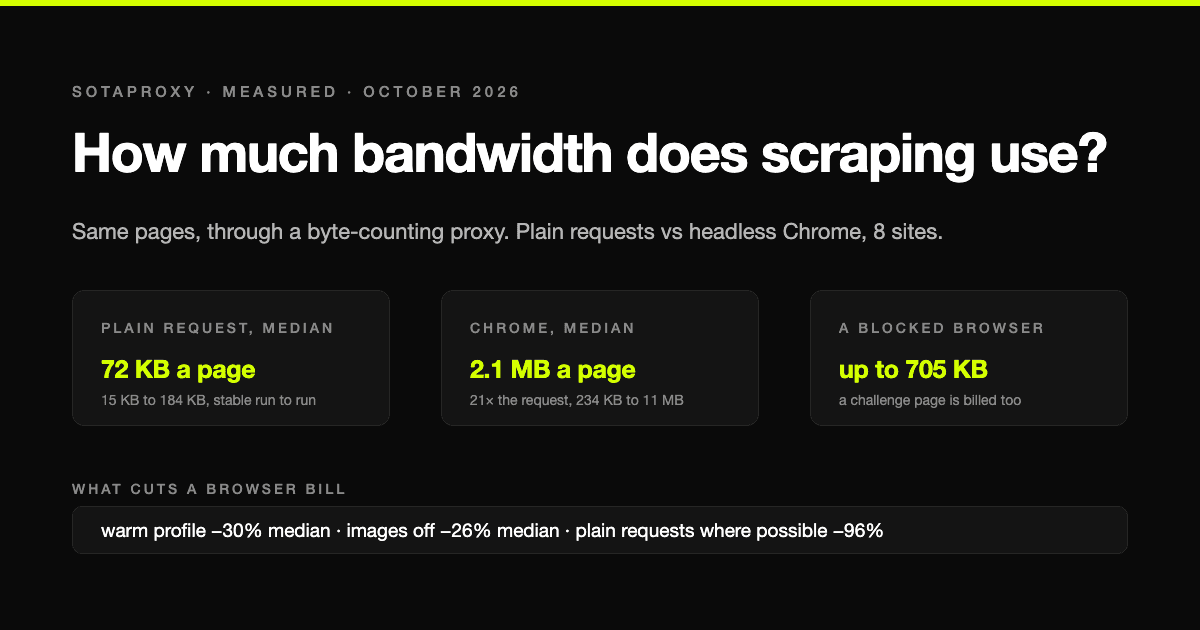
How Much Bandwidth Does Web Scraping Use? We Measured It, Requests vs Headless Chrome
On residential proxies you pay per gigabyte, so the scraping method sets the bill. We loaded the same pages with plain HTTP requests and with headless Chrome through a proxy that counts every byte: the median page cost 72 KB one way and 2.1 MB the other, a 21-fold difference, plus what blocking images, reusing a browser and getting blocked actually cost.