How to Buy Proxies for the First Time: A 30-Minute Checklist
A first purchase goes wrong in predictable places: the wrong proxy type, a headline price nobody pays, an identity check nobody mentioned, a refund that does not apply to how you paid. The checklist, with prices and policies from the vendors' own pages.
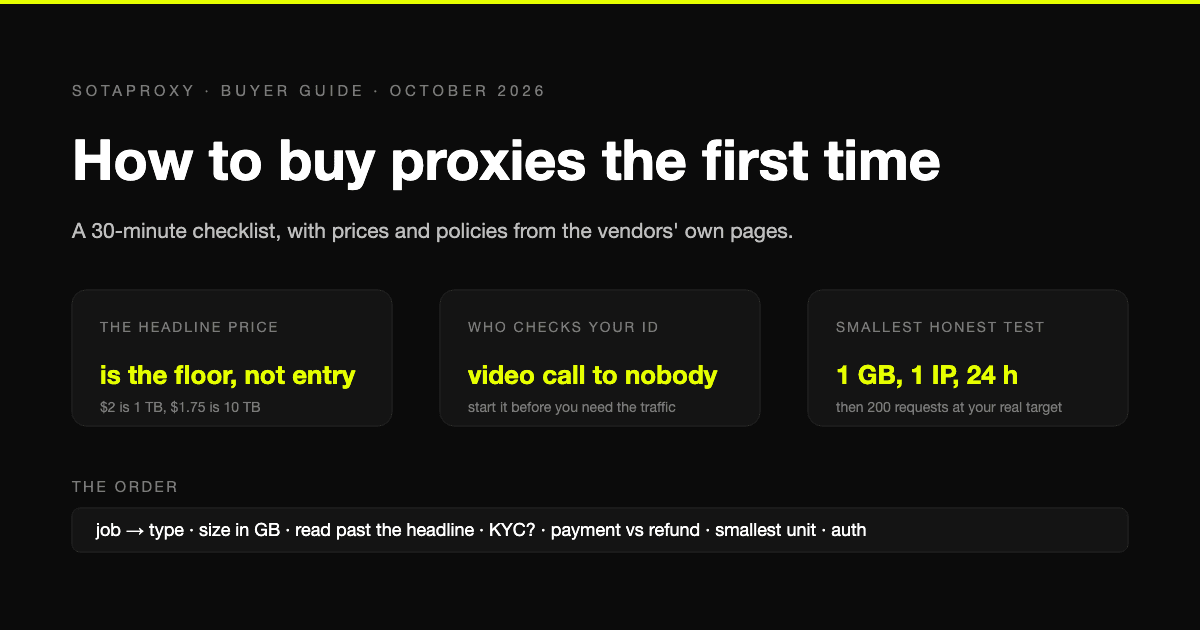
Most first purchases go wrong in the same four places: the wrong type of proxy for the job, a per-gigabyte price that turns out to be the bottom of a ladder, an identity check nobody mentioned on the pricing page, and a refund policy that does not apply to the way you paid. None of those is about which provider is "best". They are about reading the page correctly before you pay.
This is the order to do it in. The prices and policies below come from the vendors' own pages, checked in late September and early October 2026, and we sell proxies ourselves, which is said where it matters.
1. Decide the job before the type
Proxy types are not tiers of quality. They are different products billed in different units, and the job picks the type.
| What you are doing | What you need | What you pay for |
|---|---|---|
| Collecting public pages from sites that do not check address class | Datacenter addresses | Per address per month, traffic not metered |
| Collecting from sites that reject hosting ranges, or need many countries | Residential traffic | Per gigabyte, address changes per connection |
| Keeping an account alive on one address for weeks | ISP (static residential) address | Per address per month, traffic not metered |
| A platform that treats everything except a phone carrier as suspicious | Mobile address | Per day or per month, one modem |
| Targets that support IPv6 and volume that makes IPv4 expensive | IPv6 addresses | Per address per month, cents |
Two rules of thumb. If you are not sure whether your target checks address class, it is cheaper to find out with one datacenter address than to assume and buy residential. And if the work has a login that must survive, you are buying static addresses, not traffic, however the provider's homepage is laid out. The full reasoning is in ISP vs residential vs datacenter vs mobile.
2. Size it in the unit you will be billed in
For static addresses the size is the number of accounts or workers, and that is easy. For residential traffic people guess, and they guess high.
Our own measurements, from earlier guides: a plain HTML page fetched with compression on cost about 3.8 KB on the wire, so a gigabyte is roughly 275,000 pages. A page rendered in a real browser weighed 424 KB to 2 MB, so a gigabyte is 500 to 2,500 of those. Metering counts both directions, headers included.
So: pages per month, times the weight of your kind of page, divided by a gigabyte. A monitoring job of 20,000 listings a day with images blocked lands around 60 GB a month. A verification job of 200 ad placements a day lands under 3 GB. Those are different purchases, and the per-gigabyte rate you get depends on which one you are.
3. Read the price page past the headline
Nearly every residential pricing page leads with the bottom of its ladder, and the entry price is somewhere below the fold. Five vendors, from their own pages:
| Vendor | Headline on the page | What that is | Smallest purchase |
|---|---|---|---|
| Bright Data | $8 per GB list, promotions to $4 | Pay as you go | Pay as you go, with $499 and up monthly commitments for discounts |
| Oxylabs | "From $6 per GB" | Top of the published range | Plans from $99 a month for 11 GB |
| Decodo | "From $2 per GB" | Enterprise tier at 1 TB | 3 GB at $3.75 per GB |
| IPRoyal | "From $1.75 per GB" | Custom plan from 10 TB | 1 GB at $7.00 |
| SotaProxy (us) | "From $1.00 per GB" | 2,000 GB tier | 1 GB at $2.00 |
Three things to look for after the headline:
- A minimum monthly commitment. Bright Data's $499, $999 and $1,999 plans bill the commitment whether you use it or not. Divide the commitment by your real monthly gigabytes before comparing per-gigabyte rates; the arithmetic is in Bright Data vs Oxylabs.
- Whether unused traffic expires. Decodo's monthly plan traffic is lost at renewal; IPRoyal's never expires; ours stays on the package while it is active. For an uneven workload this matters more than the rate.
- VAT and minimums on static addresses. Decodo sells ISP addresses from three at a time, plus VAT. IPRoyal sells one for 24 hours. We sell one for a month. Same product, three different smallest purchases.
The full residential ladder comparison at real volumes is in the cheapest residential proxies.
4. Find out who checks your identity, and when
This is the step no buyer guide covers, and it is the one most likely to move your timeline from "this afternoon" to "next week".
- Bright Data states that before you use residential or mobile, a representative takes you through a compliance process that can include a short video call and verification of your company or personal details. Its Web Unlocker product is the exception and skips KYC.
- Oxylabs maintains a KYC policy of its own.
- IPRoyal verifies identity at the purchase stage, for all customers, per its KYC policy.
- Decodo does not require it by default; its stated position is that the check can be triggered by risk signals or by requesting access to restricted targets.
- We do not run an identity check to buy.
None of this is a mark against a vendor. Residential traffic runs through other people's connections and the check is how the larger pools stay usable. But it means two things for a first purchase: start the process before you need the traffic, and expect to identify yourself and probably your company at the top end of the market.
5. Decide how you will pay before you buy, because it changes the refund
Card, PayPal and crypto are all common. The refund terms are not symmetric.
- Decodo offers a 14-day money-back guarantee on a first purchase, if you used under 20 percent of the traffic or 1 GB, did not use a free trial, and did not pay in cryptocurrency. Crypto removes the guarantee.
- IPRoyal states that fees are non-refundable, with a 24-hour exception for proxies that do not work because of a fault on its side.
- Bright Data and Oxylabs sell on commitments and plans; read the refund terms on the plan you pick, they are not a simple window.
- We take cryptocurrency only, 34 coins from $1, and a crypto payment is final by nature. That is why the next step exists.
The practical rule: if you want a refund window as a safety net, pay by card with a vendor that offers one. If you are paying in crypto anywhere, treat the first purchase as the test it is and keep it small.
6. Buy the smallest unit and test it on your target
Every vendor above sells a unit small enough to be a test:
- Residential: 1 GB at IPRoyal or with us, 3 GB at Decodo, a 100 MB trial at Decodo.
- Static: one ISP address for 24 hours at IPRoyal, one for a month with us.
- Datacenter: Webshare gives ten shared addresses free, no card required, which is the cheapest possible way to learn whether your target filters hosting ranges at all.
Then run the checks that matter, on your own target rather than on anyone's benchmark: the address and country you asked for, the sticky session holding for as long as promised, DNS resolving on the proxy and not on your machine, nothing leaking around it from the browser. The exact commands are in how to test a proxy before you buy it. A 200-request run against your real target tells you more than any review.
7. Set up authentication the way your tool can handle
Proxies authenticate either by login and password, sent with every connection, or by whitelisting the address you connect from. Most tools handle credentials; Selenium notably does not, and for it you whitelist the machine. Two mistakes to avoid on day one: whitelisting a laptop, whose address changes and makes the proxy look broken a week later, and putting a password with @ or # straight into a URL, which most libraries parse as a hostname. The details, including what each tool sends, are in proxy authentication explained, and the error you get when it is wrong is 407 Proxy Authentication Required.
The first-purchase mistakes, in order of how often we see them
- Buying residential for a target that does not check address class. The datacenter test in step 6 costs nothing. Skip it and you pay residential rates for work that did not need them.
- Planning around the headline rate. The entry price is two to four times it at most vendors. Use the table in step 3.
- Rotating in the middle of an account flow. Residential rotates per connection by default; a login that spans several connections needs a sticky session or a static address.
- Sharing one session between workers. They share an exit, and the site sees one visitor doing the work of ten.
- Buying volume before the first test. A 50 GB package on an untested target is the most common way to spend money you cannot recover, especially where the refund terms exclude your payment method.
- Whitelisting a home connection. It works today and fails silently when the address changes.
FAQ
How much do proxies cost for a first purchase?
Residential entry prices on vendors' own pages in October 2026 run from $2.00 per GB (us) and $3.75 (Decodo, 3 GB) to $7.00 (IPRoyal, 1 GB) and $8 list (Bright Data), with headline "from" rates well below all of those at volumes of 1 TB and up. A single static ISP address is $1.80 for 24 hours at IPRoyal, $3.00 a month with us, and three addresses at $3.33 plus VAT at Decodo.
Which proxy type should a beginner buy?
Whichever the job needs: datacenter addresses for public pages on sites that do not filter hosting ranges, residential traffic for sites that do or for many countries at once, an ISP address for an account that must stay on one address, mobile for platforms that demand a carrier address. Test with the cheapest type first and move up only when the target rejects it.
Do I need to verify my identity to buy proxies?
At the top of the market, yes: Bright Data describes a compliance process for residential and mobile that can include a video call, Oxylabs has a KYC policy, and IPRoyal verifies identity at purchase. Decodo checks only when triggered. We do not run an identity check to buy.
Can I pay for proxies with crypto?
Most vendors accept it. Check what it does to the refund terms: Decodo excludes crypto payments from its money-back guarantee, and IPRoyal has no general refund window either way. We are crypto only, 34 coins from $1, and a crypto payment is final, so buy small first.
How do I know a proxy works before buying more?
Buy the smallest unit, then check the address and country returned, hold a sticky session across several requests, confirm DNS resolves on the proxy, and run a couple of hundred requests against your actual target. The commands are in our testing guide; a review cannot tell you how your target behaves.
Related articles

What a Multi-Accounting Stack Actually Costs in 2026
Real monthly numbers for 10, 50 and 200 accounts: antidetect profiles, proxies, numbers, cloud phones and card fees, with the one line item that eats three quarters of the budget.
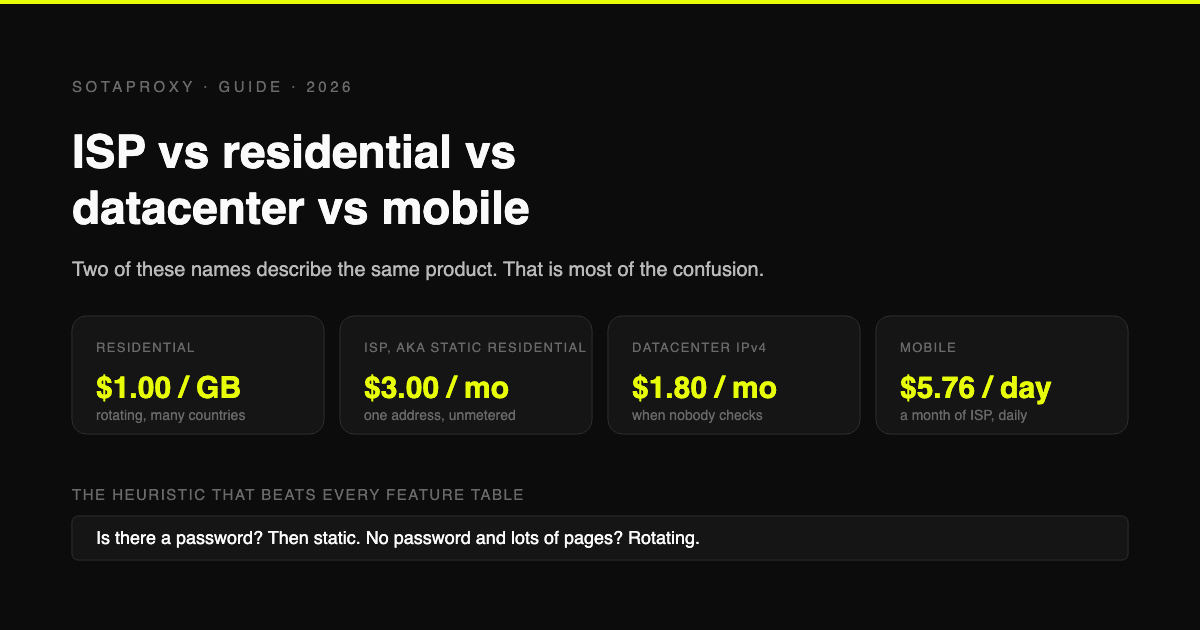
ISP vs Residential vs Datacenter vs Mobile Proxies: Which One You Actually Need
Static residential and ISP are the same product under two names, which is why half these comparisons compare a thing to itself. What each type is, what it costs per unit, and the one task each is genuinely best at.
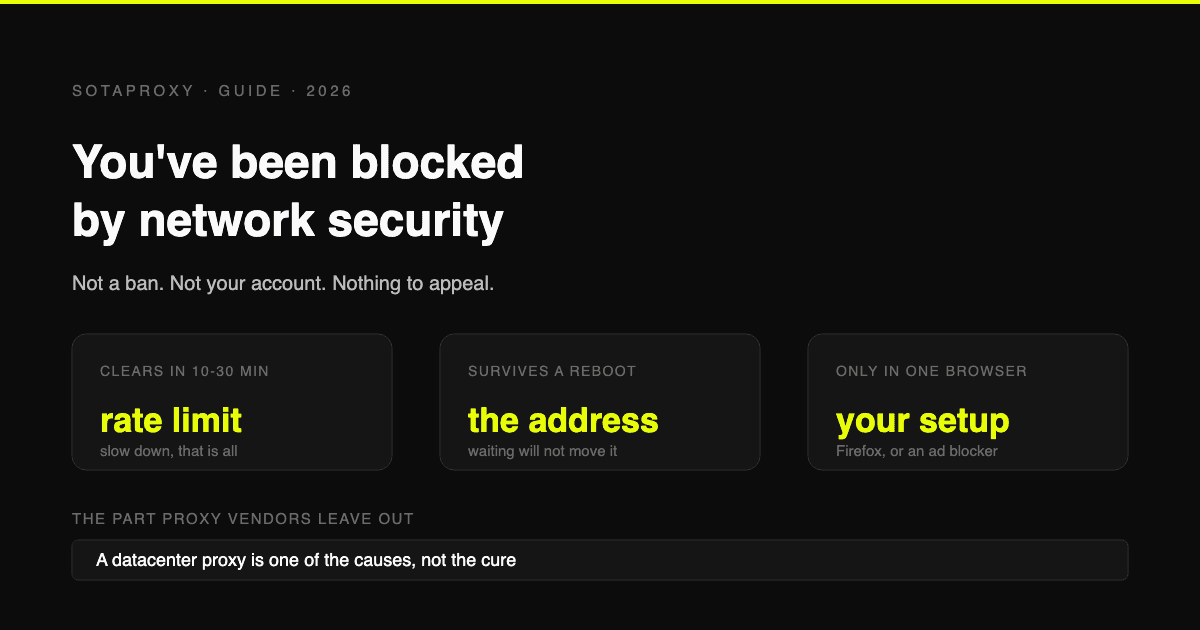
Reddit "You've Been Blocked by Network Security": Every Cause, and the Fix for Each
It is not a ban and there is nothing to appeal. It comes from Reddit's edge, applies to your connection, and has six causes. Here is how to tell which one you have, and how long each lasts.
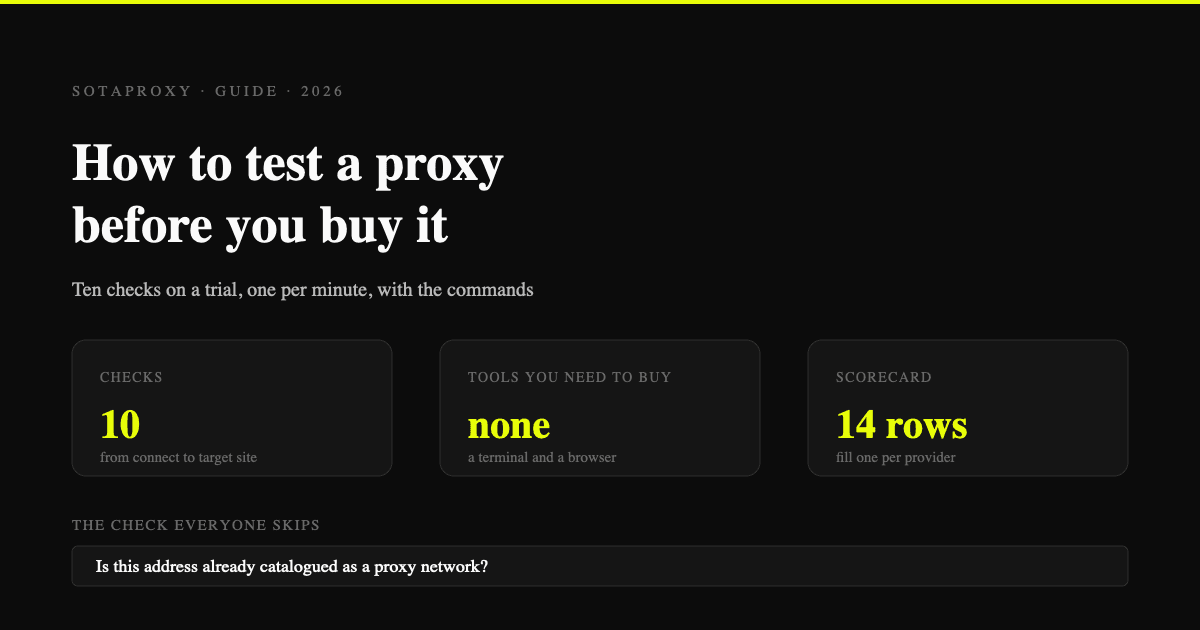
How to Test a Proxy Before You Buy It: A 10-Minute Checklist
Ten checks that tell you whether a proxy trial is worth paying for: exit ASN, hosting flags, rotation behaviour, subnet spread, DNS and WebRTC leaks, and success rate on your own target.

How to Make Money With Web Scraping in 2026: Five Models, Priced
Five ways scrapers get paid, what each one charges, and what a scrape actually costs to run, measured on real pages: HTML-only against a full browser render.
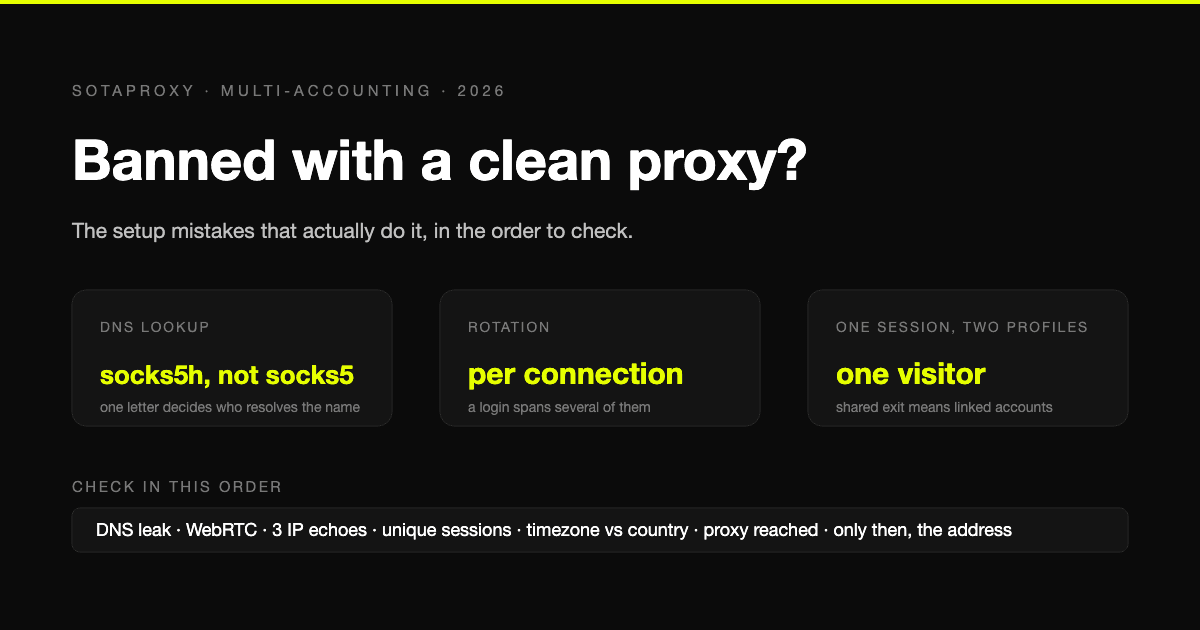
Banned With a Clean Proxy? The Setup Mistakes That Actually Do It
The proxy was clean, the address was residential, and the account still died. In most cases we see, the address was never the problem. Seven setup faults, each one checkable in a minute, in the order they usually turn out to be the cause.