Account, Proxy, Environment: Why Purchased Accounts "Die" on the First Login and How to Stop It
Purchased accounts rarely die because of the seller: more often the account history, the proxy and the environment contradict each other. Proxy types, environment options, replacement terms and a ten-step checklist.
A typical scene from a support chat: a team buys fifty Gmail accounts for mailings, loads them into a farm, and by morning half of them ask for phone confirmation and a third are already blocked. The first reflex is to write to the seller and demand a replacement. The seller answers that everything worked at handover, and often they are right: the accounts were alive right up to the moment someone logged in from a foreign environment.
The problem is rarely in one place. An account registered from a mobile IP in one country is opened through a datacenter proxy in another country, in a browser profile with the time zone of a third, and all of it from the same device fingerprint that has already shown up on ten other accounts. For the platform's antifraud this is not a "new user" but a set of contradictions, and every contradiction adds risk points.
In this article we look at the chain "account source - network - environment" as a single system. You will find a comparison table of proxy types, a table of environment options, a breakdown of seller replacement terms and a step-by-step checklist you can put on the wall of your department.
The three layers of checks an account goes through
The antifraud of any large platform does not decide on a single signal. It adds up signals from several layers and compares them with each other. If the layers agree, the account lives. If not, the system asks for extra verification, limits features or blocks the account.
Layer 1: account history
This is everything that happened to the account before you: which IP and device it was registered from, how many days old it is, whether there was any activity, whether a phone is attached, whether the password was changed. You do not control this layer, but you can learn about it from the lot description and the delivery format. A manually registered account with warm-up and an auto-registered account react differently to a change of environment: the first has a "reserve of trust", the second has almost none.
Layer 2: network
The platform sees the IP address, its autonomous system (ASN), the network type (datacenter, home internet provider, mobile carrier), geolocation from a database, and the history of this address on other accounts. Consistency is checked separately: whether the IP country matches the country the browser reports through language and time zone, and whether the real address leaks through WebRTC or DNS requests.
Layer 3: device and behavior
This is the digital fingerprint: browser version and build, screen resolution, set of fonts, graphics fingerprints (Canvas, WebGL, AudioContext), hardware parameters, and for mobile apps, device identifiers and sensor data. Plus behavior: typing speed, mouse movements, pauses between actions, the order in which screens are opened.
The key rule: each layer can be "gray" on its own, but a contradiction between layers is almost always "red". A German home IP with a browser that has a Russian keyboard layout and a Moscow time zone is worse than an honest datacenter IP with a consistent environment on a low-sensitivity platform.
Proxy types: what fits which task
The proxy is that very second layer. It should be chosen for the platform's sensitivity and for the scenario, not on the principle of "more expensive means better". Below is a comparison by the origin of the IP address.
Proxy type | IP source | Platform trust | Session stability | Relative cost | Typical tasks |
|---|---|---|---|---|---|
Datacenter | Server subnets of hosting providers | Low: the subnets are known and often flagged | High, the address does not change | Lowest | Scraping, search result checks, low-sensitivity panels, tests |
ISP (static residential) | Home provider subnets assigned to a hosting company | High: the address looks like a home one | High, the address is fixed | Medium or higher | Long-lived accounts, dashboards where the same address matters for months |
Rotating residential | Real devices of home users | High, but the address is "shared" | Low: the address changes by time or on request | Usually paid per traffic | Registrations, one-off actions, geo-targeted data collection |
Mobile (4G/LTE) | Address pools of mobile carriers | Maximum: hundreds of real subscribers sit behind one address | Medium: the address changes on rotation, but that is natural for a mobile network | Highest | Social networks and messengers, warm-up, work with the most sensitive antifraud systems |
A few practical notes on the table.
Rotation vs a fixed address
To log in to an existing account you need a fixed address, or at least a "sticky" session lasting hours, not minutes. Changing the IP in the middle of an authorized session is a signal almost any platform reacts to. Rotation fits registrations and one-off tasks where each operation is short in itself.
Reusing an address
One IP per account is an ideal that is rarely reachable on mobile pools, and there it is fine: the platform knows that many people sit behind a carrier address. On a datacenter address the same situation looks different: ten accounts of one platform from one server IP is already a cluster, and the ban will hit the whole cluster at once.
Protocol and authentication
HTTP(S) and SOCKS5 are practically equivalent for browser work; SOCKS5 is more convenient for mobile apps and for traffic that is not pure HTTP. Login and password authentication is simpler in antidetect browsers, while IP whitelist authentication is more reliable on servers where the proxy is configured system-wide. The difference is covered in detail in the article on proxy authentication: username and password vs IP whitelist.
SotaProxy offers datacenter, ISP, residential and mobile proxies, so the type can be chosen for a specific platform and scenario. Current plans and available options are on the SotaProxy website.
What to check on a proxy before logging in to an account
The check takes a minute and saves the account. For every new address:
Determine the ASN and network type through any public IP checking service. Make sure the type matches what you paid for.
Compare the country and city across two or three geolocation databases: the databases disagree, and the platform may use a different one from yours.
Check for leaks: WebRTC should show the proxy address or be disabled, and DNS requests should go through the proxy, not through the local provider.
Look the address up in blacklists and for spam reputation. An address that was used for spam will not be saved by any environment.
Measure latency and stability over a few minutes. Connection drops during login look like suspicious behavior.
For more on how to test proxies, read the article on testing a proxy before you buy.
Environment: antidetect browser, cloud phone, emulator
The third layer is also chosen for the platform. Web services look at the browser, mobile apps look at the device, and trying to work with a mobile app through an emulator on a platform that can detect it cancels out all the work with proxies.
Environment option | What it spoofs | For which platforms | Strengths | Risks |
|---|---|---|---|---|
Antidetect browser | Browser fingerprint: version, fonts, Canvas, WebGL, time zone, language | Everything that lives on the web: email, web versions of social networks, ad accounts, marketplaces | Dozens of profiles on one machine, proxy bound to a profile, session export and import | Template fingerprints in cheap solutions, inconsistent parameters, profiles on the same hardware |
Cloud phone | A real or virtualized mobile device in a datacenter with remote access | Apps that check the device: messengers, short video, mobile banking | Real device identifiers, sensors, notifications, 24/7 operation without a physical farm | Vendor dependence, control latency, a datacenter IP by default unless you route traffic through your own proxy |
PC emulator | A virtual device based on a mobile system image | Low-sensitivity apps, tests, automation | Free, easy to clone, convenient automation | Easily detected by the absence of sensors and characteristic hardware parameters |
Physical devices | Spoofs nothing | The most sensitive platforms, long-lived expensive accounts | Maximum naturalness | Expensive at scale, manual control, separate SIM cards and power needed |
The main principle is the same as with proxies: the environment must agree with the network. A cloud phone in a datacenter of one country with a mobile proxy of another country is exactly the contradiction we were trying to remove. Time zone, system language, app store region and IP country should tell one story.
Where to get accounts and how to read the seller's terms
The first layer, account history, is determined at the moment of purchase. Two principles work here: buy from stores with clear replacement terms and check the lot description against your scenario before paying.
When you need many platforms, it is easier to search through an aggregator than through individual stores. Accsly.io is an aggregator of digital accounts: more than 35,000 offers from verified stores across 80+ platforms, from Telegram and Steam to Gmail, TikTok and ChatGPT. What helps is that for one platform you can compare price, availability and replacement terms of different sellers on one screen instead of collecting them across tabs. Accsly has no promo codes.
We covered the limits on the number of accounts per platform separately: how many Google and Steam accounts you can have in 2026.
What to check in the lot description
Registration method. Manual registration with warm-up and automatic registration are different products for different tasks. The second suits mailings and scraping, the first is needed for long-lived accounts.
Registration country and IP type. If it is stated, choose a proxy of the same country and a similar type. An account registered from a mobile address is more logically opened from a mobile address of the same country.
Age and activity. The older the account and the more natural history it has, the more tolerant the platform is to a change of environment.
Attachments. A phone, a backup email, enabled two-factor protection. An account without attachments is cheaper, but the very first check will stop it.
Delivery format. Login and password are the minimum. A complete delivery includes a backup email, a key or backup codes for two-factor protection, and for some platforms session files or cookies that let you log in without a code request.
How to read replacement terms
Replacement terms are not a formality but a description of what the seller considers their responsibility.
Check period. It is usually short. This means you must make the first login within that period, with a properly prepared environment, not a week later "when you get around to it".
What counts as invalid. As a rule, an invalid account is one you cannot log in to on the first check. A block an hour after a login from your environment almost never qualifies for replacement, and that is fair: the account was alive.
What the claim requires. Often a video recording or a screenshot of the login error. Record the first login in advance so you do not have to reproduce it later on an already blocked account.
Simple arithmetic: a cheap account without replacement that dies on login in half of the cases costs twice its price. You should compare not the price tag but the price adjusted for survival, and that is why replacement terms sit next to the price in the same table.
A ten-step checklist: from purchase to stable operation
This checklist can be introduced as a to-do list for every operator.
Determine the platform's sensitivity. Email and low-sensitivity panels: a datacenter or ISP address and an antidetect browser. Social networks, messengers, short video: a mobile or residential address and a cloud phone or a physical device.
Fix the usage scenario. A one-off action or a long life for the account. It determines whether rotation is needed and how important age and attachments are.
Choose an account for the scenario. Compare offers for the platform: price, availability, replacement terms, registration method, delivery format. Choose not the cheapest but the one most consistent with your environment.
Prepare the proxy before buying. A fixed address of the needed country and type, checked for ASN, geolocation, leaks, blacklists and stability.
Create an isolated environment profile. One profile per account. Time zone and language follow the proxy country. The proxy is bound to the profile, not set globally.
Check consistency. Open a fingerprint checking service in the profile. IP country, time zone, language, WebRTC and DNS must match. Only then log in.
Make the first login within the check period and with screen recording. If the login fails, file a replacement claim right away under the seller's rules. If it succeeds, do not touch the account settings for the first hours.
Warm up. One to three days of simple natural activity: browsing, short sessions, no mass actions, no password or attachment changes on the first day. For old accounts with history this stage can be shortened, for auto-registered ones it cannot.
Lock the bundle. The account, proxy, environment profile and device are recorded in a log and are not mixed. Moving an account to another address is a separate operation with a new warm-up.
Set up monitoring. A daily check of statuses: alive, limited, requires verification, blocked. When losses spike, diagnose by layers instead of mass replacement.
Diagnostics: how to tell which layer failed
When a noticeable share of accounts is lost, replacement without diagnostics just repeats the loss. A log that records for each account the seller, purchase date, proxy, proxy type, environment profile, first login date and current status lets you find the common denominator.
All accounts on one address or in one subnet die: the problem is the network. Check the address reputation, the network type, and whether there was rotation in the middle of a session.
All accounts from one seller die across different proxies and profiles: the problem is the source. This is exactly the case where replacement terms matter, and a reason to choose another seller for the same platform next time.
All accounts in one type of environment die: the problem is the fingerprint. A typical case is a template antidetect browser profile identical on all accounts, or an emulator on a platform that detects it.
Accounts of one operator die: the problem is behavior: actions that are too fast, the same order of operations, mass actions on the first day.
Accounts die after the same amount of time following login: most likely a delayed platform check, not your mistake. Such losses are compared by seller and by account age.
A good habit is to record, for each loss, not only the fact but also what the account managed to do. In a month this gives real survival statistics by seller, proxy type and environment, and purchases start to rely on it rather than on gut feeling.
Common mistakes
A global proxy instead of binding to a profile. The operating system or browser goes online through one address for all profiles, and a dozen accounts turn into one cluster.
A proxy of one country with the time zone and language of another. The most common contradiction and the easiest to fix.
Logging in after the check period has expired. The account may have been alive at handover and died for reasons beyond your control, but you can no longer get a replacement.
Changing the password and attachments in the first hour. To the platform this looks like an account takeover. Such actions come after warm-up.
Rotation in the middle of a session. The address must stay fixed for the whole time you work with the account, not only at the moment of login.
One fingerprint for everyone. Cheap or hand-configured profiles often differ only by name; the platform sees the same device.
Buying at the minimum price without comparing terms. Replacement terms, registration method and delivery format affect the final cost more than the difference in the price tag.
If an account dies even on a clean proxy, take a look at our breakdown of the setup mistakes that get you banned on a clean proxy.
Conclusion
A purchased account is not a ready-to-use tool but the first of three layers that must agree with each other. The second layer is a proxy chosen by type and country for the platform's sensitivity and checked before login. The third is an environment that tells the same story as the network. When purchases are made by comparing terms, proxies are checked against a checklist, and every bundle is recorded in a log, losses stop being a lottery and become a measurable quantity that can be reduced.
Frequently asked questions
Why does a purchased account get blocked after the first login?
Most often not because of the account itself but because of contradictions between the check layers: the IP country does not match the profile's time zone and language, the device fingerprint was already used on other accounts, or the address changed in the middle of a session.
Which proxy should I choose for purchased accounts?
It depends on the platform and the scenario. For email and low-sensitivity panels a datacenter or ISP address will do; for social networks and messengers a mobile or residential one is better. Long-lived accounts need a fixed address.
Can I change the IP while working with an account?
Better not. Changing the address in the middle of an authorized session is a signal almost any platform reacts to. Rotation fits registrations and one-off tasks.
What should I do if an account does not log in on the first check?
File a replacement claim under the seller's rules right away, before the check period expires. For the claim to be accepted, record the first login on video or take a screenshot of the error.
Related articles
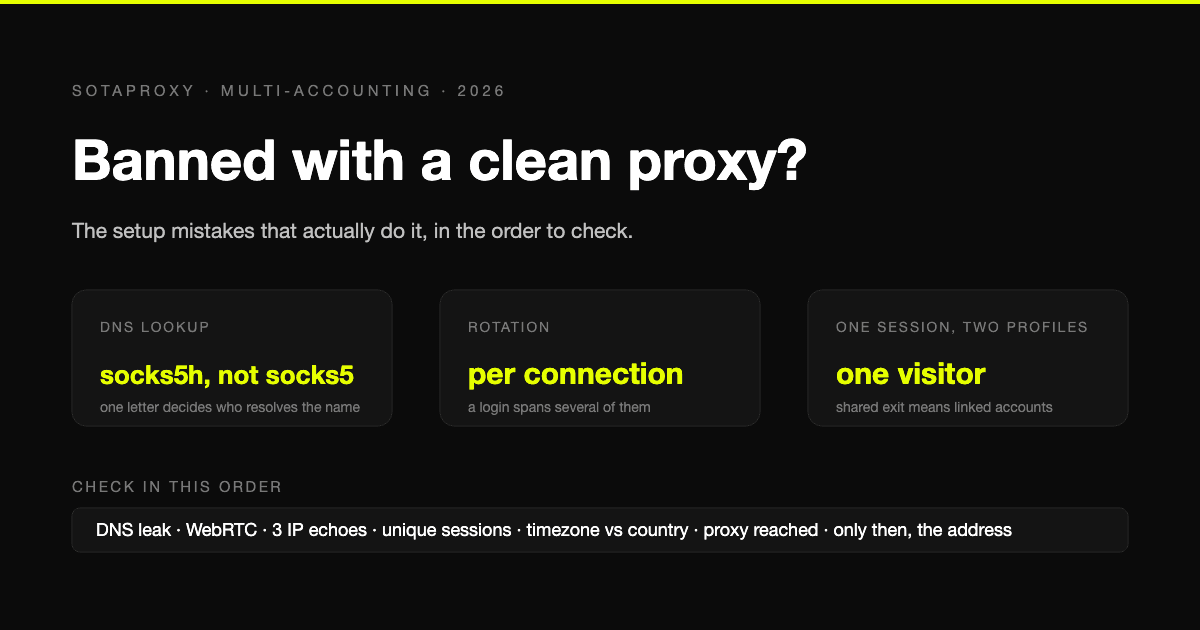
Banned With a Clean Proxy? The Setup Mistakes That Actually Do It
The proxy was clean, the address was residential, and the account still died. In most cases we see, the address was never the problem. Seven setup faults, each one checkable in a minute, in the order they usually turn out to be the cause.
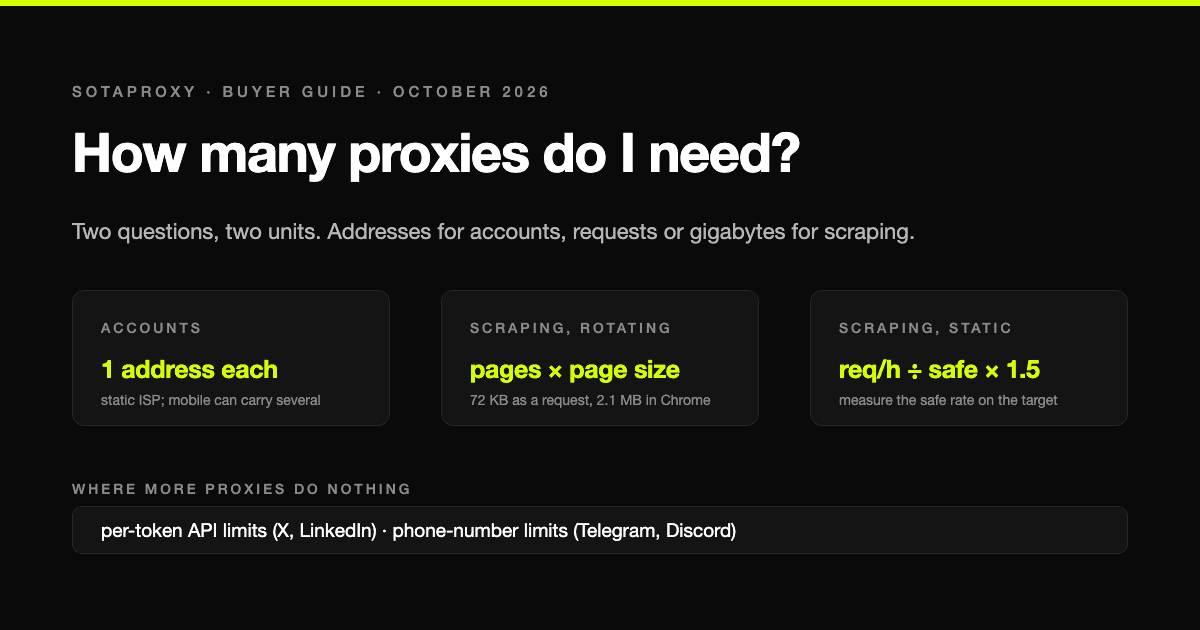
How Many Proxies Do I Need? Two Formulas: One for Accounts, One for Scraping
The answer depends on whether you are running accounts or collecting pages, and the two questions have different units: addresses for accounts, requests per address or gigabytes for scraping. Both formulas, the real per-address limits that platforms publish or that we measured, and four worked examples with what they cost.

How Many Google and Steam Accounts Can You Have in 2026
The two platforms in this series where the count is genuinely unlimited and the limit is somewhere else: Google rations phone numbers and never says how many accounts one buys, Steam lets you make as many accounts as you like and then locks every one of them until it has spent $5. The rules from Google's and Valve's own pages, and what actually ties two accounts together.
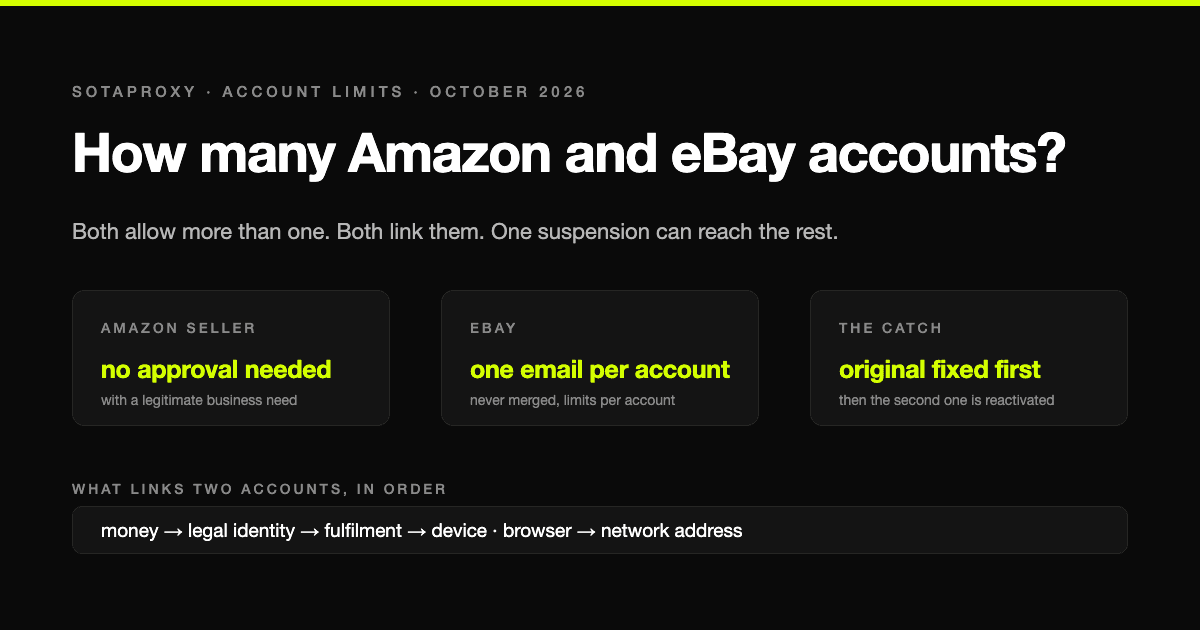
How Many Amazon and eBay Accounts Can You Have in 2026
Amazon and eBay are the generous end of the account-limit scale on paper and the harshest in practice: more than one account is allowed, every account is linked, and one suspension can take the lot. The rules in the platforms' own words, and what actually connects two accounts.
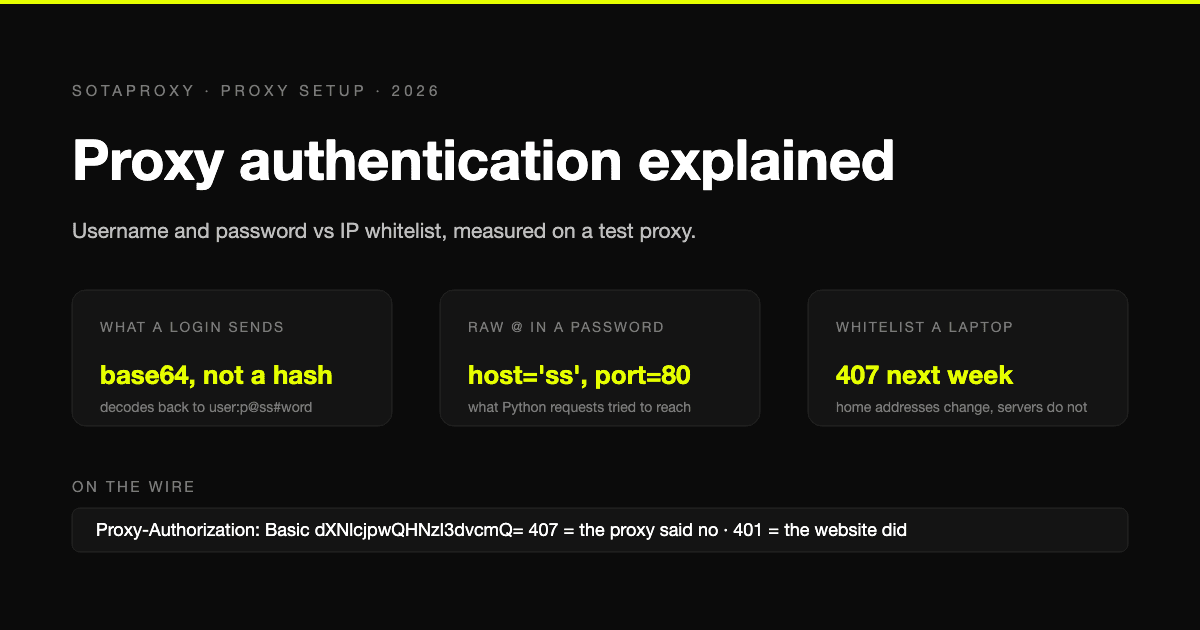
Proxy Authentication Explained: Username and Password vs IP Whitelist
Two ways a proxy knows it is you: credentials sent on every connection, or a list of addresses allowed in without them. What each one puts on the wire, measured on a test proxy, which tools cannot do which, and why a whitelisted laptop breaks a week later.
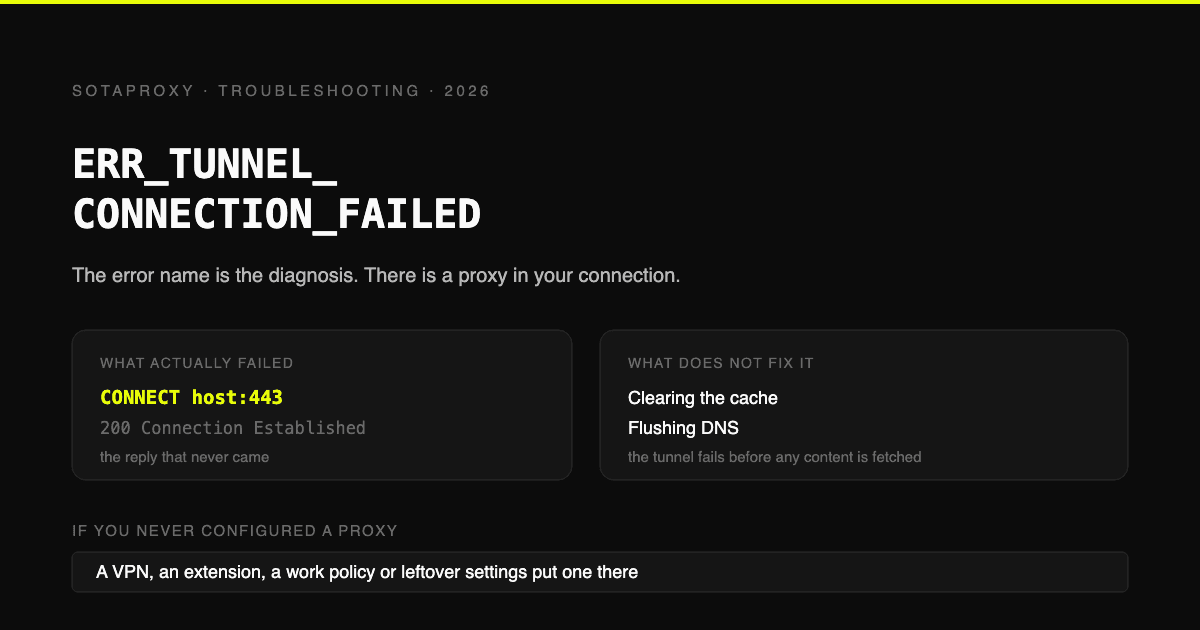
ERR_TUNNEL_CONNECTION_FAILED: The Error Name Is the Diagnosis
Chrome asked a proxy to open a CONNECT tunnel and it failed. That is the whole error. Where the proxy comes from when you never configured one, the six ways a proxy you did configure produces it, and why clearing your cache fixes nothing.