What Is a DNS Proxy? Four Meanings, and Who Resolves Names Behind a Proxy
The term covers a DNS forwarder, name resolution behind a proxy, Smart DNS and Cloudflare's proxied records. What each is, plus our own test of which clients send lookups past the proxy.
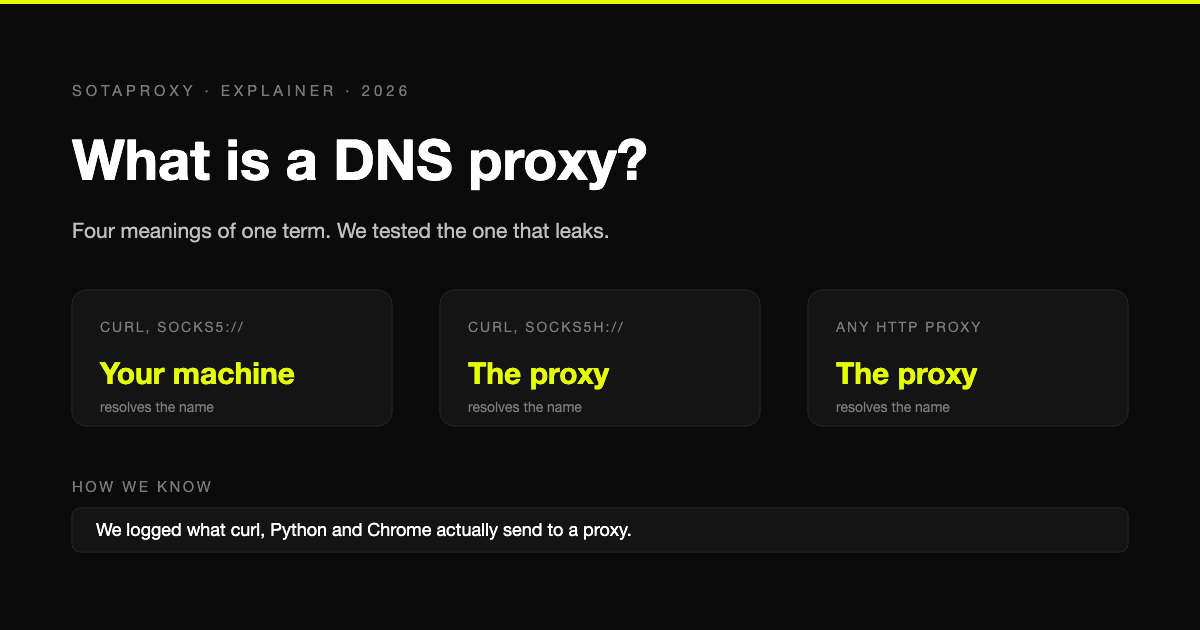
"DNS proxy" is one phrase used for four different things, which is why reading about it is confusing: half the articles describe a router feature, the other half describe something a web proxy does, and a few are selling a streaming service. This guide separates the four, answers the questions people ask about each, and for the one that matters most in practice shows a test we ran ourselves.
The four meanings
| What people call it | What it is | Where you meet it |
|---|---|---|
| DNS proxy, DNS forwarder | A program that takes DNS questions and passes them to another resolver | Routers, firewalls, tools like dnsmasq and AdGuard's dnsproxy |
| Proxy DNS, remote DNS | The question of who looks up a hostname when you browse through a web proxy | curl, browsers, scrapers, any SOCKS or HTTP proxy setup |
| Smart DNS proxy | A DNS service that redirects selected sites through its own servers | Streaming unblockers |
| Proxied DNS record | A DNS record that points at a CDN instead of at your server | Cloudflare's dashboard |
Is a proxy the same as DNS?
No. They do different jobs at different moments.
| DNS | Proxy | |
|---|---|---|
| Job | Turns a name like example.com into an address | Carries your traffic to that address and back |
| What it sees | The names you look up | The connections you make |
| Changes your visible address | No | Yes |
| Happens | Before the connection | During the connection |
A DNS server never carries your page. A proxy never has to know a name if you hand it an address. They meet at one point, which is the second meaning in the table above: when you use a proxy, somebody still has to do the lookup, and it is either your machine or the proxy.
Meaning 1: the DNS proxy as a forwarder
A DNS proxy in this sense sits between devices and a real resolver. It receives a question, passes it upstream, returns the answer and usually caches it. Your home router is one: devices ask the router, and the router asks your provider or whichever resolver you configured.
A standalone example is AdGuard's dnsproxy, which listens for plain DNS and forwards it upstream, optionally over an encrypted protocol:
./dnsproxy -u 8.8.8.8:53On firewalls the same feature usually comes with rules: internal names go to the internal server, everything else to a public one.
Should DNS proxy be on or off on a router? Leave it on. With it on, devices use the router as their DNS server and the router forwards for them. Turn it off only when you run your own resolver on the network, a Pi-hole for instance, and want devices to talk to it directly. If you turn it off without giving devices another resolver, names stop resolving and nothing loads.
Meaning 2: who resolves names when you use a proxy
This is the meaning that matters if you scrape, run automation or browse through a proxy. The hostname has to be looked up somewhere:
- On your machine. Your system resolver, and therefore your internet provider or whoever runs that resolver, sees every site you are about to visit. The proxy receives a bare address.
- On the proxy. Your machine sends the name to the proxy and never looks it up. This is called remote DNS.
Which one happens is decided by the client and the proxy scheme, not by the proxy provider. We tested it directly on 30 September 2026: each client was pointed at a logging proxy on our own machine, asked to fetch example.com, and we recorded what the proxy received.
| Client | Proxy setting | What reached the proxy | Who resolved the name |
|---|---|---|---|
| curl 8.7 | socks5:// | An IP address | Your machine |
| curl 8.7 | socks5h:// | The hostname | The proxy |
| curl 8.7 | socks4:// | An IP address | Your machine |
| curl 8.7 | socks4a:// | The hostname | The proxy |
| curl 8.7 | http:// | CONNECT example.com:443 | The proxy |
| Python requests 2.34 | socks5:// | An IP address | Your machine |
| Python requests 2.34 | socks5h:// | The hostname | The proxy |
| Python requests 2.34 | http:// | CONNECT example.com:443 | The proxy |
| Python httpx 0.28 | socks5:// | The hostname | The proxy |
| Chrome 154 | --proxy-server=socks5:// | The hostname | The proxy |
| Chrome 154 | --proxy-server=socks4:// | An IP address | Your machine |
| Chrome 154 | --proxy-server=http:// | CONNECT example.com:443 | The proxy |
Three things stand out.
HTTP proxies never had the problem. The client sends the name inside the CONNECT request, so the proxy does the lookup in every client we tried.
The same scheme means different things in different tools. socks5:// resolves locally in curl and in Python requests, and remotely in httpx and Chrome. You cannot assume. In curl and Python the scheme that means "resolve on the proxy" is socks5h://, and the letter h is the whole difference.
SOCKS4 cannot resolve remotely at all. It carries addresses only. SOCKS4a is the variant that carries names.
Firefox we did not test on a live install. Its source code sets "Proxy DNS when using SOCKS v5" on by default since version 128, and the details are in our Firefox proxy settings guide.
What a local lookup costs you
- Your resolver sees the list of sites. For most people that is their internet provider.
- You can land on the wrong server. Large sites answer DNS differently by region. Resolve the name in your own country and connect through an exit in another, and you may be talking to a server meant for your real location.
- A site can find out which resolver you use. It does not see your lookups in general. But a page can make your browser look up a unique name under a domain the site controls, and the site's own DNS server then sees which resolver asked. That is exactly how DNS leak test pages work.
How to check your own setup
Our table shows what arrives at the proxy. To see whether your machine also made a lookup on the side, watch its DNS traffic while you send one request:
# terminal 1: show outgoing DNS questions
sudo tcpdump -n -i any port 53

# terminal 2: one request through the proxy
curl -x socks5h://login:password@proxy.sotaproxy.com:10000 https://example.com
If example.com appears in the first terminal, the lookup happened locally. This does not show lookups sent over encrypted DNS, so switch that off in the client while you test.
With our proxies, both HTTP and SOCKS5 work on the same credentials, and names sent to the gateway are resolved on our side. The ports and the one-letter rule are in protocols and ports.
Meaning 3: the Smart DNS proxy
A Smart DNS service asks you to change one thing, your DNS server. For a list of chosen sites, mostly streaming, it answers with the address of its own relay instead of the real one, and the relay forwards you on. Everything else resolves normally.
It is not a proxy for your traffic as a whole and it is not a VPN. Your address stays the same for every site outside the list, and nothing is encrypted by the service. It exists for one job, which is making a streaming site believe you are elsewhere.
Meaning 4: proxied DNS records
In Cloudflare's dashboard every A, AAAA and CNAME record is either "Proxied" or "DNS only". A proxied record answers DNS questions with Cloudflare's addresses instead of your server's, so web traffic for that name passes through Cloudflare first. A DNS-only record answers with your real address and Cloudflare is not in the path.
This is about publishing a site, not about browsing one. If you searched for "proxied DNS" while setting up a domain, this is the meaning you wanted, and Cloudflare recommends DNS only for records that do not serve web traffic, such as mail.
DNS filtering vs a proxy
Both can block sites, at different depths.
| DNS filtering | Filtering proxy | |
|---|---|---|
| Decides on | The hostname only | The full address, and the content if it inspects traffic |
| Can block one page of a site | No, only the whole name | Yes |
| Cost and setup | Low, one resolver setting | Higher, traffic has to pass through it |
| Easy to bypass | Yes, by using another resolver | Harder |
DNS filtering is the cheap first layer. A proxy is what an organisation adds when it needs to see more than the name.
"Checking the proxy, firewall, and DNS configuration"
That line is one of the suggestions on Chrome's "This site can't be reached" page. It lists three separate suspects. Check them in this order:
- DNS. Run
nslookup example.com. If it fails, the resolver is the problem: restart the router, or set the resolver to a public one such as 1.1.1.1 or 8.8.8.8, and clear the cache withipconfig /flushdnson Windows. - Proxy. Chrome uses the system proxy. On Windows it is under Settings, Network and internet, Proxy. On a Mac it is in the network service's details, under Proxies. If a proxy is set that you did not choose, turn it off. If you did choose one, test it outside the browser with curl.
- Firewall or antivirus. Allow the browser through it, or disable web filtering briefly to confirm it is the cause.
If the error appears only when your own proxy is on, the lookup is happening on the proxy and failing there. Our reference for that case is errors 502 and 400.
FAQ
What is a DNS proxy?
Most often it is a forwarder: software on a router or firewall that takes DNS questions from devices and passes them to a real resolver. The phrase is also used for name resolution behind a web proxy, for Smart DNS services and for proxied records at a CDN.
Is a proxy the same as DNS?
No. DNS turns names into addresses. A proxy carries traffic and changes the address sites see. Changing your DNS server does not hide your address.
What is a DNS leak?
A hostname lookup that goes out from your own machine while the traffic itself goes through a proxy or VPN. Your resolver learns which sites you visit. With SOCKS5 it is avoided by using socks5h://.
Does an HTTP proxy leak DNS?
Not in the clients we tested. curl, Python requests and Chrome all sent the hostname to the proxy in the CONNECT request, which leaves the lookup to the proxy.
What does proxy-server-nameserver mean?
It is an option in Clash and mihomo configurations. It names the resolver used only to look up the proxy servers' own hostnames, a lookup that has to happen before any proxy is usable.
Should I use a DNS proxy with a VPN?
You do not need a separate one. A VPN normally routes DNS through its own tunnel already. Adding a Smart DNS service on top changes nothing about your address.
Related articles
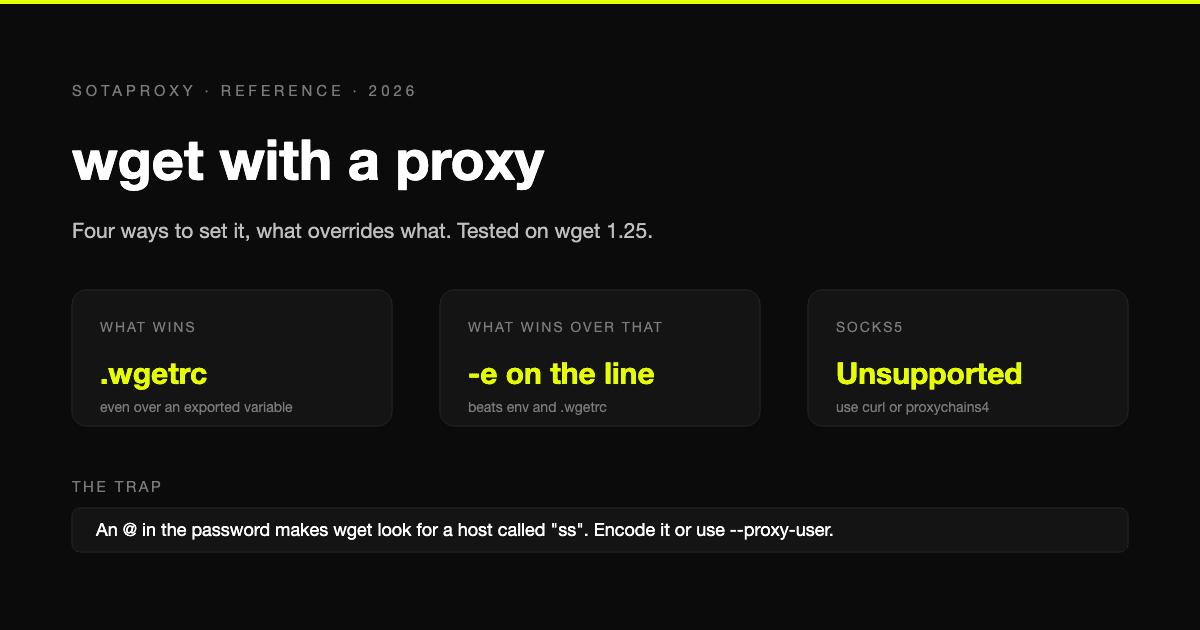
wget With a Proxy: Every Way to Set It, What Overrides What, and the SOCKS5 Problem
Four ways to give wget a proxy and the order they override each other in, tested on wget 1.25. Plus the exact error messages, the special-character trap, bypassing a proxy, and the one thing wget cannot do: SOCKS5.
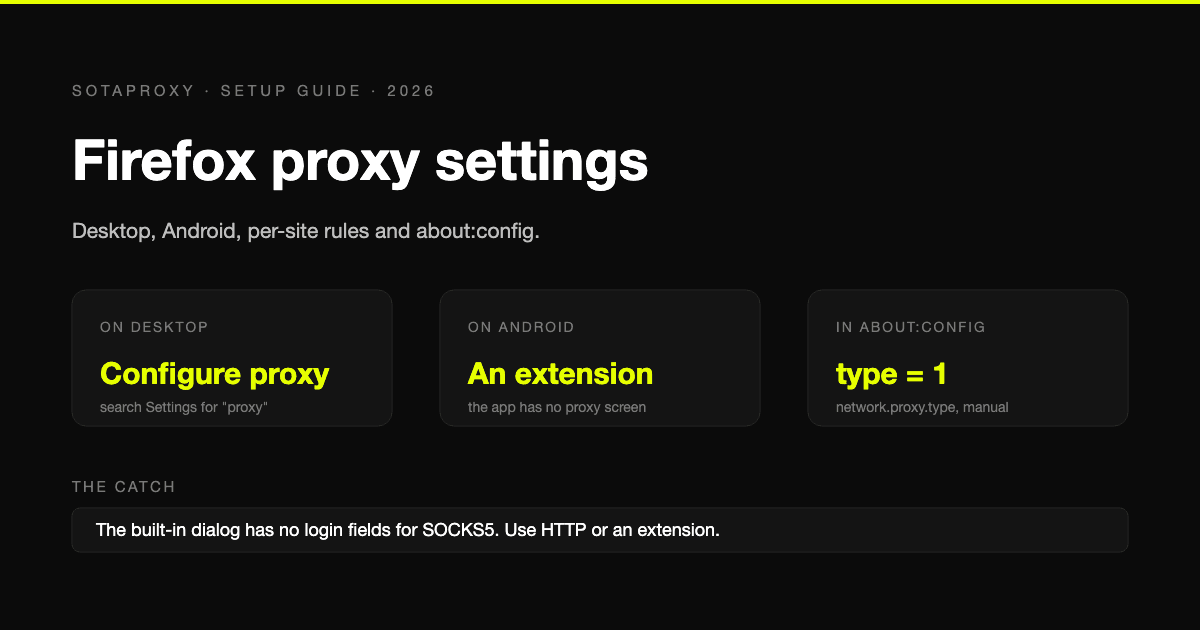
Firefox Proxy Settings in 2026: Desktop, Android, Per-Site Rules and about:config
Every way to set a proxy in Firefox, checked against Firefox's own source and Mozilla's documentation: the desktop dialog, Android, per-site and per-tab routing, about:config, and the errors you will meet.
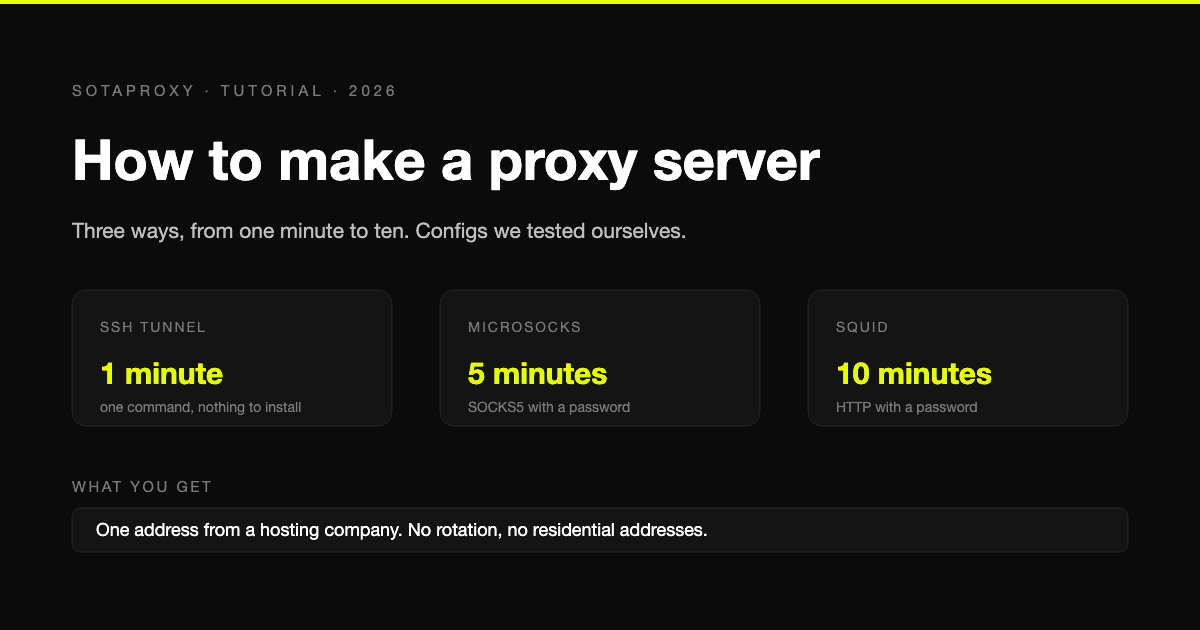
How to Make a Proxy Server in 2026: SSH, Squid and SOCKS5 on a VPS
Three ways to build your own proxy server, from a one-line SSH tunnel to Squid with a password, with configurations we tested ourselves and an honest look at what a self-built proxy cannot do.
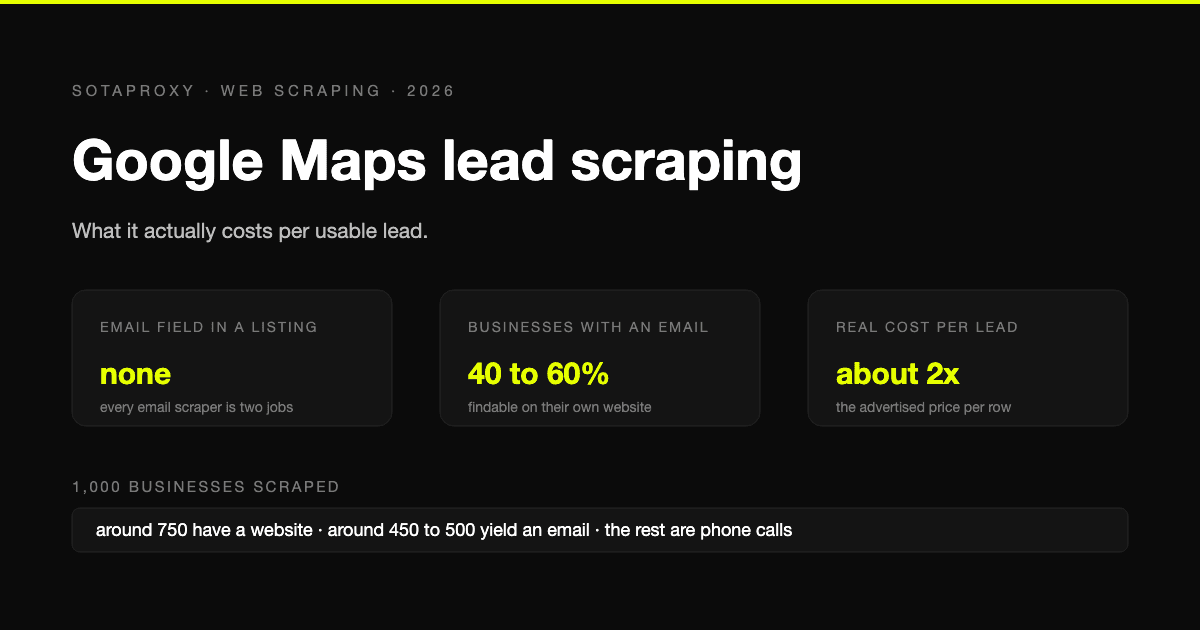
Google Maps Lead Scraping: What It Actually Costs Per Usable Lead
Google Maps has no email field, so every email scraper is a two-stage pipeline and only about half of businesses yield an address. What a thousand listings really costs per usable lead, the businesses-without-websites play, and where the law stands after the SerpApi ruling.
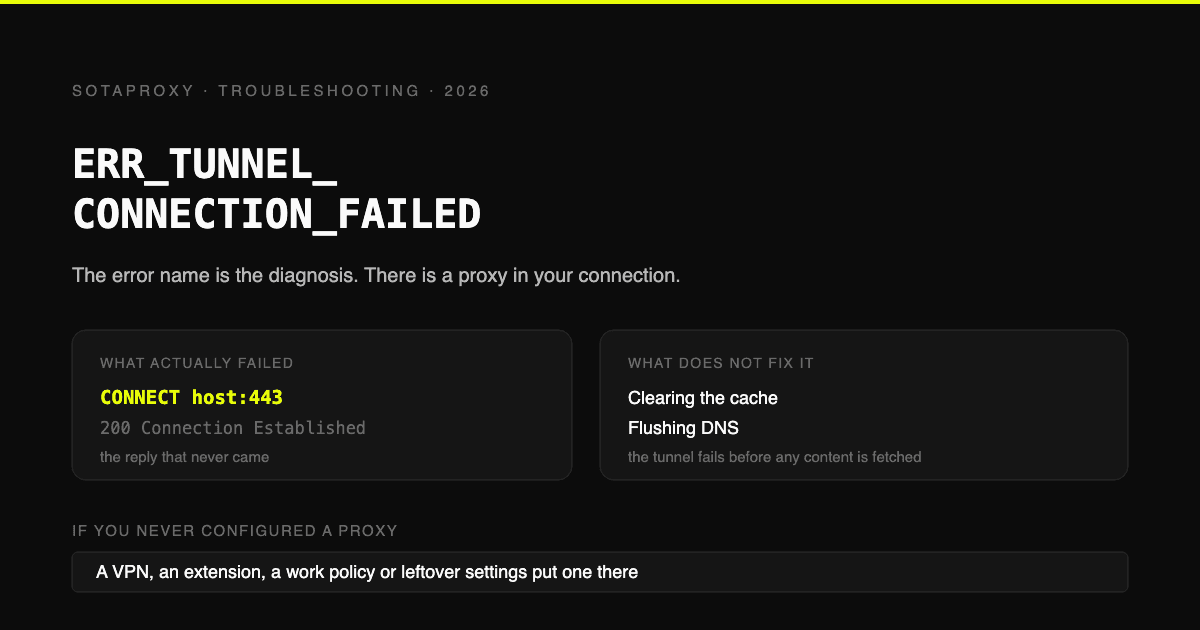
ERR_TUNNEL_CONNECTION_FAILED: The Error Name Is the Diagnosis
Chrome asked a proxy to open a CONNECT tunnel and it failed. That is the whole error. Where the proxy comes from when you never configured one, the six ways a proxy you did configure produces it, and why clearing your cache fixes nothing.
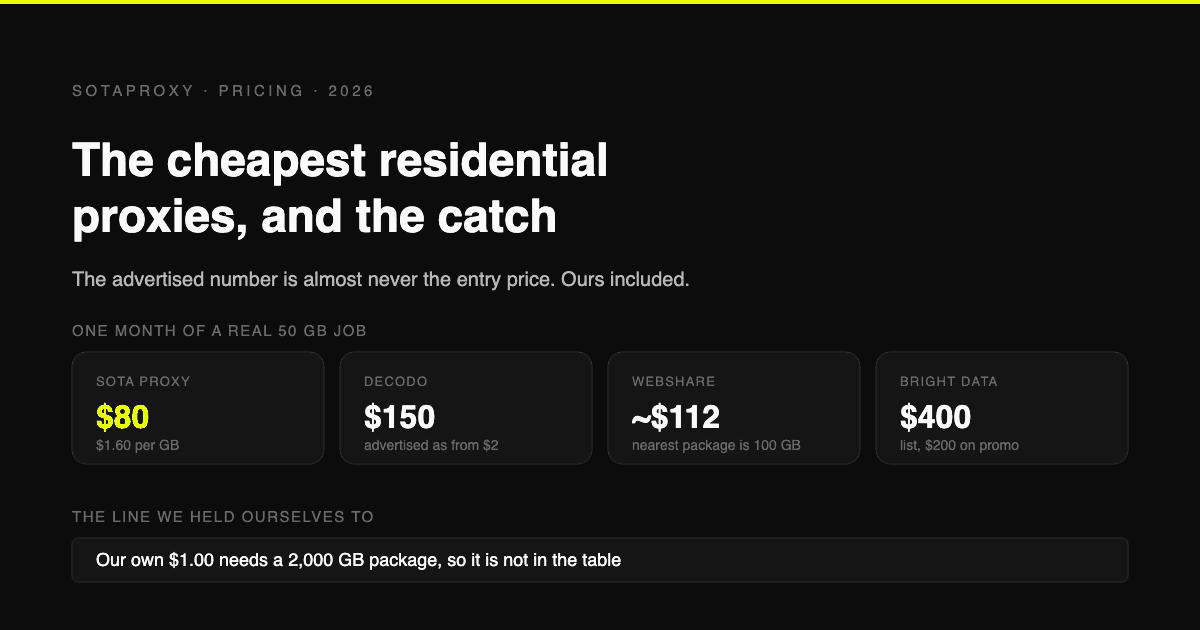
The Cheapest Residential Proxies in 2026, With the Catch Each One Hides
Verified per-gigabyte prices from five vendors' own pages, not from last year's blog posts. Why the advertised number is almost never the entry price, which providers put a monthly floor under your bill, and how to work out your real cost per gigabyte.