Mastering Wget Proxy Server Configuration in 2026
Configure your wget proxy server (HTTP, HTTPS, SOCKS5) with ease. Learn command-line, env var, and wgetrc methods for account farming, ad verification, and

Your wget job probably isn't failing because of wget. It's failing because the proxy path is wrong, auth parsing is broken, or you picked a proxy class that doesn't match the target. That shows up fast when you're pulling geo-specific landing pages, checking cloaked flows, validating Facebook and TikTok ad redirects, or feeding assets into AdsPower, Dolphin Anty, GoLogin, Multilogin, or Hidemyacc workflows.
Most operators hit the same wall. The request runs. The file downloads. But the traffic fingerprint is wrong, the country is wrong, the target returns alternate content, or the session gets flagged the moment it touches a sensitive platform. A working wget proxy server setup has to be precise. Small mistakes cascade in automation.
One more problem keeps burning time. A lot of guides still claim wget handles SOCKS5 directly. It doesn't. If you use modern SOCKS5 endpoints for account farming, cloaking checks, or geo-targeted campaigns, that bad advice sends you straight into dead configs and fake troubleshooting loops.
Table of Contents
- Why Your Wget Scripts Are Failing
- Selecting the Right Proxy Type for Your Target
- Core Configuration Methods for HTTP and HTTPS Proxies
- Using SOCKS5 Proxies with Wget The Right Way
- Advanced Setups for Account Farming and Ad Verification
- Troubleshooting Common Wget Proxy Errors
Why Your Wget Scripts Are Failing
If a script works on a public test URL and fails on a real target, the proxy layer is the first thing to inspect. Media buyers usually see it as mismatched geo. Account farmers see it as instant risk checks. Cloaking teams see it as the reviewer path loading something different from the user path.
wget gives you three clean ways to route traffic through a proxy. Use command-line flags for disposable runs and proxy rotation. Use environment variables inside shells, CI jobs, and containers. Use ~/.wgetrc when you want predictable user-level behavior without repeating arguments on every task.
Those methods solve different problems:
- Flags work best when each request needs a different exit node.
- Environment variables fit Docker jobs, cron wrappers, and temporary sessions.
~/.wgetrckeeps long-running automation stable and easier to audit.
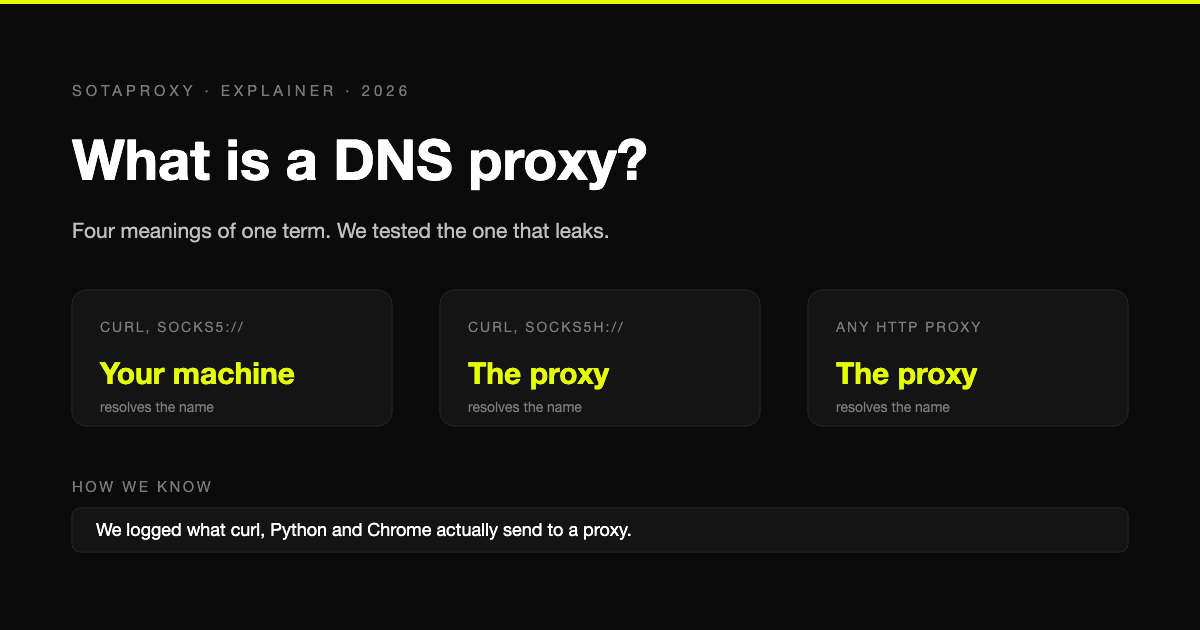
A lot of failures that look like bans are just routing mistakes. If DNS resolution is inconsistent, check the proxy path before you blame the target. This write-up on proxy-related DNS resolution problems is useful when requests resolve locally in one shell and through the expected network path in another.
Practical rule: If
wgetreturns content but the content is wrong, treat that as a proxy failure first, not an application success.
For operators running geo-targeted campaigns, that distinction matters. A bad wget proxy server setup can still return a page. It just won't be the page your reviewer, shopper, or ad platform would have seen from the intended region and network class.
Selecting the Right Proxy Type for Your Target
The proxy type decides whether the request looks normal or suspicious before the target even evaluates headers, timing, or cookies.

Match the proxy to the platform
For open targets, speed wins. For protected targets, trust wins. Those are different games.
On heavily protected targets like Amazon, Google, and social media platforms, datacenter proxies achieve only 20–60% success rates, while residential proxies deliver 90–99% success rates because they blend into ISP-assigned consumer traffic better, as described in this comparison of datacenter vs residential proxy performance.
That's why a fast datacenter exit can still be the wrong choice for Facebook ad account checks, TikTok account warmup flows, account farming, or region-sensitive ad verification. It connects fast, then gets classified fast.
Here's the practical split:
| Proxy type | Best fit | Bad fit |
|---|---|---|
| Datacenter | Open e-commerce scraping, bulk file pulls, low-friction targets | Facebook, TikTok, Google-heavy review paths, trust-sensitive sessions |
| Residential | Ad verification, cloaking checks, geo-targeted campaigns, multi-account work | Speed-critical jobs where trust isn't required |
| Mobile | Strict platforms, account creation and management, high-friction social flows | Large bulk downloads where cost and latency dominate |
| IPv6 | Targets that accept IPv6 cleanly and don't rely on legacy-only routing | Older stacks, tooling chains, or platforms with inconsistent IPv6 handling |
For a broader breakdown, this guide to different proxy types and where they fit is worth bookmarking.
Practical differences between proxy classes
Residential proxies are the default when your automation needs to look like a normal user. That's why teams use them for cloaking verification, localized offer checks, and account actions inside antidetect browsers like AdsPower, Dolphin Anty, GoLogin, Multilogin, and Hidemyacc.
Mobile proxies matter when platforms are aggressive about fraud scoring. They work well for social workflows because the traffic sits behind carrier infrastructure instead of obvious hosting infrastructure.
Datacenter proxies are still useful. They're just not stealth tools. They're throughput tools.
A speed comparison makes that trade-off obvious. Residential proxies typically sit around 200–2000ms response times and 10–50 Mbps throughput, while datacenter proxies sit around 1–10ms latency and 100+ Mbps throughput, based on these proxy speed benchmarks by type.
Fast doesn't mean safe. On protected targets, fast often just means the block arrives sooner.
IPv6 proxies deserve a blunt explanation. They can be cheap and plentiful, but they only help when the target stack, your tooling, and the platform's edge all handle IPv6 cleanly. In real operations, that's inconsistent. If the workflow includes older third-party validators, affiliate redirects, or ad-review fetchers, IPv6 often adds another place for the chain to break. Use it when you've already verified the full path.
Core Configuration Methods for HTTP and HTTPS Proxies
A lot of broken wget jobs come down to one simple mistake. The proxy is configured in more than one place, and the operator assumes wget will merge those settings cleanly. It does not.
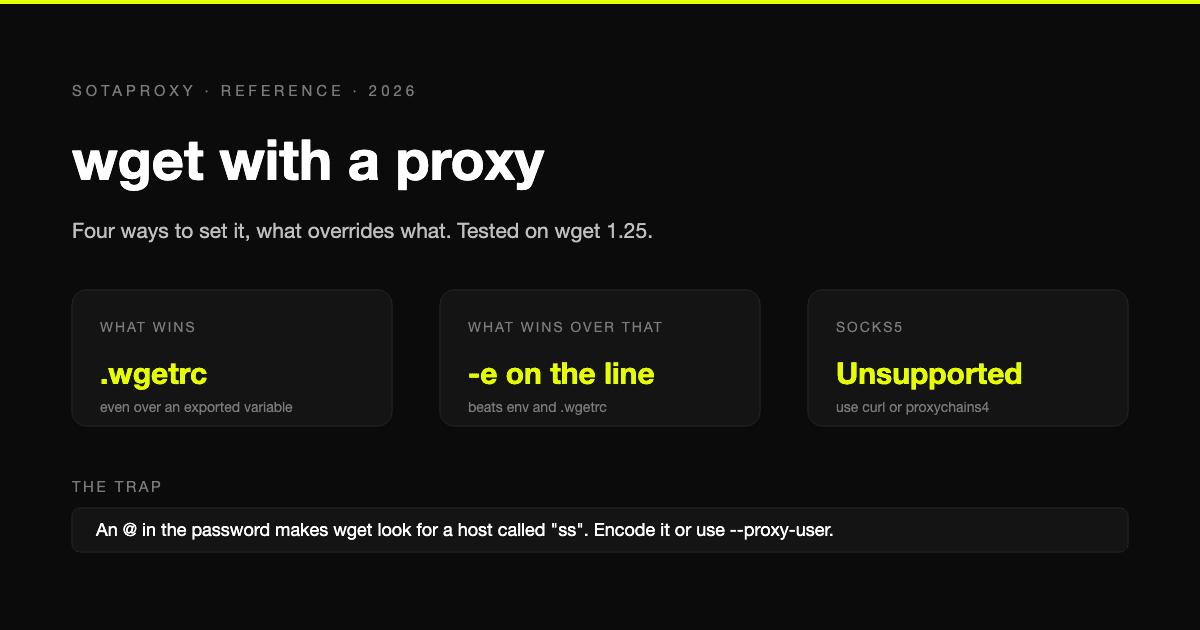
wget resolves proxy settings in a strict order. Command-line -e values win. Environment variables come next. ~/.wgetrc is the fallback. If a CI runner exports http_proxy and your script also passes -e http_proxy=..., the command-line value is what gets used.

Command-line flags for one-off and rotating jobs
Use flags when the proxy changes per request, per account, or per region. That is common in bulk checks against ad review URLs, localized landing pages, and platform support endpoints where one bad IP can poison a whole batch.
wget -e use_proxy=yes \
-e http_proxy="http://USERNAME:PASSWORD@proxy_host:port" \
https://example.com/file.json
For HTTPS destinations, set https_proxy explicitly:
wget -e use_proxy=yes \
-e https_proxy="http://USERNAME:PASSWORD@proxy_host:port" \
https://example.com/file.json
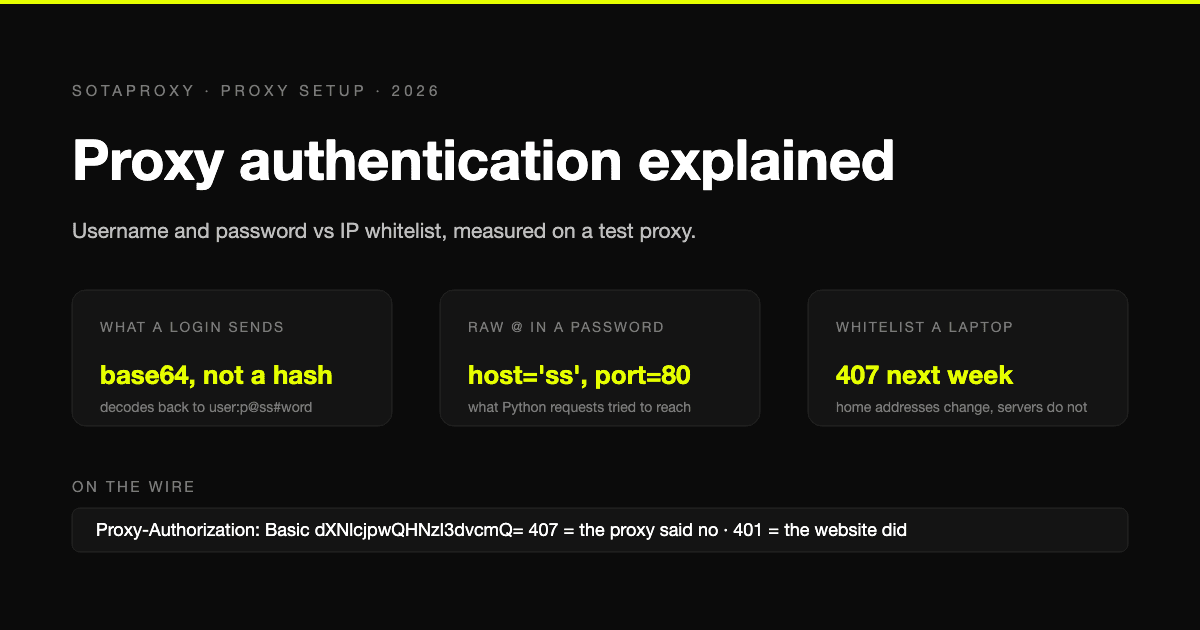
Be strict about credential encoding. Raw @, :, and similar characters inside usernames or passwords break proxy parsing because the URI parser treats them as separators. The result usually looks like a bad password even when the credential is correct.
wget -e use_proxy=yes \
-e http_proxy="http://user:p%40ssw%3Ard@proxy_host:port" \
https://example.com/file.json
This method is noisy, but practical. It is the easiest option when a shell loop pulls a new endpoint from a file or API on every iteration.
while read -r proxy; do
wget -q -O - \
-e use_proxy=yes \
-e http_proxy="$proxy" \
"https://example.com/health"
done < proxies.txt
The trade-off is operational, not theoretical. Flags are easy to rotate and easy to debug, but they also expose proxy strings in shell history, process listings, and some job logs unless you handle them carefully.
Environment variables for shells and containers
Environment variables are cleaner when a whole process tree should use one proxy identity.
export http_proxy="http://USERNAME:PASSWORD@proxy_host:port"
export https_proxy="http://USERNAME:PASSWORD@proxy_host:port"
wget https://example.com/landing.html
This works well in cron, CI jobs, container entrypoints, and short-lived workers. It also keeps the proxy out of every individual command.
#!/usr/bin/env bash
export http_proxy="$PROXY_URL"
export https_proxy="$PROXY_URL"
wget -q -O landing.html "https://example.com/landing"
I use this pattern when a worker owns a single geo or account group for its full runtime. It reduces script clutter and cuts down on copy-paste mistakes. The failure mode is scope. If one inherited environment variable leaks into another job, the wrong proxy gets reused and the logs usually make it look like a target-side block instead of a routing mistake.
If HTTPS requests fail only in one runtime, check how that environment handles CONNECT tunnels, TLS inspection, and certificate trust. This guide on SSL proxy server setup and HTTPS behavior is useful for that class of issue.
A quick visual walkthrough helps if you're wiring this into repeated shell tasks:
The wgetrc file for persistent setups
~/.wgetrc fits stable user-level automation. It is the least repetitive option when the same box, user, or service account always exits through the same HTTP or HTTPS proxy.
cat > ~/.wgetrc <<'EOF'
use_proxy = on
http_proxy = http://USERNAME:PASSWORD@proxy_host:port
https_proxy = http://USERNAME:PASSWORD@proxy_host:port
EOF
Encoded credentials still matter here:
cat > ~/.wgetrc <<'EOF'
use_proxy = on
http_proxy = http://user:p%40ssw%3Ard@proxy_host:port
https_proxy = http://user:p%40ssw%3Ard@proxy_host:port
EOF
This is a good fit for long-running Linux hosts that fetch feeds, assets, review pages, or verification URLs on a schedule. Scripts stay short, and the proxy policy lives in one place.
Use ~/.wgetrc when:
- One user or service account should always use the same proxy
- You want cleaner scripts with fewer inline secrets
- You need predictable behavior across repeated scheduled jobs
Use flags when the route changes request by request. Use environment variables when the route should apply to one process or container. Use ~/.wgetrc when the machine or user identity itself defines the route.
One warning matters here because many guides blur it. These methods cover HTTP and HTTPS proxies only. They do not add native SOCKS5 support to wget, which is where a lot of Facebook and TikTok automation pipelines go wrong if the browser stack is on SOCKS and the shell tooling is not.
Using SOCKS5 Proxies with Wget The Right Way
Many incomplete guides fail to mention that wget does not support SOCKS5 natively.

The myth that breaks automation
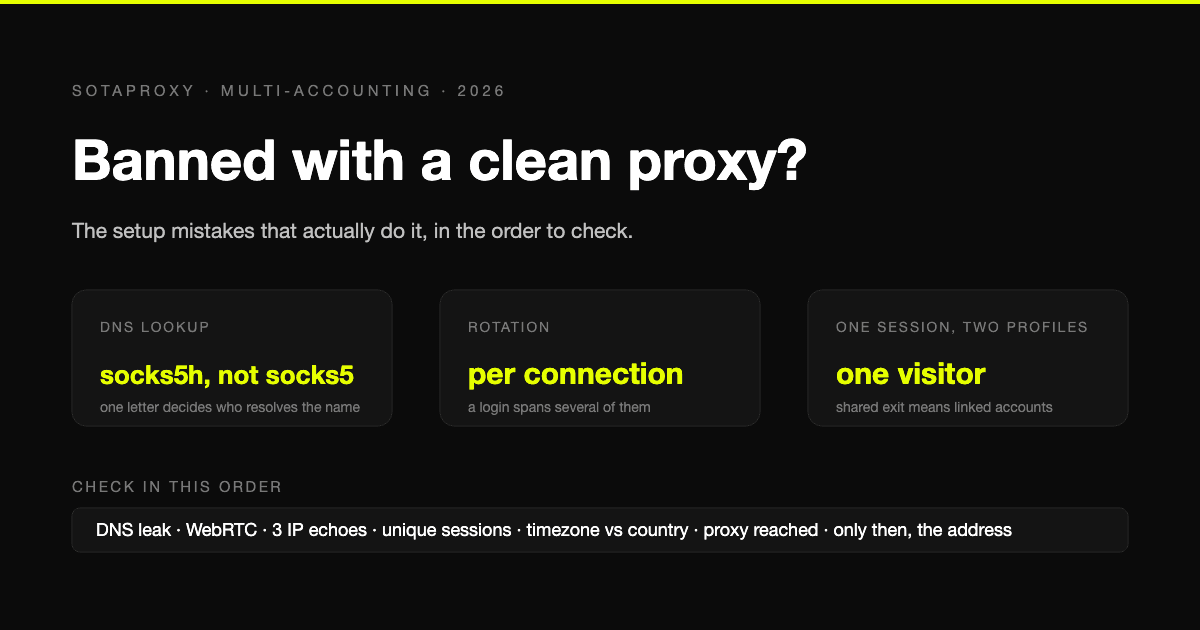
A lot of tutorials tell people to add a SOCKS line in wgetrc or pass a SOCKS endpoint through proxy flags. That advice is wrong. It fails especially hard for operators using residential or mobile SOCKS5 endpoints for account farming, anti-detect sessions, and social automation.
A review of the issue shows the problem clearly. Search results and developer discussions keep repeating the same correction: wget doesn't support SOCKS5 natively, and wrapper tools like proxychains4 or torsocks are required. The same review states that over 40% of proxy-related wget errors come from this unsupported protocol assumption, as covered in this article on Wget proxy mistakes around SOCKS5 support.
If you run Multilogin or Hidemyacc sessions through SOCKS5 and then expect plain wget to mirror that path, you'll get inconsistent results. The browser works. The shell task doesn't. That mismatch can wreck verification pipelines.
Don't debug a fake feature. If the endpoint is SOCKS5, use a wrapper or switch tools.
A working proxychains4 setup
proxychains4 is the clean way to force wget through a SOCKS5 endpoint.
Install it:
sudo apt update
sudo apt install -y proxychains4
Open the config:
sudo nano /etc/proxychains4.conf
Add your SOCKS5 line near the end:
socks5 USERNAME PASSWORD proxy_host port
Then run wget through the wrapper:
proxychains4 wget -O result.html https://example.com/page
For repeated usage, I prefer a dedicated local config instead of editing the global file:
cat > ./proxychains.conf <<'EOF'
strict_chain
proxy_dns
[ProxyList]
socks5 USERNAME PASSWORD proxy_host port
EOF
Run it like this:
proxychains4 -f ./proxychains.conf wget -O result.html https://example.com/page
That pattern works for region checks, localized ad fetches, and bulk support tasks where your main proxy inventory is SOCKS5. It's also easier to version per workflow. One config for UK ad review. Another for DE storefront checks. Another for a farm of social support accounts.
The key point is simple. A wget proxy server setup for SOCKS5 is not a native wget config. It's a wrapper-based network path.
Advanced Setups for Account Farming and Ad Verification
Single requests aren't the main workload. Typical workloads are loops, retries, country splits, and identity control.
For account farming, a script usually needs one of two behaviors. Either rotate proxy identity per task, or keep one stable identity tied to one account. For ad verification, the script usually fans out by region and fetches the same path multiple times to compare what each market sees.

A rotation pattern that stays scriptable
A simple Bash loop still works well for rotating HTTP or HTTPS proxies in wget jobs.
#!/usr/bin/env bash
TARGET_URL="https://example.com/offer"
OUTDIR="./captures"
mkdir -p "$OUTDIR"
mapfile -t PROXIES < proxies.txt
for i in "${!PROXIES[@]}"; do
PROXY="${PROXIES[$i]}"
wget -q \
-e use_proxy=yes \
-e http_proxy="$PROXY" \
-O "$OUTDIR/result-$i.html" \
"$TARGET_URL"
done
proxies.txt can hold one authenticated proxy URI per line:
http://user:pass@proxy-one:port
http://user:pass@proxy-two:port
http://user:pass@proxy-three:port
That's enough for bulk fetches of localized landers, affiliate bridge pages, and pre-approval ad checks. It's also useful when your main browser automation stack runs through AdsPower or GoLogin, but you still need shell-side fetches for sanity checks.
Sticky identity for sensitive sessions
For Facebook and TikTok ad accounts, rotation isn't always what you want. A stable identity often matters more. That's where sticky sessions help. You keep the same network identity tied to one account's support actions, landing page fetches, and asset downloads instead of bouncing IPs between calls.
That matters more on strict platforms because mobile proxies achieve 85–95% success rates there due to Carrier Grade NAT, which makes it difficult to block a single user without affecting real carrier traffic, according to this write-up on mobile vs datacenter vs residential proxy behavior. For bulk Facebook and TikTok ad account management, that's a practical advantage, not a theory.
A simple pattern is to map one account ID to one proxy line:
#!/usr/bin/env bash
ACCOUNT_ID="$1"
TARGET_URL="$2"
case "$ACCOUNT_ID" in
acct_01) PROXY="http://user:pass@proxy-a:port" ;;
acct_02) PROXY="http://user:pass@proxy-b:port" ;;
acct_03) PROXY="http://user:pass@proxy-c:port" ;;
*) echo "unknown account"; exit 1 ;;
esac
wget -q \
-e use_proxy=yes \
-e https_proxy="$PROXY" \
-O "./${ACCOUNT_ID}.html" \
"$TARGET_URL"
That keeps one account, one route, one fetch history. Much cleaner for account farming, cloaking QA, and geo-targeted campaign checks.
If you manage larger multi-account systems, this guide on multiple account management workflows is relevant. And if you're already referring infrastructure to your own buyers or team members, some providers also offset spend through partner programs. Sota Proxy, for example, offers an affiliate program with up to 40% commission.
Troubleshooting Common Wget Proxy Errors
When wget breaks, the error text usually tells you enough. The mistake is ignoring what layer the error belongs to.
407 Proxy Authentication Required
This usually means one of three things. Wrong credentials, wrong auth format, or broken parsing from unencoded special characters in the username or password.
Fix it by encoding special characters before placing credentials in the proxy URI.
wget -e use_proxy=yes \
-e http_proxy="http://user:p%40ssw%3Ard@proxy_host:port" \
https://example.com/file
If the problem persists, strip the setup back to one known-good proxy and test with a single request. Don't debug rotation and auth at the same time. For a focused checklist, see this guide to fixing 407 Proxy Authorization Required errors.
Connection timed out
This usually points to the wrong port, blocked outbound traffic, or a dead endpoint. It can also mean your wrapper tool is fine but the proxy itself isn't reachable from the host running wget.
Check the basics:
- Verify the scheme matches the endpoint type you were given.
- Check the port before changing anything else.
- Test one target URL first, not the whole batch.
TLS and handshake failures
If the target is HTTPS and the proxy path is wrong, wget often fails during TLS setup instead of at connect time. That doesn't always mean the target certificate is bad. It can mean the wrong proxy protocol is in the chain.
Use HTTP/HTTPS proxies natively with wget. If the route is SOCKS-based, use a wrapper instead of trying to force native syntax.
Proxy bypass from no_proxy
This one causes ugly intermittent failures. wget may skip the proxy for hosts matching no_proxy, and that can break internal checks, health probes, and mixed workflows.
A documented pitfall is setting no_proxy incorrectly, such as export no_proxy="localhost,.internal.local" without a trailing comma for empty lists. That causes a 30-40% success rate drop in bots hitting internal API endpoints or health checks because wget strictly skips proxying for matching domains, as described in this guide on Wget proxy setup pitfalls and no_proxy behavior.
Use explicit values and audit them:
export no_proxy="localhost,127.0.0.1,.internal.local,"
That same reference also notes that using wrappers like tsocks adds 12-18ms latency overhead per request, and for sub-50ms workloads that can cut throughput by about 25% compared with direct HTTP/HTTPS proxy usage. That's why wrapper-based SOCKS paths are fine for account support work, but not my first choice for latency-sensitive fetch loops.
If failures look random, inspect
no_proxy, inherited shell variables, and wrapper usage before you blame the target.
If you need proxy infrastructure that fits real automation work, Sota Proxy is built for that. You can choose residential, mobile, ISP, datacenter, or IPv6 routes, switch between rotation and sticky sessions, target by location, and manage usage from one dashboard. That fits the workflows technical teams routinely run, including ad verification, geo-targeted campaigns, scraping, account farming, and multi-account operations in tools like AdsPower, Dolphin Anty, GoLogin, Multilogin, and Hidemyacc.
Related articles

WiFi Proxy Settings for Ad Accounts & Antidetect Browsers
Configure your WiFi proxy settings on Windows, macOS, iOS, and Android for antidetect browsers. A direct guide for media buyers managing multiple ad accounts.

SSL Proxy Server: Setup, Use Cases & Optimization
Explore the SSL proxy server: how it works, its advantages over HTTP/SOCKS, and configuration for AdsPower, GoLogin, and account farming.

What Is Proxy DNS? Prevent Leaks & Secure Your Connection
Understand what is proxy dns, its difference from standard DNS, and how misconfiguration causes critical leaks in antidetect browsers. Learn to secure your