How to Make a Proxy Server in 2026: SSH, Squid and SOCKS5 on a VPS
Three ways to build your own proxy server, from a one-line SSH tunnel to Squid with a password, with configurations we tested ourselves and an honest look at what a self-built proxy cannot do.
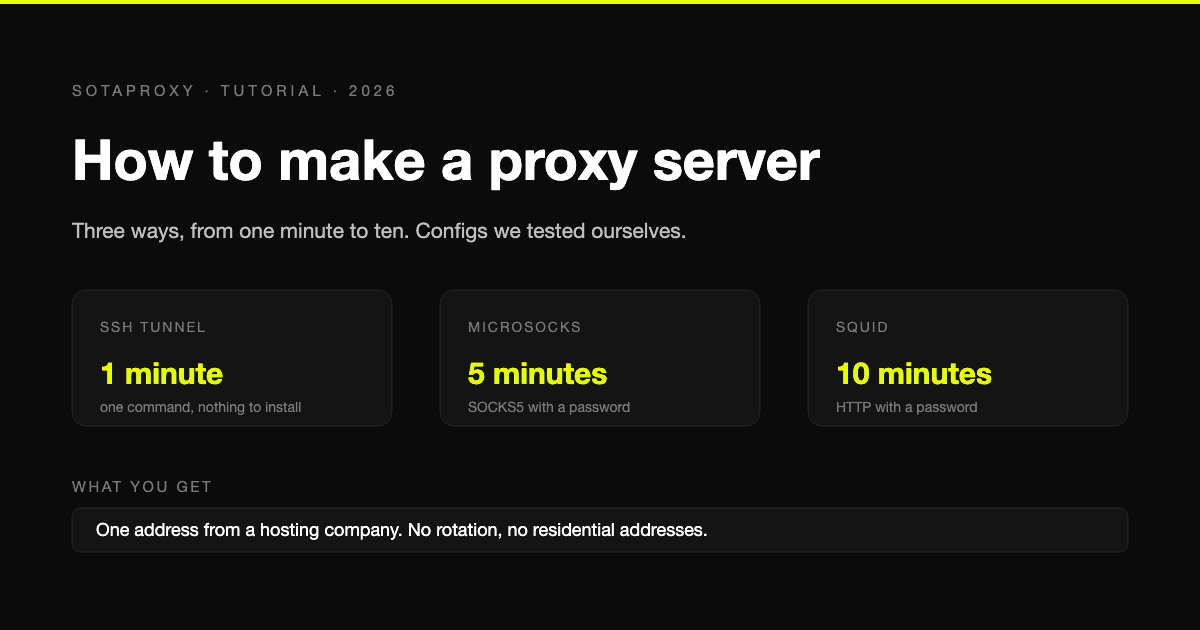
A proxy server is a small program on a machine with a public address. It accepts your connection and makes the request on your behalf, so the site sees the machine's address and not yours. Building one takes between one minute and ten, depending on which of three kinds you need.
All three need the same starting point: a Linux server you can log in to. The commands below are for Ubuntu 24.04. We tested each proxy program and every configuration line ourselves, and the results are noted where they matter. The install commands follow Ubuntu's own packages.
Three ways, by how long they take
| Method | Protocol | Time | Good for |
|---|---|---|---|
| SSH tunnel | SOCKS5, on your own machine only | 1 minute | A quick check from another location, nothing to install |
| microsocks | SOCKS5 with a password | 5 minutes | A permanent proxy for apps and scripts |
| Squid | HTTP with a password | 10 minutes | A permanent proxy for browsers and anything that speaks HTTP |
If you are not sure which to pick, start with the SSH tunnel. It needs no software on the server and leaves nothing behind.
Method 1: an SSH tunnel, in one command
If you can log in to a server over SSH, you already have a proxy. Run this on your own computer:
ssh -D 1080 -N user@your-server-ip-D 1080 opens a SOCKS5 proxy on port 1080 of your own machine, and -N tells SSH not to open a shell. While that command runs, anything you point at 127.0.0.1:1080 leaves through the server.
Check it from a second terminal:
curl -x socks5h://127.0.0.1:1080 https://api.ipify.orgIt should print the server's address. In a browser, set a SOCKS5 proxy with host 127.0.0.1 and port 1080.
The limits are built in. The proxy exists only while the SSH command is running, it listens only on your machine, and nobody else can use it. Those limits are also why it is safe: nothing new is exposed to the internet.
Method 2: a SOCKS5 proxy with a password
For a proxy that stays up and that other machines can reach, install a SOCKS5 server. microsocks is the smallest one worth using, and it is in Ubuntu's package repository.
sudo apt update
sudo apt install -y microsocks
microsocks -p 1080 -u proxyuser -P 'choose-a-long-password'
Test it from your own computer:
curl -x socks5h://proxyuser:choose-a-long-password@your-server-ip:1080 https://api.ipify.orgIn our test the request with the right credentials returned the exit address, and requests with no credentials or a wrong password were refused.
To keep it running after you log out and across reboots, create the file /etc/systemd/system/microsocks.service:
[Unit]
Description=microsocks SOCKS5 proxy
After=network.target

[Service]
ExecStart=/usr/bin/microsocks -p 1080 -u proxyuser -P choose-a-long-password
Restart=always
User=nobody

[Install]
WantedBy=multi-user.target
Then start it:
sudo systemctl daemon-reload
sudo systemctl enable --now microsocks
Method 3: an HTTP proxy with Squid
Squid is the standard HTTP proxy, and the one to use when the client is a browser or a tool that only understands HTTP proxies.
Install it together with the tool that creates the password file:
sudo apt update
sudo apt install -y squid apache2-utils
sudo htpasswd -c /etc/squid/passwd proxyuser
htpasswd asks for the password twice. Now tell Squid to require it. On Ubuntu the main configuration file loads every file in /etc/squid/conf.d/ at exactly the point where access rules belong, so you do not need to edit the main file. Create /etc/squid/conf.d/proxy.conf:
auth_param basic program /usr/lib/squid/basic_ncsa_auth /etc/squid/passwd
auth_param basic realm proxy
acl authenticated proxy_auth REQUIRED
http_access allow authenticated

forwarded_for delete
via off
request_header_access Cache-Control deny all
The first four lines turn on password checking and allow anyone who passes it. Everyone else falls through to the http_access deny all line that Ubuntu's configuration already ends with. The last three lines stop Squid from announcing itself and from passing your real address along in request headers.
Check the configuration and restart:
sudo squid -k parse
sudo systemctl restart squid
Squid listens on port 3128. Test it:
curl -x http://proxyuser:your-password@your-server-ip:3128 https://api.ipify.orgIn our test a request without credentials, or with a wrong password, was answered with 407, and the right credentials went through. squid -k parse prints a warning that HTTP requires the use of Via. With via off that is expected, and it is not an error.
We also looked at what Squid adds to a request when those last three lines are missing. It sent a plain HTTP site three extra headers: Via with the server's own hostname, X-Forwarded-For with the client's address, and Cache-Control: max-age=259200. The first two lines remove the first two headers. The third removes the Cache-Control header, including any your own client sends. None of this applies to HTTPS sites, where the proxy only relays an encrypted tunnel and cannot add anything.
Lock it down before you walk away
A proxy that answers without a password is an open proxy. Scanners look for them constantly, and one that is found gets used for other people's traffic under your server's name. Three habits prevent that.
Never start a proxy without authentication. Methods 2 and 3 above include it from the first command for that reason.
Open the port only to yourself if you can. If you connect from a fixed address, allow only that address:
sudo ufw allow OpenSSH
sudo ufw allow from 203.0.113.10 to any port 3128 proto tcp
sudo ufw enable
Replace the address with yours and the port with 1080 for microsocks. Allow OpenSSH first, or enabling the firewall will lock you out of the server.
Know that the password travels in the clear. Both HTTP proxy authentication and SOCKS5 authentication send the username and password unencrypted between you and the proxy. The pages you load over HTTPS stay encrypted, but the proxy login itself can be read by anyone on the path. That is one more reason to restrict the port by address, and the reason the SSH tunnel is the safest of the three.
What you have built, and what you have not
You now have one proxy with one address, and that address belongs to a hosting company. That has consequences.
Sites can tell it is a server. Address ranges of hosting companies are public knowledge. A site that refuses datacenter addresses will refuse yours, however well the proxy is configured. How to find out whether your target does is in best proxies for web scraping.
There is no rotation. One server is one address. A rotating pool means many servers, a gateway in front of them and health checks, which is an infrastructure project and not a tutorial.
You cannot build residential or mobile addresses. Those come from real home and carrier connections. No amount of server configuration turns a hosting address into one.
It is not cheaper per address. The smallest server at DigitalOcean costs $4.00 a month. A dedicated datacenter address rented from us costs $1.80 a month, or $1.35 each from ten. If an address is all you need, renting wins on price from the first one.
What self-hosting does give you is control. The logs are yours, nobody else has ever used the server while you hold it, and you decide exactly what runs on it. For a private exit you use yourself, a test environment, or learning how proxies work, that is worth the few dollars.
One variation is worth knowing. The same software runs on a machine at home, a Raspberry Pi for example. That gives you a proxy with your own home address, which is useful for reaching your home country's services while you travel. It needs a port forwarded on your router and an address that does not change too often.
Build or rent
| You need | Do this |
|---|---|
| To look at one site from another country, once | SSH tunnel |
| A private exit only you use | Build it, Squid or microsocks |
| One address a site will not flag as a server | Rent an ISP proxy |
| Many addresses, or addresses that rotate | Rent datacenter or residential proxies |
| To understand how proxies work | Build all three, it takes an afternoon |
The differences between the rented types are in ISP vs residential vs datacenter vs mobile.
FAQ
Can I make a proxy server for free?
The software is free. The server is the cost. If you already have a Linux server for something else, the SSH tunnel costs nothing extra.
Which is easier, Squid or a SOCKS5 server?
The SOCKS5 server. microsocks is one command with a username and password. Squid takes a password file and a short configuration file, and in exchange it works with clients that only accept an HTTP proxy.
How do I make a rotating proxy server?
With more than one address. Rotation means each request leaves from a different address, so you need a pool of servers and a gateway that picks between them. For one person that is rarely worth building, and it is what rented rotating proxies exist for.
Is it legal to run my own proxy server?
Running a proxy on a server you pay for is legal in most countries. What you do through it is judged the same way as if you had done it directly, and your hosting provider's terms apply to the traffic.
Do I need a domain name?
No. A proxy is reached by address and port.
Related articles
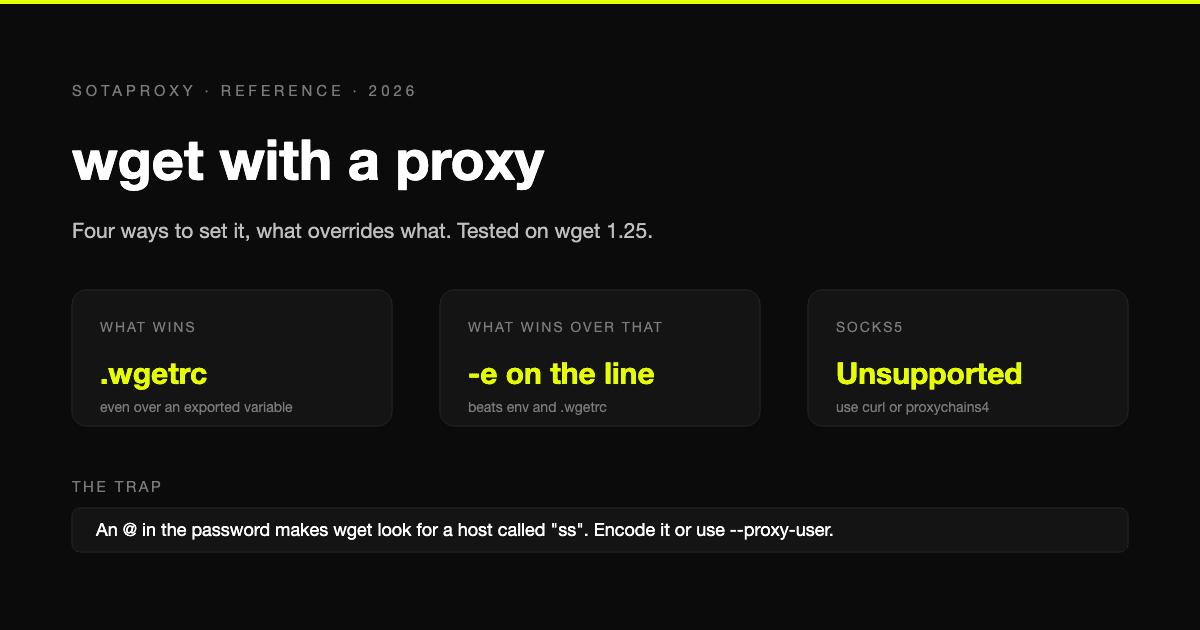
wget With a Proxy: Every Way to Set It, What Overrides What, and the SOCKS5 Problem
Four ways to give wget a proxy and the order they override each other in, tested on wget 1.25. Plus the exact error messages, the special-character trap, bypassing a proxy, and the one thing wget cannot do: SOCKS5.
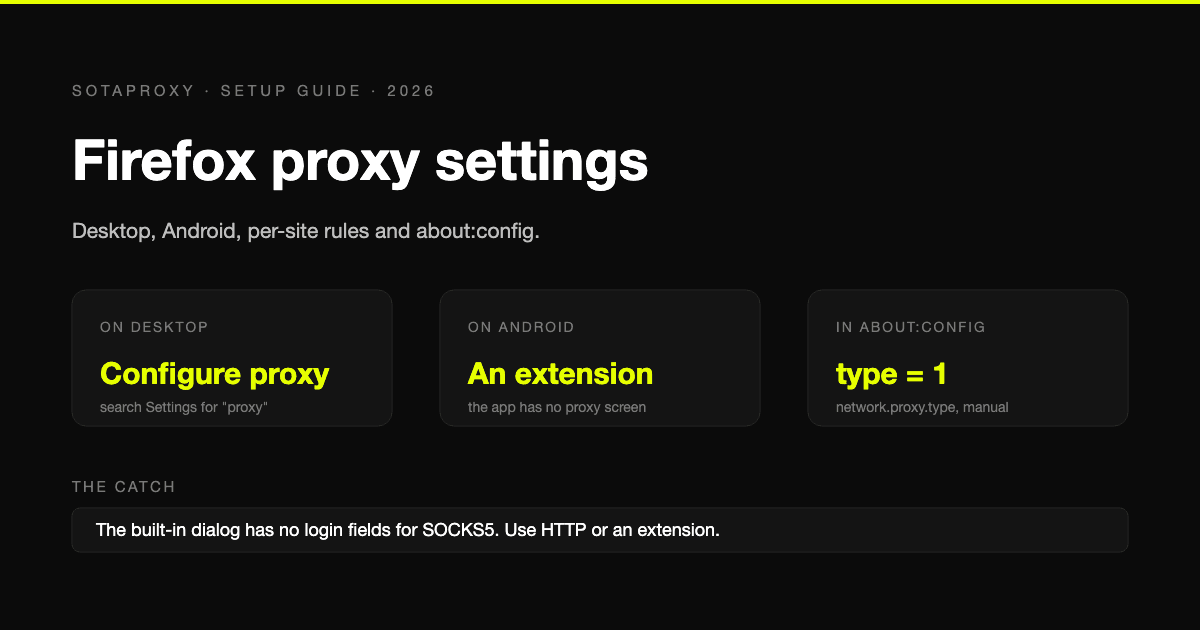
Firefox Proxy Settings in 2026: Desktop, Android, Per-Site Rules and about:config
Every way to set a proxy in Firefox, checked against Firefox's own source and Mozilla's documentation: the desktop dialog, Android, per-site and per-tab routing, about:config, and the errors you will meet.
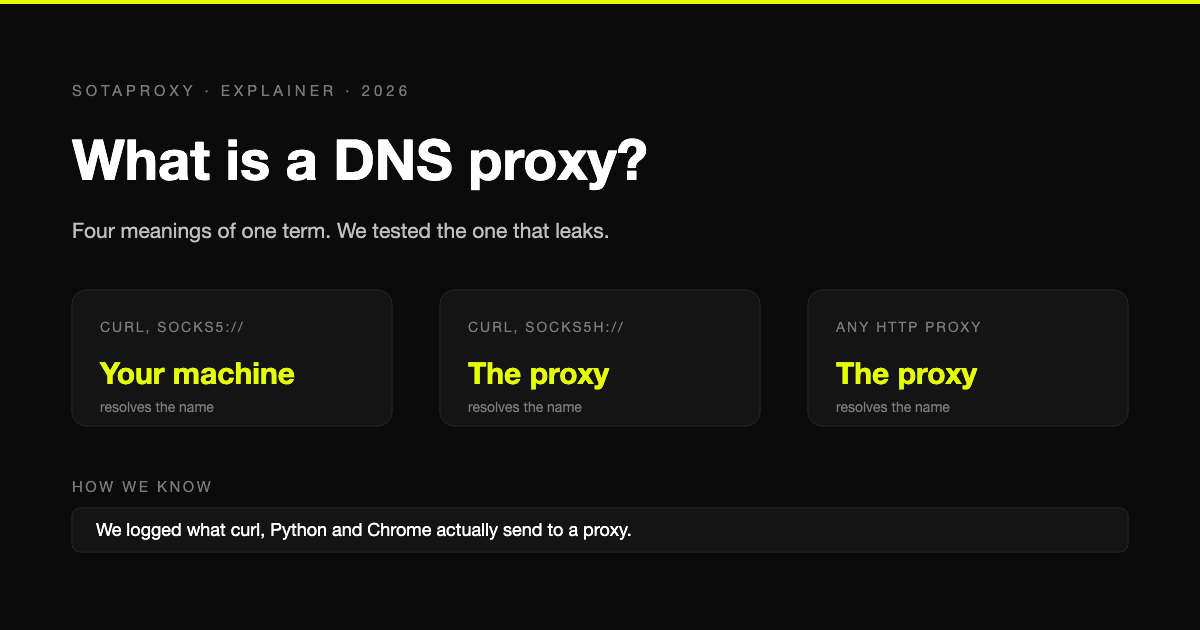
What Is a DNS Proxy? Four Meanings, and Who Resolves Names Behind a Proxy
The term covers a DNS forwarder, name resolution behind a proxy, Smart DNS and Cloudflare's proxied records. What each is, plus our own test of which clients send lookups past the proxy.
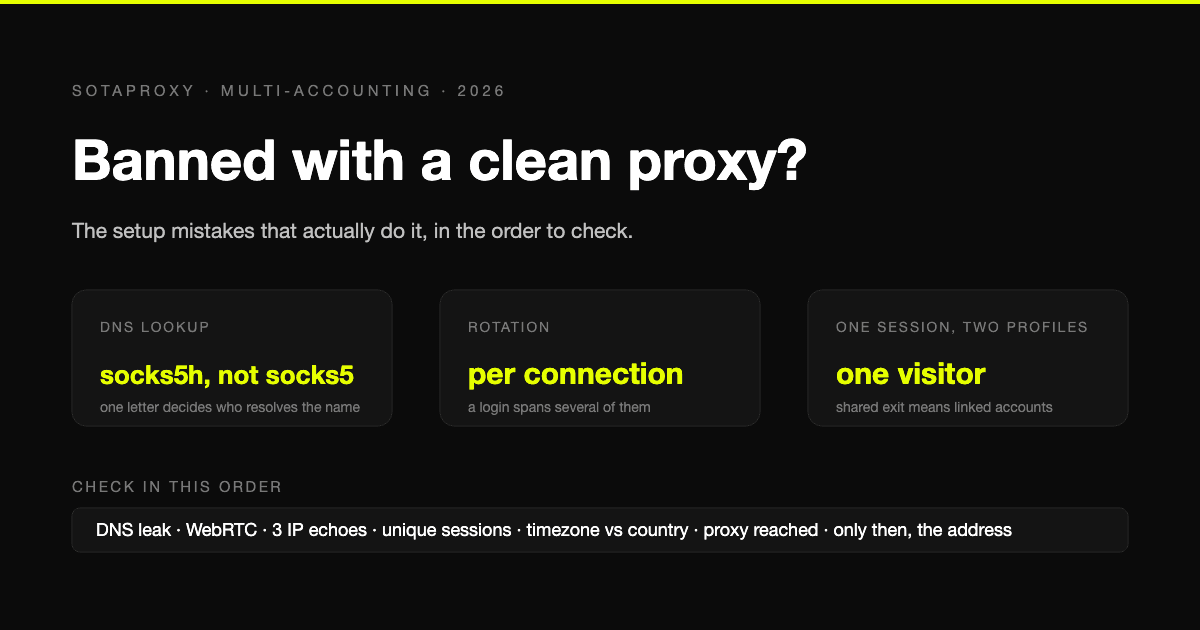
Banned With a Clean Proxy? The Setup Mistakes That Actually Do It
The proxy was clean, the address was residential, and the account still died. In most cases we see, the address was never the problem. Seven setup faults, each one checkable in a minute, in the order they usually turn out to be the cause.

How to Avoid CAPTCHA on Automated Workflows
Learn how to avoid CAPTCHA on automated workflows with proxy tactics, antidetect browsers, request pacing, and solver fallbacks built for real operators.

Zip Code Targeting for Ad Campaigns: The Practitioner Guide
Zip code targeting explained for media buyers and traffic arbitrage teams. Covers proxy setup, ad platform rules, detection risks, and best practices.