Firefox Proxy Settings in 2026: Desktop, Android, Per-Site Rules and about:config
Every way to set a proxy in Firefox, checked against Firefox's own source and Mozilla's documentation: the desktop dialog, Android, per-site and per-tab routing, about:config, and the errors you will meet.
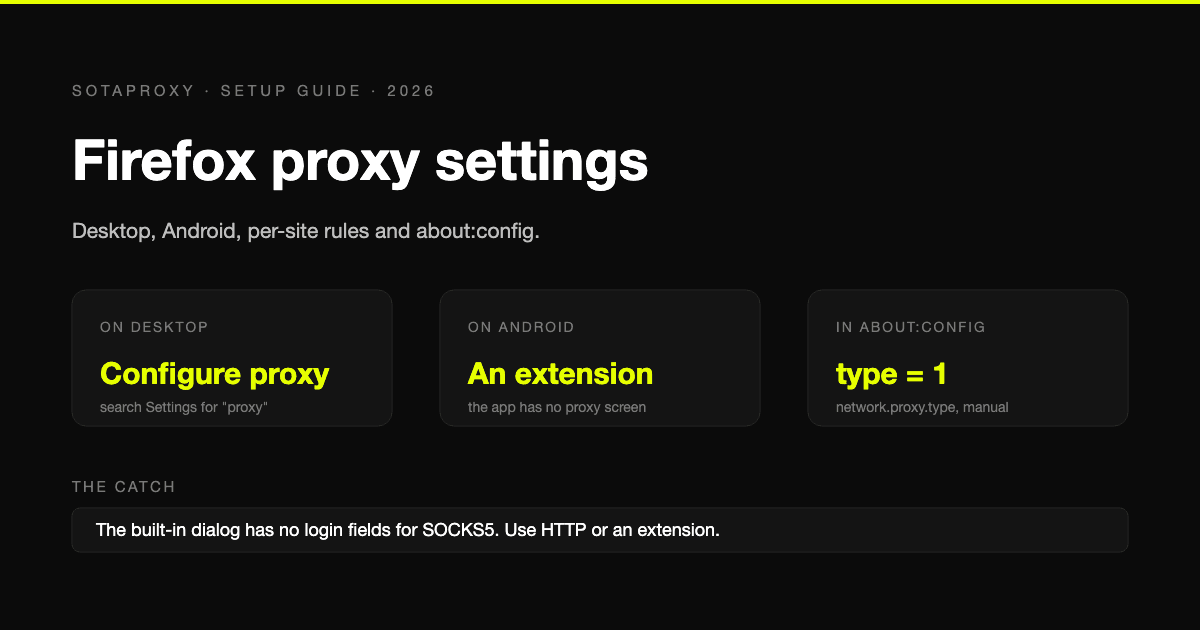
Firefox is the one mainstream browser that keeps its own proxy settings instead of borrowing the operating system's. That makes it the easiest browser to put behind a proxy without touching anything else on the machine, and it is also why the settings trip people up: the dialog has moved, Android has no dialog at all, and SOCKS5 with a password does not work the way the form suggests.
Every label and preference name below was checked against Firefox's source code and Mozilla's documentation on 30 September 2026.
The quick version
| You want to | Do this |
|---|---|
| Put desktop Firefox behind one proxy | Settings, search for "proxy", open the Connection Settings dialog, choose Manual proxy configuration |
| Use a proxy in Firefox on Android | Install the FoxyProxy extension. The Android app has no proxy screen |
| Send only certain sites through the proxy | An automatic proxy configuration (PAC) file, or FoxyProxy patterns |
| Use a different proxy per tab | Multi-Account Containers, one proxy per container |
| Use SOCKS5 with a username and password | An extension, or the HTTP fields instead. The built-in dialog has no login fields for SOCKS |
| Turn the proxy off | Choose No proxy in the same dialog |
Desktop: where the setting is and what to type
In current Firefox the path is Settings, then Privacy and security, then Connection and software security, then Advanced settings, then Proxy settings and the Configure proxy button. Older versions keep it under General, in Network Settings at the bottom of the page. In any version, typing "proxy" into the search box at the top of Settings takes you straight there.
The dialog is called Connection Settings and offers five modes:
- No proxy. A direct connection.
- Auto-detect proxy settings for this network. Firefox looks for a configuration published by the network.
- Use system proxy settings. The default. Firefox follows whatever the operating system has.
- Manual proxy configuration. You type the proxy yourself.
- Automatic proxy configuration URL. You point Firefox at a PAC file.
For a proxy you bought, choose Manual proxy configuration and fill it in like this:
- Put the host in HTTP Proxy and the port in Port.
- Tick Also use this proxy for HTTPS. Without it, only plain HTTP pages go through the proxy, which today means almost nothing does.
- Leave SOCKS Host empty unless you are deliberately using SOCKS.
- Click OK and open any page. Firefox asks for the proxy username and password on the first request.
With our proxies the values are:
| Product | Host | Port |
|---|---|---|
| Residential | proxy.sotaproxy.com | 10000 |
| ISP, datacenter, IPv6 | the address you were issued | 50100 for HTTP, 50101 for SOCKS5 |
On residential, the country, city and session are chosen in the username, so what you type into the login prompt is something like login_c_US_s_1_ttl_1h. The syntax is in the connection string reference.
To stop the login prompt appearing every session, save the password when Firefox offers, then tick Do not prompt for authentication if password is saved at the bottom of the dialog. The saved login shows up in the password manager under an address beginning with moz-proxy://. That is normal, and deleting that entry is how you make Firefox ask again.
SOCKS5 in Firefox, and the password problem
The dialog takes a SOCKS Host, a port and a choice between SOCKS v4 and SOCKS v5. It has no fields for a username or password. If your SOCKS5 proxy needs a login, which paid ones do, the built-in form cannot supply it.
You have two ways out. Use the HTTP fields instead, which works with the same proxy in most cases, ours included. Or use an extension: Firefox lets extensions pass SOCKS credentials even though its own dialog does not, and both tools in the next sections do this.
If you do use SOCKS5, check Proxy DNS when using SOCKS v5. It has been on by default since Firefox 128. With it off, Firefox resolves hostnames on your machine, so your own DNS provider sees every site you visit through the proxy.
Firefox on Android
Firefox for Android has no proxy settings screen. The options are:
FoxyProxy, which is the practical answer. FoxyProxy Standard installs in Firefox for Android 128 and later, from the Extensions menu or from addons.mozilla.org. Add the proxy with its host, port, username and password, and switch it on from the extension. This is the only route that handles a proxy login cleanly on a phone.
The Wi-Fi proxy in Android settings. Open the Wi-Fi network's details, edit it, and under the advanced options set Proxy to Manual with a hostname and port. Firefox follows the system setting by default. Two limits: Android's form has no fields for a username or password, and it applies to that Wi-Fi network only, not to mobile data.
about:config in Firefox Beta or Nightly. The release build does not open about:config. Beta and Nightly do, and the same preferences work there as on desktop. They are listed further down.
On an iPhone, Firefox uses the system network stack, so the proxy is set in iOS Wi-Fi settings under Configure Proxy, which does have authentication fields.
A proxy for certain sites only
The built-in way is a PAC file: a small JavaScript function that Firefox calls for every request to ask which proxy to use.
function FindProxyForURL(url, host) {
  if (host === "example.com" || dnsDomainIs(host, ".example.com")) {
    return "PROXY 198.51.100.20:50100";
  }
  return "DIRECT";
}
Save it as a file and enter its location in Automatic proxy configuration URL. Mozilla's documentation confirms that file: and data: addresses are accepted there, so the file does not have to be hosted anywhere. After editing it, press Reload in the dialog.
A PAC file cannot carry a password. Firefox prompts for one, as it does for a manual proxy.
The reverse case is simpler. To proxy everything except a few sites, keep the manual configuration and list the exceptions in No proxy for, separated by commas. Firefox's own example there is .mozilla.org, .net.nz, 192.168.1.0/24.
If you would rather click than write JavaScript, FoxyProxy does the same job with URL patterns per proxy.
A different proxy per tab
Firefox cannot do this natively, but Mozilla's own Multi-Account Containers extension can. Each container is a separate set of cookies, and each can have its own proxy.
Open the extension, choose Manage Containers, pick a container and open Advanced proxy settings. The field takes one line in this form:
http://login:password@198.51.100.20:50100
socks://login:password@198.51.100.20:50101
The extension accepts http, https, socks and socks4. One limit is worth knowing before you lose an hour to it: in the extension's code, the username and password may contain only letters, digits, underscores and hyphens. A password with any other symbol is rejected with "Please enter a valid proxy URL".
The first time you use this, the extension asks for permission to control proxy settings. Allow it.
Some proxy extensions instead show a message that they require private browsing permission. Firefox lets an extension change the browser's proxy settings only if it is allowed in private windows, because the setting affects those windows too. Open the extension in the Add-ons Manager and set Run in Private Windows to Allow.
Containers separate cookies and the address. They do not change the browser fingerprint, so to a site that fingerprints, every container is still the same browser. For running separate accounts, that gap is what antidetect browsers fill, and it is covered in multi-accounting.
The same settings in about:config
Everything in the dialog is stored as preferences, which is useful for scripting a profile or for Firefox builds where the dialog is missing.
| Preference | Meaning |
|---|---|
network.proxy.type | 0 no proxy, 1 manual, 2 PAC URL, 4 auto-detect, 5 system settings. The default is 5 |
network.proxy.http, network.proxy.http_port | HTTP proxy host and port |
network.proxy.ssl, network.proxy.ssl_port | The proxy used for HTTPS pages |
network.proxy.share_proxy_settings | The "Also use this proxy for HTTPS" box |
network.proxy.socks, network.proxy.socks_port | SOCKS host and port |
network.proxy.socks_version | 4 or 5. The default is 5 |
network.proxy.socks5_remote_dns | Resolve names through a SOCKS5 proxy. The default is true |
network.proxy.no_proxies_on | The "No proxy for" list |
network.proxy.autoconfig_url | The PAC address, used only when the type is 2 |
signon.autologin.proxy | Skip the login prompt when a password is saved |
To set a proxy for one profile without opening the dialog, put this in a file named user.js in the profile folder:
user_pref("network.proxy.type", 1);
user_pref("network.proxy.http", "proxy.sotaproxy.com");
user_pref("network.proxy.http_port", 10000);
user_pref("network.proxy.ssl", "proxy.sotaproxy.com");
user_pref("network.proxy.ssl_port", 10000);
user_pref("network.proxy.share_proxy_settings", true);
Each Firefox profile has its own preferences, cookies and extensions, so a second profile with a different proxy is a simple way to keep two setups apart. Profiles are managed at about:profiles.
Check that it works, and that nothing leaks
- Address. Open our IP checker. It should show the proxy's address and country, not yours.
- DNS. With an HTTP proxy the proxy resolves hostnames. With SOCKS5, that depends on the Proxy DNS box described above.
- WebRTC. Video-call technology in the browser can reveal your real address around a proxy. In
about:config, setmedia.peerconnection.ice.proxy_only_if_behind_proxyto true. If you never use calls in that profile, settingmedia.peerconnection.enabledto false switches WebRTC off entirely.
A proxy changes your address and nothing else. Time zone, language and the browser fingerprint still come from your machine.
When it does not work
"Firefox is configured to use a proxy server that is refusing connections." Firefox reached the host but the port did not answer. Check the port, check that the proxy has not expired, and check you have not put a SOCKS port in the HTTP field. With our static addresses that means 50101 where 50100 belongs.
"Firefox is configured to use a proxy server that can't be found." The hostname does not resolve. It is almost always a typo in the host field.
The login prompt keeps coming back. The proxy is rejecting the credentials. On a residential login, a malformed suffix counts as a wrong username. See error 407.
The settings are greyed out or keep changing back. Something else controls them. An extension shows up in the Connection Settings dialog with a Disable Extension button next to it. A company policy shows up at about:policies.
Pages load, but the site still knows where you are. That is the browser, not the proxy: WebRTC, time zone or an account you are already signed in to.
Turning the proxy off
Open the dialog and choose No proxy, or set network.proxy.type to 0. Choosing Use system proxy settings returns Firefox to its default, which is a direct connection on most home machines and the company proxy on a managed one.
FAQ
Where are proxy settings in Firefox?
In Settings, under Privacy and security, in the Connection and software security section: Advanced settings, Proxy settings, Configure proxy. Older versions have it under General, in Network Settings. Searching Settings for "proxy" works in both.
How do I set a proxy in Firefox on Android?
Install the FoxyProxy extension and add the proxy there. The Android app has no proxy screen of its own. The alternatives are the proxy field in Android's Wi-Fi settings, which cannot hold a password, or about:config in Firefox Beta and Nightly.
What do the network.proxy.type values mean?
0 is no proxy, 1 is manual configuration, 2 is a PAC URL, 4 is auto-detect and 5 is the system setting, which is the default.
Can Firefox use a proxy for specific sites only?
Yes, with a PAC file entered under Automatic proxy configuration URL, or with the FoxyProxy extension. To exclude a few sites from a proxy, use the No proxy for list.
Why does Firefox not ask for my SOCKS5 password?
The built-in dialog does not support SOCKS authentication. Use the HTTP proxy fields with the same proxy, or an extension such as FoxyProxy or Multi-Account Containers, which can pass SOCKS credentials.
Does a proxy in Firefox affect other programs?
No. Manual proxy settings in Firefox apply to Firefox only, and only to the profile you set them in.
Related articles
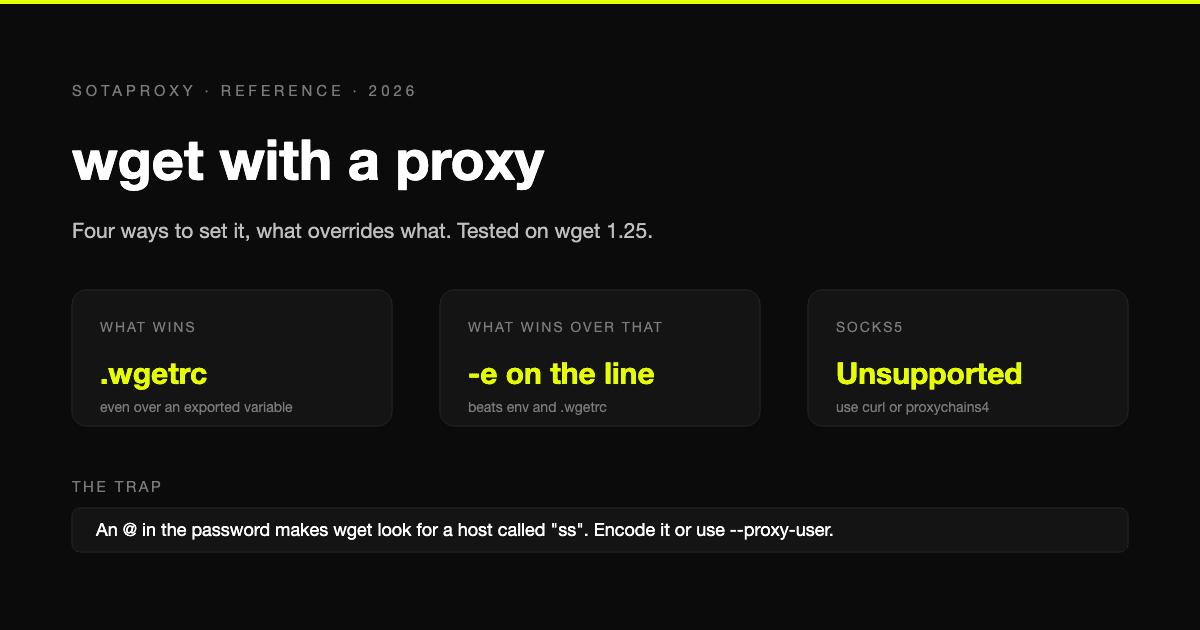
wget With a Proxy: Every Way to Set It, What Overrides What, and the SOCKS5 Problem
Four ways to give wget a proxy and the order they override each other in, tested on wget 1.25. Plus the exact error messages, the special-character trap, bypassing a proxy, and the one thing wget cannot do: SOCKS5.
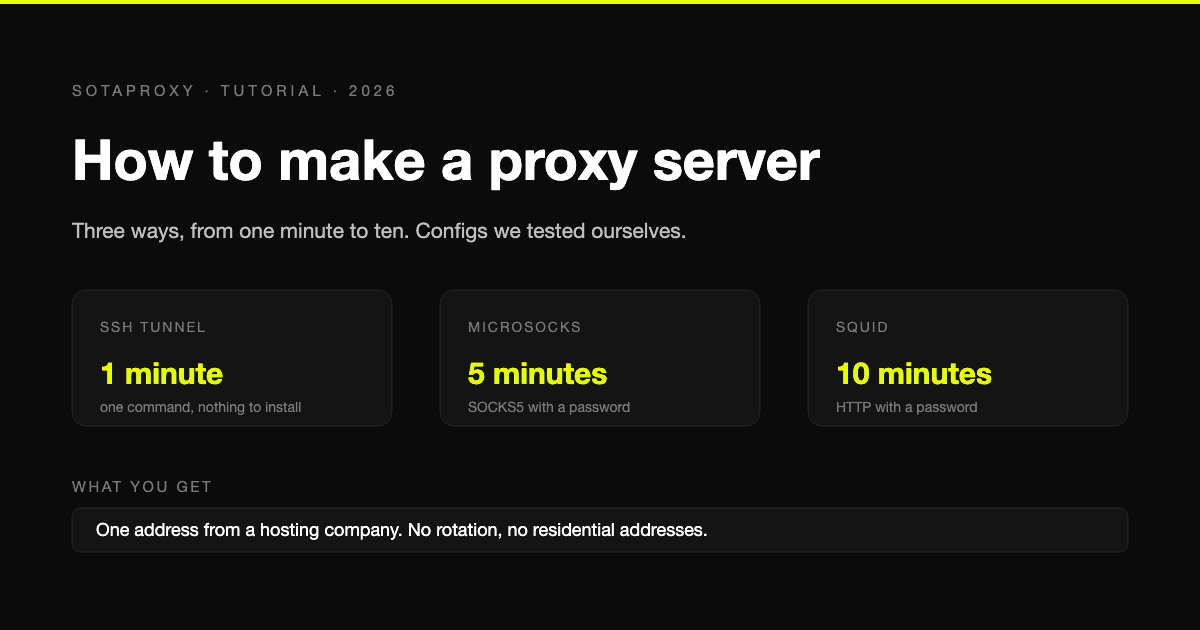
How to Make a Proxy Server in 2026: SSH, Squid and SOCKS5 on a VPS
Three ways to build your own proxy server, from a one-line SSH tunnel to Squid with a password, with configurations we tested ourselves and an honest look at what a self-built proxy cannot do.
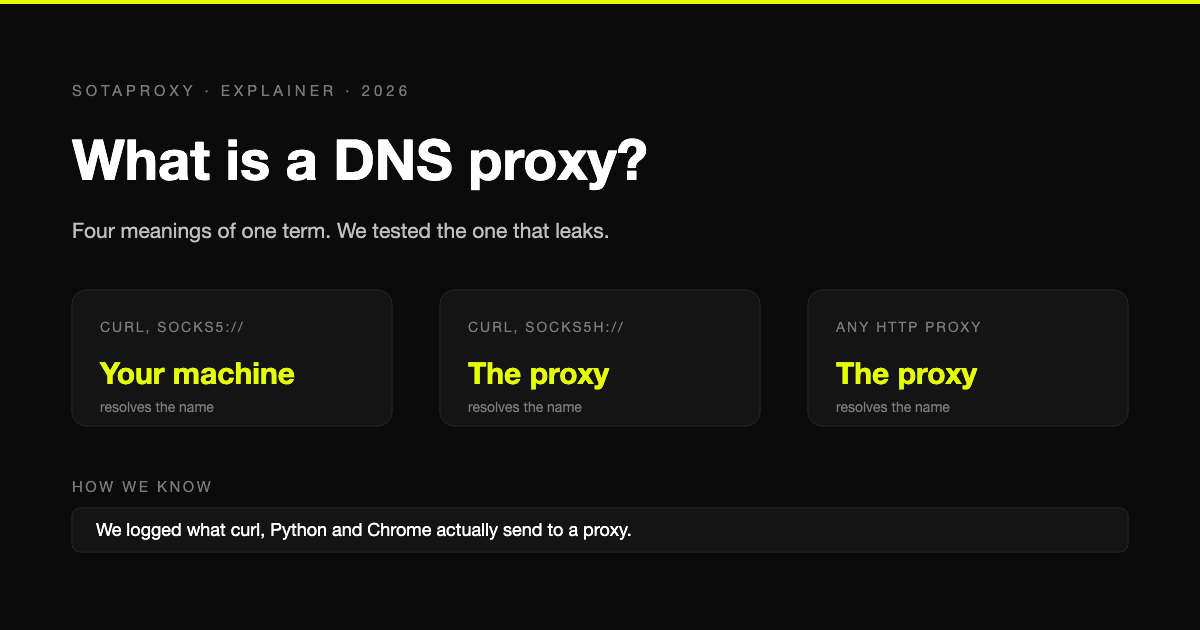
What Is a DNS Proxy? Four Meanings, and Who Resolves Names Behind a Proxy
The term covers a DNS forwarder, name resolution behind a proxy, Smart DNS and Cloudflare's proxied records. What each is, plus our own test of which clients send lookups past the proxy.
Proxy Authentication Explained: Username and Password vs IP Whitelist
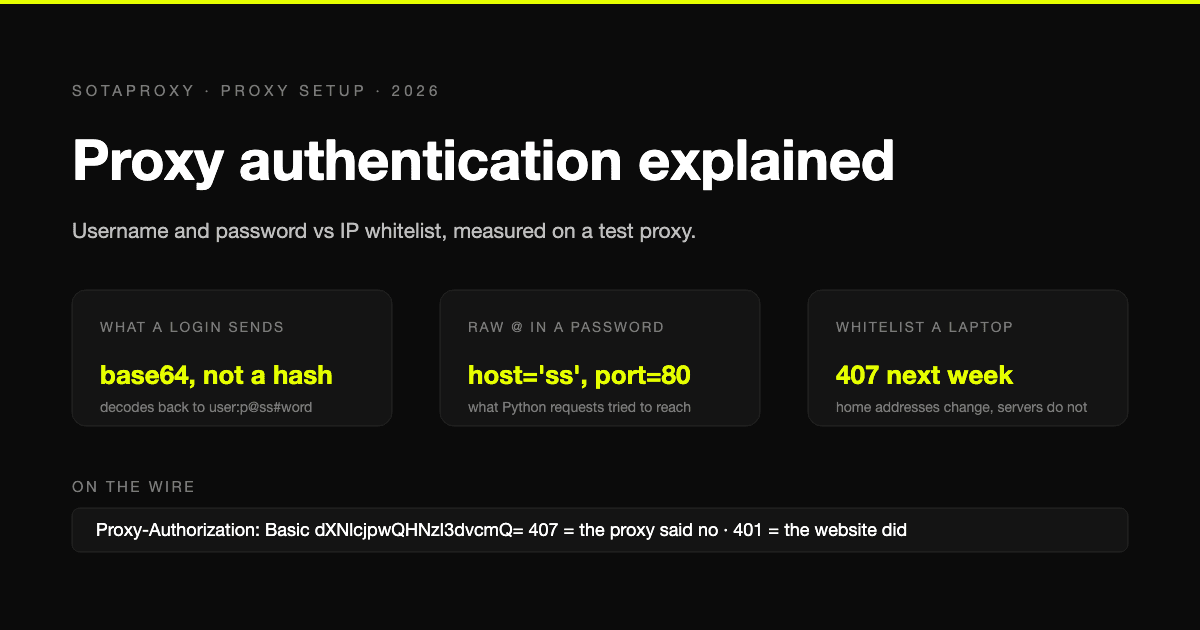
Two ways a proxy knows it is you: credentials sent on every connection, or a list of addresses allowed in without them. What each one puts on the wire, measured on a test proxy, which tools cannot do which, and why a whitelisted laptop breaks a week later.
Banned With a Clean Proxy? The Setup Mistakes That Actually Do It
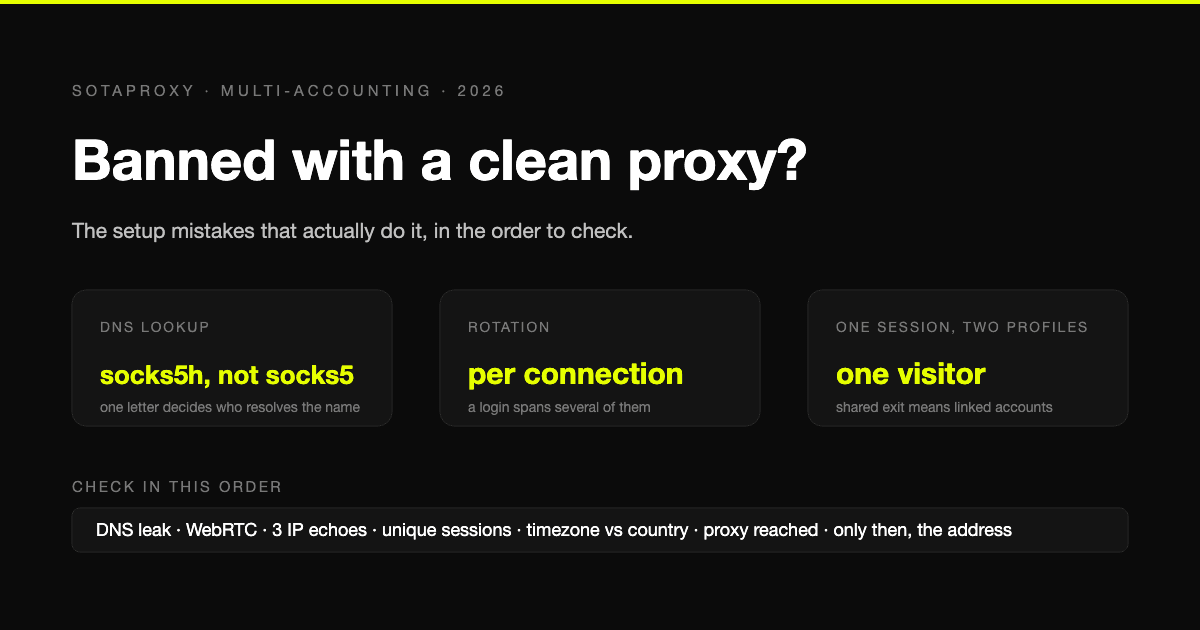
The proxy was clean, the address was residential, and the account still died. In most cases we see, the address was never the problem. Seven setup faults, each one checkable in a minute, in the order they usually turn out to be the cause.

How to Avoid CAPTCHA on Automated Workflows
Learn how to avoid CAPTCHA on automated workflows with proxy tactics, antidetect browsers, request pacing, and solver fallbacks built for real operators.