Proxy Authentication Explained: Username and Password vs IP Whitelist
Two ways a proxy knows it is you: credentials sent on every connection, or a list of addresses allowed in without them. What each one puts on the wire, measured on a test proxy, which tools cannot do which, and why a whitelisted laptop breaks a week later.
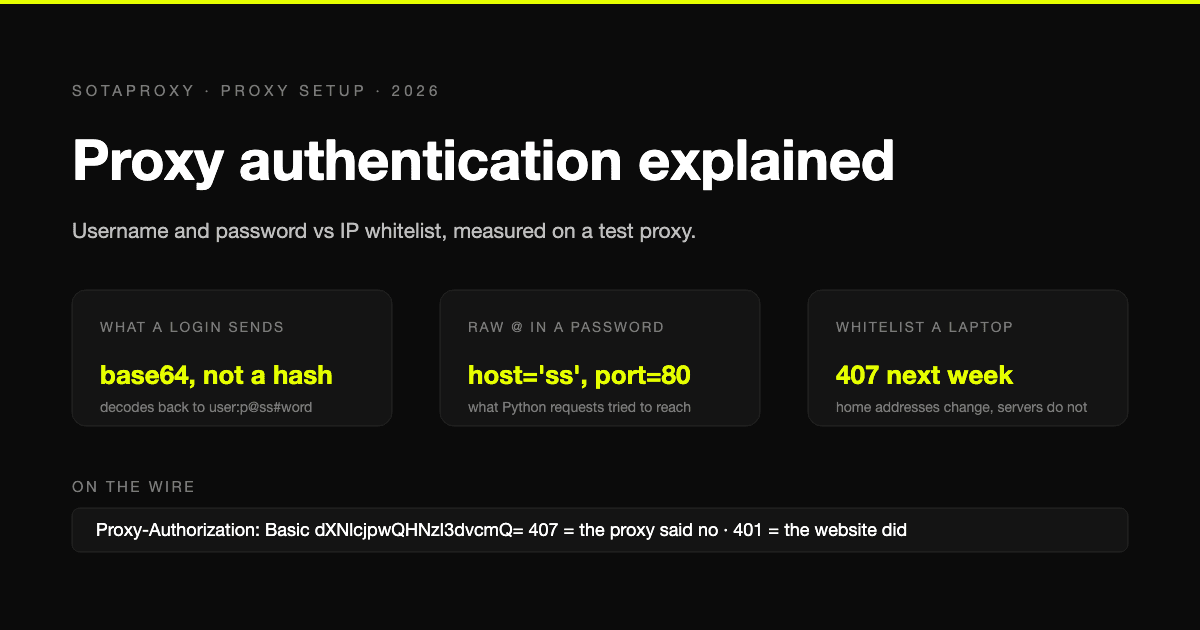
A proxy has two ways to know a connection is yours. Either the client proves it on every connection with a login and password, or the proxy keeps a list of addresses that are allowed in without proving anything. Both are simple, both are widely used, and the mistakes with each are different.
This guide shows what each method actually puts on the wire, measured on a test proxy rather than described from memory, which tools can only do one of them, and the one password bug that accounts for a large share of "the proxy does not work" on day one.
What a login and password actually sends
With an HTTP proxy the credentials travel in a Proxy-Authorization header on every request or tunnel. We ran curl against a test proxy that logs what it receives:
curl -x http://user:p%40ss%23word@127.0.0.1:18407 http://example.com/The proxy saw:
Proxy-Authorization: Basic dXNlcjpwQHNzI3dvcmQ=That string is not a hash. dXNlcjpwQHNzI3dvcmQ= is base64 of user:p@ss#word, and anything that can read the connection can decode it back in one line. Basic authentication encodes the password; it does not encrypt it. Between your machine and an HTTP proxy the login crosses the network in a form anyone on the path can read, unless the connection to the proxy itself is TLS, which with most proxy products it is not. Which is why proxy credentials should be treated as a secret of the same class as an API key, and why they do not belong in shell history, CI logs or screenshots.
With SOCKS5 the credentials are not in a header; they are a step in the protocol handshake (the username/password method from RFC 1929), which is why SOCKS clients ask for them in separate fields rather than inside the URL. They are also sent in the clear.
Two responses tell you where a failure is:
- 407 Proxy Authentication Required comes from the proxy. The login was missing or wrong. Our test proxy answered 407 both to a request with no credentials and to one with the wrong password.
- 401 Unauthorized comes from the destination site. The proxy let you through; the site wants its own login.
Most time lost on "authentication" is spent debugging the wrong one of those two. The full checklist for the first is in 407 Proxy Authentication Required.
The password bug that breaks most first setups
Credentials in a URL look like http://user:password@host:port. The URL grammar uses @ to separate credentials from the host and # to start a fragment. A password containing either of those breaks the parse, and libraries do not warn you; they do something confidently wrong.
We gave Python requests the password p@ss#word straight:
proxies = {"http": "http://user:p@ss#word@127.0.0.1:18407"}It did not fail with "bad password". It tried to connect to a proxy called ss on port 80:
ProxyError: HTTPConnectionPool(host='ss', port=80): Max retries exceededThe same request with the password percent-encoded, p%40ss%23word, returned 200, and so did httpx with the encoded form.
The rule: inside a URL, percent-encode the password, @ as %40, # as %23, : as %3A, / as %2F. Or avoid the URL form entirely and pass credentials in separate fields where the tool offers them: Playwright's username and password, Puppeteer's page.authenticate, the login fields in any antidetect browser profile. The separate-field form has no encoding problem.
What an IP whitelist is, and what it is not
A whitelist is a list of source addresses the proxy accepts without credentials. You add the public address of the machine that will connect, and from then on that machine sends no login at all.
It exists for one real reason: some tools cannot send proxy credentials. Selenium is the standard case. Neither Chrome nor Firefox accepts a proxy login through the standard WebDriver capability, so the options are a helper like selenium-wire, a generated extension, or whitelisting the machine. For a scraper on a fixed server, whitelisting is simply less to configure.
It is not a security upgrade. Three ways it fails, all silently:
- The address changes. A home connection, a mobile hotspot, a laptop that moves between networks. The whitelist entry goes stale and the proxy starts returning 407 to a machine that "did not change anything". Whitelist servers, not laptops.
- The address is shared. On a cloud host, a shared office connection or a carrier behind NAT, the public address is not exclusively yours. Anyone who can send traffic from it inherits your access and your traffic bill.
- The address is not what you think. Containers, VPNs and corporate egress all change the address the proxy sees. Check with a plain request to an IP echo service from the machine itself, not from your browser.
And keep credentials working alongside it. If the whitelist is your only way in and the server address changes, you have locked yourself out.
Which to use, by situation
| Situation | Use | Why |
|---|---|---|
| Scripts, crawlers, HTTP libraries | Credentials | Every library supports them; nothing to keep in sync |
| Antidetect browser profiles | Credentials | Per-profile fields, and each profile can carry its own targeting in the login |
| Selenium without selenium-wire | Whitelist | It cannot send a proxy login |
| A fixed server with a static public address | Either | Whitelist saves configuration; credentials survive an address change |
| Laptops, home connections, mobile hotspots | Credentials | The address will change |
| Shared or cloud hosts | Credentials | Someone else may share your address |
A detail specific to how some providers, including us, structure the login: the username is not just an identity, it also carries targeting. Our residential login takes suffixes for country, city and sticky session, such as login_c_US_s_7_ttl_1h. With a whitelist there is no login, so there is nowhere to put those, and the defaults apply. If you need per-request geo or sessions, that alone decides it in favour of credentials. The suffix grammar is in the connection string reference.
Which products support which
This varies by vendor, and it is worth checking before you buy rather than after. With us, residential supports both credentials and whitelisting; ISP, datacenter, IPv6 and mobile addresses authenticate by credentials only. The whitelist is managed in the dashboard or through the API, and the authentication and IP whitelisting reference has the endpoints.
Keeping credentials out of the wrong places
Because a proxy login is readable on the wire and reusable by anyone who has it, the handling rules are the ones you would use for any secret:
- Not in the command line when you can avoid it.
curl -x http://user:pass@...ends up in shell history. Use--proxy-userwith a prompt, an environment variable, or a config file with restricted permissions. - Not in repositories or CI logs. Libraries print the proxy URL in error messages, credentials included, as the requests error above shows. Redact before you paste a traceback anywhere.
- Separate logins per project where the provider allows it, so a leak in one place does not cost the whole account.
- Rotate after anyone who had the login leaves. A whitelist entry for a departed contractor's server is the same problem in another form.
How to check which method is in play
Three quick tests, from the machine that will actually use the proxy:
- Request with credentials. A 200 means credentials work. A 407 means the login is wrong or malformed; check the encoding first.
- Request without credentials. A 200 means your address is whitelisted (or the proxy is open, which is its own problem). A 407 means it is not.
- Request with credentials from a different network. A 200 confirms the credentials, not the address, are doing the work.
All three are one curl command each, and together they take a minute. The full set of checks before paying for volume is in how to test a proxy before you buy it.
FAQ
What is proxy authentication?
The way a proxy decides whether to serve a connection: either the client sends a login and password on each connection, or the proxy accepts connections from a pre-approved list of source addresses without credentials. A rejected attempt returns 407 from the proxy; 401 comes from the website, not the proxy.
Is proxy username and password authentication secure?
The credentials are base64-encoded, not encrypted, so anyone on the network path between you and an HTTP proxy can read them unless that connection is itself TLS. The practical answer is to treat the login as a secret: keep it out of URLs in shell history, logs and repositories, and rotate it when it may have leaked.
Why does my proxy password not work?
Most often because it contains @, #, : or / and was placed in a URL unencoded. Python requests given p@ss#word in a proxy URL tried to connect to a host named ss. Percent-encode the password (%40, %23, %3A, %2F) or pass it in separate username and password fields.
Is IP whitelisting better than a password?
It is more convenient for a fixed server and necessary for tools that cannot send a login, such as Selenium. It is worse for anything whose address changes or is shared, and it cannot carry per-request targeting that lives in the login. Keep credentials working even when you whitelist.
Can I use both credentials and a whitelist?
Usually yes, and you should: whitelist the fixed servers for convenience and keep credentials as the path that survives an address change. With us, residential supports both; static products use credentials only.
Related articles
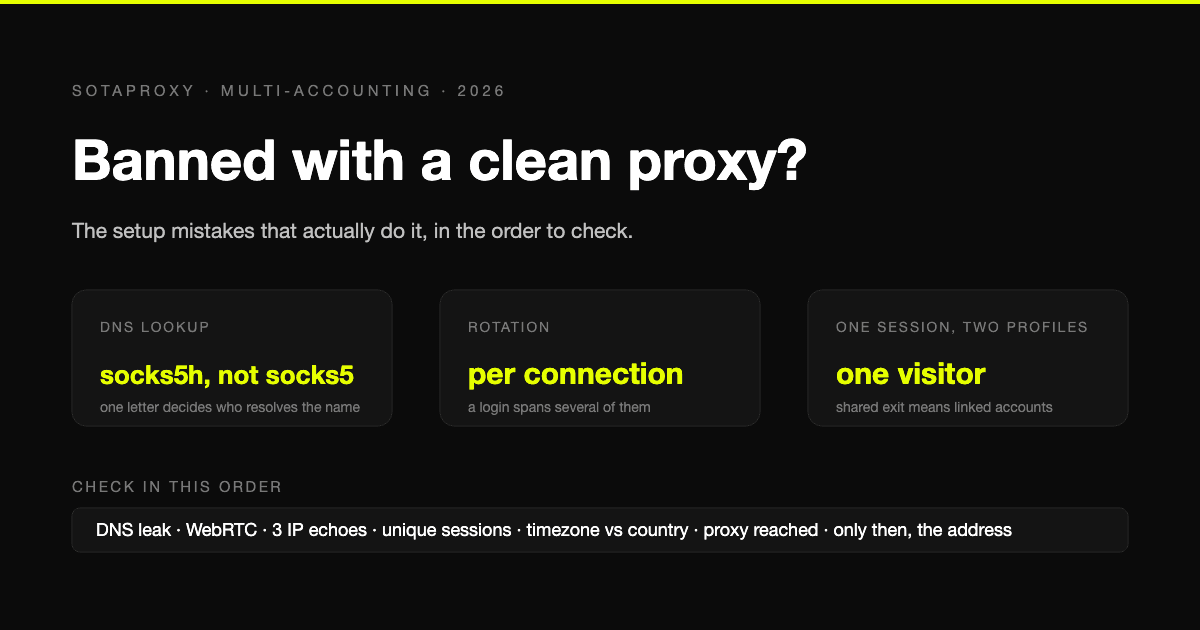
Banned With a Clean Proxy? The Setup Mistakes That Actually Do It
The proxy was clean, the address was residential, and the account still died. In most cases we see, the address was never the problem. Seven setup faults, each one checkable in a minute, in the order they usually turn out to be the cause.
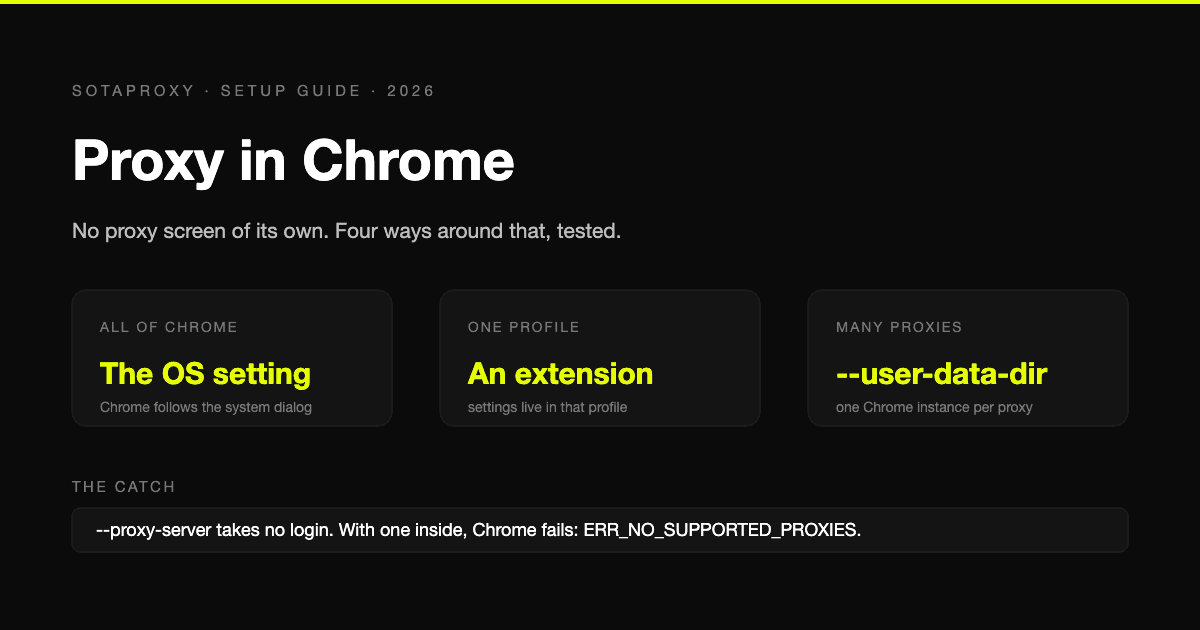
Proxy in Chrome: Where the Setting Lives, How to Set One Per Profile, and Every Error Code
Chrome borrows its proxy from the operating system, which is why it has no proxy screen and no per-profile setting. The four ways around that, tested on Chrome 154, with the error codes each mistake produces.

How to Avoid CAPTCHA on Automated Workflows
Learn how to avoid CAPTCHA on automated workflows with proxy tactics, antidetect browsers, request pacing, and solver fallbacks built for real operators.

Zip Code Targeting for Ad Campaigns: The Practitioner Guide
Zip code targeting explained for media buyers and traffic arbitrage teams. Covers proxy setup, ad platform rules, detection risks, and best practices.
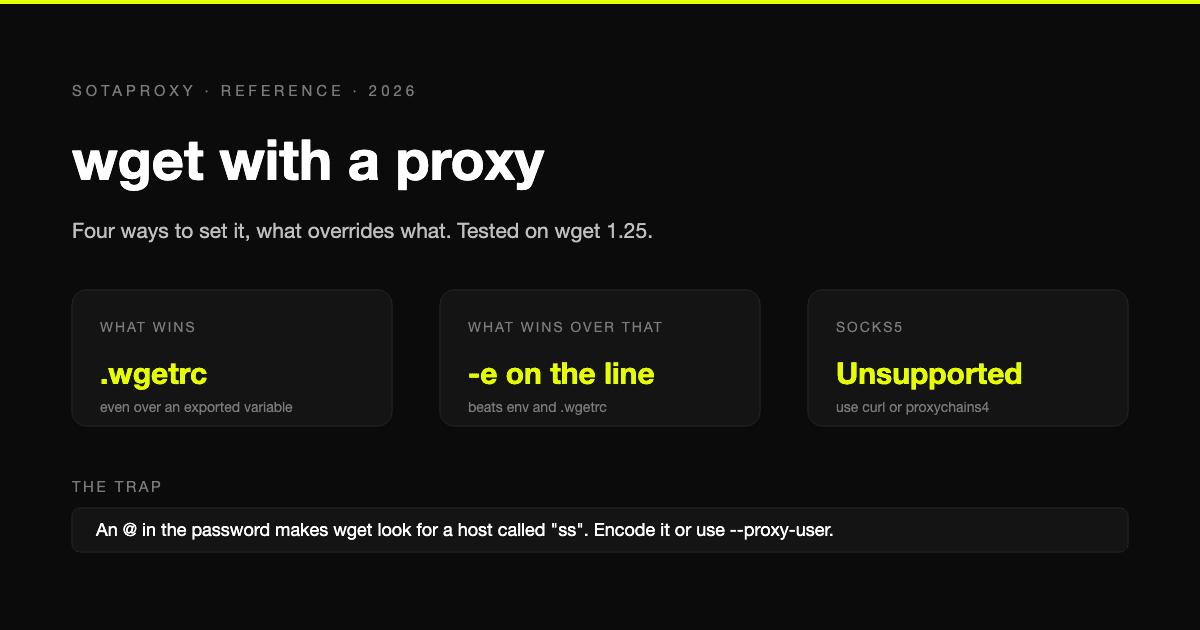
wget With a Proxy: Every Way to Set It, What Overrides What, and the SOCKS5 Problem
Four ways to give wget a proxy and the order they override each other in, tested on wget 1.25. Plus the exact error messages, the special-character trap, bypassing a proxy, and the one thing wget cannot do: SOCKS5.

How to Set Up Proxy: A Guide for Automation & Ad Teams
Learn how to set up proxy servers for technical use cases. A step-by-step guide on configuration, proxy types, automation, and troubleshooting for ad teams.