ERR_TUNNEL_CONNECTION_FAILED: The Error Name Is the Diagnosis
Chrome asked a proxy to open a CONNECT tunnel and it failed. That is the whole error. Where the proxy comes from when you never configured one, the six ways a proxy you did configure produces it, and why clearing your cache fixes nothing.
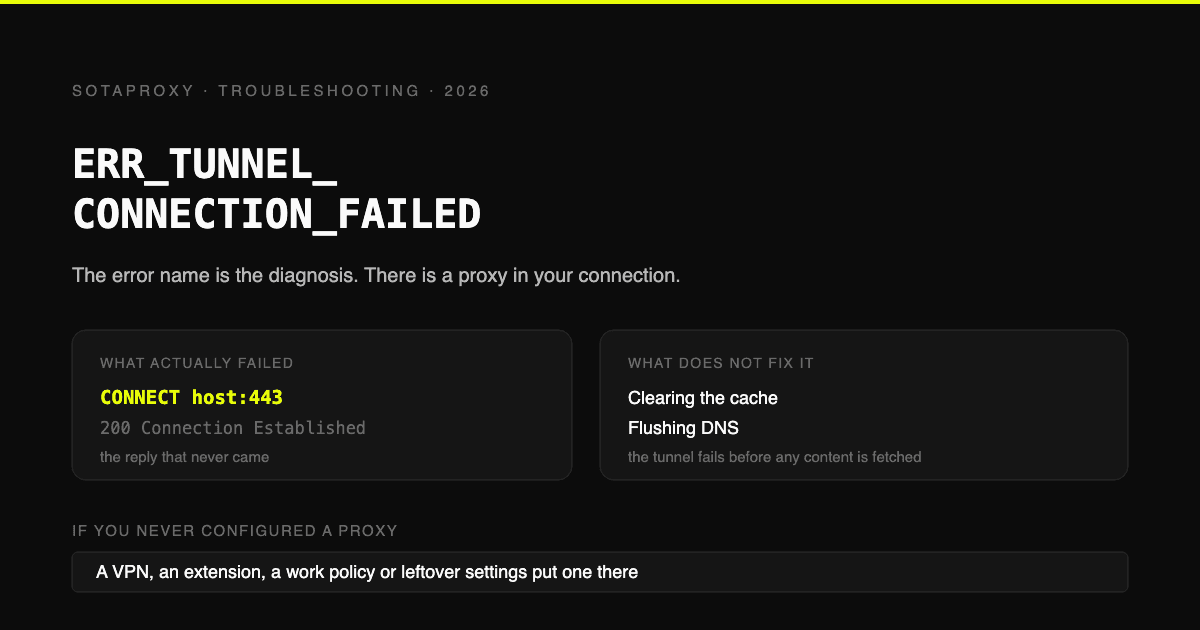
Most browser errors are vague. This one is not, and that is the good news.
When you open an HTTPS site through a proxy, the browser does not send your request to the proxy. It asks the proxy to build a tunnel first, with an HTTP CONNECT request naming the host and port. The proxy is supposed to reply 200 Connection Established, after which encrypted traffic flows through untouched.
ERR_TUNNEL_CONNECTION_FAILED means that handshake did not complete. Not that the site is down, not that your internet is broken, not that DNS is confused. The proxy hop failed.
Which gives you a diagnosis before you change anything: there is a proxy in your connection, and it is the problem. The only question is which proxy, and why it refused.
"But I do not use a proxy"
Then you have one you did not put there on purpose. In rough order of how often each turns out to be the answer:
- A VPN client, running or half-running. Many set a system proxy and leave it behind when they crash or when you disconnect badly.
- A browser extension. Ad blockers, privacy tools and "free VPN" extensions can set a proxy through the extension API, and Chromium's own issue tracker carries reports of exactly this error coming from that path.
- Corporate or school configuration. A PAC file or a pushed policy, often pointing at a proxy that only answers from inside the office network. This is why the laptop works at the office and fails at home.
- Leftover system settings. Windows LAN settings and macOS network proxies keep whatever was last written into them, including by software you removed.
- Malware or adware, which commonly works by inserting itself as a local proxy.
The fastest way to tell the difference: open the same site in a different browser, and on mobile data. If only one browser fails, it is an extension or that browser's own proxy setting. If every browser on the machine fails but the phone works, it is the system or the network.
Where to look, by platform
| Platform | Where the proxy setting lives |
|---|---|
| Windows 10 and 11 | Settings, Network and Internet, Proxy. Also inetcpl.cpl, Connections, LAN settings |
| macOS | System Settings, Network, your interface, Details, Proxies |
| Ubuntu and Linux desktops | Network settings, plus the http_proxy and https_proxy environment variables |
| WSL | Inherits nothing automatically: it has its own environment variables, and the Windows host proxy is a separate thing again |
| Android | Per Wi-Fi network, in the network's advanced settings |
The WSL row catches people out regularly. A terminal inside WSL and a browser on the same machine can disagree about whether a proxy exists at all, which is why one fails while the other works.
If you configured the proxy on purpose
This is the part the generic guides skip, because their advice is "turn the proxy off". If the proxy is the point, here are the six ways it produces this exact error.
1. Wrong port, or the right port for the wrong protocol. A SOCKS5 endpoint entered into an HTTP proxy field will fail the CONNECT handshake every time. Same for an HTTP port entered as SOCKS. Check which protocol the port actually speaks before assuming the credentials are wrong.
2. Authentication is failing. The sibling error is 407 Proxy Authentication Required, and these two queries sit in the same cluster for a reason: depending on the client, a rejected login surfaces as either one. If you see 407 anywhere near this, start there instead, with the 407 fix guide.
3. The proxy does not allow CONNECT to that port. Many proxies permit CONNECT to 443 and refuse everything else. If the failing URL uses a non-standard port, that is your answer.
4. Your IP is not whitelisted. Providers that authenticate by IP rather than by username silently refuse tunnels from unknown addresses. Your home address changed, or you moved network, and nothing else did.
5. The proxy is dead, expired or suspended. An unpaid or expired address does not announce itself politely; from the browser's side it looks exactly like this.
6. The upstream is blocking the destination. Some providers block specific ports or categories. The tunnel request is fine, the proxy simply will not open it to that host.
The way to separate these in one minute is to test the proxy outside the browser:
curl -x http://USER:PASS@HOST:PORT -I https://example.comA 200 or 301 means the proxy and credentials work, and the problem is your browser configuration. A 407 means authentication. A refused connection means the endpoint or port is wrong. This and the rest of the pre-purchase checks are in how to test a proxy before you buy it.
Browser by browser
Chrome, Edge, Opera and Brave are all Chromium, so they share this error text and share the system proxy unless an extension overrides it. That explains two common patterns:
- It fails in Chrome and Edge but not Firefox. Firefox keeps its own proxy settings and ignores the system ones by default, so it is quietly bypassing whatever is broken. Firefox will show a different message for the same underlying failure.
- It fails only in one Chromium browser. That browser has an extension or a command-line flag setting a proxy the others do not use.
Safari uses the macOS system settings, so it behaves like Chrome on the same Mac.
Why Teams, Outlook, Gmail and YouTube appear in this
They are all just HTTPS through the same hop. There is nothing specific to any of them: if the tunnel fails, everything HTTPS fails, and people search for whichever site they happened to be opening.
Two applications are genuinely different:
- VS Code keeps its own proxy setting and can fail while the browser works.
- Anything in WSL or a container has its own environment entirely, per the table above.
The fix order
- Try mobile data, or another network. Splits "my machine" from "this network" in ten seconds.
- Try another browser. Splits browser configuration from system configuration.
- Check the system proxy settings for your platform in the table above, and turn off anything you did not deliberately set.
- Disable extensions, or open a private window where they are off by default, and see if the error goes.
- Fully quit the VPN client, rather than just disconnecting it.
- If the proxy is intentional, run the curl test above and work through the six causes.
What does not fix this
Worth naming, because the popular advice for this error is mostly inherited from other errors:
- Clearing the cache. The failure happens before any content is fetched.
- Flushing DNS. Name resolution is not what failed; the tunnel is. DNS matters only if the proxy hostname itself does not resolve.
- Resetting the whole network stack. It sometimes works, but only because it wipes the proxy settings as a side effect, which step three does deliberately and reversibly.
- Changing to a public DNS resolver. Same reason as flushing.
If a guide opens with cache and DNS for this specific error, it is treating a proxy failure as a generic connectivity failure.
If you are here because you are setting up a proxy
Then this error is a configuration message rather than a fault, and the useful sequence is:
- Confirm the endpoint speaks the protocol you entered it as, per the differences between proxy types.
- Confirm authentication separately with curl, before involving a browser.
- Confirm the address is allowed to reach your target at all, since some destinations refuse whole categories of address. The related case where the destination rather than the proxy does the refusing is in why Reddit says you have been blocked by network security.
Getting a clean 200 Connection Established out of curl before touching the browser saves most of the time people lose to this error.
FAQ
What does ERR_TUNNEL_CONNECTION_FAILED mean?
That your browser asked a proxy server to open an encrypted tunnel to the site, using the HTTP CONNECT method, and the proxy did not complete that handshake. It is specifically a proxy failure, not an internet, DNS or website failure.
How do I fix ERR_TUNNEL_CONNECTION_FAILED?
Find the proxy. Check your system proxy settings, disable browser extensions, fully quit any VPN client, and try another browser and another network to narrow it down. If you configured the proxy deliberately, test it with curl outside the browser to separate a credentials problem from a wrong port or a dead endpoint.
I do not use a proxy, so why am I seeing this?
Because something set one for you: a VPN client that did not clean up, a browser extension, a corporate or school policy, leftover settings from removed software, or adware. The error only appears when a proxy is in the path, so finding it is the whole job.
Is ERR_TUNNEL_CONNECTION_FAILED an HTTP status code?
No. It is a Chromium network error, not an HTTP response. The closest HTTP equivalent is what the proxy should have returned instead: 200 Connection Established on success, or something like 407 Proxy Authentication Required when your credentials are rejected.
Why does it happen in Chrome but not Firefox?
Because Chromium browsers use the system proxy settings by default and Firefox keeps its own. Firefox is not fixing anything, it is bypassing the broken proxy entirely, which is also a useful diagnostic.
Can I bypass ERR_TUNNEL_CONNECTION_FAILED?
Only by removing or fixing the proxy in the path. There is no browser flag or trick, because the browser is reporting that a required step did not happen. If the proxy belongs to your employer or school, the network is doing what it was configured to do.
Why do Teams, Outlook or Gmail show it?
They do not do anything special. All of them are HTTPS traffic through the same proxy hop, so when the tunnel fails they fail alongside everything else. VS Code is the exception worth knowing, since it has its own proxy setting.
Does clearing the cache or flushing DNS help?
Rarely, and not for the reason people think. The tunnel fails before any content is requested, so there is nothing cached to be wrong. DNS only matters if the proxy's own hostname cannot be resolved.
Похожие статьи
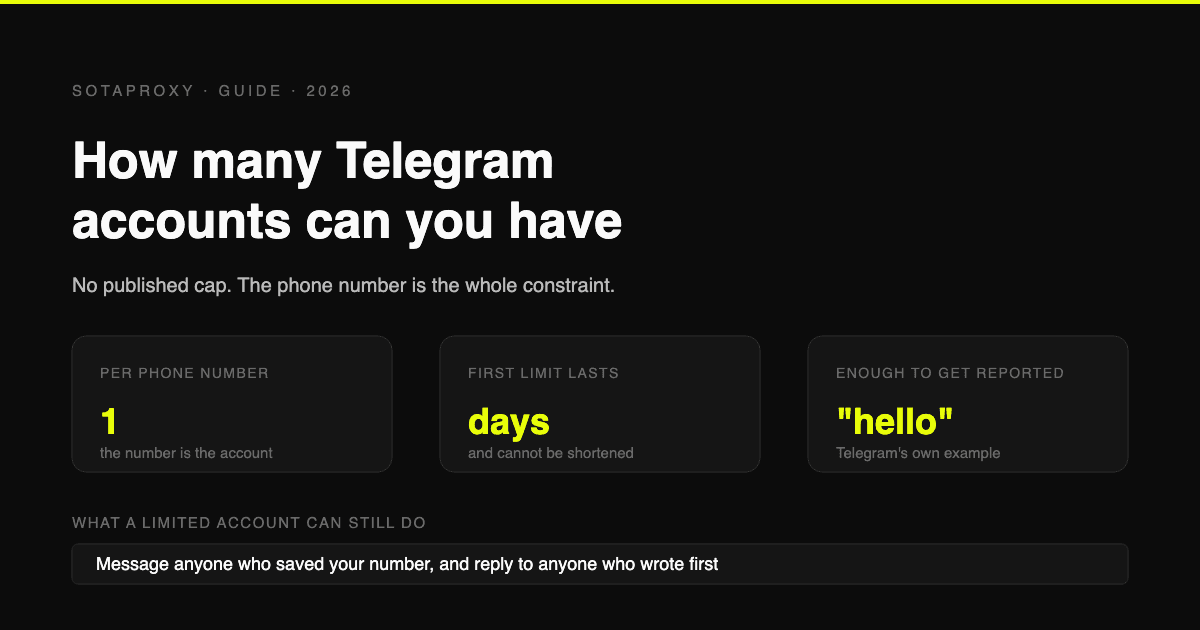
Сколько аккаунтов Telegram можно иметь в 2026 году (и что на самом деле означает «ограничение»)
Telegram не публикует лимит на количество аккаунтов, один номер на аккаунт, а в официальном FAQ по спаму сказано, что ограниченный аккаунт может писать всем, кто сохранил ваш номер. Что вызывает ограничения, почему виртуальные номера попадают под блок ещё до первого сообщения и почему досрочной разблокировки не существует.
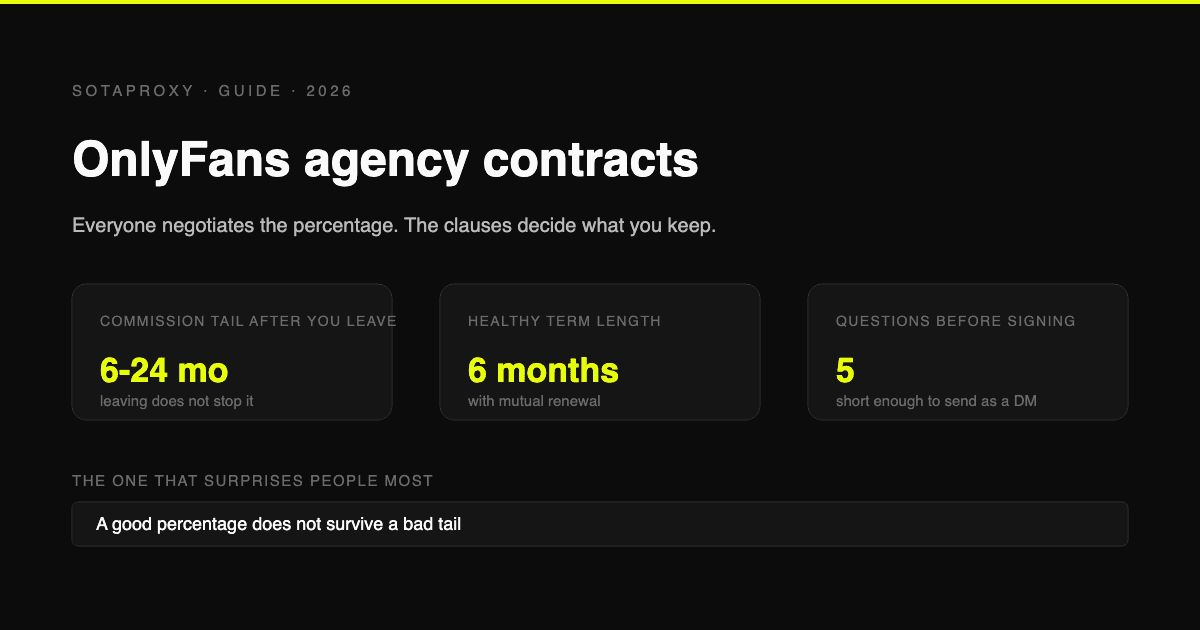
Контракты с агентствами OnlyFans: пункты, которые определяют, что останется вам
Процент от выручки обсуждают все, но важен он меньше всего. Хвосты комиссий, возвраты средств, пожизненные отчисления с подписчиков, эксклюзивность и права на контент - вот что определяет, во что вам обойдётся уход из агентства.
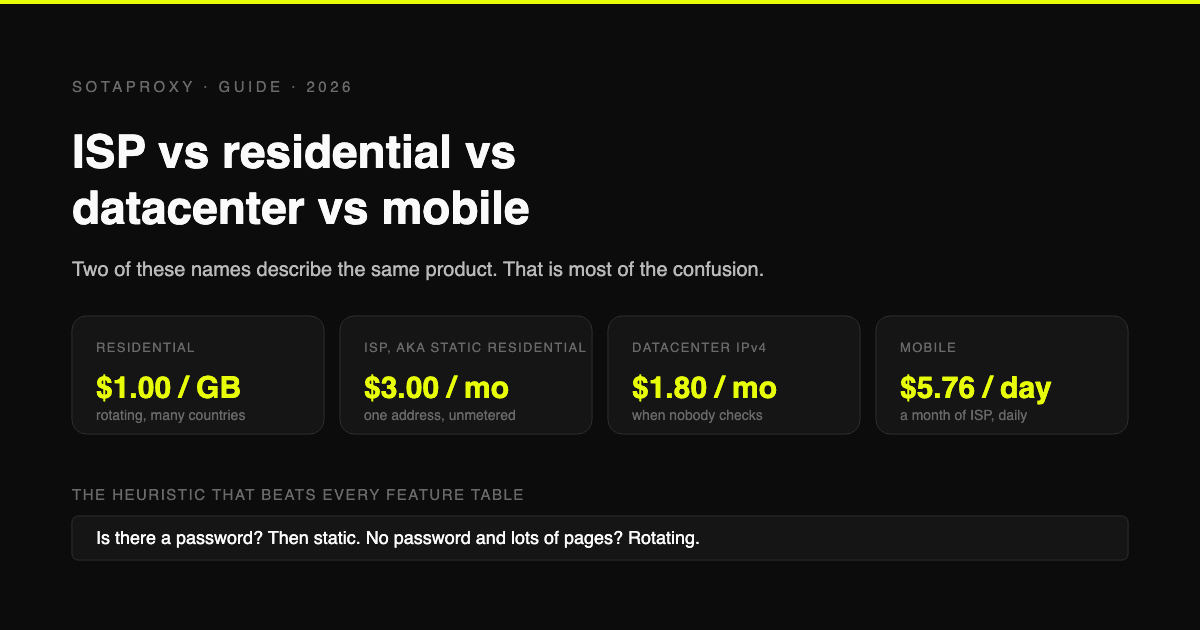
ISP, резидентные, дата-центровые и мобильные прокси: какие действительно нужны вам
Статические резидентные и ISP-прокси - это один и тот же продукт под разными названиями, поэтому половина сравнений сводится к сопоставлению вещи с самой собой. Разбираем типы прокси, их реальную стоимость за единицу и конкретные задачи, для которых каждый тип подходит лучше всего.
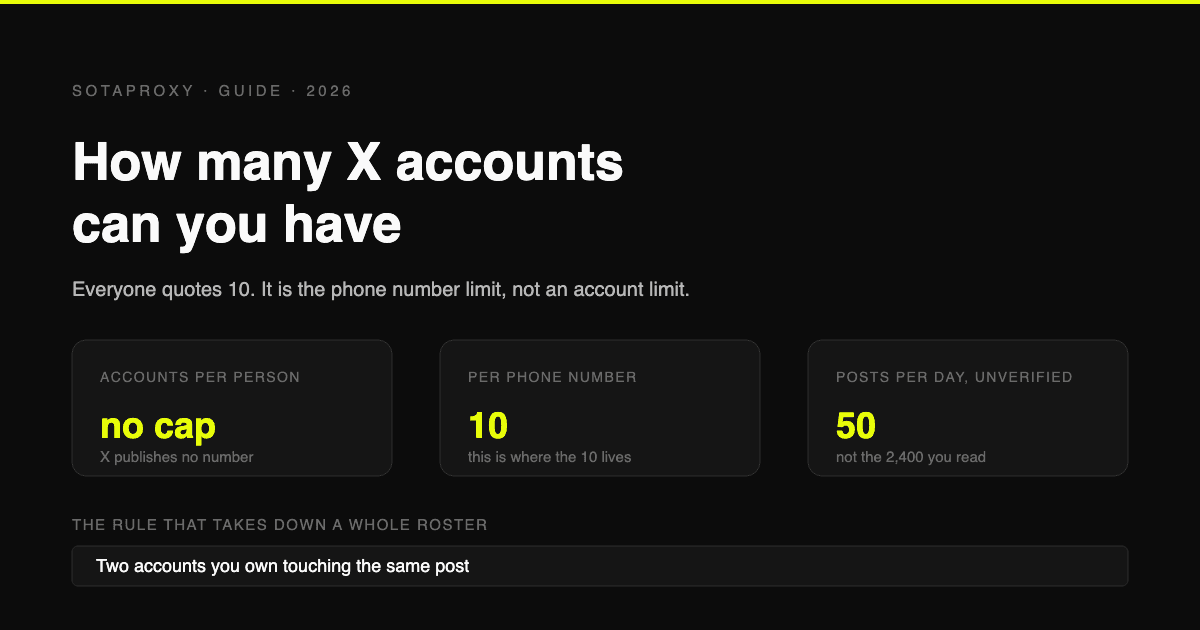
Сколько аккаунтов X (Twitter) можно иметь в 2026 году (лимит 10 - это ограничение на номер телефона, а не на количество аккаунтов)
X не публикует ограничений на количество аккаунтов на одного человека. Упоминаемая всеми цифра 10 - это число аккаунтов, которые можно привязать к одному номеру телефона. Реальные ограничения - это 50 постов в день для бесплатного аккаунта, дублирование сценариев использования и взаимодействие между аккаунтами.
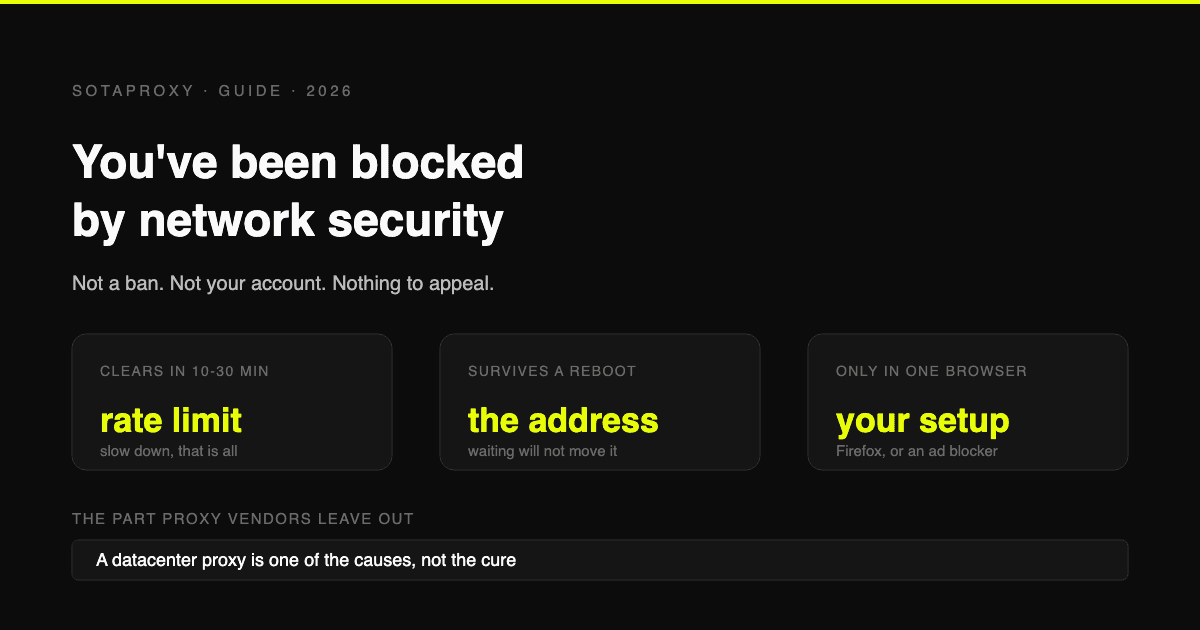
Reddit «Вы заблокированы сетевой безопасностью»: все причины и решения для каждой
Это не бан, и обжаловать нечего. Блокировка исходит от пограничной инфраструктуры Reddit, применяется к вашему подключению и имеет шесть причин. Вот как определить, какая из них у вас, и как долго длится каждая.
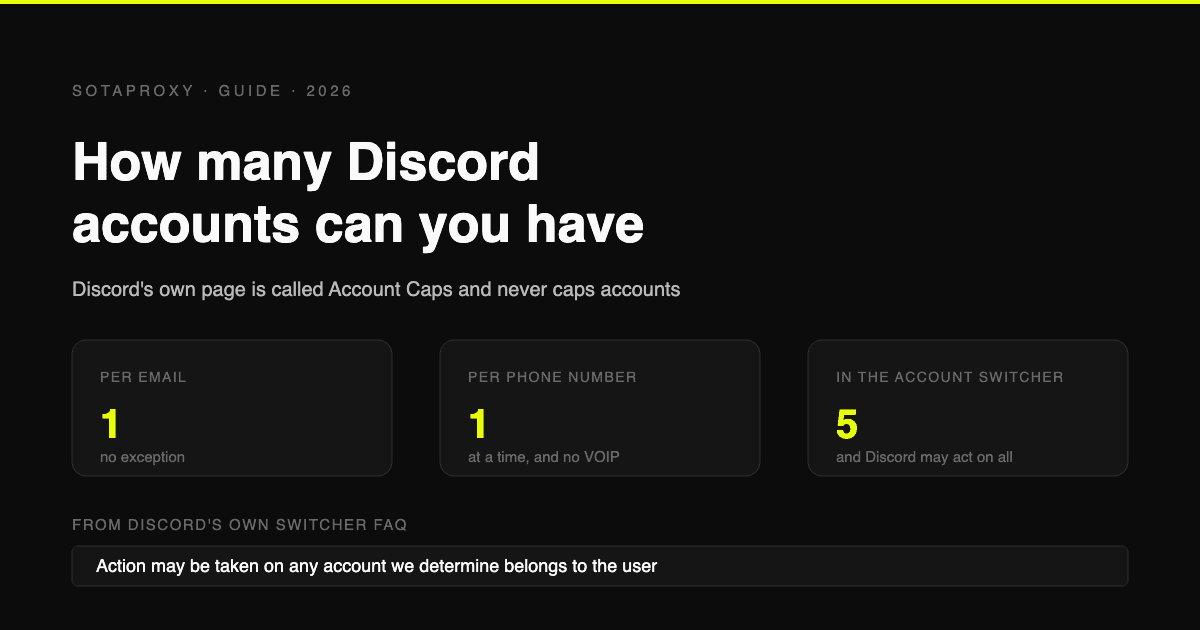
Сколько аккаунтов Discord можно иметь в 2026 году (на email, на телефон, на устройство)
Discord не публикует ограничений на количество аккаунтов. Реальные лимиты: один на email, один номер телефона одновременно без VOIP и пять в переключателе аккаунтов, что Discord может применять глобально.