ISP vs Residential vs Datacenter vs Mobile Proxies: Which One You Actually Need
Static residential and ISP are the same product under two names, which is why half these comparisons compare a thing to itself. What each type is, what it costs per unit, and the one task each is genuinely best at.
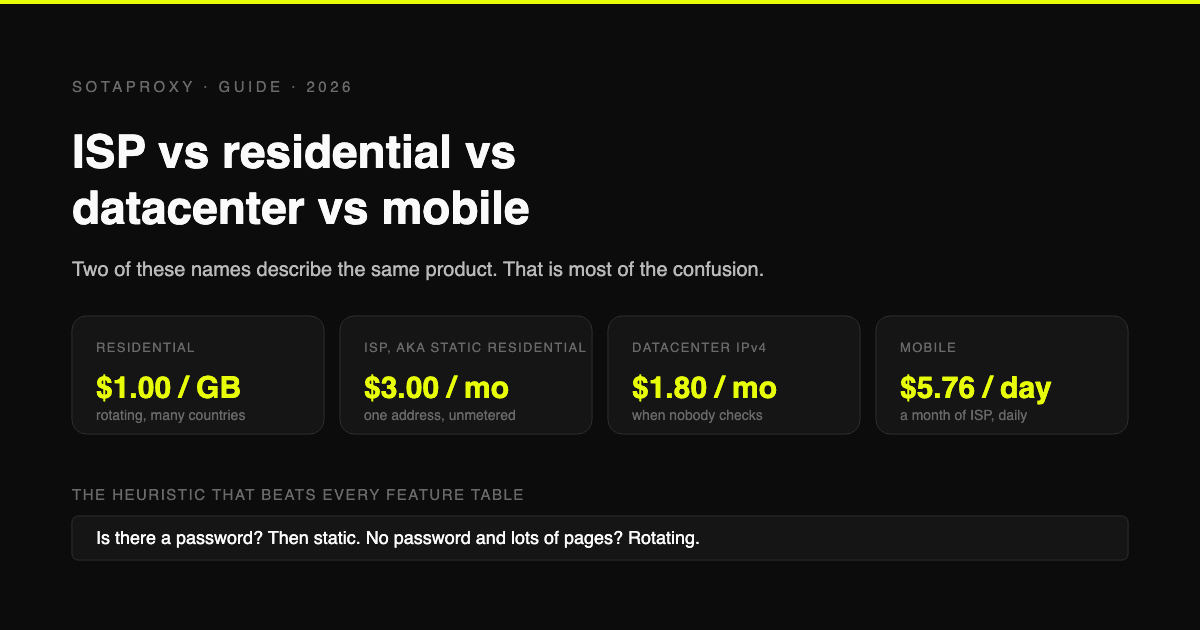
Before the comparison, the thing that causes most of the confusion: "static residential proxy" and "ISP proxy" are two names for the same product. Every vendor uses both, some use them on the same page, and nobody says they are synonyms. Which is why one of the most common questions in this space, static residential versus ISP, is not a question at all.
So the real landscape is five types, not eight, and they differ on two independent axes that people collapse into one:
- What the address looks like to the target: a home subscriber, a phone on a carrier, or a server in a datacenter.
- Whether it stays the same: static, meaning you keep one address, or rotating, meaning you get a different one per request or per session.
Those are separate choices. Residential can be either. That single sentence resolves about half the comparisons below.
The five types, side by side
| Type | What the target sees | Static or rotating | Billed by | Our price |
|---|---|---|---|---|
| Residential | A home subscriber, real consumer connection | Rotating, with sticky sessions | Traffic | $1.00 per GB, no minimum |
| ISP, also sold as static residential | A home subscriber, but hosted | Static | Address per month | From $3.00, down to $1.90 at 200+ |
| Datacenter IPv4 | A server, hosting range | Static | Address per month | From $1.80, $1.15 from 75 |
| Datacenter IPv6 | A server, on an IPv6 range | Static | Address per month | $0.20 per address |
| Mobile | A phone on a carrier, shared NAT | Rotating by nature | Modem per day | From $5.76 per day |
Prices above are ours, checked on our own storefront on 22 September 2026. Treat any vendor's headline number with suspicion until you know the volume it requires: the industry habit is to advertise the floor of the volume ladder as if it were the entry price.
ISP vs residential: the one that matters most
This is the comparison people actually need, and the answer is not about quality. Both look residential to the target. The difference is persistence and billing.
| Residential | ISP | |
|---|---|---|
| Address | Changes, by request or by session | Yours for the term |
| Trust level | Real consumer connection | Registered to an ISP, hosted in a datacenter |
| Billing | Per gigabyte | Per address per month, traffic unmetered |
| Speed | Slower, it is a real home line | Fast, it is datacenter hardware |
| Best at | Many locations, many requests, no login | One account living on one address |
| Fails at | Anything that must look like the same person tomorrow | Anything needing hundreds of locations |
The decision rule is short: if there is a login, you want static. If there is volume, you want rotating. An account that logs in from a different city every session is a problem you created; a scraper that hits a site 50,000 times from one address is a different problem you created.
The cost crossover is worth doing before you choose, because per-GB and per-address are not comparable until you put your own numbers in. One ISP address at $2.10 a month with unmetered traffic beats residential the moment that account pulls more than about two gigabytes a month. Below that, residential is cheaper and more flexible. Above it, the flat address wins and keeps winning.
Static vs rotating residential: same product, different switch
Here the naming mess bites again. A "static residential proxy" is an ISP proxy. A "rotating residential proxy" is what most people mean by residential. They are sold as two products because they solve opposite problems:
- Rotating gives you a new address per request or per sticky session, usually up to 10 to 30 minutes. Right for scraping, price monitoring, checking how a page looks from 40 countries.
- Static gives you one address for the whole term. Right for accounts, dashboards, anything with a session and a password.
The failure mode people hit: using a rotating pool for a logged-in account. Changing exit address mid-session is itself a signal, and on some platforms it is a stronger signal than the datacenter range would have been. We wrote that up in detail for Reddit and it holds everywhere there is a login.
ISP vs datacenter: the honest version
Here is what vendors gloss over. An ISP proxy is a datacenter proxy whose address happens to be registered to a consumer internet provider. Same racks, same hardware, same latency profile. What differs is the ASN the address belongs to, and therefore what a target's IP-reputation lookup concludes about it.
That has two consequences worth knowing before you buy:
- ISP is not magic, it is paperwork. The category is exactly as good as the reputation of the specific range. Plenty of "dedicated ISP" inventory on the market is recycled, already flagged, and behaves like the datacenter address it physically is. This is the most common complaint against ISP products across the whole market, and it is a fair one.
- You can check before you commit. The same lookups a target runs are ones you can run yourself in ten minutes, which is the entire argument of how to test a proxy before you buy it. Do it on a trial address, not after buying fifty.
When datacenter is the correct answer: the target does not check address class. That covers a lot of public data, most APIs you are allowed to use, internal tooling, and plenty of price monitoring. At $1.80 for one address dropping to $1.15 at volume, paying ISP rates for a target that never looks is waste.
ISP vs IPv4: a category error worth fixing
People search this as though IPv4 were a type. It is not, it is an address family. Both ISP and datacenter proxies are normally IPv4. The real question behind the query is ISP versus datacenter IPv4, answered above.
Where IPv6 is genuinely different: it is cheap, $0.20 an address against $1.80, because the supply is effectively unlimited. And it only works where the target publishes an AAAA record and accepts IPv6 traffic. That is a real constraint, not a detail: plenty of major sites still do not. IPv6 is excellent for the narrow case and useless outside it, which is why it is the cheapest line in the table.
ISP vs mobile: the expensive end
Mobile addresses come from real carrier ranges, shared behind carrier NAT with thousands of genuine subscribers. That makes them the hardest class to act against, because blocking one punishes real customers.
| ISP | Mobile | |
|---|---|---|
| Trust | High | Highest available |
| Address behaviour | One static address | Rotates with the carrier, you do not control it |
| Price | From $3.00 per month | From $5.76 per day |
| Use when | Accounts needing a fixed identity | The target specifically checks for carrier ranges |
The price gap is the whole story: mobile costs roughly a month of ISP every day. It is worth it only when the target genuinely requires a carrier range, and no ISP address will pass that check no matter how clean it is. If you are not sure whether your target checks, it probably does not.
Proxy vs VPN: not the same category at all
A large share of these searches are really this question, so: a VPN is built to protect your traffic, a proxy is built to give you a specific address.
- A VPN sends all your device traffic through one shared exit used by thousands of other subscribers, which is precisely why VPN exits are the most widely blocked ranges on the internet. That is the direct cause of a large family of errors, including the Reddit network security block.
- A proxy gives you a chosen address, usually per browser profile or per application, with you deciding whether it is shared or dedicated and where it sits.
If the goal is privacy on a coffee-shop network, use a VPN. If the goal is one account with one consistent identity, or data from a specific place, a VPN is the wrong tool and will actively work against you.
What you actually pay, per unit
The reason price comparison in this market is hard: the units differ by type, so headline numbers cannot be compared directly. Convert to your own workload first.
A worked example, one account, modest usage, one month:
| Type | What you buy | Monthly cost |
|---|---|---|
| ISP | 1 address, unmetered | $3.00, or $2.10 each if you take ten |
| Residential | ~2 GB of traffic | $2.00 |
| Datacenter IPv4 | 1 address, unmetered | $1.80 |
| IPv6 | 1 address, unmetered | $0.20 |
| Mobile | 1 modem, 30 days | about $173 |
And the same for a scraping job pulling 200 GB a month:
| Type | Monthly cost | Viable |
|---|---|---|
| Residential | $200 | Yes, and the only one that gives many locations |
| ISP | $3.00 for one address, traffic free | Yes, if the target tolerates one address hammering it |
| Datacenter | $1.80 | Yes, if the target does not check address class |
Note what that second table shows: for pure volume, the cheap static types win enormously on price and lose on plausibility. The choice is not about money, it is about whether one address doing 200 GB looks like a person. It does not.
Which one should you buy?
| Your task | Type |
|---|---|
| Run a social or marketplace account long-term | ISP, one address per account |
| Run 20 accounts | ISP, one address each, per the stack cost breakdown |
| Scrape public pages at volume | Datacenter, unless it blocks you |
| Scrape sites that check address class | Residential, rotating |
| See a page as a local in 40 countries | Residential |
| Pass a check that demands a carrier range | Mobile |
| Cheap bulk addresses for IPv6-ready targets | IPv6 |
| Protect your own browsing on public wifi | Neither, a VPN |
If you are choosing between ISP and residential and genuinely cannot tell, default to the question "is there a password?" A password means static. No password and lots of pages means rotating. That one heuristic gets the answer right far more often than any feature table, including this one.
FAQ
What is the difference between ISP proxies and residential proxies?
ISP proxies are static: one address, yours for the term, billed per address with unmetered traffic, hosted in a datacenter on a range registered to a consumer provider. Residential proxies are rotating real consumer connections billed by the gigabyte. Both look residential to the target; the difference is whether the address persists and how you pay.
Is a static residential proxy the same as an ISP proxy?
Yes. They are two names for one product, and vendors use both interchangeably. Nothing distinguishes them except marketing.
What is the difference between static and rotating residential proxies?
Static keeps one address for the whole term and suits anything with a login. Rotating hands you a new address per request or per sticky session and suits scraping and multi-location checks. A rotating address inside a logged-in session is a signal in itself, so do not mix them up.
ISP proxy vs datacenter proxy: which is better?
Neither, they answer different questions. ISP costs more and passes checks on address class because its range belongs to an internet provider. Datacenter is cheaper and identical in performance, and it is the right choice whenever the target does not care. Test the target before paying the premium.
Are ISP proxies really residential?
Only on paper, and that is worth understanding. The hardware sits in a datacenter; the address range is registered to an ISP. That is enough for most reputation lookups, which is the point, but it also means the category is only as good as the specific range. Flagged ISP inventory exists and behaves like what it physically is.
ISP proxy vs mobile proxy?
Mobile addresses come from carrier ranges shared with real subscribers, which makes them the hardest to block and by far the most expensive: from $5.76 a day against $3.00 a month. Buy mobile only when the target specifically checks for a carrier range.
Is an ISP proxy the same as IPv4?
No. IPv4 is an address family, not a proxy type, and ISP proxies are normally IPv4 themselves. The question people mean is ISP versus datacenter IPv4, where the difference is which organisation the range is registered to.
Proxy or VPN: what do I need?
A VPN protects your own traffic through a shared exit, which is why VPN ranges are so widely blocked. A proxy gives you a specific address for a specific profile or app. Privacy on untrusted wifi is a VPN job; a consistent identity for an account is a proxy job.
Which proxy type is cheapest?
Per address, IPv6 at $0.20 a month, but only for targets that accept IPv6. For realistic work the honest answer depends on the unit: a static address with unmetered traffic is cheapest for steady account use, while per-gigabyte residential is cheapest for light or occasional use spread across many locations.
Related articles
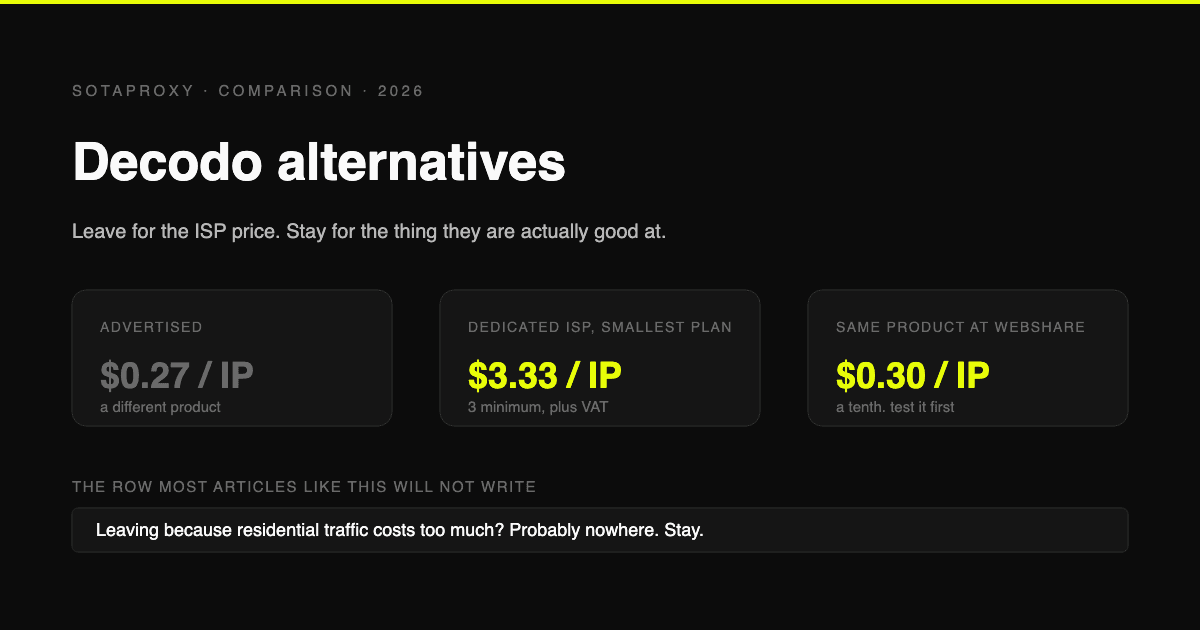
Decodo Alternatives in 2026: Who to Move to, and Who Not to Bother
Decodo is the cost leader on rotating residential and one of the pricier options on dedicated ISP. Verified prices for both, the reasons people actually leave, and which alternative fits each one.
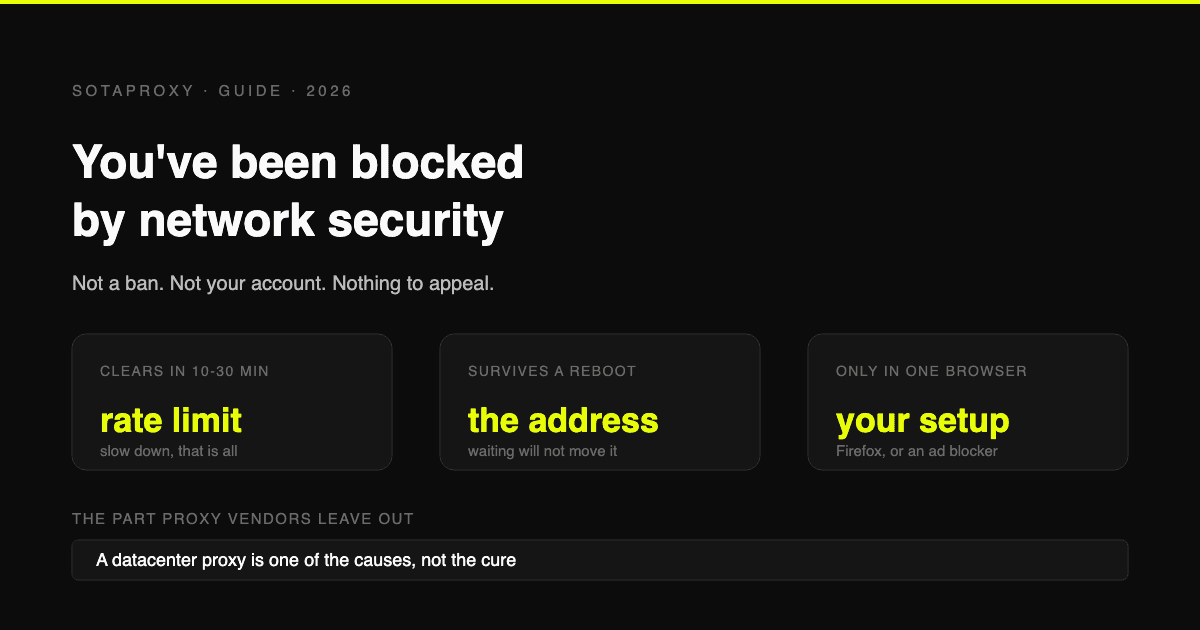
Reddit "You've Been Blocked by Network Security": Every Cause, and the Fix for Each
It is not a ban and there is nothing to appeal. It comes from Reddit's edge, applies to your connection, and has six causes. Here is how to tell which one you have, and how long each lasts.
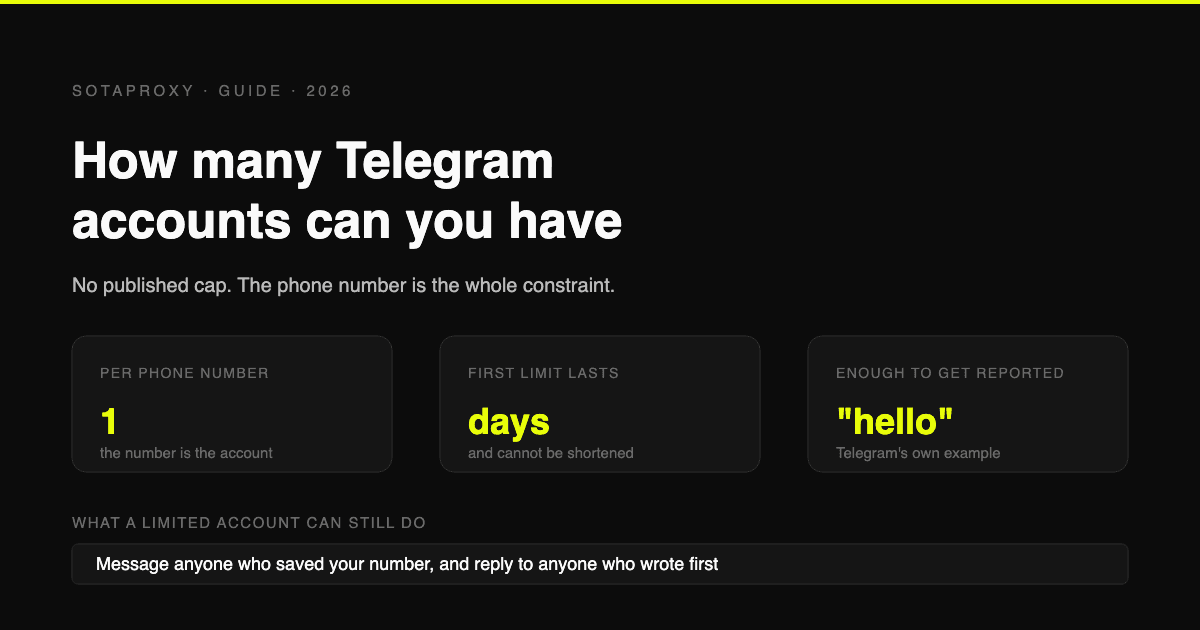
How Many Telegram Accounts Can You Have in 2026 (And What "Limited" Really Means)
Telegram publishes no account cap, one number per account, and its own Spam FAQ says a limited account can still message anyone who saved your number. What triggers a limit, why VOIP numbers get flagged before you send a word, and why there is no early release.
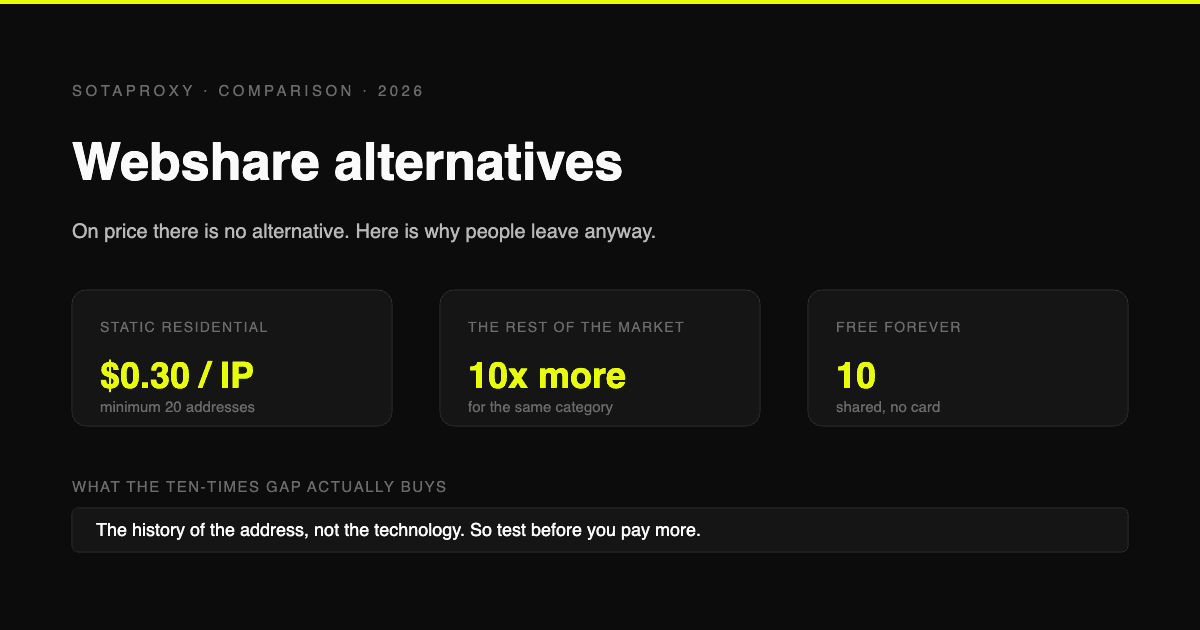
Webshare Alternatives in 2026: When the Cheapest Proxies Stop Being Cheap
Webshare gives away 10 proxies and sells static residential at $0.30 an IP, a tenth of what most vendors charge. Verified prices, the four reasons people still leave, and the one reason to stay.
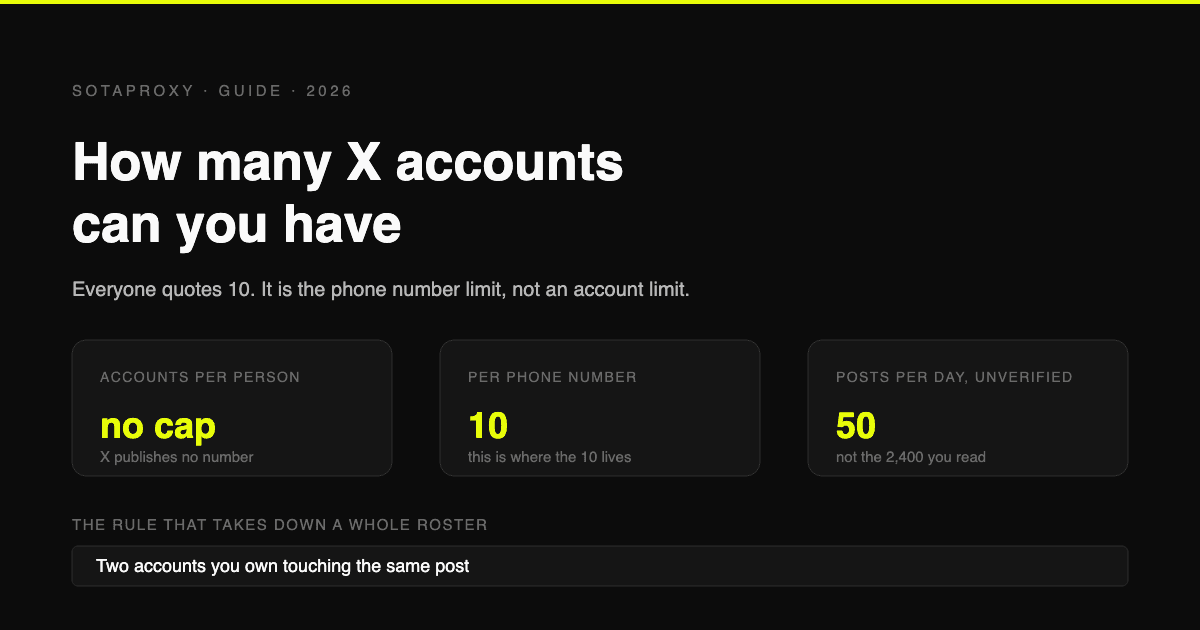
How Many X (Twitter) Accounts Can You Have in 2026 (The 10 Is a Phone Limit, Not an Account Limit)
X publishes no cap on accounts per person. The 10 everyone quotes is the number of accounts one phone number can cover. The real constraints are 50 posts a day on a free account, duplicative use cases, and accounts that interact with each other.
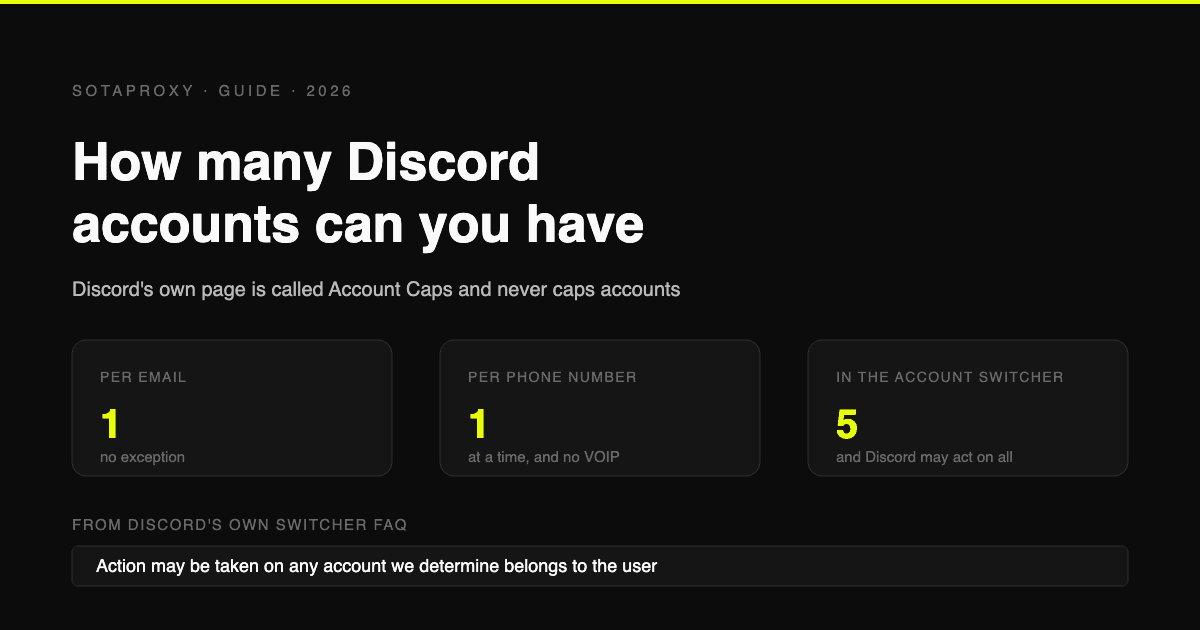
How Many Discord Accounts Can You Have in 2026 (Per Email, Per Phone, Per Device)
Discord publishes no cap on accounts. The real limits are one per email, one phone number at a time with no VOIP, and five in the Account Switcher, which Discord says it may enforce across.