How to Test an Android App Across Global Countries Before Google Play Release
A practical framework for testing Android apps across countries before Google Play release, covering network setup, device coverage, cloud phones, and troubleshooting.

An Android app may work perfectly on a developer's phone but fail when users in another country try to install it, log in, or access certain features. Differences in network conditions, Android versions, regional services, and account settings can all affect the user experience.
These challenges become more complex when an app targets multiple markets. Testing on a single physical device cannot cover every combination of network location, system configuration, and device compatibility. Meanwhile, manually switching environments can make bugs difficult to reproduce.
A structured testing process helps development teams identify these issues before release. By combining physical devices, emulators, proxies, and cloud phones, teams can test regional behavior more efficiently and build a more reliable release workflow.
Table of Contents
Why Multi-Country Android Testing Matters
Build a Test Environment for Each Market
Configure Proxies for Regional Testing
Run a Repeatable Pre-Release Testing Workflow
Validate Google Play Distribution
Troubleshooting and FAQ
1. Why Multi-Country Android Testing Matters
Several factors can affect how an app behaves across different markets.
Network and Regional Services: Apps may rely on regional APIs, location-dependent content, or third-party services with different access rules. Testing across network environments helps identify connectivity issues and unexpected regional responses.
Android Versions and Device Compatibility: Differences in Android versions, screen sizes, hardware capabilities, and permissions can cause installation failures, crashes, or layout problems. Testing representative devices helps identify compatibility issues before launch.
Localization and Regional Settings: Language, time zone, date formats, and currency settings can affect both the interface and application logic. These settings should be tested independently of network location.
Google Play Distribution: An app's availability through Google Play depends on distribution settings, testing-track access, account configuration, and device compatibility. A successful network test alone cannot confirm that users in a particular country can install the app.
2. Build a Test Environment for Each Market
Before running tests, define which environments matter for the app and its target markets. This prevents testing from becoming a collection of unrelated manual checks.
Create a Test Environment Matrix
Start with the following dimensions:
Test dimension | What to check | Why it matters |
|---|---|---|
Country or region | Regional network behavior and market-specific features | Requests and services may behave differently across regions |
Network | Wi-Fi, mobile data, latency, and connection stability | Slow or unstable connections can expose timeouts and retry failures |
Android version | Minimum supported version and commonly used versions | APIs, permissions, and system behavior may differ |
Device configuration | Screen size, resolution, memory, and hardware capabilities | UI layouts and performance may vary |
Language and locale | App language, date, time, currency, and number formats | Incorrect formatting can affect usability and transactions |
Account and distribution | Test accounts, permissions, and app availability | Access and feature behavior may depend on account or release settings |
Not every project needs every combination. Prioritize environments based on the app’s supported Android versions, target countries, key user journeys, and known technical risks.
For example, a shopping app may prioritize regional payment flows, while a social app may focus on registration, media uploads, and account authentication.
Choose the Right Testing Setup
Different testing environments serve different purposes. A practical setup often combines several methods rather than relying on only one.
Testing method | Best suited for | Main limitation |
|---|---|---|
Physical Android devices | Hardware behavior, sensors, and real-world performance | Expensive and difficult to scale across many regions |
Android emulators | Early functional tests and automated checks | May not fully reproduce physical-device behavior or regional network conditions |
Cloud phones | Remote access to Android devices and repeatable multi-device testing | Available devices, regions, and configurations depend on the provider |
Emulators are useful during early development, while physical devices help validate hardware-dependent behavior. Cloud phones can make it easier to repeat tests across multiple Android environments without maintaining a large device lab.
The right combination depends on the app. Hardware-intensive features still need appropriate physical-device validation, even when most functional testing runs in an emulator or cloud environment.
3. Configure Proxies for Regional Testing
Network conditions can affect login requests, API responses, content delivery, and other location-sensitive features. A regional testing setup can help identify issues that are difficult to reproduce from the development team's usual network.
A proxy routes traffic through an intermediary server. Depending on its configuration and exit location, it can help testers examine how an app behaves when requests originate from different network locations.
When evaluating a proxy provider, such as SotaProxy, confirm that its available locations, connection protocols, session behavior, and usage limits fit the testing requirements. Availability and capabilities should be checked against the provider's current specifications.
Set Up a Controlled Network Test
Choose the target region. Select a country relevant to the app’s intended audience or a region where a reported issue occurs.
Configure the proxy. Apply the connection settings supported by the proxy service and the Android testing environment.
Verify the connection. Confirm the apparent network exit location before launching the app.
Run the same test case. Repeat a defined action, such as logging in or loading regional content, without changing unrelated settings.
Record the result. Capture response times, errors, and relevant logs so results can be compared across environments.
Practical Rule: Change one variable at a time. If the network location, Android version, language, and account all change simultaneously, it becomes much harder to identify the cause of a failure.
Understand What a Proxy Can and Cannot Test
A proxy changes the network route or apparent IP address, but it does not automatically reproduce every aspect of a user’s regional environment.
An app may also consider device settings, account information, GPS data, SIM-related signals, payment profiles, or service-side eligibility rules. A successful proxy connection therefore does not prove that the app behaves exactly as it would for a local user.
For reliable results, combine network testing with the appropriate device, locale, account, and distribution settings. Use legitimate test accounts and follow the requirements of the services being tested.
4. Run a Repeatable Pre-Release Testing Workflow
Once the environments are defined, use the same workflow for each test run. Consistency makes it easier to compare results and determine whether a fix actually resolved the problem.
Step 1: Install the Candidate Build
Install the release candidate on each selected environment. Confirm that installation completes successfully and that the app opens without crashing.
Record the app version, build number, Android version, device configuration, and network setup. This information helps distinguish an application defect from an environment-specific issue.
Step 2: Test Critical User Journeys
Prioritize the actions users must complete successfully, such as:
Registration, login, and account recovery
Core features and key API requests
Uploading or downloading media
Payments or subscriptions, where applicable
Push notifications and background tasks
Language switching and regional formatting
Run the same scenarios across the selected environments. Avoid changing several variables during a single test unless the purpose is specifically to validate their interaction.
Step 3: Automate Repeatable Checks
Automation is useful for tasks that need to be repeated across many devices or builds. Depending on the app and testing setup, this may include launching the app, navigating common screens, filling forms, and checking expected outcomes.
Cloud phone platforms such as DuoPlus can provide remote Android environments for multi-device testing. Its RPA capabilities may also help automate repeatable interactions, subject to the available features and configuration.
Automation should complement-not replace-manual checks for visual defects, unusual behavior, and scenarios that require human judgment.
Step 4: Collect Logs and Compare Results
When a test fails, record enough information to reproduce it:
Device and Android version
App build and test case
Country or network exit location
Relevant locale and account settings
Error messages, screenshots, and timestamps
Compare successful and failed runs to identify patterns. If login fails only on one regional network, investigate the network path and server response before changing the app's authentication logic.
Step 5: Fix, Retest, and Run Regression Checks
After a fix, repeat the original failing test under the same conditions. Then run related tests to ensure the change has not introduced a new issue.
For example, a change to login handling should be checked against registration, account recovery, session persistence, and any related authentication flows.
Practical Rule: A bug is not confirmed as fixed simply because it no longer appears on one device. Retest it in the original failing environment and check the related user journeys.
5. Validate Google Play Distribution
Passing functional tests does not guarantee that an app is ready for public release. The release process should also verify that the correct build is available to the intended testers and that distribution settings work as expected.
Use a Testing Track Before Production
Google Play Console provides testing tracks that allow developers to distribute pre-release builds to selected testers. Internal testing is useful for quick checks, while closed testing supports a more controlled group of external testers.
Before beginning a test cycle:
Upload the intended build to the appropriate testing track.
Confirm tester access and follow the track's enrollment instructions.
Install the app through the testing distribution flow.
Verify updates, installation, login, and critical features.
Collect feedback and resolve release-blocking issues before promotion.
Testing-track requirements can vary by developer account type and current Google Play policies. Check the applicable requirements in Play Console rather than assuming every account follows the same process.
Check Availability and Device Compatibility
Verify that the app's country availability, supported device settings, Android requirements, and release configuration match the intended audience.
If testers in a particular country cannot access the app, first check the Play Console release and country settings. A proxy alone cannot override app availability rules, tester eligibility, or other account-level restrictions.
Also distinguish between two separate questions:
Can the app be installed and launched? This is an installation and compatibility check.
Does the app behave correctly for the intended user? This requires testing the relevant network, locale, account, and feature conditions.
Both need to be validated before a broad release.
6. Troubleshooting and FAQ
Common Problems and What to Check
Problem | Possible causes | First checks |
|---|---|---|
App fails to install | Unsupported Android version, build configuration, or distribution restrictions | Check device compatibility, build details, and Play Console settings |
Login fails only in one region | Network routing, server restrictions, latency, or regional service behavior | Compare logs and responses across network environments |
Content or formatting looks incorrect | Locale settings, missing translations, or regional configuration | Verify app language, date formats, currency, and fallback behavior |
App works in an emulator but fails on a device | Hardware differences, permissions, system behavior, or device-specific bugs | Reproduce on a physical device and inspect device logs |
Issue cannot be reproduced consistently | Changing environments, unstable networks, or incomplete test records | Keep test conditions fixed and record each run |
Conclusion
Testing an Android app across countries requires more than changing an IP address. A reliable process combines a clear test matrix, appropriate Android environments, controlled regional network checks, repeatable user-journey tests, and validation of Google Play distribution settings.
By keeping test conditions consistent and recording results, development teams can identify regional issues earlier, reproduce failures more efficiently, and make release decisions based on evidence rather than assumptions.
Frequently Asked Questions
Can an Android app be tested in another country without physically traveling there?
Yes. Depending on the test objective, regional proxies, remote Android devices, cloud phones, and appropriate test accounts can help simulate parts of a target-market environment. However, they do not automatically reproduce every local device, account, or service condition.
Is a proxy enough for country-specific testing?
No. A proxy can help test network routing and IP-based behavior, but other regional signals and distribution restrictions may still affect results. Combine network testing with device, locale, account, and release checks where relevant.
Are cloud phones better than Android emulators?
Neither is universally better. Emulators are useful for early development and automated functional tests. Cloud phones offer remote access to Android environments and can simplify repeated multi-device testing. Physical devices remain important for hardware-specific validation.
When should regional testing begin?
Start early for features with significant regional dependencies, such as authentication, payments, content delivery, and localization. Repeat the relevant checks before release, especially after changes to networking, permissions, or core user journeys.
Related articles
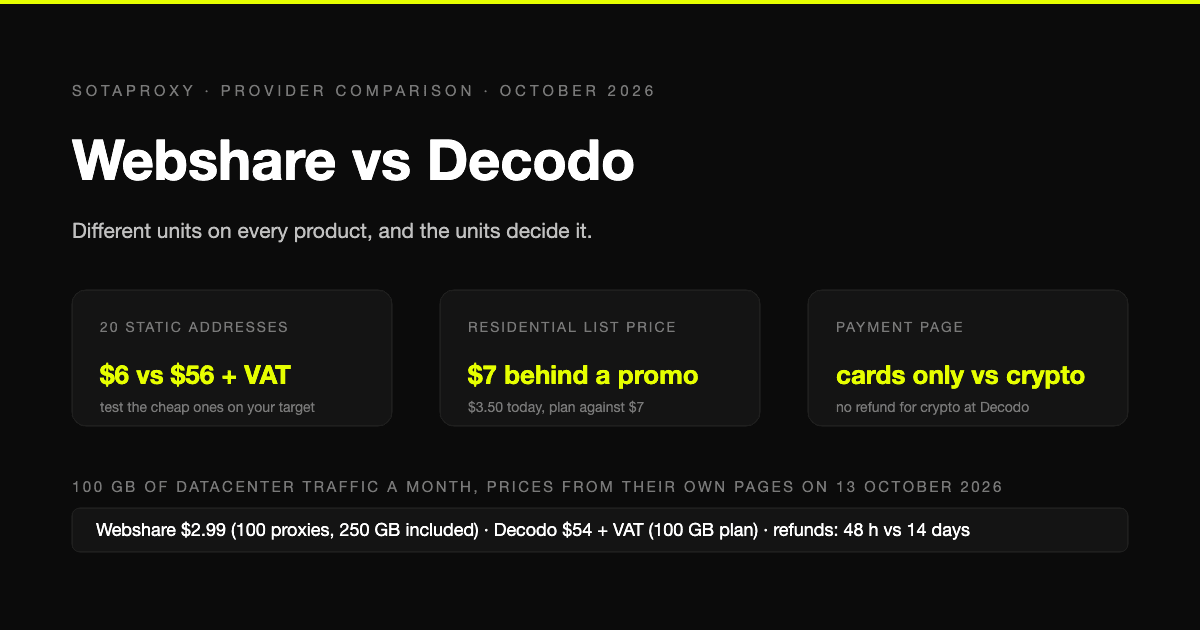
Webshare vs Decodo in 2026: Datacenter Value, a $7 Residential List Price, and Cards Only
Webshare and Decodo sell the same three products in different units, and the units decide the comparison. Datacenter by the address against by the gigabyte, static addresses at $0.30 against $3.33, a residential list price of $7 that nobody pays, and a payment page with no crypto on one side and no refund for crypto on the other.
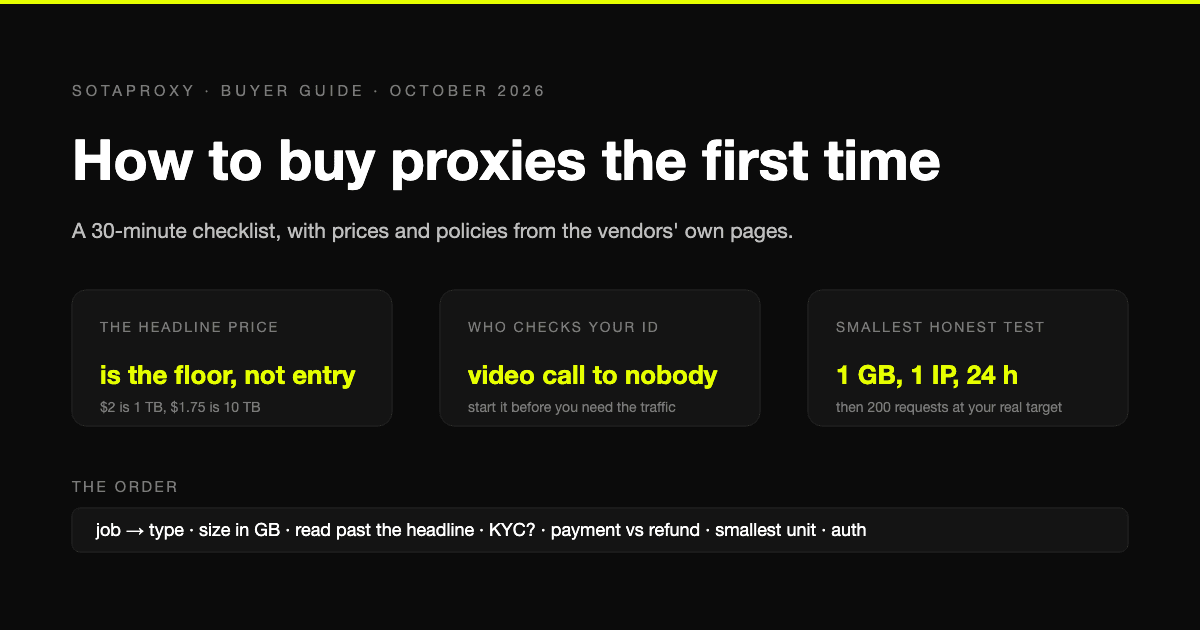
How to Buy Proxies for the First Time: A 30-Minute Checklist
A first purchase goes wrong in predictable places: the wrong proxy type, a headline price nobody pays, an identity check nobody mentioned, a refund that does not apply to how you paid. The checklist, with prices and policies from the vendors' own pages.
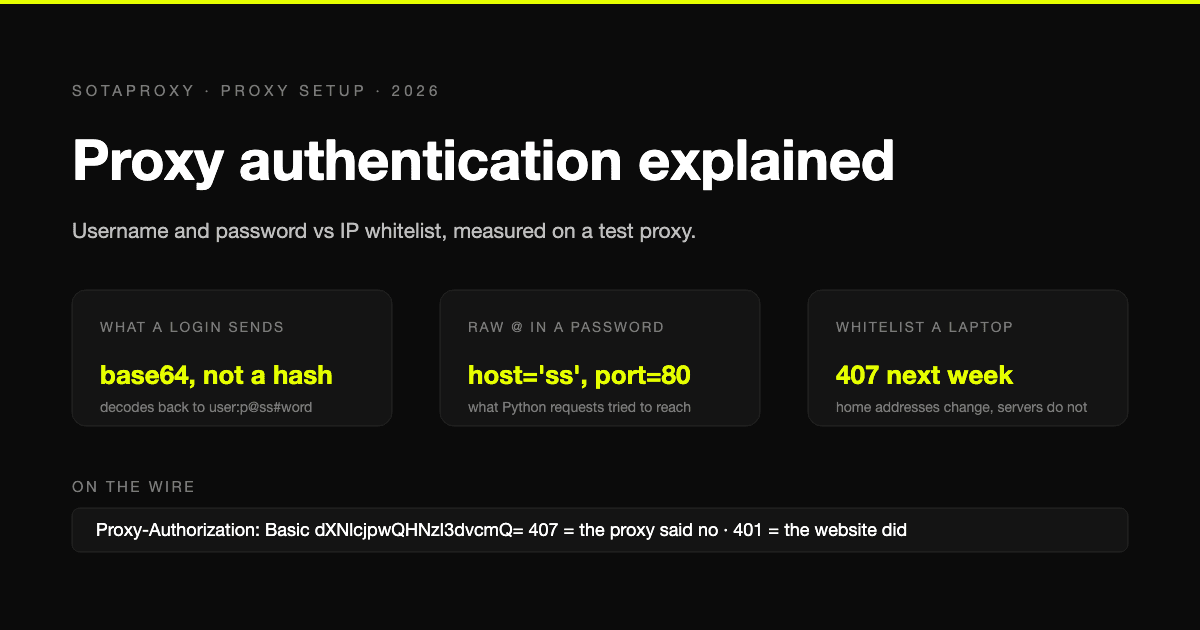
Proxy Authentication Explained: Username and Password vs IP Whitelist
Two ways a proxy knows it is you: credentials sent on every connection, or a list of addresses allowed in without them. What each one puts on the wire, measured on a test proxy, which tools cannot do which, and why a whitelisted laptop breaks a week later.
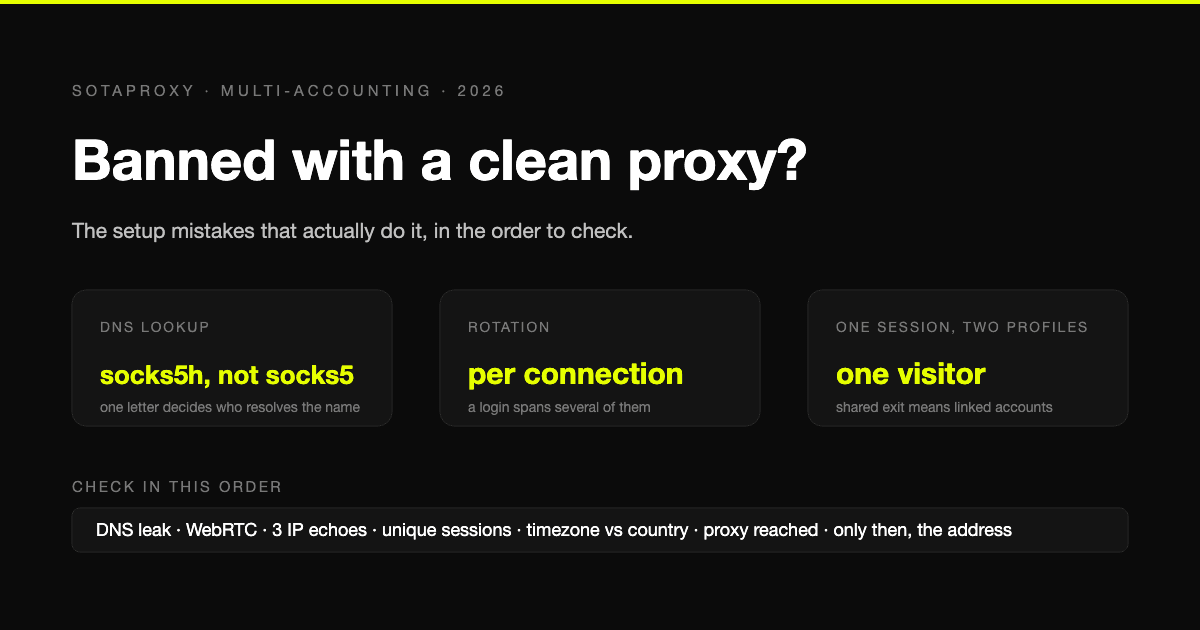
Banned With a Clean Proxy? The Setup Mistakes That Actually Do It
The proxy was clean, the address was residential, and the account still died. In most cases we see, the address was never the problem. Seven setup faults, each one checkable in a minute, in the order they usually turn out to be the cause.
Decodo vs IPRoyal in 2026: Real Entry Prices, Expiring Traffic and Who Checks Your ID
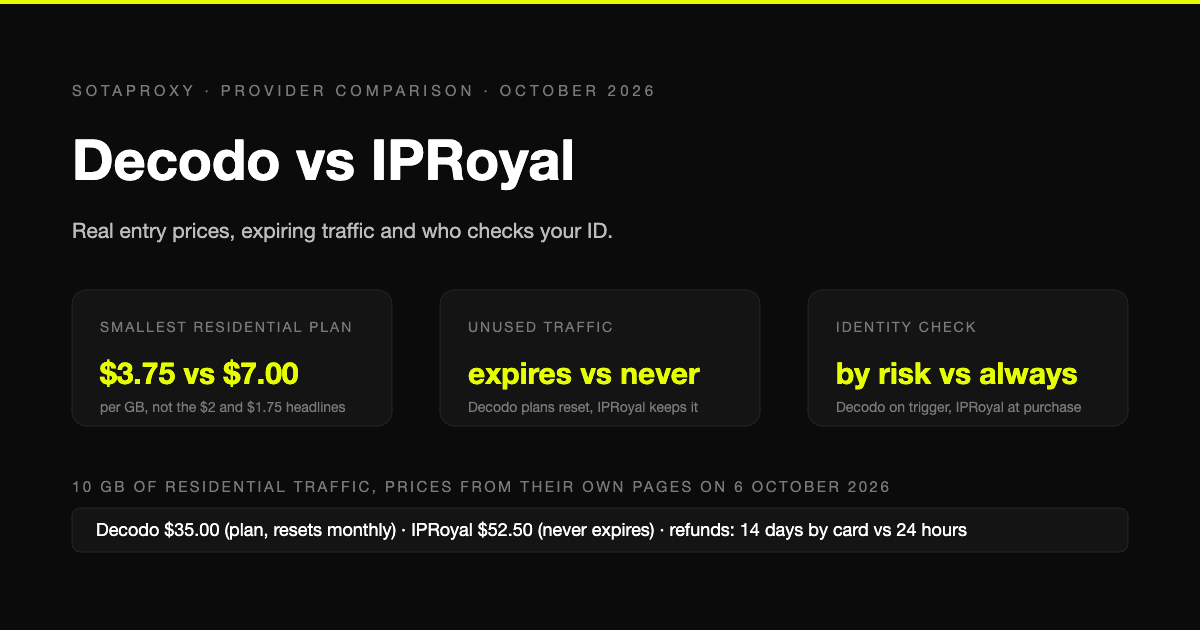
Both are mid-market proxy vendors that take cards and crypto and sell by the gigabyte. The prices on their own pages on 6 October 2026, why neither headline rate is an entry price, whose traffic expires, who checks your identity before you can buy, and who gives money back.
Google Maps Lead Scraping: What It Actually Costs Per Usable Lead
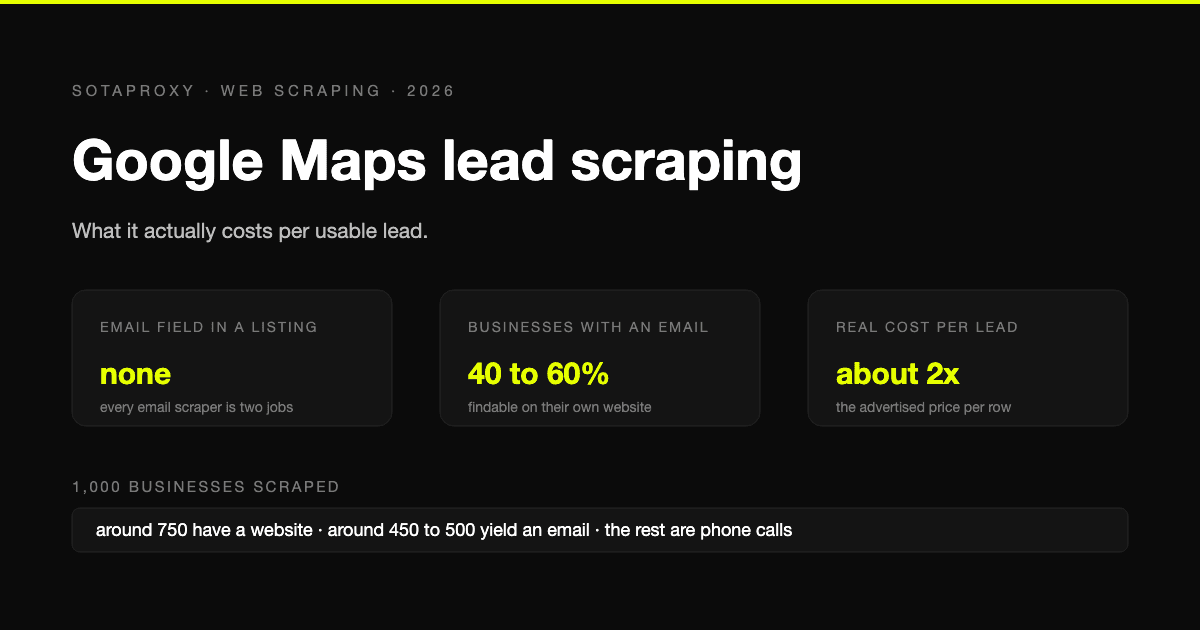
Google Maps has no email field, so every email scraper is a two-stage pipeline and only about half of businesses yield an address. What a thousand listings really costs per usable lead, the businesses-without-websites play, and where the law stands after the SerpApi ruling.