PhoneGrid Review: The Best Cloud Phones for Affiliate Marketing
PhoneGrid cloud Android phones for organic traffic and affiliate marketing: no-code RPA, Syncer, API and MCP, pricing and a comparison with physical phone farms. Promo code SotaProxy gives 15% off.
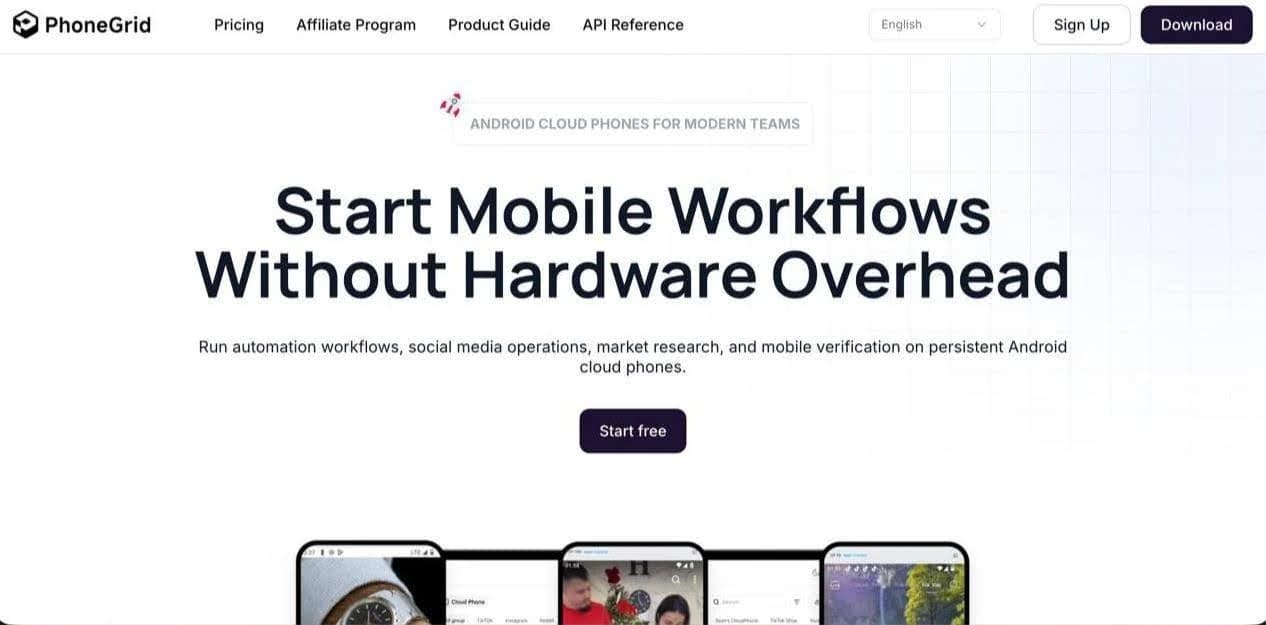
Anyone who has tried to build a large network of mobile accounts knows the nightmare: piles of cables, constantly overheating smartphones, swollen batteries and complicated logistics inside the team. PhoneGrid completely changes the approach to mobile infrastructure by taking physical devices out of the chain.
The platform runs virtual Android smartphones (Android 11, 12 and 15 are available) right on its servers. Everything is managed through a single desktop client for Windows and macOS (including Intel and Apple M-series chips). To ad networks, protection algorithms and social networks, these profiles look like perfectly legitimate mobile devices, which gives the highest level of trust and minimizes the risk of bans compared with standard emulators.
Bonuses and Discounts to Get Started
💳 15% off services: enter promo code SotaProxy in the Billing section of your PhoneGrid account to lower the price of profile rentals and runtime.
🎁 Free trial: the partner link gives you a starter trial of 10 profiles for 15 days at no cost.
What PhoneGrid Is For and Who It Suits
The platform is built for tasks that require mass multi-accounting and managing dozens or hundreds of mobile profiles.
Conditionally Free (Organic) Traffic
Mass farming and running account networks on TikTok, Instagram (Reels) and YouTube (Shorts). It lets you spin up "content factories" and automate video uploads without manual clicks.
Affiliate Marketing and Media Buying
Launching and running ads, warming up mobile profiles and ad accounts, working with incentivized traffic and keeping accounts safely separated.
App and PWA Testing
Developers and QA specialists can instantly check onboarding flows, updates, PWA pre-landers and offers on different Android versions for any geo.
Ad Verification and Marketing
Check that funnels, landing pages and creatives display correctly from the point of view of a mobile user in any region.
SMM and Bulk Content Management
Run client projects and your own channels in parallel without constantly logging out of accounts on a single physical phone.
How Phones and Profiles Are Created
PhoneGrid offers two types of work environments for different tasks.
Cloud Android Phone
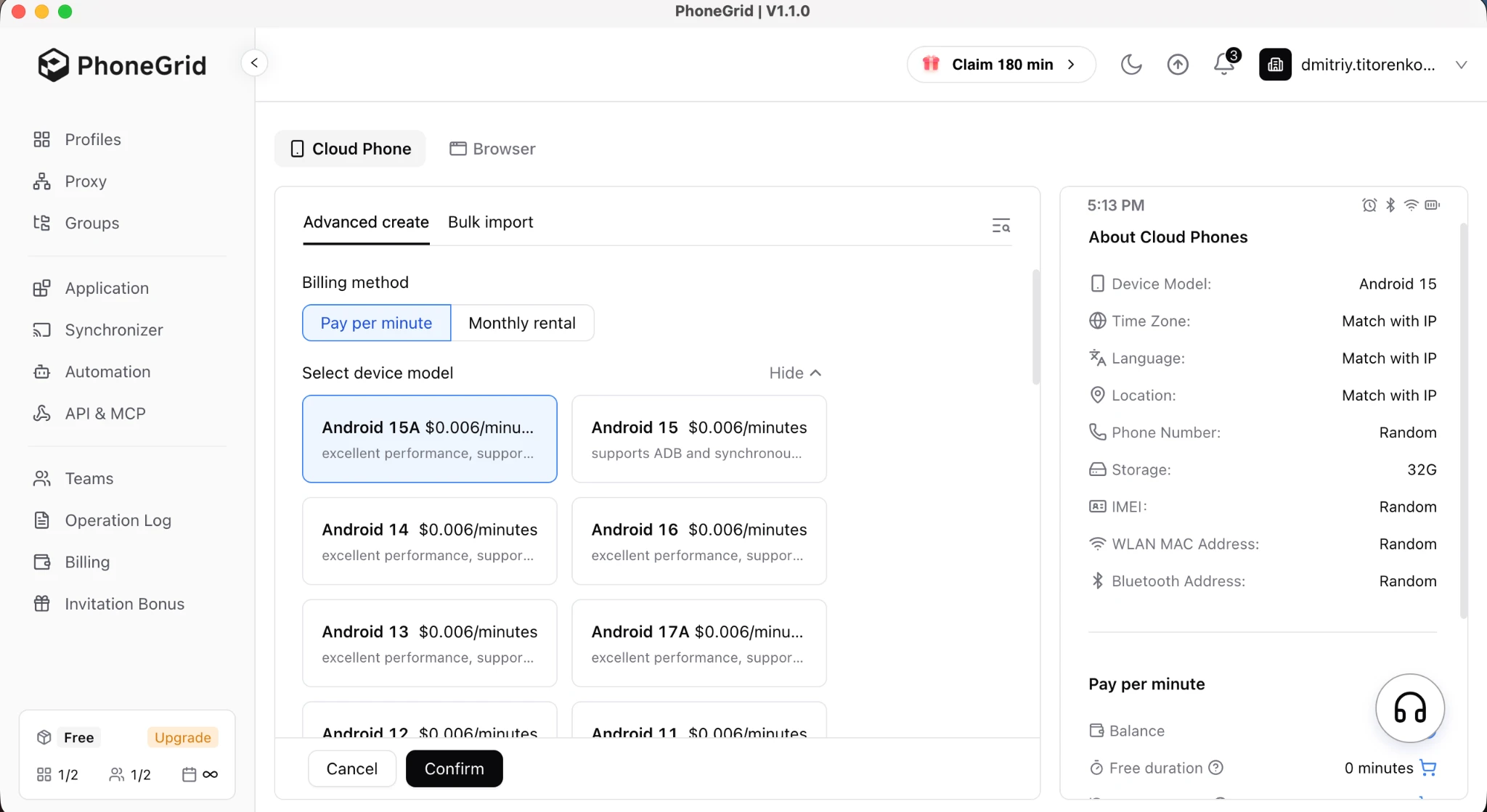
A full-fledged virtual system that keeps work sessions, remembers entered data and is no different from a smartphone in your hand.
How to set it up: click New profile, enter a name, choose a billing option (per minute or monthly) and attach a proxy. Hardware parameters are adjusted in Advanced settings.
Important: PhoneGrid provides only virtual devices and does not sell proxies. Network access details (IP, port, login, password) are bought from third-party providers and entered in the settings.
Standard Browser Profile
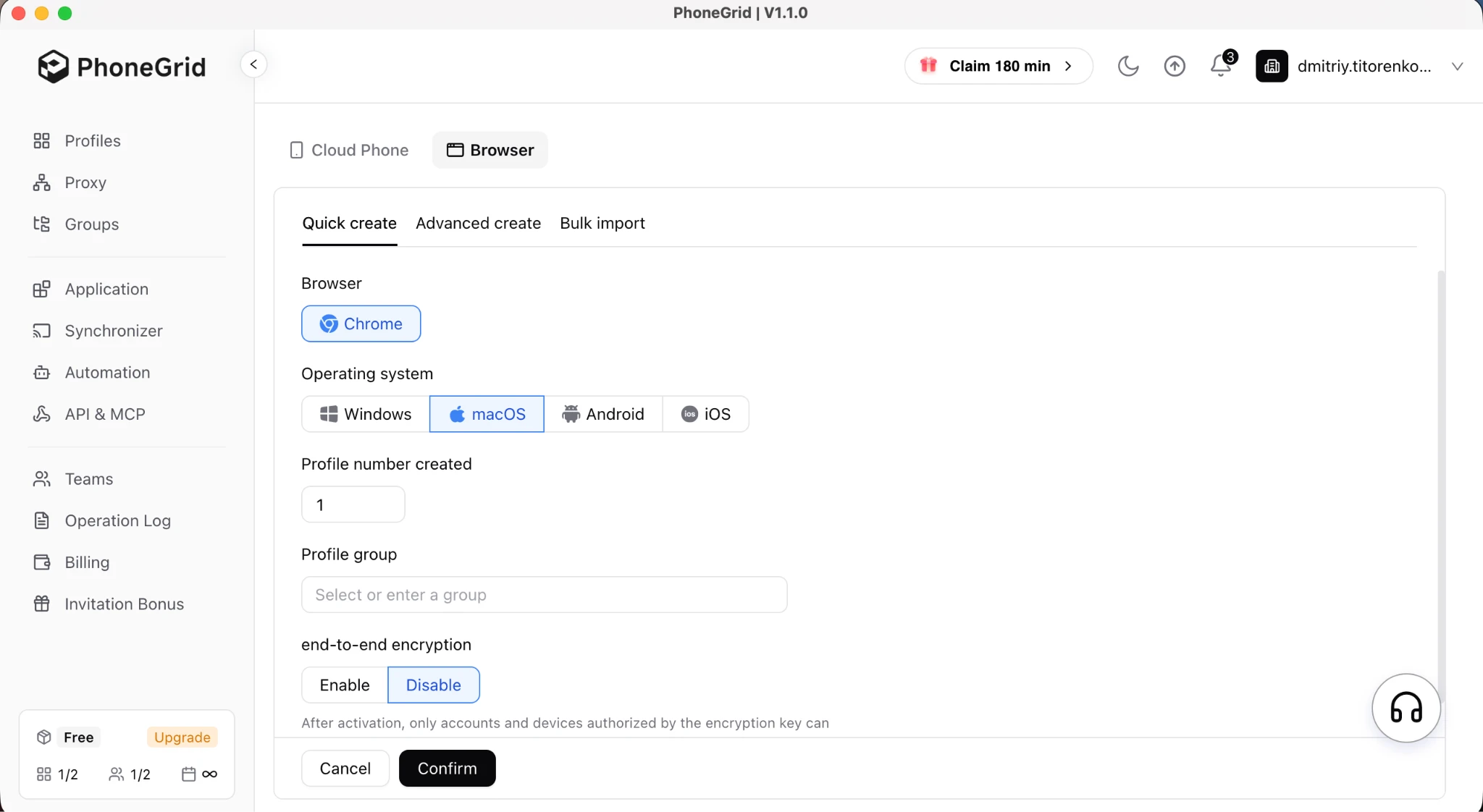
An option for tasks that do not need a full Android operating system, where a browser tab with high-quality digital fingerprint spoofing is enough.
How to set it up: choose New profile → Browser → Advanced create. Select the system (Windows or macOS), refresh the fingerprint and paste in a proxy. On the Cookie tab you can import cookies (JSON/TXT), and on Accounts you can save login/password pairs for auto sign-in.
Tools for Automating Routine Work
So you do not have to repeat the same work on dozens of screens, the service includes an advanced automation stack.
Bulk App Installation (Application Center)
Upload an app file (APK) or pick software from the built-in catalog, select the devices you need, and the platform installs the apps or browser extensions across the whole group of profiles.
Action Synchronizer (Syncer)
A tool for manual multi-accounting. You perform actions (clicks, scrolling, typing) on one "main" device, and the service mirrors them to the other selected windows without delay.
No-Code Automation (RPA)
A visual no-code drag-and-drop builder for creating scenarios with clicks, swipes, delays, loops and conditions. The built-in Marketplace offers ready-made community templates for posting videos to TikTok, Instagram and YouTube.
Scheduled Scenarios
Any RPA workflow you build can be set to run automatically on a schedule. This makes account warm-up and content publishing fully autonomous.
API and AI Integration via MCP
Developers get an API for managing profiles. Support for MCP (Model Context Protocol) lets you connect AI agents (for example, Claude or Cursor) and control mobile sessions with plain natural-language text.
Team Management
The workspace lets you organize phones by project and geo, set operator permissions and hand ready profiles over to colleagues with their signed-in sessions intact.
Anonymity and Fingerprint Checks
Hands-on checks of PhoneGrid profiles on independent checkers (CPARIP tests) recorded the following results.
Browser Profile Test Results (Windows / Chrome)
Whoer.net: showed 100% anonymity and a clean fingerprint history.
Pixelscan.net: confirmed no masking and no automated behavior.
Iphey.com: rated the fingerprint as Unreliable, which means parameters need more precise manual tuning for strict traffic sources.
Downsides: during testing, one of the created profiles temporarily lost its internet connection, but the other devices worked without issues.
Pricing and Payment Options
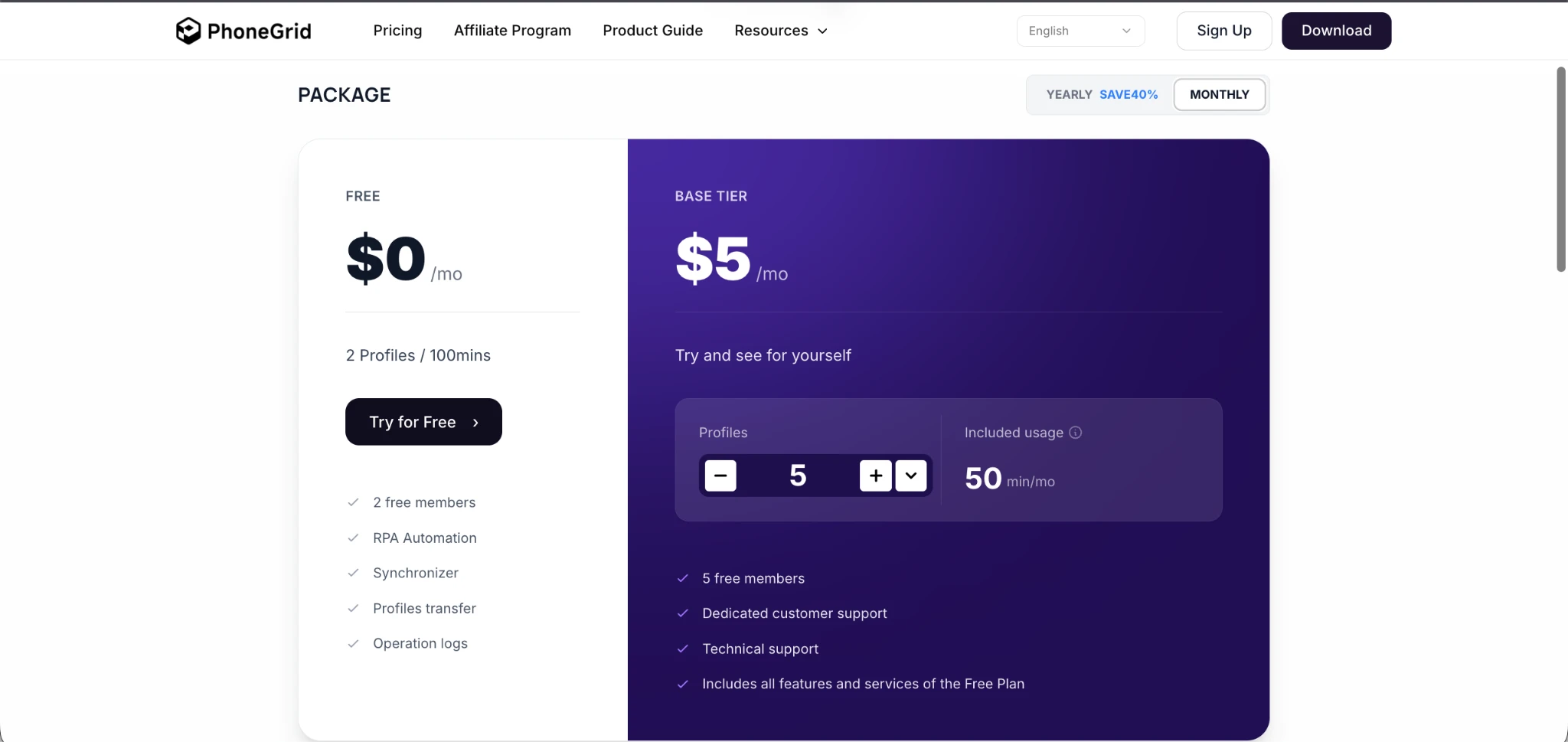
PhoneGrid pricing depends on the number of active profiles and how long they run.
Free Plan
$0/month: 2 profiles, 100 starter minutes, 2 team seats, plus full access to RPA, Syncer and the Operation Log.
Basic Plan
From $3 to $5 per month: 5+ profiles (configurable), 50 minutes per month, 5 team members and priority support.
Per-Minute Billing
$0.006 per minute, charged only for the time a device is actually running. A safety cap applies: no more than $1.50 per day per profile.
Monthly Rental (Monthly Device)
$25 per month. A dedicated phone on Android 12 or 15 runs for 30 days with no minute limits.
Billing Order and Payment Methods
Free plan minutes are used first, then purchased minute packs (Duration Pack), and only then funds from your main balance. You can top up with bank cards (Visa, Mastercard, Amex), crypto (BTC, ETH, USDT, USDC), SBP, and local payment methods (Pix, SPEI, M-PESA, Dragonpay and more).
Promo code SotaProxy in the Billing section takes 15% off the price of services.
Why PhoneGrid Beats Real Physical Phones
Moving from a physical farm to the PhoneGrid cloud frees you from hardware chores and lets you focus on running traffic.
Hardware Costs and Entry Barrier
Physical phones: buying used devices ($100–$200 each), powered USB hubs and quality cables and setting up cooling add up to a hefty budget before you even start.
PhoneGrid: eliminates hardware costs completely. You can start for free, and full-scale work starts at $3 per month. You pay only for rental time.
Speed of Launch and Deployment
Physical phones: preparing each device takes time: unboxing, resetting, configuring Android, setting up a proxy and downloading software takes hours.
PhoneGrid: a profile is deployed in 10 seconds with a couple of clicks. You get a clean, ready-to-use Android environment for work or bulk software installation.
Reliability and Uptime
Physical phones: smartphones under constant load overheat, batteries swell, ports wear out and screens crack, causing downtime.
PhoneGrid: delivers 100% uptime in the cloud. Virtual environments do not break, do not overheat and do not depend on power outages at your location.
Teamwork and Access Sharing
Physical phones: to hand a device to a colleague, you have to ship it physically or set up remote-access workarounds that often fail.
PhoneGrid: profiles are shared right in the app. You hand a phone over to an operator in one click with the signed-in session fully preserved.
Automating Routine Processes
Physical phones: automation means building clickers, using ADB scripts or paid third-party services that break whenever the interface updates.
PhoneGrid: includes a built-in no-code stack: Syncer for manually mirroring actions across a group of windows, an RPA builder for scenarios with conditions, and scheduled task runs.
Related articles
7 Top Proxy Providers for Arbitrage and Scraping
Compare 7 top proxy providers by IP types, targeting, rotation, uptime, pricing signals, and fit for scraping, ad accounts, farming, and arbitrage.

10 Best Proxy Services for Ads, Scraping, and Automation
Compare the best proxy services for ad verification, scraping, account operations, and geo-targeting by IP type, price, uptime, and controls.
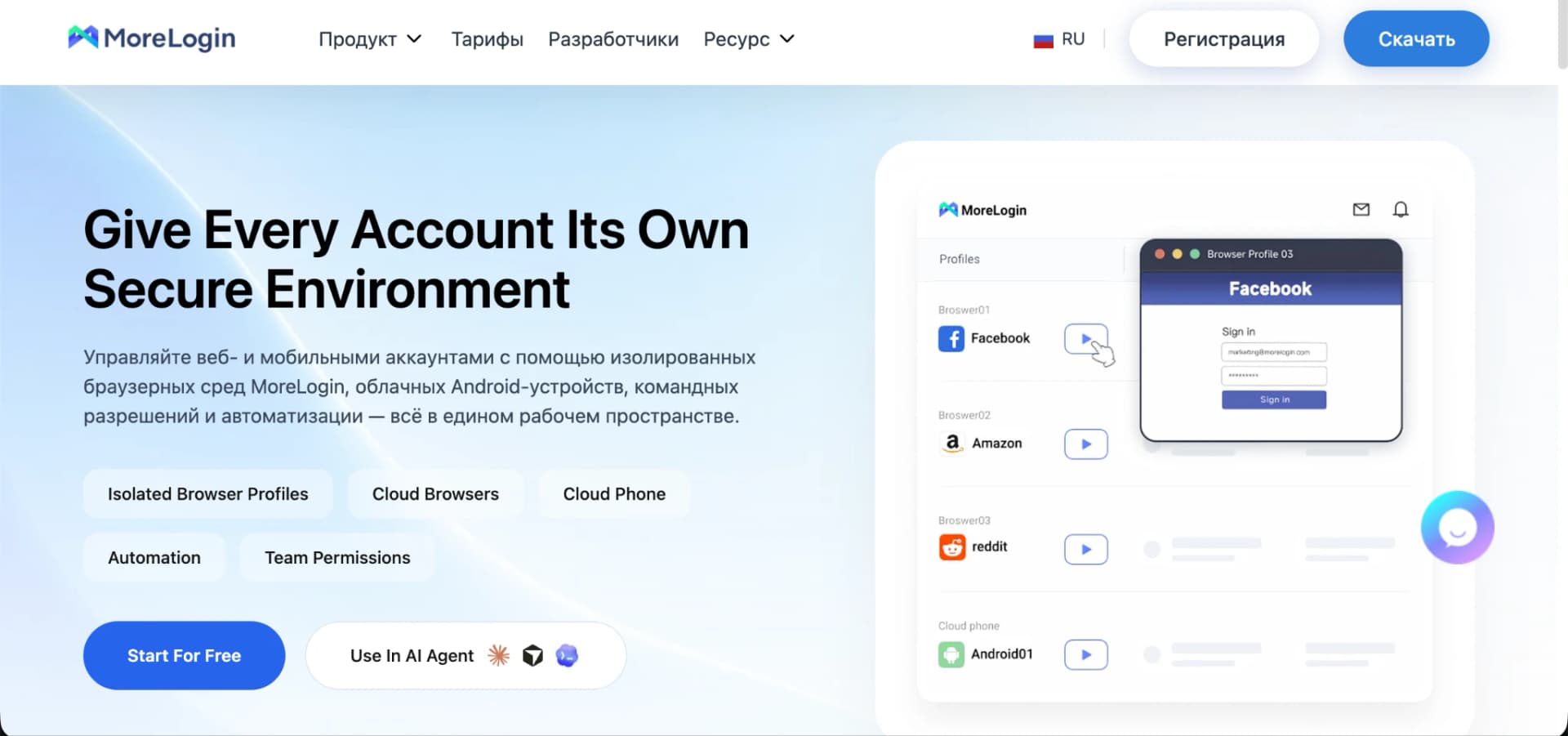
MoreLogin Review: How the Leading Antidetect Browser for Affiliate Marketing and Business Works
A full MoreLogin walkthrough: Real Canvas Fingerprint, Cloud Browser and Cloud Phone, automation, Security Center and pricing. Promo code SotaProxy unlocks a sign-up bonus and 15% off.
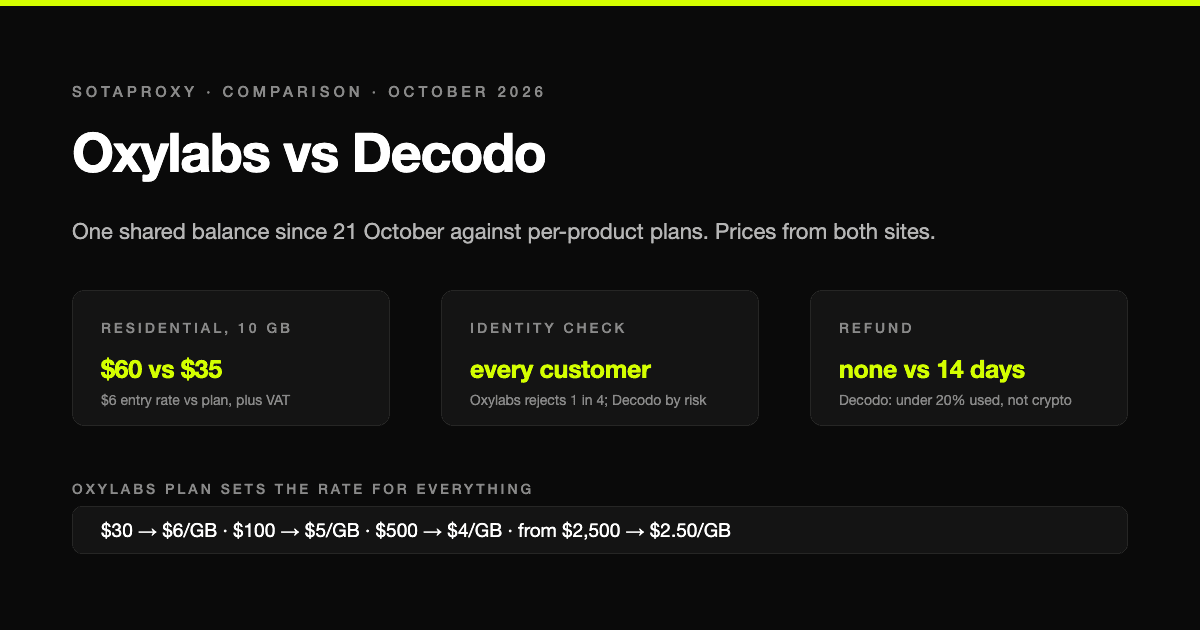
Oxylabs vs Decodo in 2026: One Shared Balance Against Per-Product Plans
Oxylabs switched to a single prepaid balance across all its products on 21 October 2026, and none of the comparisons in search have caught up. Prices from both sites on 2 November, what the new model means for a small buyer, who makes every customer pass a questionnaire, and why one refunds and the other never does.
Account, Proxy, Environment: Why Purchased Accounts "Die" on the First Login and How to Stop It
Purchased accounts rarely die because of the seller: more often the account history, the proxy and the environment contradict each other. Proxy types, environment options, replacement terms and a ten-step checklist.
How Many Proxies Do I Need? Two Formulas: One for Accounts, One for Scraping
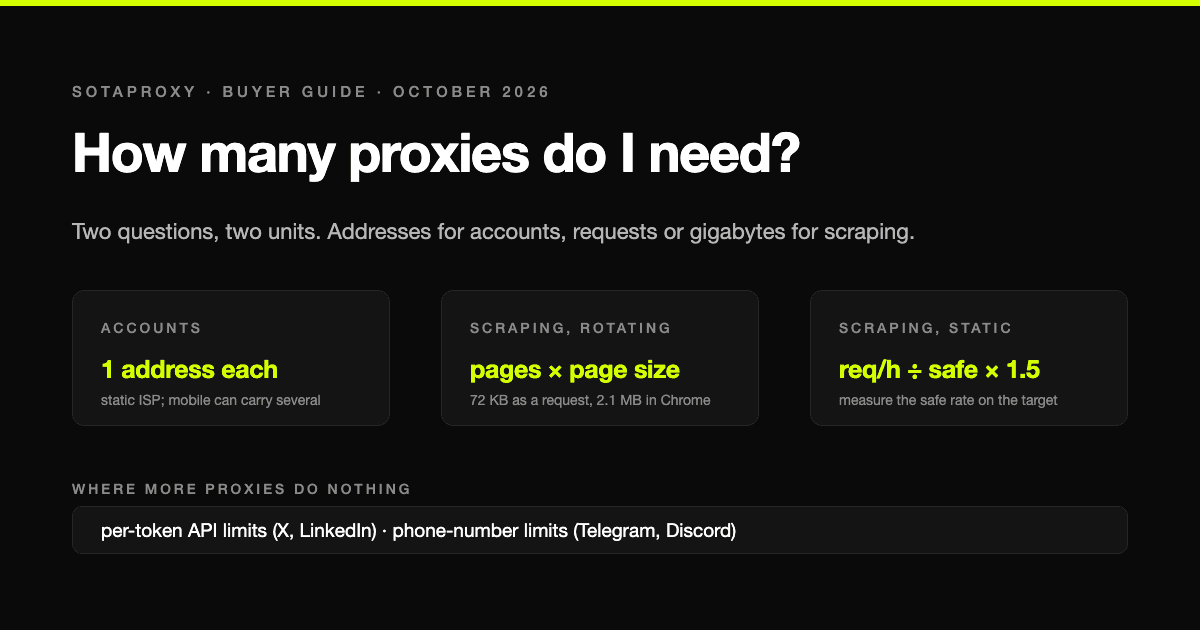
The answer depends on whether you are running accounts or collecting pages, and the two questions have different units: addresses for accounts, requests per address or gigabytes for scraping. Both formulas, the real per-address limits that platforms publish or that we measured, and four worked examples with what they cost.