How Much Bandwidth Does Web Scraping Use? We Measured It, Requests vs Headless Chrome
On residential proxies you pay per gigabyte, so the scraping method sets the bill. We loaded the same pages with plain HTTP requests and with headless Chrome through a proxy that counts every byte: the median page cost 72 KB one way and 2.1 MB the other, a 21-fold difference, plus what blocking images, reusing a browser and getting blocked actually cost.
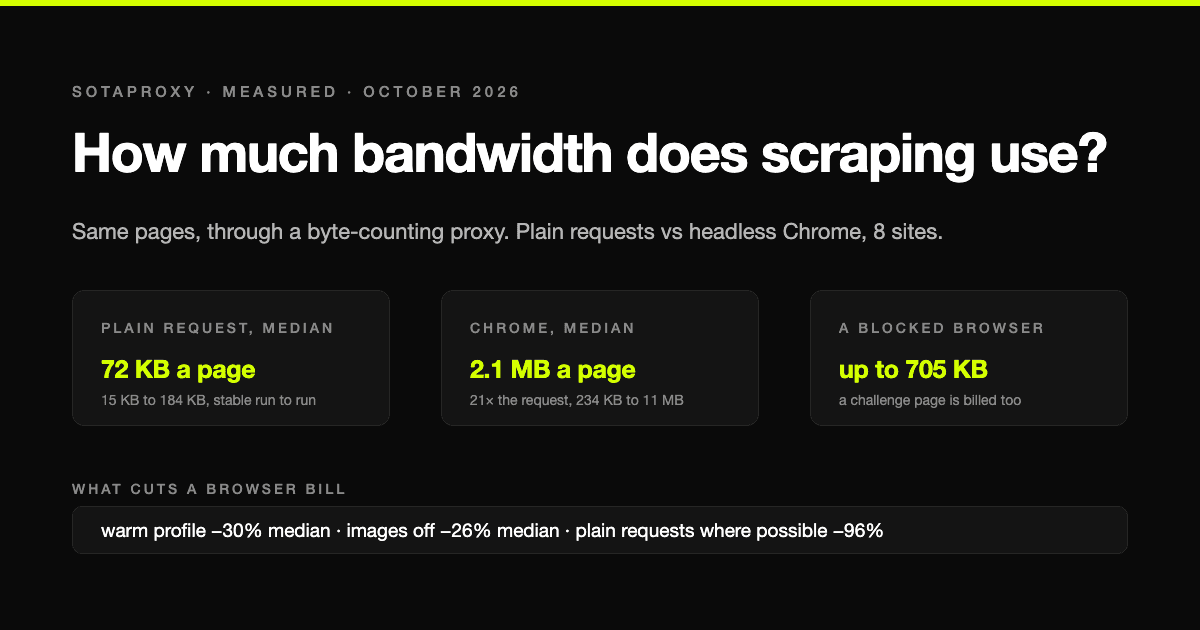
On residential and mobile proxies you pay per gigabyte, which makes one question more important than any price list: how many bytes does a page actually cost? Most guides answer with a guess. We measured it.
We put a small proxy of our own between the scraper and the internet that counts every byte in both directions, including the TLS handshake and headers, which is what per-gigabyte billing counts. Then we loaded the same pages three ways: a plain HTTP request like Python's requests or curl, a headless Chrome browser, and headless Chrome with images switched off. All runs on 24 October 2026, Chrome 155, from a home connection in Europe.
The short answer: the median page cost 72 KB as a plain request and 2.1 MB in headless Chrome, a 21-fold difference. The rest of this article is where that gap comes from and what you can do about it.
The results, page by page
Eight sites loaded the real page in every mode, so they give a clean comparison. Sizes are the bytes that crossed the proxy for one page load, averaged over the runs we made.
| Site and page | Plain request | Headless Chrome | Chrome, no images | Chrome / request |
|---|---|---|---|---|
| books.toscrape.com, book page | 15 KB | 234 KB | 185 KB | 16× |
| Wikipedia, article | 67 KB | 740 KB | 432 KB | 11× |
| Craigslist, search results | 73 KB | 435 KB | 444 KB | 6× |
| BBC, news front page | 71 KB | 2.6 MB | 2.2 MB | 37× |
| The Guardian, section front | 93 KB | 1.7 MB | 830 KB | 18× |
| IKEA, product page | 148 KB | 3.8 MB | 2.6 MB | 25× |
| Yahoo Finance, quote page | 184 KB | 4.6 MB | 4.0 MB | 25× |
| GitHub, repository page | 62 KB | 11.1 MB | 2.1 MB | 178× |
| Median | 72 KB | 2.1 MB | 21× |
Three things stand out.
The request is small and predictable. Every plain request landed between 15 KB and 184 KB, and repeat runs matched to the kilobyte. What you download is the compressed HTML and nothing else.
The browser is large and noisy. Headless Chrome downloads everything the page asks for: scripts, styles, fonts, images, tracking, ads, API calls. The same IKEA page cost 2.3 MB on one run and 5.3 MB on the next, because which lazy and third-party resources arrive before the page counts as loaded is not fixed. Budget a browser scraper on a range, not a number.
The ratio is not a constant. Craigslist is a plain page and Chrome costs six times the request. GitHub's repository page pulls in about 11 MB of assets, almost all of it images and avatars, and costs 178 times the request. The median, 21 times, happens to match the one-site figure SOAX published for a hotel search behind bot protection, which suggests it is a fair rule of thumb when you do not know the site.
What that means in money
Per 1,000 pages, at the median sizes above:
| Method | Traffic per 1,000 pages | At $1 per GB | At $3 per GB |
|---|---|---|---|
| Plain requests | about 70 MB | $0.07 | $0.21 |
| Headless Chrome | about 2.1 GB | $2.10 | $6.30 |
Scale it to a typical monitoring job of 100,000 pages a month and the gap is 7 GB against 210 GB. On a residential plan, that is the difference between a rounding error and the biggest line on the invoice.
If a target can be scraped without a browser, it should be. When it cannot, the next sections are about making the browser cheaper.
Turning off images: it helps, less than you think
Blocking images is the first optimisation everyone reaches for. Across the eight sites the median saving was 26 percent, with a range that runs from nothing at all to most of the page:
- GitHub: 81 percent saved, because the page is mostly avatars and images.
- Wikipedia: 42 percent, The Guardian: 50 percent.
- Yahoo Finance: 11 percent, BBC: 15 percent. These pages are heavy because of scripts, not pictures.
- Craigslist: no saving. Its search results load images lazily, after the point where we counted the page as loaded.
The lesson is the same one SOAX reached on their site: once images are gone, what is left is mostly JavaScript, and JavaScript is what makes the page work. Blocking fonts, media and third-party scripts goes further, but every block risks breaking the page you came for, so test each rule on the real target.
Reusing the browser: the cache is free bandwidth
A fresh browser profile downloads every script and stylesheet from scratch. A browser that has already visited one page of a site has most of them in its cache. We loaded one page of each site first, then measured a second page in the same profile:
- Craigslist and books.toscrape: 79 percent less than a cold load.
- Yahoo Finance: 69 percent less, 1.4 MB instead of 4.6 MB.
- Wikipedia: 30 percent, IKEA: 14 percent, GitHub: 18 percent less.
- BBC: no saving, because the second page we chose, the sport front page, is a different and heavier page.
The median saving was 30 percent, larger than blocking images, and it costs nothing except keeping a profile alive between pages. A scraper that launches a clean browser for every page pays the cold price every time.
What getting blocked costs
Five of the thirteen sites we tried refused at least one way of loading them, and those refusals are billed too:
| Target | Plain request | Headless Chrome |
|---|---|---|
| Amazon product page | 9 KB, 404 | Blank page, 142 KB |
| eBay search | 12 KB, 403 | Error page, 219 KB |
| IMDb title page | 8 KB, 202 challenge | 403 Forbidden, 40 KB |
| Reddit community | 14 KB, a stub page | "Prove your humanity", 705 KB |
| Allbirds product page | 7 KB, 429 Too Many Requests | Loaded, 7.2 MB |
A blocked plain request is cheap: a few kilobytes and a status code your scraper can see immediately. A blocked browser is not. Reddit's challenge page cost 705 KB, the same as a full Wikipedia article, and it came back with a normal-looking page that only the title gave away. If your browser scraper does not check what it got, it can spend real money downloading challenges.
Allbirds shows the trade from the other side: the store refused the plain request outright and served the browser the full product page, 7.2 MB. Some targets leave a browser as the only option, and then its size is the price of getting in at all.
One more result from the same runs: eBay blocked the first, cold browser visit, then served the full search page, 5.1 MB, to the same browser profile on its second visit. Session and cookies decide as much as the address does, which is the subject of how to use residential proxies from the session side.
Bytes you pay for that are not the page
Two smaller costs showed up in every measurement:
- Headless Chrome talks to Google on its own. Even with background networking switched off by flags, each launch sent a median 46 KB to Google services such as account and component update endpoints. If the proxy is set for the whole browser, you pay for that on every launch. Reusing one browser for many pages spreads it out.
- Upload is small but not zero. Requests and headers going out were 0.4 to 5 percent of a plain request's traffic and 1 to 12 percent of a browser's. Per-gigabyte plans generally count both directions.
How to estimate your own job before you buy traffic
- Load five real target pages through a counting proxy or in Chrome's network panel with the cache disabled, and note the transferred size, not the resource size.
- Decide the method per target. If the data is in the HTML or in an API the page calls, use plain requests and the numbers will look like the left column above.
- If it must be a browser, measure with images off and a warm profile, because that is how it will run in production.
- Add a margin for blocks and retries, and check every page for a challenge before parsing it, so a block costs kilobytes, not megabytes.
- Multiply by monthly pages and by the price per gigabyte. That is the number to compare plans against, and the cheapest residential proxies comparison shows how the price side moves with volume.
For a sense of how the same arithmetic plays out in real jobs, see what one usable lead costs in Google Maps lead scraping, and how request-based and browser crawlers compare in speed in Python web crawling, built three ways.
For transparency, our place in this: we sell residential traffic from $1.00 per GB at volume with a $2.00 entry package. The point of this measurement is that the method you scrape with moves the bill by more than any provider's price list does.
How we measured
- A local HTTP proxy that tunnels connections and counts bytes in both directions per destination host, including TLS. The scripts and raw logs are kept with this article.
- Plain requests: curl with compression and a desktop Chrome user agent and accept headers, following redirects.
- Browser: headless Chrome 155 with a fresh profile, page counted as loaded at the load event. Content a real user would trigger by scrolling is not included, so a browser that scrolls will cost more than our figures.
- Chrome's own background traffic to Google was separated and subtracted from the page totals.
- One to two runs per page and mode, 24 October 2026, from a home connection in Europe. Sites change their pages daily; treat the numbers as an order of magnitude for your own measurement, not a quote.
Frequently asked questions
How much bandwidth does web scraping use per page?
In our measurement, a plain HTTP request used between 15 KB and 184 KB per page, median 72 KB. Headless Chrome used between 234 KB and 11 MB, median 2.1 MB. The method matters more than the site.
How many pages can I scrape with 1 GB of residential proxy traffic?
Roughly 14,000 pages with plain requests at our median of 72 KB, and roughly 500 pages with headless Chrome at 2.1 MB. Heavy pages in a browser can bring that under 100.
Does blocking images reduce proxy bandwidth?
Yes, by a median of 26 percent in our test, from nothing on Craigslist to 81 percent on GitHub. Most of what remains is JavaScript.
Is it cheaper to keep the browser open between pages?
Yes. Loading a second page in a profile that had already visited the site saved a median 30 percent, up to 79 percent, because scripts and styles come from the cache instead of the proxy.
Do blocked requests count toward proxy bandwidth?
Yes. A blocked plain request cost us 7 to 14 KB. A blocked browser load cost up to 705 KB, as much as a full article, because the challenge page loads its own scripts.
Artículos relacionados
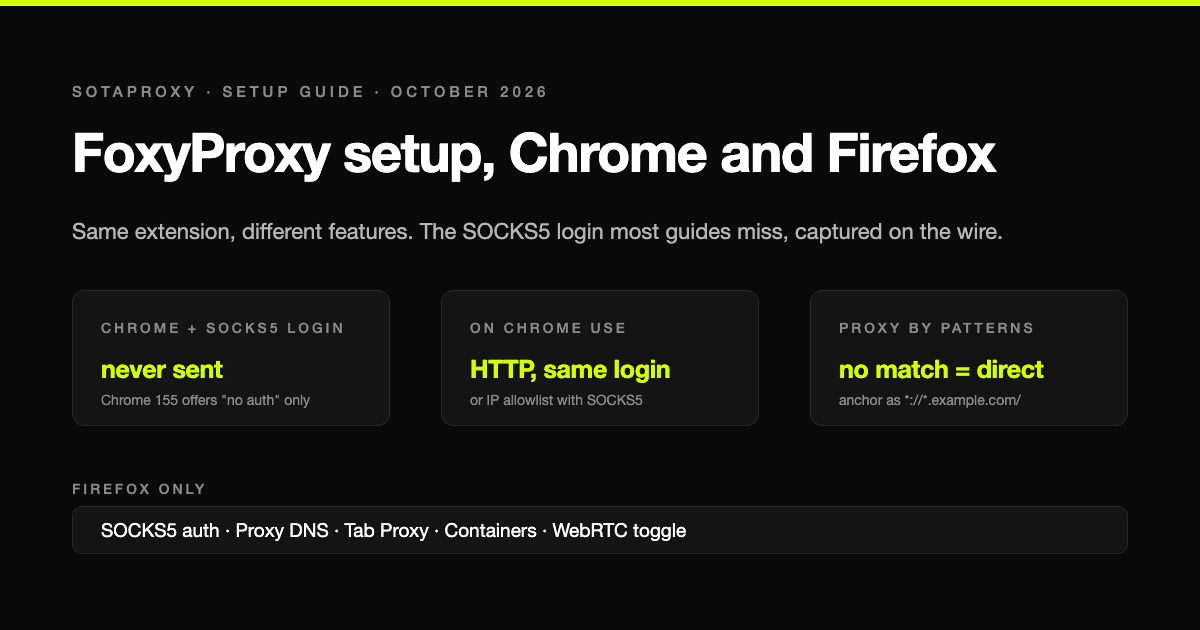
Cómo configurar FoxyProxy en 2026: Chrome, Firefox, patrones y el login SOCKS5 que Chrome ignora
FoxyProxy es la misma extensión en Chrome y en Firefox, pero no hace lo mismo en cada uno. La configuración paso a paso de la versión 9, la sintaxis de patrones que de verdad coincide y el límite que casi todas las guías omiten: en Chrome un proxy SOCKS5 con login no puede funcionar, y lo comprobamos capturando lo que envía Chrome.

¿Cuántas cuentas de Google y Steam puedes tener en 2026?
Las dos plataformas de esta serie donde el número de cuentas es de verdad ilimitado y el límite está en otra parte. Google raciona los números de teléfono y nunca dice cuántas cuentas admite cada uno. Steam te deja crear todas las cuentas que quieras y luego bloquea cada una hasta que haya gastado $5. Las reglas según las propias páginas de Google y Valve, y qué es lo que realmente vincula dos cuentas.
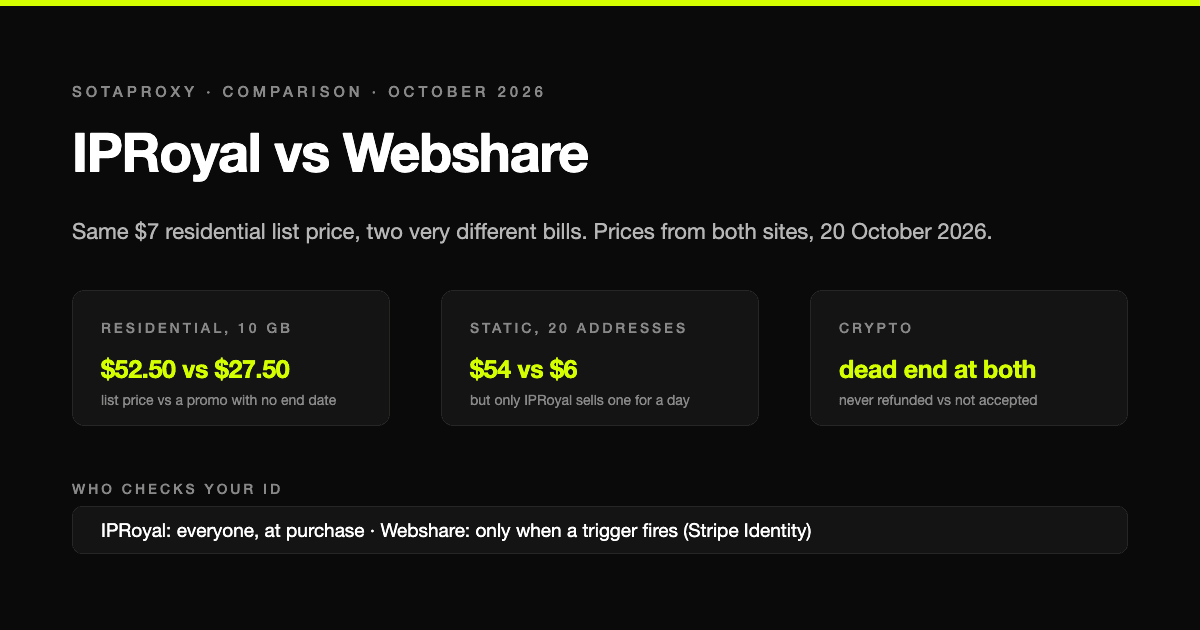
IPRoyal vs Webshare en 2026: mismo precio de lista, la mitad de factura y quién verifica tu identidad
IPRoyal y Webshare muestran los mismos $7 por gigabyte en sus páginas de residenciales y cobran cantidades muy distintas. Precios de ambas webs a 20 de octubre de 2026, qué tráfico caduca, direcciones estáticas a una décima parte del precio, quién verifica tu identidad antes de comprar y por qué las cripto son un callejón sin salida en los dos, por motivos distintos.
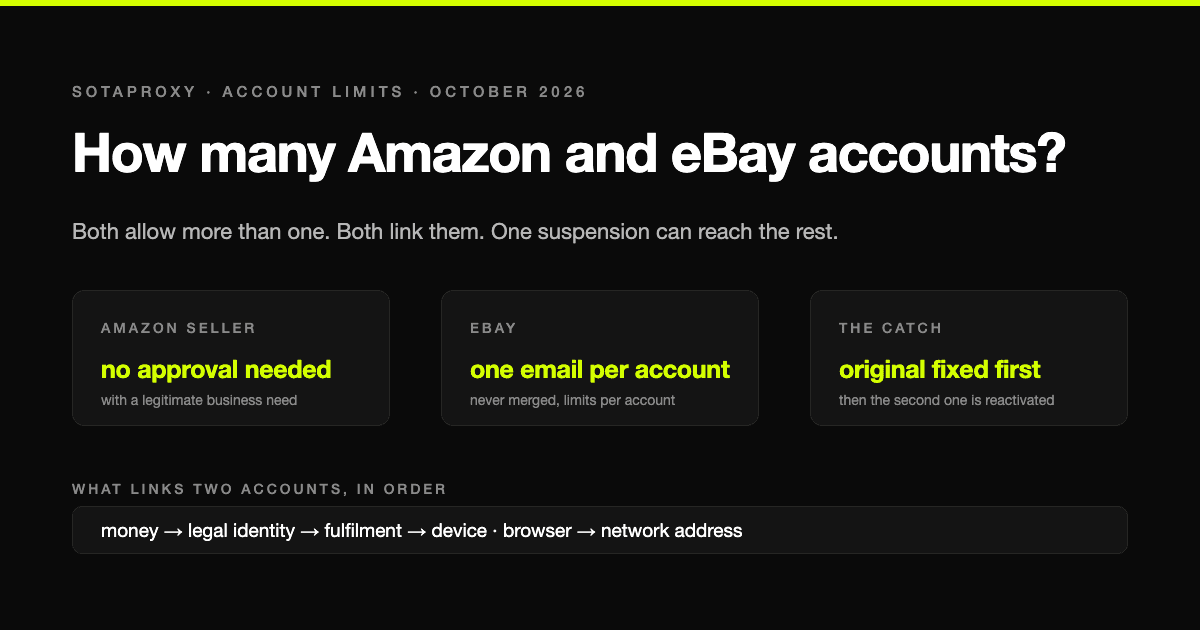
¿Cuántas cuentas de Amazon y eBay puedes tener en 2026?
Sobre el papel, Amazon y eBay son las plataformas más generosas con el límite de cuentas, y en la práctica las más duras: permiten más de una, todas quedan vinculadas y una sola suspensión puede llevárselas todas. Las reglas con las palabras de las propias plataformas y lo que realmente conecta dos cuentas.
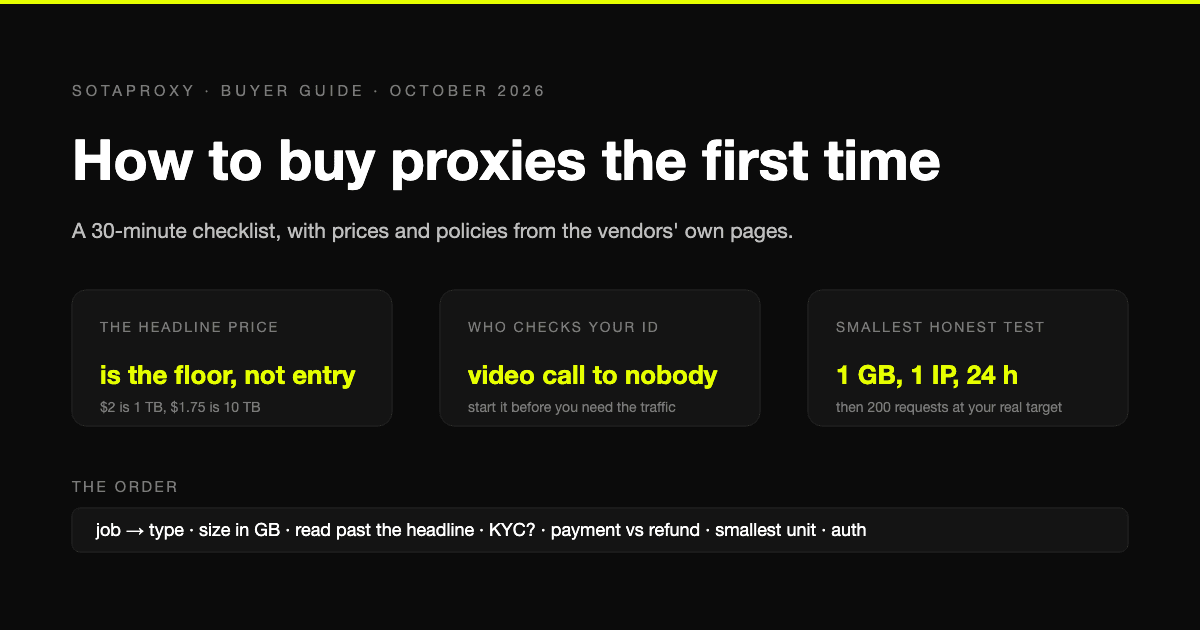
Cómo comprar proxies por primera vez: checklist de 30 minutos
Una primera compra falla en lugares predecibles: el tipo de proxy equivocado, un precio de portada que nadie paga, una verificación de identidad que nadie mencionó y un reembolso que no aplica a tu forma de pago. El checklist, con precios y políticas sacados de las páginas de los propios proveedores.
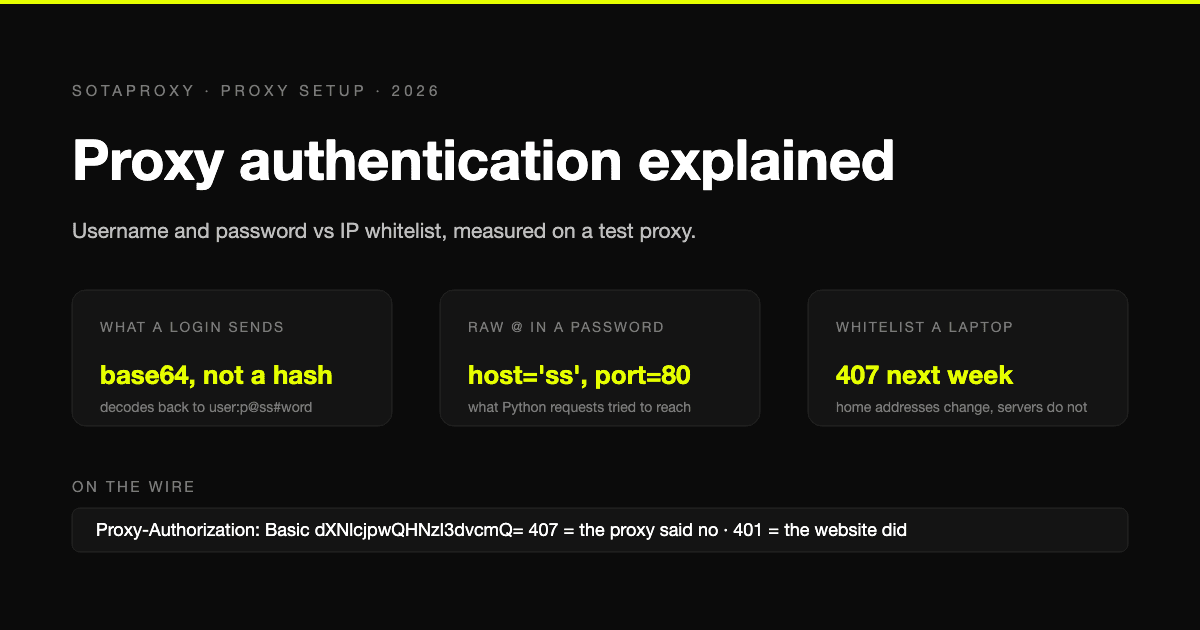
Autenticación de proxy: usuario y contraseña o whitelist de IP
Un proxy sabe que eres tú de dos maneras: por las credenciales que envías en cada conexión o por una lista de direcciones a las que deja pasar sin ellas. Qué envía cada método por la red (medido en un proxy de prueba), qué herramientas solo admiten uno y por qué un portátil en la whitelist deja de funcionar una semana después.