How to Use Residential Proxies: From the First Request to Sessions, Geo and Cost
A residential proxy is a gateway in front of a pool of home addresses, billed by the gigabyte. How to send your first request through one, hold or rotate addresses, pick a country and city, and keep the bill small.
A residential proxy is not an address you are given. It is a gateway: one hostname and port that stands in front of a pool of real home connections. You send your request to the gateway with a login, and it leaves the internet from somebody's household address in the country you asked for. That one fact explains almost everything about how residential proxies are used and billed, so this guide starts there and builds up: first request, then sessions, geo, tools, cost and the mistakes that waste money.
What you get when you buy
With us, and with most providers, buying residential traffic gives you three things:
- A gateway address. Ours is
proxy.sotaproxy.comon port10000, which answers both HTTP and SOCKS5. - A login and password. The login is also where you say what you want: country, city, and whether to hold an address.
- A traffic balance in gigabytes, metered in both directions, headers included. Unused traffic stays on the package while it is active. There is no subscription.
You do not get a list of addresses. The pool supplies them, and which one you get is decided per connection.
The first request
Before any tool, prove the proxy works with one command from a terminal:
curl -x http://login:password@proxy.sotaproxy.com:10000 https://api.ipify.orgIt prints the address the site saw. That address should not be yours. If you get a 407 instead, the login or password is wrong or the login string is malformed; the 407 guide has the checklist. Run this command every time something downstream misbehaves, because it separates "the proxy is broken" from "my tool is set up wrong" in five seconds.
Choosing where the address is
The country and city go inside the login as suffixes:
login                              any country, rotating
login_c_US                         United States
login_c_DE                         Germany
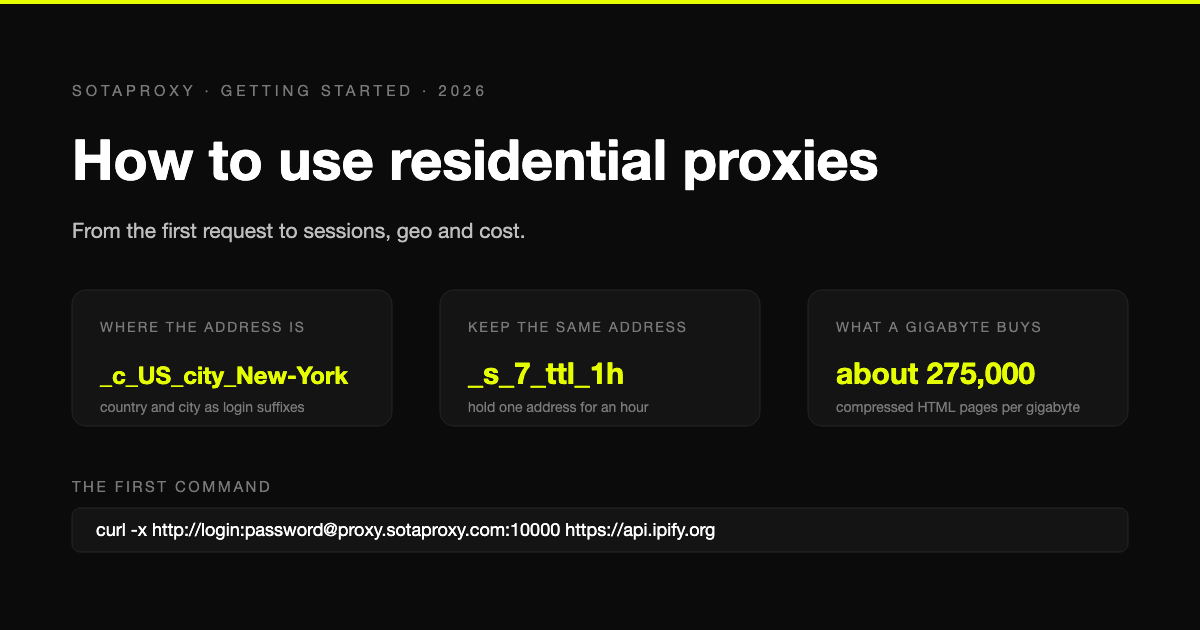
login_c_US_city_New-York           New York, when a device there is online
Country codes are two upper-case letters. City names replace spaces with hyphens. A city is a preference: if no device in that city is online at that moment, you get the country. The full grammar is in the connection string reference, and which countries serve what is on the location pages, for example China.
Rotating and sticky: the setting that decides whether accounts survive
By default the gateway rotates: each new connection gets a different exit device. That is right for work where every request stands alone, such as scraping listings or checking prices.
For anything with state, you need the same address for a while. A session suffix does that:
login_c_US_s_42_ttl_30s     one address for 30 seconds: a login and its redirect
login_c_US_s_42_ttl_15m     15 minutes: a checkout or a multi-step form
login_c_US_s_42_ttl_1h      one hour: account warming, long browsing
The number after _s_ is yours to choose. Every worker, browser profile or account should have its own, because two things sharing a session number share an exit address, and to the site they are one visitor. The lifetimes are ceilings, not guarantees: a home device can go offline, so code should handle a reconnect. The rules are in rotating and sticky sessions.
One consequence surprises people. Rotation is per connection, not per request. A client that keeps connections alive, which every browser and every HTTP library does, holds its address until that connection closes. If your scraper seems stuck on one address, that is why, and the fix is to control it with session numbers rather than hope.
For an account that must keep one address for weeks, residential is the wrong product. That is what a static ISP address is for, and the comparison is in ISP vs residential vs datacenter vs mobile.
Using it in a browser
Enter the gateway as an HTTP proxy with the login and password, and put the suffixes in the username field. Desktop browsers each have their own place for this: Firefox has its own dialog, Chrome uses the operating system's, and both are covered step by step in the Firefox guide and the Chrome guide. On a phone, the setting lives inside the Wi-Fi network; see the iPhone guide.
A browser holds connections open, so a residential proxy in a browser behaves like a sticky session until the browser is restarted. Set a session suffix with the lifetime you actually want rather than relying on that.
Using it in code
The same address works in every HTTP library. In Python:
PROXY = "http://login_c_US_s_7_ttl_15m:password@proxy.sotaproxy.com:10000"

# requests
session = requests.Session()
session.proxies = {"http": PROXY, "https": PROXY}

# httpx
client = httpx.Client(proxy=PROXY)

# Playwright
browser = p.chromium.launch(proxy={
    "server": "http://proxy.sotaproxy.com:10000",
    "username": "login_c_US_s_7_ttl_15m",
    "password": "password",
})
Two rules for code. If you use SOCKS5, write socks5h:// so the hostname is resolved on the proxy and not on your machine; we measured which clients get this wrong in what is a DNS proxy. And if your password contains @, # or :, percent-encode it inside the address or pass it in separate fields. A working crawler with all of this in place is in Python web crawling.
Using it in tools
Antidetect browsers, scrapers and SEO tools all ask for the same four fields: host, port, login, password. Fill them from the table below and choose HTTP as the type unless the tool needs SOCKS5, which the same port also speaks.
| Field | Value |
|---|---|
| Type | HTTP, or SOCKS5 |
| Host | proxy.sotaproxy.com |
| Port | 10000 |
| Login | your login with suffixes, for example login_c_US_s_7_ttl_1h |
| Password | your password |
One profile, one session number. That is the whole rule for tools that manage several identities. Tools that cannot send a proxy login at all, Selenium being the usual one, can be given access by address instead: authentication and IP whitelisting.
What a gigabyte buys
Residential traffic is billed by volume, so the question "how much do I need" is really "how heavy are the pages". Our own measurements from earlier guides:
- Crawling a plain HTML site with compression on cost 3.8 KB per page on the wire, so a gigabyte was about 275,000 pages. Compressed transfer was six times smaller than the HTML itself.
- A rendered page in a browser is a different order of magnitude. Pages we measured weighed 424 KB to 2 MB rendered, so a gigabyte is 500 to 2,500 of them.
The practical rules follow: fetch HTML rather than rendering when the data is in the HTML, keep compression on, and in a browser block images, media and fonts you do not need. The arithmetic per million pages is in best proxies for web scraping.
Checking it works properly
Three checks, in order.
Address. The curl command above, or our IP checker in a browser. The address and country should match what you asked for.
Stickiness. Run the same request three times with a session suffix. Three identical addresses mean the session holds:
for i in 1 2 3; do
  curl -s -x http://login_c_US_s_9_ttl_15m:password@proxy.sotaproxy.com:10000 https://api.ipify.org
  echo
done
Nothing on the side. In a browser, WebRTC can reveal your real address around any proxy, and a local DNS lookup can reveal which sites you visit. Both are covered in the browser guides linked above.
The mistakes that waste traffic
- Rotating in the middle of a login or checkout. The site sees the address change and logs you out or flags you. Use a session suffix for the whole flow.
- Sharing a session number between workers. They share an exit, and the site sees one visitor doing the work of ten.
- A space in a city name.
New Yorkis a wrong login and gets a 407. WriteNew-York. - Rendering pages you could have fetched. A browser costs a hundred times the traffic of a plain request for the same data.
- Retrying at full speed. A request that failed is billed. Retry with a growing pause, on a different session, and count the retries.
- Buying volume before testing. One gigabyte costs $2.00 and answers whether your target accepts residential traffic at all. Buy the big package after that, not before.
Where residential is the wrong tool
- A site that does not check address class. Datacenter addresses do the same job for a fraction of the price, and traffic is not metered. A 200-request test tells you which kind of site you have.
- An account that lives on one address. ISP proxies: one static address, $3.00 a month, traffic not metered.
- Mobile-only content. Mobile proxies, on a real carrier address.
Prices for all four are on the pricing page, and the comparison of what each type is for is in best residential proxies.
FAQ
How do I connect to a residential proxy?
Send your requests to the gateway address with your login and password. With us that is proxy.sotaproxy.com:10000, HTTP or SOCKS5, and the country, city and session go in the login as suffixes.
Do I get a list of IP addresses?
No. A residential proxy is a gateway in front of a pool. You get an address per connection, chosen by the country and session you asked for, and you never manage the addresses yourself.
How do I keep the same IP address?
Add a session suffix to the login, _s_ followed by a number of your choice, and a lifetime: _ttl_30s, _ttl_15m or _ttl_1h. For an address that must not change for weeks, use an ISP proxy instead.
How much residential traffic do I need?
Divide the pages by the pages per gigabyte for your kind of page: around 275,000 for compressed HTML in our crawl, 500 to 2,500 for rendered pages. Start with one gigabyte and measure your own target.
Can I use one residential proxy for several accounts?
The gateway, yes. The session, no. Give each account its own session number so each has its own exit address, and remember that the proxy changes only the address, not the device or browser the accounts share.
Related articles
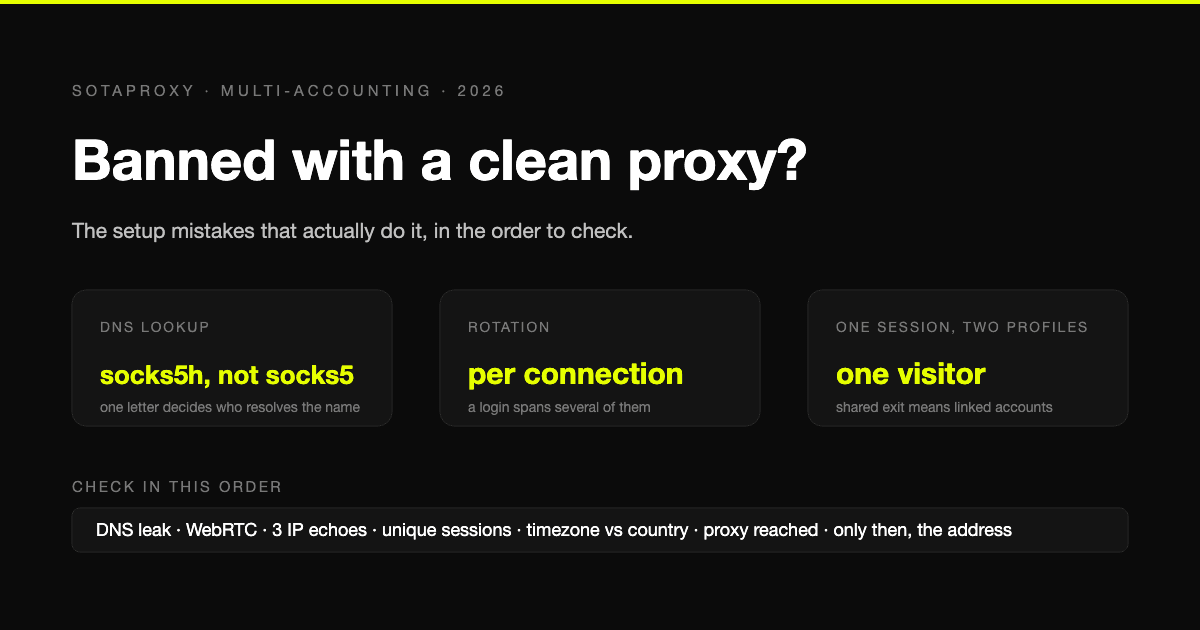
Banned With a Clean Proxy? The Setup Mistakes That Actually Do It
The proxy was clean, the address was residential, and the account still died. In most cases we see, the address was never the problem. Seven setup faults, each one checkable in a minute, in the order they usually turn out to be the cause.

How to Set Up Proxy: A Guide for Automation & Ad Teams
Learn how to set up proxy servers for technical use cases. A step-by-step guide on configuration, proxy types, automation, and troubleshooting for ad teams.
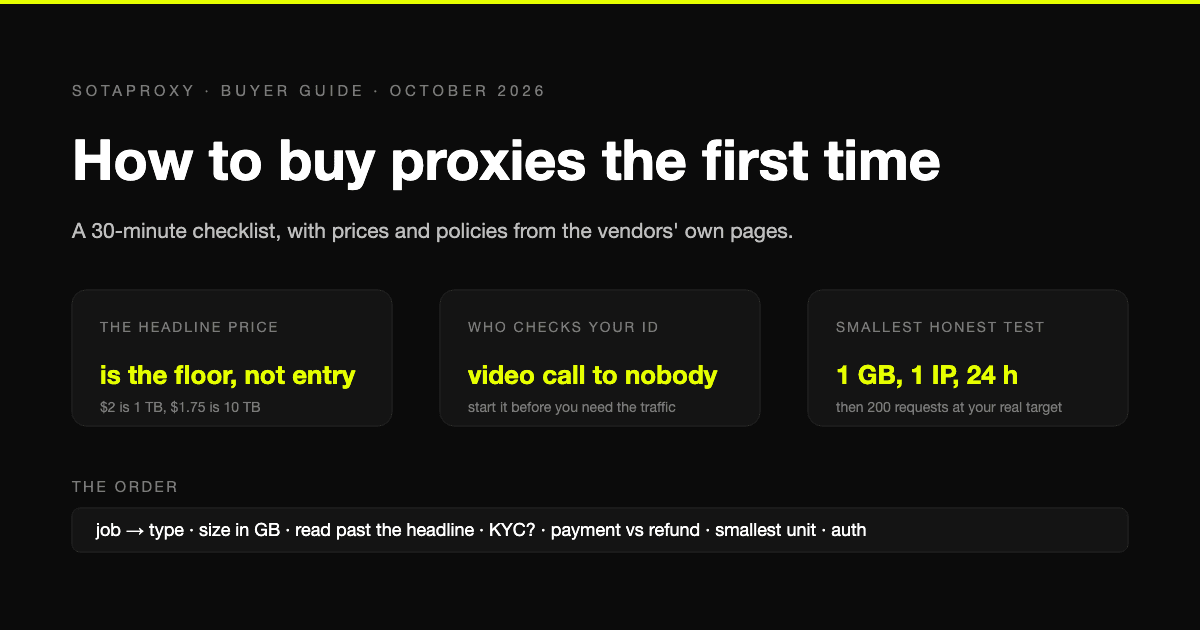
How to Buy Proxies for the First Time: A 30-Minute Checklist
A first purchase goes wrong in predictable places: the wrong proxy type, a headline price nobody pays, an identity check nobody mentioned, a refund that does not apply to how you paid. The checklist, with prices and policies from the vendors' own pages.
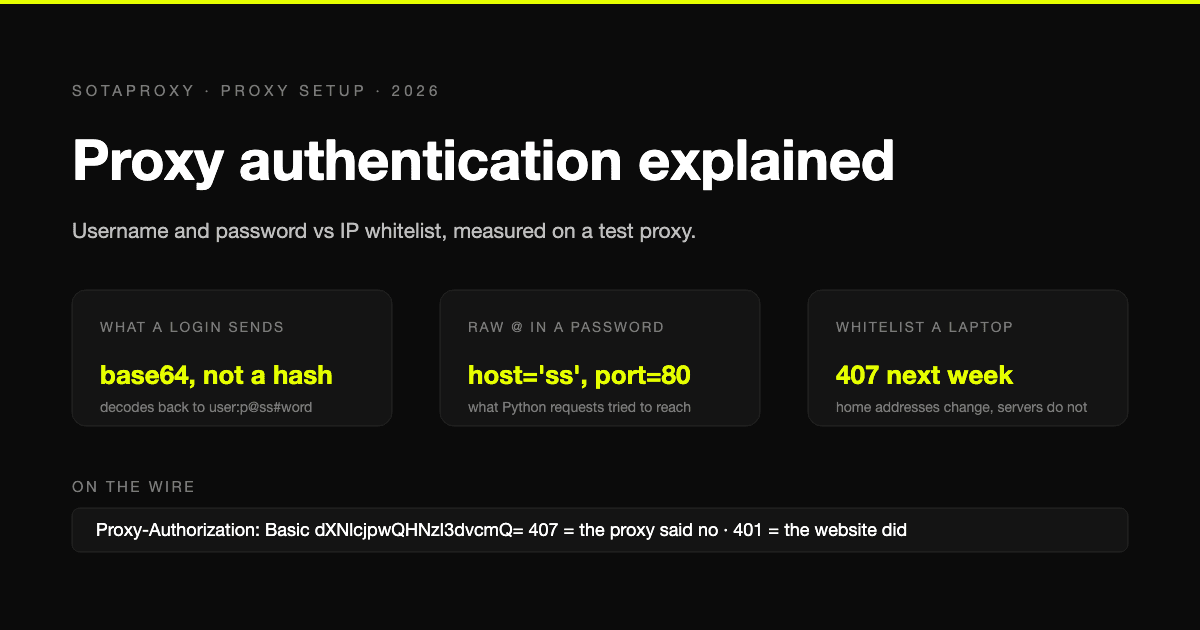
Proxy Authentication Explained: Username and Password vs IP Whitelist
Two ways a proxy knows it is you: credentials sent on every connection, or a list of addresses allowed in without them. What each one puts on the wire, measured on a test proxy, which tools cannot do which, and why a whitelisted laptop breaks a week later.
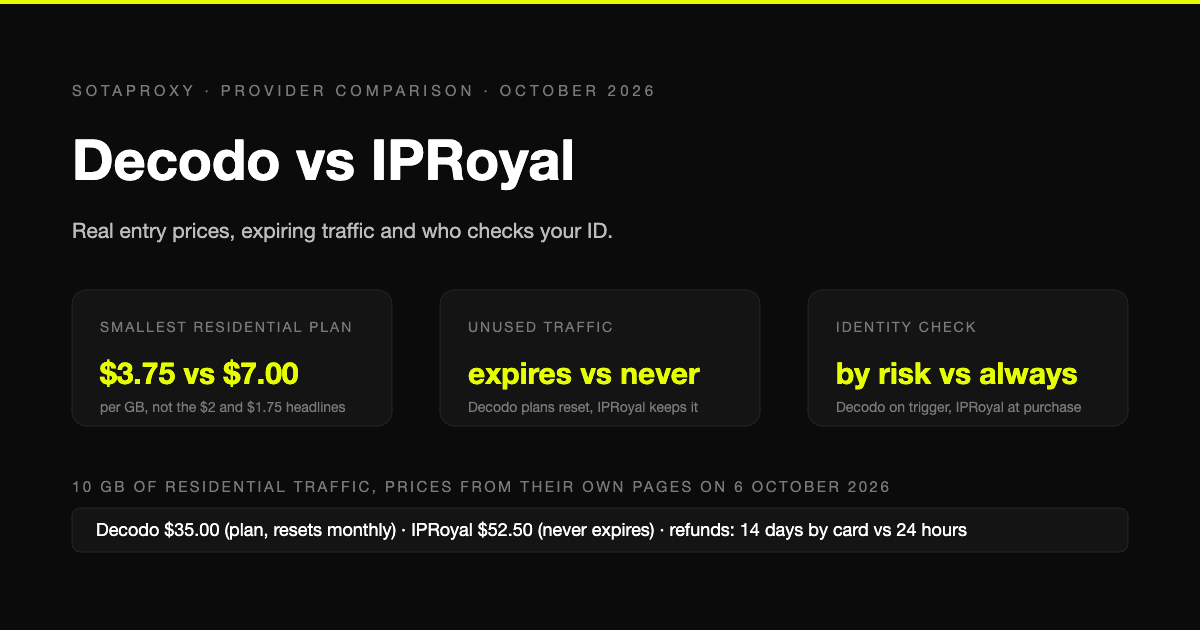
Decodo vs IPRoyal in 2026: Real Entry Prices, Expiring Traffic and Who Checks Your ID
Both are mid-market proxy vendors that take cards and crypto and sell by the gigabyte. The prices on their own pages on 6 October 2026, why neither headline rate is an entry price, whose traffic expires, who checks your identity before you can buy, and who gives money back.
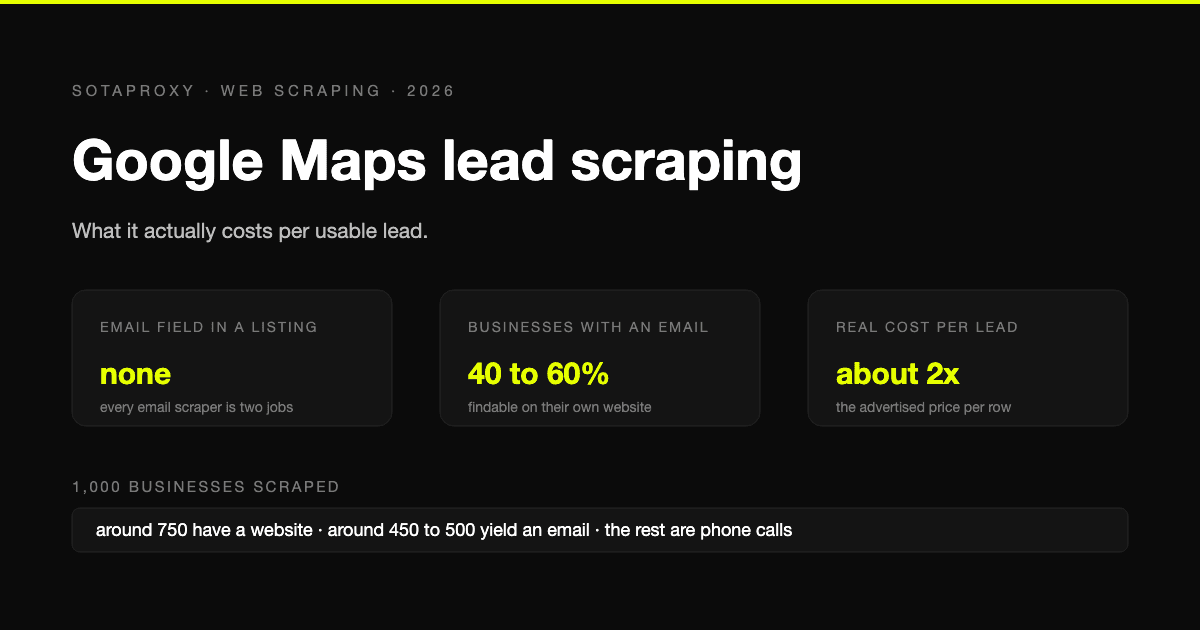
Google Maps Lead Scraping: What It Actually Costs Per Usable Lead
Google Maps has no email field, so every email scraper is a two-stage pipeline and only about half of businesses yield an address. What a thousand listings really costs per usable lead, the businesses-without-websites play, and where the law stands after the SerpApi ruling.