Python Web Crawling: One Crawler Built Three Ways, and How Fast Each Runs
A working Python crawler with requests, then the same crawl with asyncio and Scrapy, each timed by us on the same site. Plus JavaScript pages, proxies and the traps that break crawlers.
A web crawler does one thing a scraper does not: it finds its own pages. You give it a starting address, it follows the links it sees, and it keeps going until it runs out of site or reaches a limit you set. Extracting data from each page is scraping. Deciding which page to fetch next is crawling.
This guide builds the same crawler three ways, with requests, with asyncio and with Scrapy. We ran all three against the same site on 30 September 2026 and timed them, so the comparison at the end is measured and not quoted from someone else. The target is books.toscrape.com, a sandbox that exists for exactly this kind of practice.
The smallest crawler that works
Install two packages:
pip install requests beautifulsoup4And this is the whole crawler:
import time
from collections import deque
from urllib.parse import urljoin, urldefrag, urlparse
from urllib.robotparser import RobotFileParser

import requests
from bs4 import BeautifulSoup

START = "https://books.toscrape.com/"
MAX_PAGES = 300
DELAY = 0.0          # seconds between requests; raise it on real sites
USER_AGENT = "my-crawler/1.0 (+mailto:you@example.com)"

host = urlparse(START).netloc
robots = RobotFileParser(urljoin(START, "/robots.txt"))
robots.read()

session = requests.Session()
session.headers["User-Agent"] = USER_AGENT

queue = deque([START])     # the frontier: URLs waiting to be fetched
seen = {START}             # every URL ever queued, so nothing is fetched twice
pages = 0

while queue and pages < MAX_PAGES:
    url = queue.popleft()
    if not robots.can_fetch(USER_AGENT, url):
        continue
    try:
        r = session.get(url, timeout=15)
    except requests.RequestException as e:
        print("failed", url, e)
        continue
    if r.status_code != 200 or "text/html" not in r.headers.get("Content-Type", ""):
        continue

    pages += 1
    soup = BeautifulSoup(r.text, "html.parser")
    title = soup.title.get_text(strip=True) if soup.title else ""
    print(pages, url, title)

    for a in soup.select("a[href]"):
        link = urldefrag(urljoin(url, a["href"])).url   # absolute, no #fragment
        if urlparse(link).netloc == host and link not in seen:
            seen.add(link)
            queue.append(link)

    time.sleep(DELAY)
Four parts of it are what make any crawler a crawler:
- The frontier.
queueholds addresses waiting to be fetched. Taking from the front gives a breadth-first crawl, which reaches the important pages of a site before the deep ones. - The seen set. Without it the crawler fetches the home page again every time a page links back to it, and never finishes.
- Scope. The host check keeps the crawler on one site. Remove it and you are crawling the internet.
- Politeness. It reads
robots.txt, identifies itself with a User-Agent that says how to reach you, and has a delay you can raise.
Two smaller details save trouble later. urljoin turns relative links into full addresses, and urldefrag drops the #section part, so one page is not queued under several names. The Content-Type check stops the crawler from trying to parse images and PDFs as HTML.
The same crawl, ten pages at a time
The first crawler spends nearly all its time waiting for the network, one request after another. The fix is to wait for several at once. This version uses httpx and asyncio with ten workers sharing one queue:
pip install httpx beautifulsoup4import asyncio
from urllib.parse import urljoin, urldefrag, urlparse
import httpx
from bs4 import BeautifulSoup
START = "https://books.toscrape.com/"
MAX_PAGES = 300
CONCURRENCY = 10
USER_AGENT = "my-crawler/1.0 (+mailto:you@example.com)"
host = urlparse(START).netloc
async def worker(client, queue, seen, state):
while True:
url = await queue.get()
try:
if state["started"] >= MAX_PAGES:
continue
state["started"] += 1
r = await client.get(url)
if r.status_code != 200 or "text/html" not in r.headers.get("content-type", ""):
continue
state["pages"] += 1
state["bytes"] += r.num_bytes_downloaded
soup = BeautifulSoup(r.text, "html.parser")
for a in soup.select("a[href]"):
link = urldefrag(urljoin(url, a["href"])).url
if urlparse(link).netloc == host and link not in seen:
seen.add(link)
queue.put_nowait(link)
except httpx.HTTPError as e:
print("failed", url, e)
finally:
queue.task_done()
async def main():
queue = asyncio.Queue()
queue.put_nowait(START)
seen = {START}
state = {"started": 0, "pages": 0, "bytes": 0}
async with httpx.AsyncClient(timeout=15, headers={"User-Agent": USER_AGENT}) as client:
workers = [asyncio.create_task(worker(client, queue, seen, state))
for _ in range(CONCURRENCY)]
await queue.join()
for w in workers:
w.cancel()
print(state, "urls discovered:", len(seen))
asyncio.run(main())The logic is unchanged: a frontier, a seen set, a scope check. What changed is that ten workers take from the queue at the same time. CONCURRENCY is the number to be careful with. Ten is comfortable for a sandbox. On a real site it is ten simultaneous visitors from one address, and many sites will notice.
This version leaves out robots.txt to stay short. Put the same RobotFileParser check in before you point it at a real site.
The same crawl in Scrapy
Scrapy is a framework built for this job. The frontier, the seen set, scope, robots.txt, retries and output files are all already there, so the spider is mostly configuration:
pip install scrapyfrom scrapy.linkextractors import LinkExtractor
from scrapy.spiders import CrawlSpider, Rule
class BooksSpider(CrawlSpider):
name = "books"
allowed_domains = ["books.toscrape.com"]
start_urls = ["https://books.toscrape.com/"]
rules = [Rule(LinkExtractor(), callback="parse_page", follow=True)]
custom_settings = {
"USER_AGENT": "my-crawler/1.0 (+mailto:you@example.com)",
"ROBOTSTXT_OBEY": True,
"CONCURRENT_REQUESTS_PER_DOMAIN": 10,
"DOWNLOAD_DELAY": 0,
"CLOSESPIDER_PAGECOUNT": 300,
}
def parse_page(self, response):
yield {
"url": response.url,
"title": response.css("title::text").get(default="").strip(),
}Save it as books_spider.py and run it without creating a project:
scrapy runspider books_spider.py -O pages.jsonlThe results land in pages.jsonl, one JSON object per line. On a real site, set DOWNLOAD_DELAY above zero or turn on AUTOTHROTTLE_ENABLED, which slows the crawl down when the server starts answering slowly.
What we measured
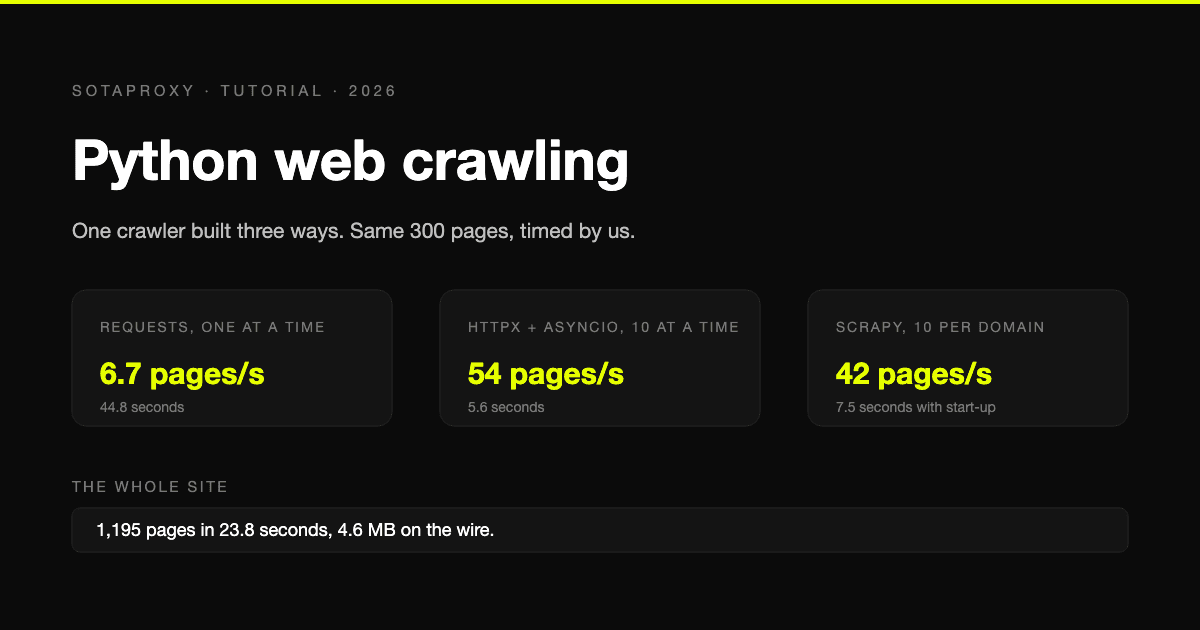
All three crawled the same site from the same laptop on a home connection, with no delay, stopping at 300 pages.
| Crawler | Pages | Wall-clock time | Pages per second |
|---|---|---|---|
| requests, one at a time | 300 | 44.8 s | 6.7 |
| httpx and asyncio, 10 at a time | 300 | 5.6 s | 54 |
| Scrapy, 10 per domain | 317 | 7.5 s | 42 |
Versions were Python 3.13, requests 2.34, httpx 0.28, Scrapy 2.19 and BeautifulSoup 4.15.
What the table says:
- Concurrency is the whole difference. Going from one request at a time to ten made the crawl eight times faster with the same parsing code.
- Scrapy is not slower than it looks. Its own statistics showed 4.9 seconds of crawling. The rest of the 7.5 is start-up, which stops mattering on a crawl of any real length. It overshot the limit by 17 pages because requests already in flight are allowed to finish.
- These are not speeds to expect on a real site. A sandbox does not rate limit. On a site that does, your speed is whatever the site tolerates, and the tool makes no difference.
We also let the asyncio version run to the end. The whole site is 1,195 pages. It took 23.8 seconds and 4.6 MB of traffic, against 28.4 MB of HTML once decompressed. All three libraries ask for compressed responses by default, and on this site that cut the transfer by a factor of six. If you pay for proxy traffic by the gigabyte, do not switch that off.
Which one to use
| Situation | Use |
|---|---|
| A few hundred pages, once | requests. It is the easiest to read and debug |
| Thousands of pages, your own logic | httpx with asyncio |
| A crawl you will run again, or several sites | Scrapy |
| Pages that are empty until JavaScript runs | A browser, through Playwright |
Pages that need JavaScript
Some pages arrive as an empty shell and fill themselves in with scripts. A plain HTTP request never sees the content. The practice site has a version built this way, and the difference is easy to show:
import requests
from bs4 import BeautifulSoup
from playwright.sync_api import sync_playwright

URL = "https://quotes.toscrape.com/js/"

html = requests.get(URL, timeout=15).text
print("requests:", len(BeautifulSoup(html, "html.parser").select(".quote")), "quotes")

with sync_playwright() as p:
    browser = p.chromium.launch(channel="chrome")   # uses the Chrome already installed
    page = browser.new_page()
    page.goto(URL)
    page.wait_for_selector(".quote")
    html = page.content()
    browser.close()
print("playwright:", len(BeautifulSoup(html, "html.parser").select(".quote")), "quotes")
When we ran it, requests found 0 quotes and Playwright found 10. Install Playwright with pip install playwright. The channel="chrome" argument makes it drive the Chrome you already have, so there is no separate browser download.
A browser is slow and heavy compared with a plain request, so use it only for the pages that need it. Check first: if the data is in the response to a plain request, you do not need a browser.
Adding a proxy
A crawler needs a proxy when the site limits or blocks your address, or when you need to see the site as another country sees it. Each tool takes the proxy in a slightly different place. We checked all four forms below against a logging proxy to confirm the requests go through it.
PROXY = "http://login_c_US:password@proxy.sotaproxy.com:10000"

# requests
session = requests.Session()
session.proxies = {"http": PROXY, "https": PROXY}

# httpx
client = httpx.AsyncClient(proxy=PROXY)

# Playwright
browser = p.chromium.launch(proxy={
    "server": "http://proxy.sotaproxy.com:10000",
    "username": "login_c_US",
    "password": "password",
})
Scrapy reads the standard environment variables, so nothing in the spider changes:
https_proxy=http://login_c_US:password@proxy.sotaproxy.com:10000 scrapy runspider books_spider.pyTwo things to know before relying on it.
A rotating proxy rotates per connection. All three HTTP clients above reuse connections for speed, so a crawler can hold one exit address far longer than you expect. How to control that with session identifiers is in the rotating and sticky sessions reference.
Selenium does not accept a proxy username and password through its standard options. If you are tied to Selenium, the ways around it are listed in authentication and IP whitelisting. Playwright does not have this problem.
Which type of proxy a given site needs, and how to find out with two hundred requests, is covered in best proxies for web scraping.
What breaks crawlers
- Endless pages. Calendars, filters and sort options generate a new address for every combination. Set a page limit, as every example here does, and consider a depth limit.
- One page under many addresses. Tracking parameters and session identifiers in the address defeat the seen set. Strip the parameters you know are noise before adding a link to it.
- Errors treated as pages. A 429 or a 503 is the site asking you to slow down. Wait and retry with a growing pause instead of moving on:
for attempt in range(4):
    r = session.get(url, timeout=15)
    if r.status_code not in (429, 500, 502, 503, 504):
        break
time.sleep(2 ** attempt)- A 200 that is not the page. Some sites answer a blocked request with a normal status code and a page that only says to try again. Check that the content you expect is present, not only the status.
Crawl responsibly
Read the site's robots.txt and its terms before you start. Identify your crawler honestly, keep the request rate low enough that the site does not feel you, and do not collect personal data you have no reason to hold. A crawler that is polite also lasts longer, because it gives the site no reason to block it.
FAQ
What is the difference between a web crawler and a web scraper?
A crawler discovers pages by following links. A scraper extracts data from a page. Most real projects do both: crawl to find the pages, scrape each one.
What is the best Python library for web crawling?
Scrapy, for anything you will run more than once. For a one-off job of a few hundred pages, requests with BeautifulSoup is simpler. For custom logic at volume, httpx with asyncio.
How fast can a Python crawler go?
In our test, 6.7 pages per second one request at a time and 54 with ten concurrent requests, on a site with no rate limit. On a real site the limit is what the site allows, not what Python can do.
Do I need proxies to crawl a website?
Not for a small, polite crawl of a site that does not block. You need them when your address gets rate limited or blocked, or when you need results from another country.
How do I crawl a site that uses JavaScript?
Render the pages in a browser with Playwright, as in the example above, and only for the pages that need it.
Related articles
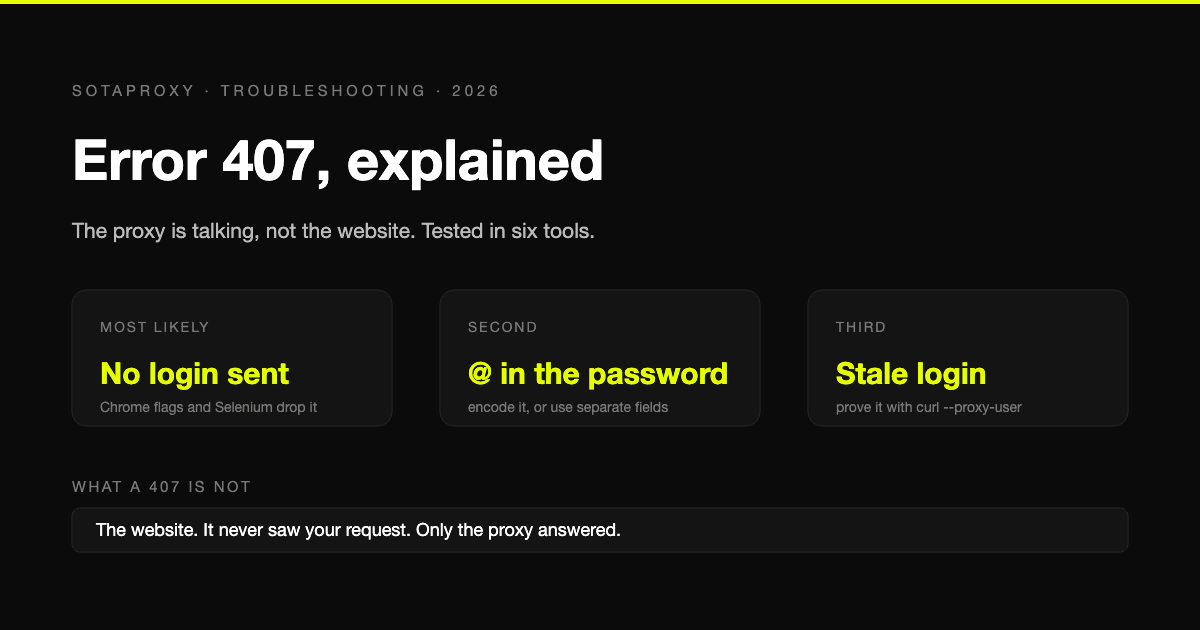
HTTP 407 Proxy Authentication Required: What It Looks Like in Each Tool and How to Fix It
A 407 comes from the proxy, not the site. We ran curl, git, pip, Python and Chrome into a proxy that returns 407 and recorded what each one says, then list the causes from most to least likely, with the fix for each.
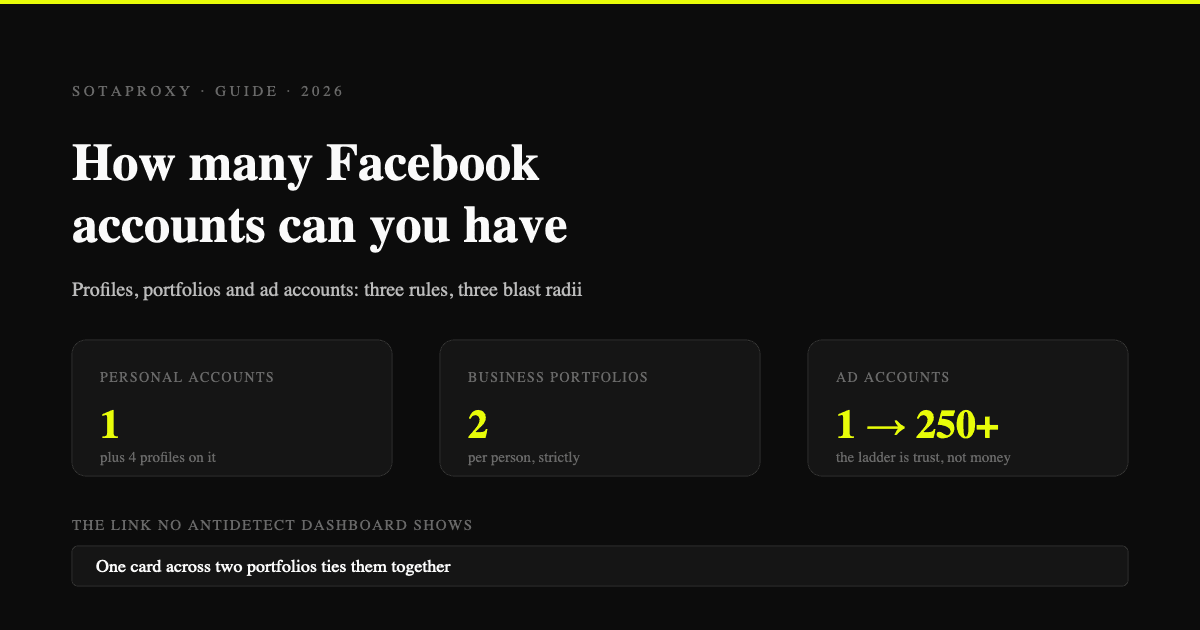
How Many Facebook Accounts Can You Have in 2026 (Profiles, Portfolios, Ad Accounts)
One personal account, four additional profiles that share its enforcement, two business portfolios per person, and an ad account limit that grows with trust. What actually gets restricted and in what order.
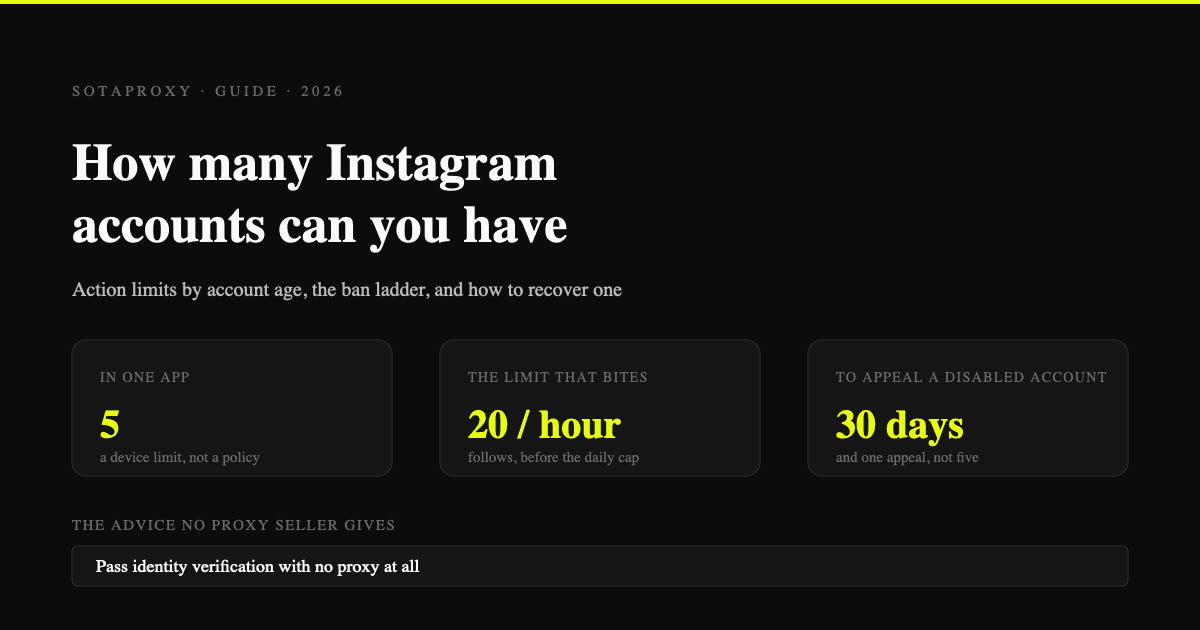
How Many Instagram Accounts Can You Have in 2026 (And What Gets Them Banned)
The five-account switcher is a device limit, not a policy. Instagram's action limits by account age, how it links accounts, the enforcement ladder, and how to recover a restricted account.
How Many Accounts Can You Have on Each Platform in 2026
Published limits for eleven platforms side by side, the four different rule regimes behind them, and why the number in the app is never the real constraint.
How Much You Actually Make on OnlyFans in 2026: The Full Fee Stack
The published earnings distribution, every cut between a fan's dollar and your bank account, when the money actually lands, and the one metric that decides whether promotion works.
How to Test a Proxy Before You Buy It: A 10-Minute Checklist
Ten checks that tell you whether a proxy trial is worth paying for: exit ASN, hosting flags, rotation behaviour, subnet spread, DNS and WebRTC leaks, and success rate on your own target.