How OnlyFans Agencies Run 20 Creator Accounts Without Linking Them
What actually links creator accounts, which proxy type each one needs, how chatters in three countries share a single login, and what the isolation layer costs next to a 20 to 50 percent agency share.
An agency managing twenty creators is running twenty separate businesses that happen to share one office. The platform does not see twenty businesses. It sees twenty accounts that log in from the same building, on the same hardware, at the same hours, and it draws the obvious conclusion.
This guide is about the infrastructure that keeps those accounts apart: which signals do the linking, what each account actually needs, how a team of chatters in three countries shares one creator login without triggering a security review, and what to check before the first login rather than after the ban.
It is not about content, pricing or promotion. It is the part that agencies usually improvise until the first payout gets frozen.
What actually links two creator accounts?
Platforms do not need a confession, and none of them cares how many accounts you own: the published limits, platform by platform, are in how many accounts you can have on each platform. They correlate, and the cheap correlations are the ones that catch most agencies:
- IP address. The single strongest signal, and the one agencies break first by logging into six accounts from the office connection.
- Browser fingerprint. Canvas, WebGL, fonts, screen size, hardware concurrency. Two profiles on the same physical machine look identical unless something deliberately separates them.
- Cookies and storage. One browser, two accounts, one shared cookie jar. A single session carried between profiles undoes everything else.
- Payout and identity data. The same bank account, the same tax ID, the same verification document behind two creators is a hard link that no proxy fixes.
- Recovery data. A shared phone number or a recovery email that points at the same mailbox.
- Behaviour. Two accounts that go online within the same minute every day, from the same timezone, with the same typing rhythm.
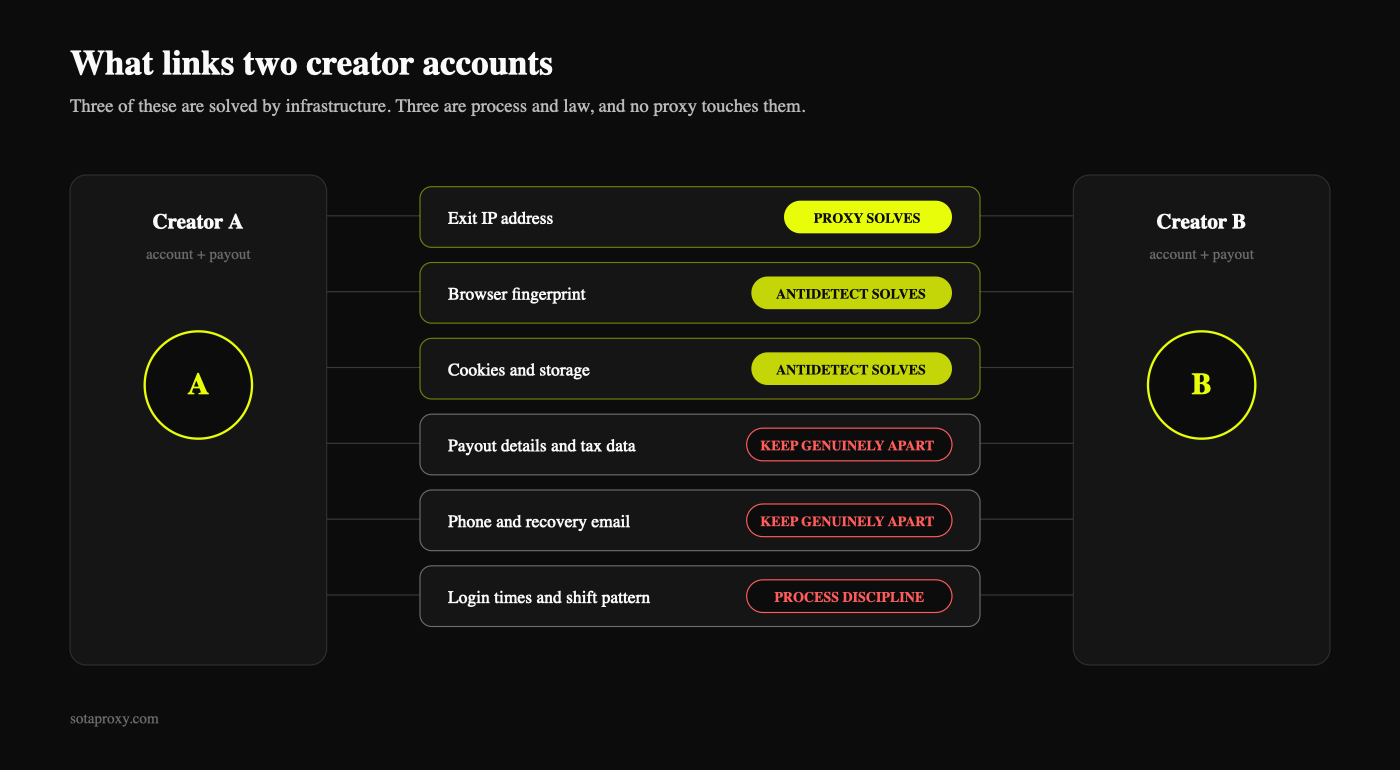
The first three are technical and solvable. The fourth is legal and must be kept genuinely separate. The last two are process discipline.
Is agency management of creator accounts allowed at all?
Yes, in the ordinary sense that a creator can hire people to run their business, and platforms expect it. What gets accounts closed is not delegation, it is misrepresentation: creating accounts in someone else's name, running accounts the creator has not authorised, or presenting one person as another.
Practical rules that keep an agency on the right side of this:
- Get written authorisation from every creator whose account you touch, with scope and revocation terms. This is also what protects you when a creator leaves.
- Verification identity, banking details and tax data belong to the creator, never to the agency, and never shared across creators.
- Do not create accounts on a creator's behalf using your own documents.
- Check the platform's current terms before you scale. They change, and this guide is not legal advice.
Everything below assumes you have that authorisation and the accounts are real people's businesses.
What does an agency take, and what does the isolation cost?
Two numbers set the frame for everything else.
The platform takes 20% of every dollar a creator earns, before anyone else is paid. That part is not negotiable.
The agency share starts at 20% and goes up with scope. Management only, where you handle the account, scheduling and the business side, sits at the bottom of that range. Full service, where your team also runs the chat around the clock, edits content and buys promo, commonly lands at 40% to 50%. Two things decide whether a deal is fair at any of those numbers: what exactly the percentage covers, and whether it is calculated on gross earnings or on what remains after the platform fee. Put both in writing, because a 30% deal on gross and a 30% deal on net are different businesses. The rest of the paperwork matters just as much, and the clauses that decide what happens when a creator leaves are in what is actually in an agency contract.
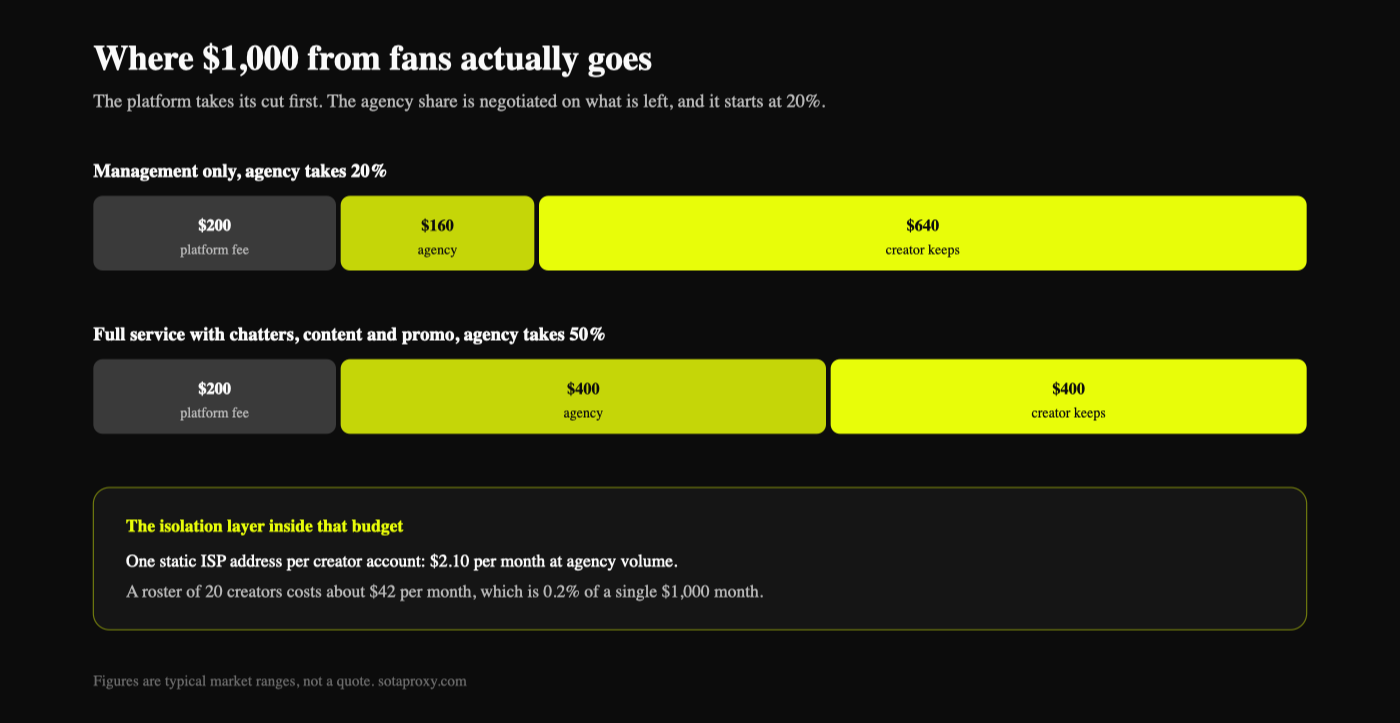
Now put the infrastructure next to those numbers. One static ISP address per creator account costs about $2.10 per month at agency volume. A seat in an antidetect browser is another $10 to $30 per month for the whole team, not per account. A phone number and an email are one-off costs.
For a roster of twenty creators the isolation layer is roughly $42 a month. That is 0.2% of what a single creator earning $1,000 brings in, and it is the line item protecting the entire revenue share on the other side of the table. Agencies that cut this line to save forty dollars are risking a payout hold on a five-figure month. Every line of that budget, priced at three roster sizes, is in what a multi-accounting stack actually costs, and the revenue side, from the median creator to the fee stack, is in how much you actually make on OnlyFans.
Which proxy type does a creator account need?
The short answer is a static residential or ISP proxy in the creator's own city (city-level targeting), held for as long as the account exists.
The longer answer is why the alternatives fail:
| Type | Fit for creator accounts | What goes wrong |
|---|---|---|
| Rotating residential | No | The IP changes mid-session. The platform sees a session that jumped countries, and asks for verification |
| Datacenter | No | Hosting ASN on a consumer platform. Flagged before the login form loads |
| ISP / static residential | Yes | Nothing, provided it is one account per address |
| Mobile | For the mobile app | Shared with other users on the same carrier IP, which is normal for mobile but weaker for payouts |
| VPN | No | Shared exit nodes that thousands of accounts already used |
Two properties matter more than the label. It must be static, because a creator who lives in Miami does not move to Denver between two messages. And it must be exclusive, because an address shared with another agency's accounts links you to accounts you have never seen.
Our own static addresses, with city-level targeting, are on the ISP proxies page, and the rotating pool is described on the residential proxies page.
How many accounts can share one IP?
For accounts that carry a payout, the working ratio is one to one.
This is the place where agencies try to save money and it is the worst possible place to save it. Two creator accounts on one address are not two accounts with a small shared risk, they are one unit: when one gets reviewed, the other inherits the review. Multiply that by a pool of twenty and one bad month takes the whole roster instead of one creator.
The cost side is smaller than it looks. One static address per creator is a fixed monthly line item that scales linearly with the roster, and it is a fraction of a single creator's monthly revenue. Compare it to the cost of one frozen payout and the argument ends.
Accounts without money attached, such as promo accounts on other platforms, can tolerate a tighter ratio. Everything with a payout gets its own address.
What does one correctly isolated account look like?
Everything in this table must be unique per creator. The right-hand column is what happens when it is not.
| Element | Must be unique | If shared |
|---|---|---|
| Exit IP | Yes | Direct link, strongest signal there is |
| Browser profile and fingerprint | Yes | Same device signature on two accounts |
| Cookies and local storage | Yes | Session bleed, instant association |
| Email address | Yes | Recovery graph links the accounts |
| Phone number | Yes | Same, and harder to unwind later |
| Payout details and tax data | Yes, legally | Hard link plus a compliance problem |
| Timezone, locale, language | Yes, matched to the IP | Geo mismatch on every login |
| Login schedule | Ideally | Behavioural correlation |
| Antidetect browser | No, one tool holds all profiles | Nothing, this is what it is for |
| Password manager vault | No | Nothing, provided entries are separate |
The row people skip is timezone. A profile on a Miami IP that reports Europe/Kyiv announces that the person behind it is not in Miami. Set the timezone, locale and language in the browser profile to match the address, then confirm with a checker rather than trusting the setting.
How do chatters in different countries share one login?
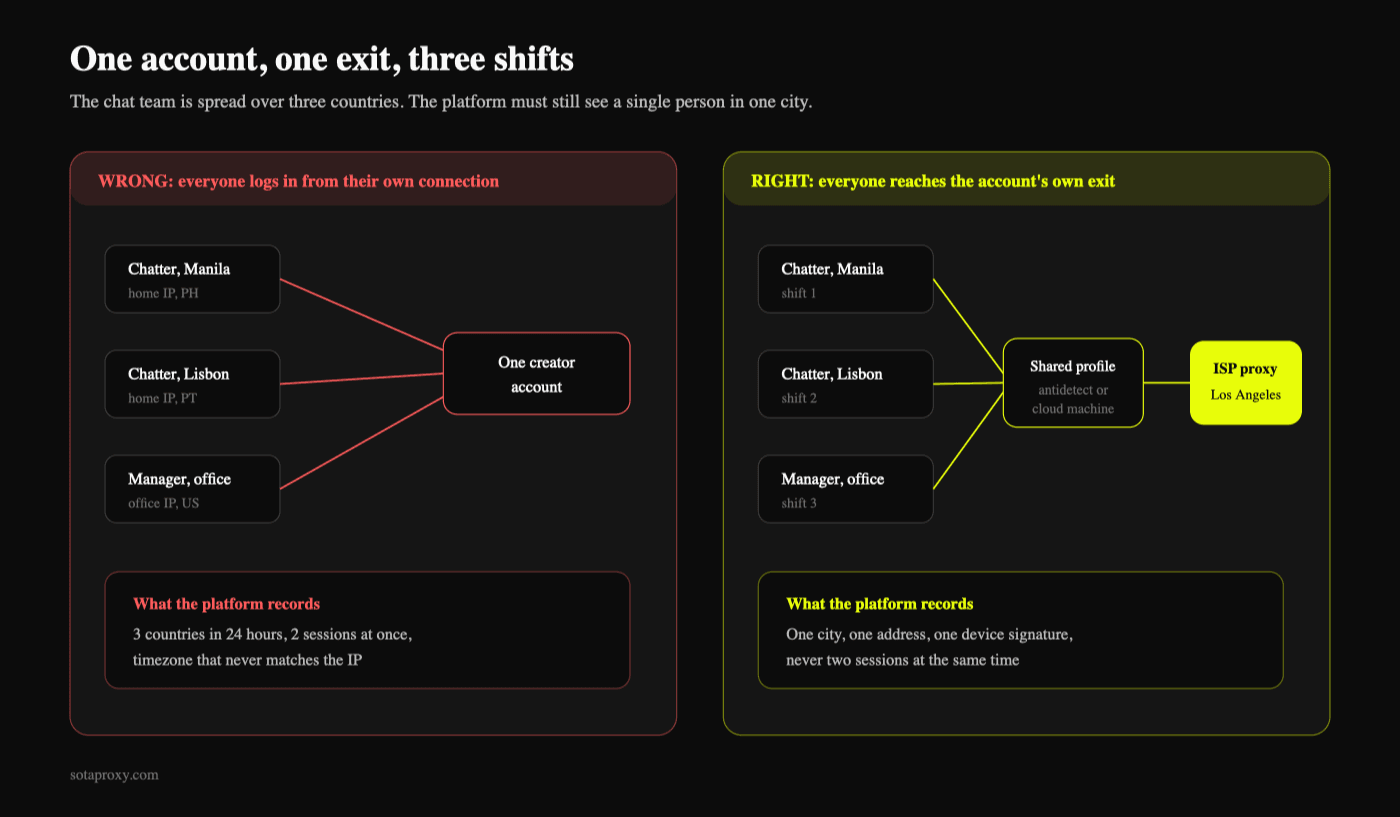
This is the real operational problem, and it is where most agencies quietly break their own setup. A creator lives in Los Angeles. The chat team works from Manila and Lisbon in three shifts. If each chatter opens the account from their own connection, the account logs in from three continents in one day.
The rule: the account has one exit, and everyone reaches it through that exit. Nobody logs in from their own connection, ever.
Two workable shapes:
- Shared cloud machine per creator. A remote desktop or cloud phone that holds the browser profile, sits behind the creator's proxy, and gets handed between shifts. The account only ever sees one machine and one IP.
- Team-shared antidetect profile. The antidetect browser syncs the profile between team members, and the profile carries the creator's proxy with it. The chatter's own connection only reaches your provider's gateway; the exit the platform sees stays the same.
Either way, three process rules do the rest:
- No concurrent logins. Two chatters inside the account at once produce two simultaneous sessions from one address, which is its own alarm. Hand the shift over explicitly.
- Shift boundaries that look human. A handover at the same second every eight hours across twenty accounts is a pattern.
- No personal devices. A chatter checking the account from their phone on the way home is the most common single cause of a sudden verification loop.
What do you check before the first login?
Ten minutes per account, once, before the account has any history to lose.
- Exit IP matches the creator's city, not just the country.
- The address is static. Reconnect twice and confirm you get the same IP.
- No hosting flag on the address, and a consumer ASN behind it.
- DNS resolves in the same country. A US exit resolving through a European resolver is the most common invisible mismatch.
- WebRTC does not expose the real address.
- Timezone, locale and language match the exit.
- The profile is empty. No cookies inherited from a template profile.
- The email and phone are new and not reused from another creator.
Run the whole pass inside the profile the account will actually live in, not in your own browser. The commands for each of those checks are in how to test a proxy before you buy it. What your dashboard says the address is does not matter; what the platform sees when the profile connects is the only version that counts.
What breaks first when the setup is wrong?
Bans are rarely the first symptom. The order usually goes:
- A verification prompt on an ordinary login. The account is being asked to prove it is still the same person. One occurrence is noise. The same prompt on three accounts in a week is your infrastructure talking.
- A payout hold. The most expensive symptom, and the one that follows an identity or IP correlation rather than a content issue.
- Silent logout mid-shift. Usually a rotating proxy that changed address, or two chatters in the account at once.
- Region-specific content or pricing appearing wrong. A DNS or locale mismatch, not an account problem.
- Then the ban, often on the newest account first, because it has the least history to weigh against the signal.
Treat the first two as incidents. Write down which account, which day, which chatter, which IP. Three entries in that log usually point at one shared thing.
How do you onboard a new creator without burning the account?
New accounts have no history, so every signal weighs more.
- Set the infrastructure up before the account exists. Proxy, profile, timezone, email and phone first, account second. Creating the account from your office connection and moving it behind a proxy afterwards is the single most common founding mistake, and it is not reversible.
- First two weeks, one device, one IP, no bulk actions. No mass messaging, no imported subscriber lists, no automation.
- Keep the same working hours as the creator's stated location.
- Do not migrate an existing account to a new IP abruptly. If a creator arrives with an account that has been running from their home connection, keep the geo identical, move once, and expect one verification prompt.
What should never be shared, in any circumstance?
Payout details. Identity documents. Phone numbers. Recovery emails. Browser profiles. Cookies. The office IP.
Everything else is negotiable, and those seven are not.
FAQ
Can two creators live on the same IP if they are in the same city?
Technically yes, and it still creates a link between two accounts that carry money. For anything with a payout, keep the ratio at one to one.
Does an antidetect browser replace the need for proxies?
No. The browser separates fingerprints, the proxy separates addresses. Twenty perfect fingerprints coming out of one IP are twenty accounts from one place.
Rotating residential proxies are cheaper. Can we use them for creator accounts?
For a creator account, no. Rotation changes the exit address mid-session, which is exactly the event that triggers a re-verification. Rotation is for scraping and short tasks, not for a logged-in account that holds a balance.
Our chatters are in three countries. Does each need their own proxy?
No, and giving them one is the mistake. The account needs one exit. Chatters reach that same exit from wherever they are, through a shared machine or a synced profile.
How do we know an IP is clean before we use it?
Check the ASN and the hosting flag, run the address through the reputation databases, and look at whether it is already catalogued as part of a proxy network. Any provider worth buying from will let you test a live address before you pay for the month.
What happens if a creator leaves the agency?
Hand over the account, and retire the address rather than reassigning it to a new creator. A reused IP carries the previous account's history into the new one.
Do mobile proxies work better than ISP for this?
They behave better for the mobile app and for accounts that should look phone-first, and they are shared by design, which is fine for browsing and worse for payout-bearing logins. Most agencies land on ISP for the desktop session and treat mobile as the exception.
Related articles

How Many Google and Steam Accounts Can You Have in 2026
The two platforms in this series where the count is genuinely unlimited and the limit is somewhere else: Google rations phone numbers and never says how many accounts one buys, Steam lets you make as many accounts as you like and then locks every one of them until it has spent $5. The rules from Google's and Valve's own pages, and what actually ties two accounts together.
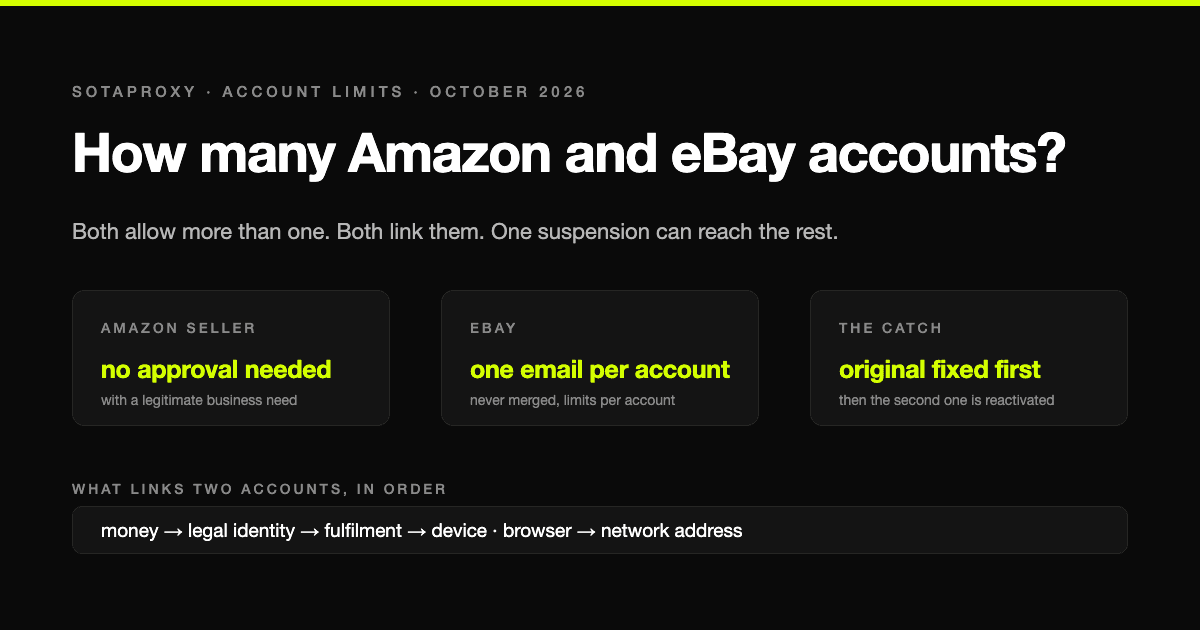
How Many Amazon and eBay Accounts Can You Have in 2026
Amazon and eBay are the generous end of the account-limit scale on paper and the harshest in practice: more than one account is allowed, every account is linked, and one suspension can take the lot. The rules in the platforms' own words, and what actually connects two accounts.
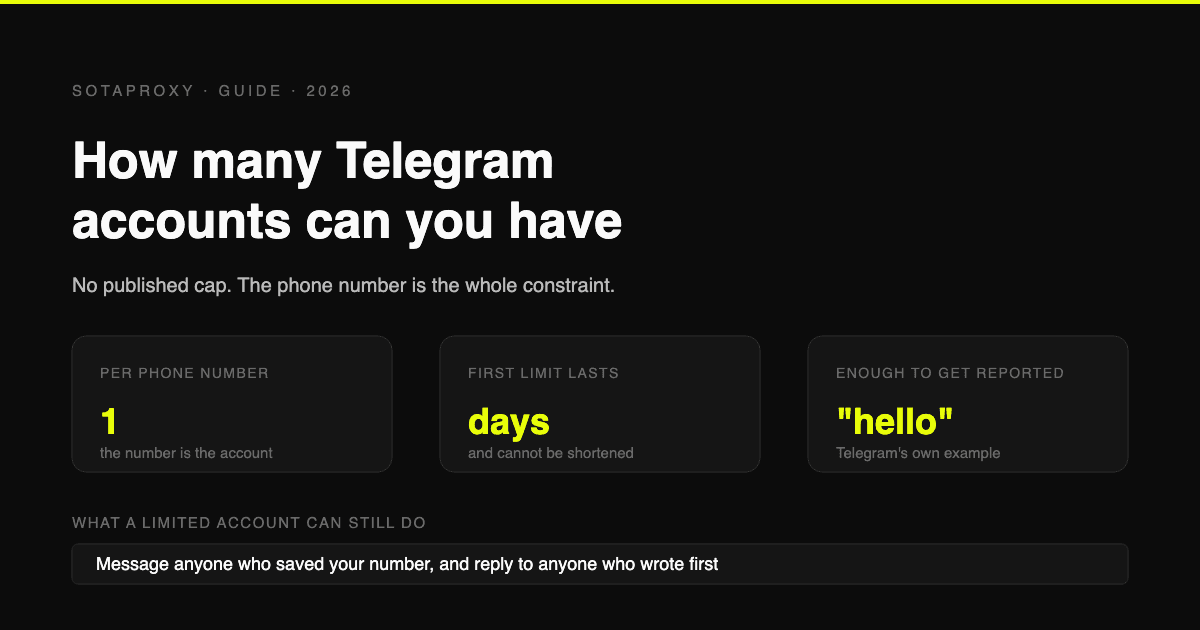
How Many Telegram Accounts Can You Have in 2026 (And What "Limited" Really Means)
Telegram publishes no account cap, one number per account, and its own Spam FAQ says a limited account can still message anyone who saved your number. What triggers a limit, why VOIP numbers get flagged before you send a word, and why there is no early release.
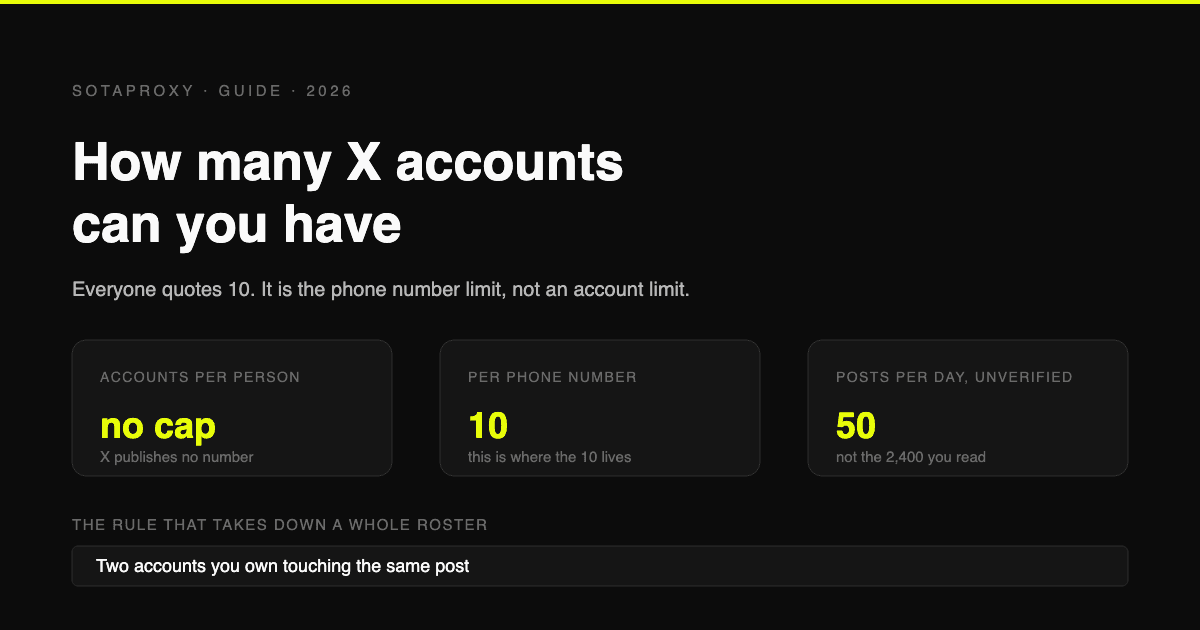
How Many X (Twitter) Accounts Can You Have in 2026 (The 10 Is a Phone Limit, Not an Account Limit)
X publishes no cap on accounts per person. The 10 everyone quotes is the number of accounts one phone number can cover. The real constraints are 50 posts a day on a free account, duplicative use cases, and accounts that interact with each other.
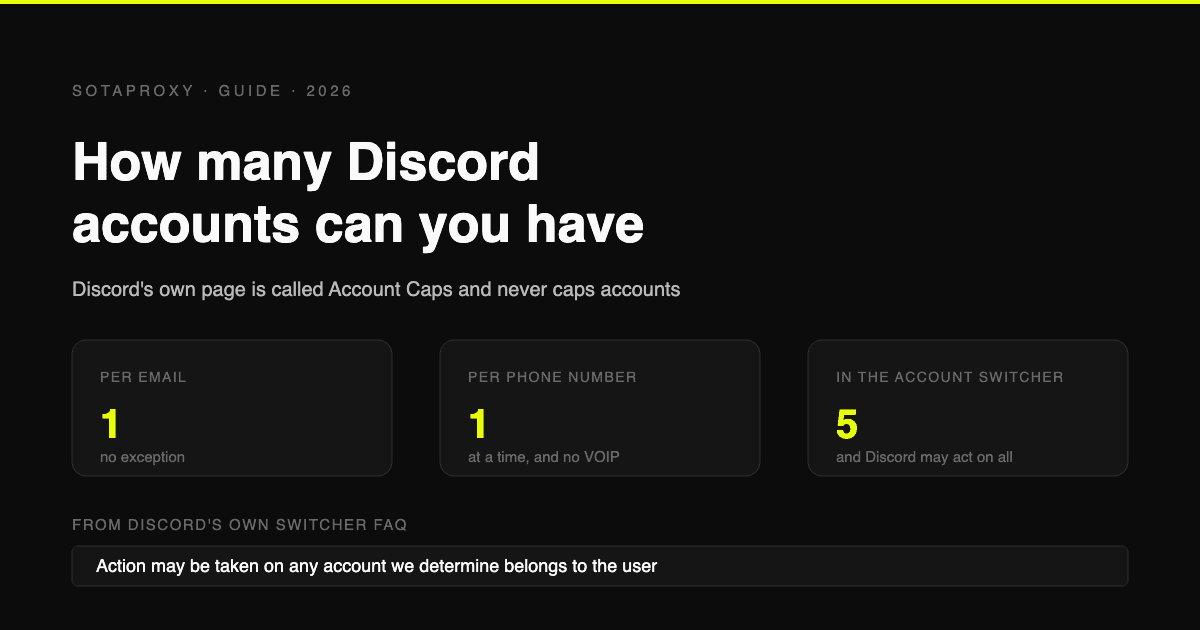
How Many Discord Accounts Can You Have in 2026 (Per Email, Per Phone, Per Device)
Discord publishes no cap on accounts. The real limits are one per email, one phone number at a time with no VOIP, and five in the Account Switcher, which Discord says it may enforce across.
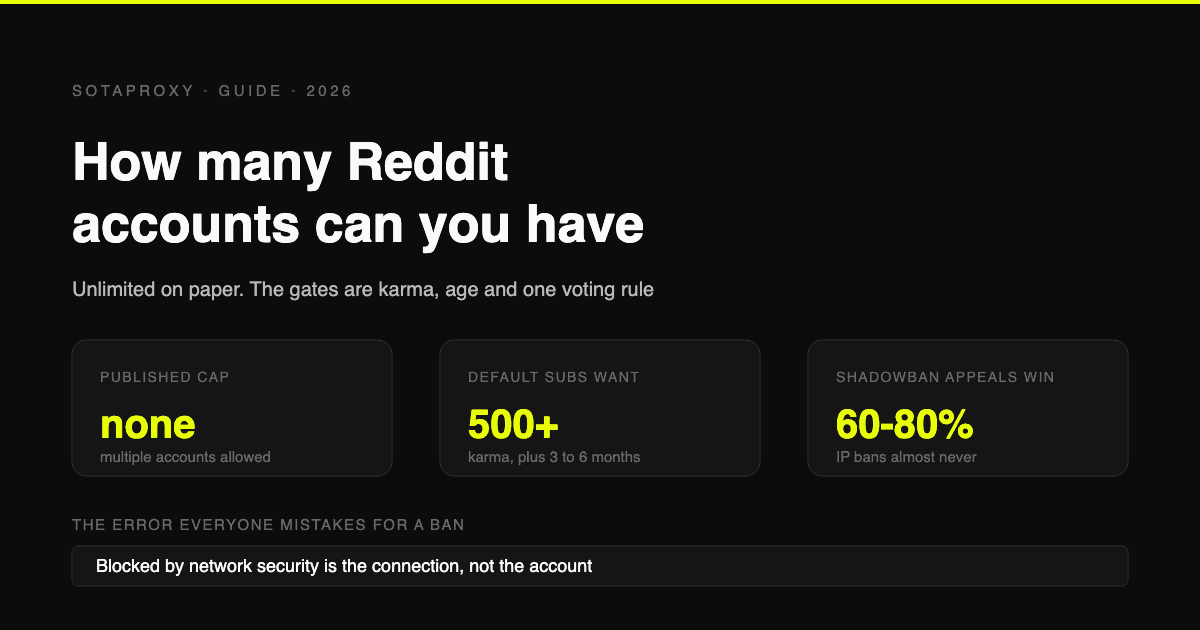
How Many Reddit Accounts Can You Have in 2026 (Karma Gates, Bans, Network Security Blocks)
Reddit allows multiple accounts outright. What stops you is karma gates, contributor quality, rate limits and one hard rule about voting, plus the three bans, how each is appealed, and why "blocked by network security" is none of them.