How to Get Around an IP Ban: A Technical Guide for 2026
Facing an IP ban? Learn how to get around an IP ban with technical steps for diagnosing block types, choosing the right proxies, and configuring your stack.

You launch the browser profile, log into a Facebook ad account, and the session dies on a 403 Forbidden page. Or TikTok starts looping challenges across every profile in your farm. Or your scraper loses access right when a geo-targeted campaign needs fresh landing page checks. At that point, random fixes waste time.
This is often treated as a simple IP issue. That's usually the wrong frame. The better frame is operational: your network origin, browser state, and behavior pattern got tied together and flagged. If you want a stable answer to how to get around an IP ban, you need to diagnose the block type first, then match proxy type, browser profile, and session behavior to the target.
This matters more for Facebook and TikTok than almost anywhere else. On those platforms, account farming, cloaking checks, ad account warming, and geo-targeted campaign review all break fast when your setup leaks consistency errors. A proxy by itself won't save a dirty fingerprint. An antidetect browser by itself won't save a bad IP pool. You need the full stack working together.
Table of Contents
- Your Operations Are Down What Now
- Is It an IP Ban or a Fingerprint Block
- Choosing Your Evasion Tool Proxies Compared
- Configuration for Antidetect Browsers and Scrapers
- Validating Your Setup and Avoiding Re-Bans
- FAQ and Operational Best Practices
Your Operations Are Down What Now
When an operation stops cold, don't start by swapping random proxies. Start by freezing the failure state. Save the error, note which profile triggered it, log the network used, and check whether the block hits one account, one browser profile, or the whole subnet you're running through.
IP blocking is a foundational web security mechanism where servers deny access to specific IP addresses, often triggered by a 403 Forbidden error message. For automated work, a common recovery path is a reliable residential proxy service because it mimics normal user traffic more closely than standard VPN infrastructure, as outlined in IPRoyal's breakdown of IP ban recovery.
Triage the outage properly
Don't ask, “How do I get unbanned fast?” Ask these instead:
- What failed: A browser profile, a single account, or every session from the same origin.
- What changed: Proxy pool, browser build, cookie import, timezone, language, or request cadence.
- What's the scope: Facebook only, TikTok only, or every target behind the same automation stack.
- What does the IP look like: Before you recycle anything, run it through a proxy checker tool and confirm the exit node, geo, and basic health.
That last step sounds basic. It saves hours. Plenty of “ban” reports turn out to be dead exits, wrong country allocation, or a session hitting from a location that doesn't match the profile.
Think in terms of fingerprinted operations
A blocked account farm usually isn't failing because one IP went bad. It's failing because the platform linked together too many signals. The IP was just the easiest one for the system to deny.
Practical rule: Treat every ban as a stack problem. Network, browser fingerprint, cookies, and action rhythm all need to make sense together.
That's why teams running AdsPower, Dolphin Anty, GoLogin, Multilogin, or Hidemyacc recover faster when they isolate the root signal instead of mass-rotating infrastructure. If you rotate aggressively without diagnosis, you often contaminate fresh IPs with the same browser state and the same action pattern.
For Facebook and TikTok campaigns, especially in cloaking review flows and geo-targeted ad checks, the winning move is controlled recovery. Move one clean profile to one clean network path. Validate it. Then scale the fix across the rest of the operation.
Is It an IP Ban or a Fingerprint Block
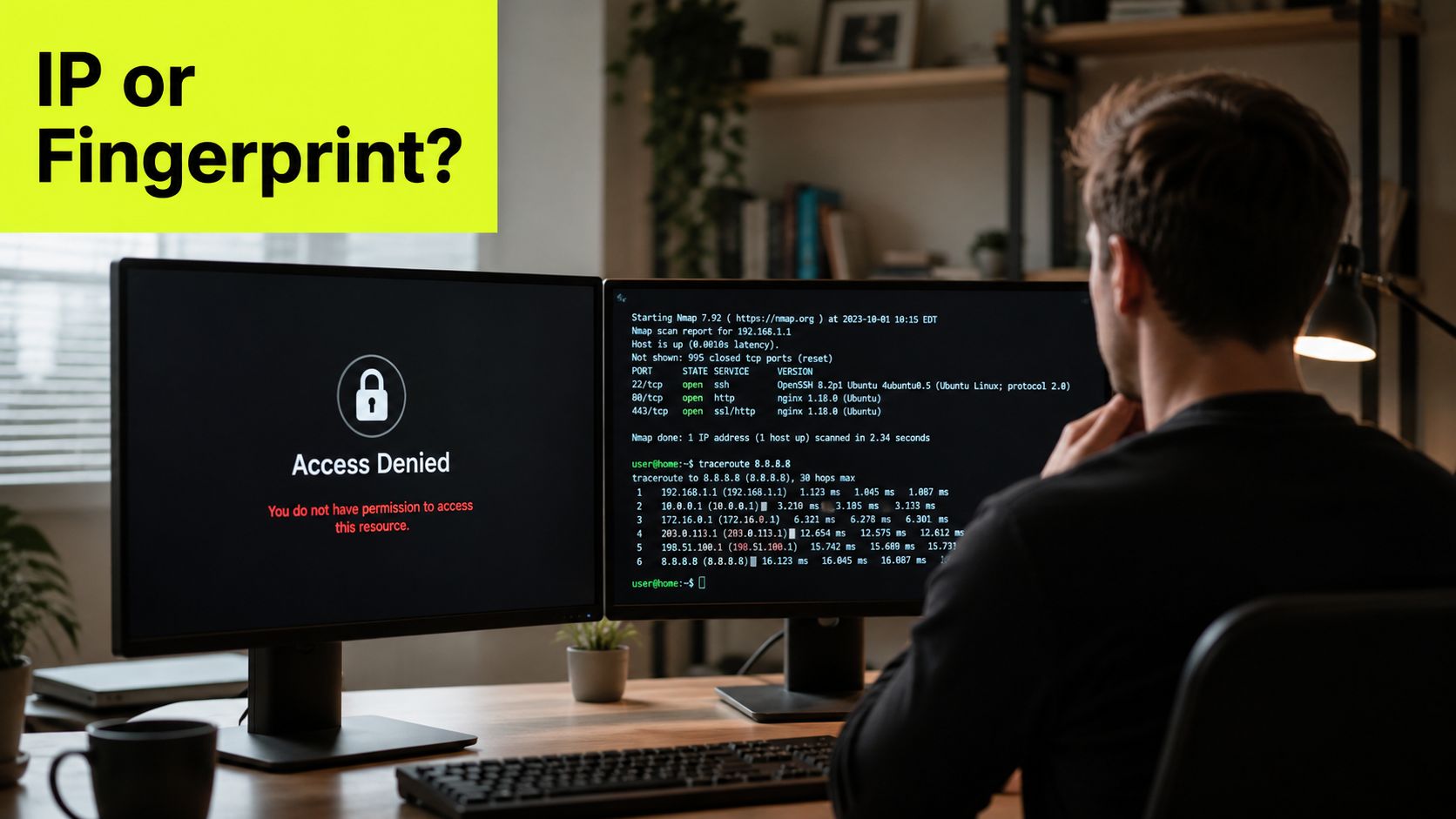
Most bad recovery advice starts with “change your IP.” That only works when the block is network-level. A lot of the time, especially on social platforms, the platform already has enough browser and session data to recognize you after the IP changes.
Start with the symptom not the tool
The fastest field test is simple. Try the target from a clean device on a different network. Then compare that result with a fresh antidetect profile using the same account state. If the clean device works but the profile fails, the problem usually sits in browser state, cookies, or profile fingerprint. If both fail from the same network and both recover on a different network, it points harder at origin-level blocking.
You also need to separate three failure classes:
- Network block. The origin itself is denied.
- Behavioral block. The platform doesn't like the way the session acts.
- Account restriction. The account is the object being limited, regardless of network.
The piece many teams miss is the middle one. According to Olostep's analysis of platform restrictions, 60% of “IP bans” on major platforms like Facebook and TikTok constitute behavioral restrictions where the IP is merely a secondary indicator. That's why operators who only rotate IPs but keep the same cookies and browser traits often get hit again immediately.
If you need a clean explanation of how platforms assemble those browser-side signals, this glossary on browser fingerprinting is worth reviewing before you touch your profile templates.
What Facebook and TikTok usually flag
Facebook and TikTok care about consistency. If your AdsPower profile says one locale, the proxy exits somewhere else, and the account starts acting at machine speed, you're feeding detection systems clean correlation points.
Look for these patterns:
- Cookie mismatch: Imported session works on one machine, fails on another profile with a different fingerprint.
- Locale mismatch: Browser language, timezone, and geo don't line up with the proxy country.
- Velocity issues: Farming, ad review checks, or cloaking validation happens too fast and too uniformly.
- Profile reuse: Same profile template pushed too widely across accounts.
Changing the IP without changing the browser state is one of the fastest ways to burn a fresh proxy.
For account farming, that means every profile in GoLogin, Multilogin, Dolphin Anty, AdsPower, or Hidemyacc should have its own stable identity. For scrapers, it means stateless jobs need rotation, but logged-in workflows need consistency. Those are different operating modes. Teams that mix them usually confuse a fingerprint block for an IP ban and keep digging the hole.
Choosing Your Evasion Tool Proxies Compared
Once you know what triggered the block, pick the proxy type that matches the workload. In this process, many media buyers overspend on the wrong inventory or cheap out and torch accounts.
What each proxy type is really for
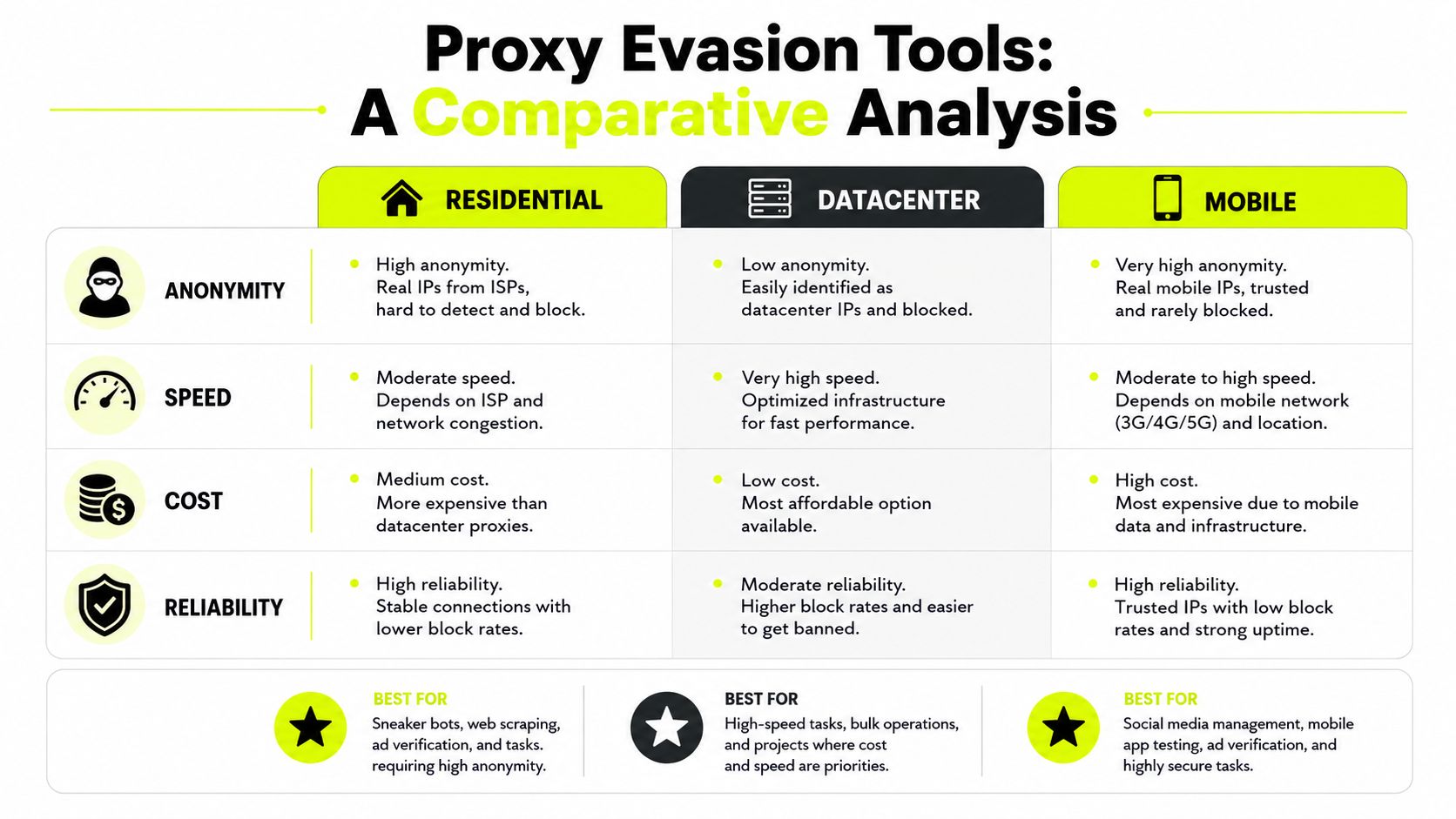
Datacenter proxies are cheap, fast, and easy to scale. They're fine for low-friction tasks, rough checks, and targets that don't score traffic hard by ASN. They're usually the first thing to fail on protected social surfaces because the infrastructure is easy to classify.
Residential proxies route through real ISP-assigned home connections. That makes them a stronger default for scraping protected pages, ad verification, and account work where trust matters. They're usually the best middle ground for teams that need scale without moving everything to mobile.
Mobile proxies sit in the highest-trust bucket for many social and app-like environments. Carriers use CGNAT, so one public IP often represents many legitimate users. Blocking that IP risks blocking normal traffic too, which is why mobile exits tend to survive longer in sensitive workflows.
IPv6 proxies have a narrower role. They can work for specific targets that support IPv6 cleanly and don't apply the same trust penalties there, but they aren't a universal answer for Facebook/TikTok account operations. For high-stakes ad account work, treat IPv6 as a niche tool, not your default recovery path.
For a useful outside comparison that goes deeper into endpoint behavior under practical workloads, review this Instagram enrichment proxy comparison. It's useful when you're comparing proxy classes against a real data collection use case instead of generic claims.
Proxy Type Performance Comparison
The performance gap isn't theoretical. According to VoidMob's proxy type analysis, mobile proxies achieve 85–95% success rates on protected sites, while datacenter proxies only reach 25–35%. The same source notes that residential proxies consistently deliver 95–99% success rates by appearing as legitimate home connections, while datacenter proxies sit at 40–60% success on highly protected domains.
| Proxy Type | Success Rate (Protected Sites) | Best Use Case | Trust Score | Cost |
|---|---|---|---|---|
| Datacenter | 25–35% on protected sites, 40–60% on highly protected domains | Low-security targets, bulk non-sensitive checks, disposable scraping | Low | Low |
| Residential | 95–99% | Ad verification, protected scraping, geo-targeted campaigns, account support work | High | Medium |
| Mobile | 85–95% | Facebook and TikTok ad accounts, account farming, app-like traffic, hardest targets | Very high | High |
| IPv6 | Qualitative only | Niche targets with good IPv6 support | Varies | Usually low to medium |
If you want a neutral refresher on categories before you build a buying matrix, this guide to proxy types is a solid baseline.
A practical selection rule
Here's the rule I use with new buyers and farming teams.
- Start cheap only when the target allows it. If a target clears a healthy test batch with datacenter IPs, keep them on low-risk jobs.
- Move to residential for mixed trust workloads. That includes ad checks, cloaker review paths, and multi-geo landing page validation.
- Use mobile for high-stakes social operations. Facebook and TikTok account management, spend scaling, and account farming usually justify it.
- Don't use one pool for everything. Your scraper, your cloaker checker, and your aged ad accounts shouldn't share the same proxy logic.
Another practical benchmark comes from SparkProxy's proxy testing guidance. It recommends starting with datacenter only if the target clears 70%+ success on a 100-request test, and moving to mobile if residential can't hold 85%+ success on mobile-first or heavily protected ad networks.
For social media management and valuable ad assets, Coronium's write-up on proxy classes states that mobile proxies can deliver 95%+ pass rates where residential and datacenter options fail. That matches what operators usually see on Facebook and TikTok when the accounts matter enough that re-verification and spend interruptions cost more than the proxy upgrade.
Configuration for Antidetect Browsers and Scrapers
Buying the right proxy type doesn't fix anything if you wire it into the wrong profile model. Most re-bans happen during configuration, not procurement.
How to wire proxies into browser profiles
For AdsPower, Dolphin Anty, GoLogin, Multilogin, and Hidemyacc, the rule is simple. Build the browser profile around the proxy, not the other way around. That means geo, timezone, language, and session persistence need to match the exit.
Use this setup order:
- Assign the proxy first. Confirm country and city if your campaign needs regional review.
- Generate the profile fingerprint second. Keep it coherent with the exit location and device class.
- Import cookies only after the profile is stable. Don't move session data between mismatched templates.
- Warm the profile like a human session. Browse, pause, interact lightly, then log in.
- Segment by use case. One template for Facebook BM work. Another for TikTok ad accounts. Another for cloaking checks. Another for scraping.
For a practical setup reference inside an antidetect environment, this guide on how to properly configure proxies in Afina maps cleanly to the same logic even if your team uses a different browser shell.
Operator note: A “good proxy” becomes a bad proxy fast when it's attached to a profile with the wrong locale, stale cookies, and recycled canvas traits.
Sticky vs rotating sessions
Teams running both account farming and scrapers usually get messy.
Sticky sessions keep the same IP for a longer period. Use them for Facebook and TikTok ad accounts, aged social profiles, business managers, and any workflow that depends on stable login state. If the session jumps IPs too often, the account starts collecting trust damage.
Rotating sessions switch IPs across requests or time windows. Use them for scraping jobs, public page collection, ad library pulls, and large-scale geo-targeted checks where each request can stand alone.
A clean split looks like this:
- Account farming and ad management: sticky residential or sticky mobile
- Cloaking QA across regions: residential, sometimes rotating, depending on whether session continuity matters
- Public scraping and parsing: rotating residential
- Cheap test traffic on weak targets: datacenter, but only after validation
If you're running a large team or reselling infrastructure recommendations, the economics matter too. Some operators offset tooling costs through partner programs. One example is Sota Proxy's referral structure, which offers up to 40% commission for affiliates. For teams already advising clients on proxy stack choices, that can cover part of the software bill without changing the technical workflow.
Validating Your Setup and Avoiding Re-Bans
Recovery isn't done when the login works. Recovery is done when the setup survives repeated use without cascading bans.
Run a pre-flight before you touch live assets
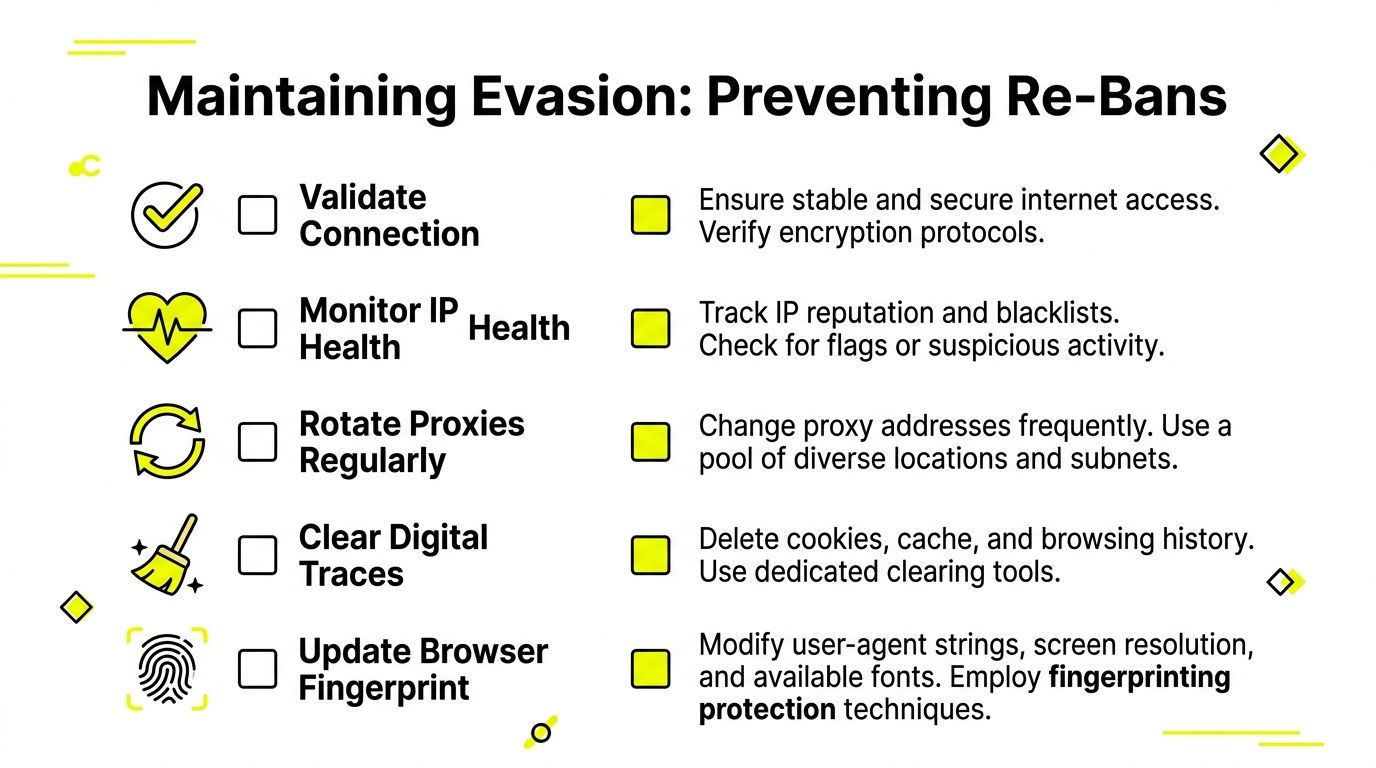
Before you put a recovered profile back on a valuable Facebook or TikTok account, check the environment in a staging pass.
- Validate geo consistency. Proxy country, browser language, timezone, and account history should make sense together.
- Check IP health. Don't push live sessions through exits that already look contaminated or unstable.
- Test low-risk actions first. Browse, load dashboards, open settings, and let the session idle.
- Control request rhythm. Don't resume automation at full speed right after recovery.
- Log every challenge. A soft friction event now usually becomes a hard lock later.
For teams running scraping pipelines alongside account work, this guide on effective Apify proxy usage is a useful reference for thinking about retries, pacing, and block avoidance in production systems.
A lot of re-bans come from impatience. Someone sees the account open and immediately starts bulk actions, campaign edits, or mass profile work. That tells the platform the original risk signal never changed.
What old advice gets wrong
Old forum advice still tells people to change the MAC address, clear local traces, and hope the block disappears. That's outdated for web-level enforcement.
According to this 2025 video guide on bypass methods, changing the MAC address is a documented technique, but it is insufficient for server-side bans. The same source points to the more reliable path: use a reputable paid proxy and implement random delays to simulate human browsing patterns. That works because it addresses the traffic behavior that triggers detection in the first place.
If your operation needs regular session changes, use a controlled proxy IP rotation strategy instead of hardware tricks and local cleanup rituals.
Don't fight a server-side detection stack with client-side superstition.
The practical fix is cleaner than the myths. Keep identities consistent when you need persistence. Rotate when the job is stateless. Slow down when the target starts pushing back. That gets better results than any MAC spoofing tutorial.
FAQ and Operational Best Practices
Can you use a VPN instead of a proxy
For basic geo-blocking, sometimes. For Facebook ad accounts, TikTok profiles, account farming, and cloaking review flows, a VPN is usually the wrong tool. Commercial VPN ranges are easier to classify, and you don't get the same account-level isolation you get from assigning one profile to one proxy path.
How many accounts per proxy
There isn't a universal number that stays safe across every target, account age, and action set. That's why hard rules from random forums age badly. The better rule is isolation by asset value.
Use cleaner, more stable sessions for higher-value accounts. Don't stack unrelated Facebook or TikTok assets onto the same network identity just to save budget. If one account starts collecting risk, you don't want collateral damage spreading through the rest of the farm.
Is bypassing an IP ban legal
It depends on what you're accessing, how you're accessing it, and what obligations apply. Public pages, logged-in areas, scraped personal data, and platform terms each create different risk. Teams should review site terms, privacy obligations, and local law before they build automation around protected platforms.
If you're doing ad verification, public page collection, or geo-targeted campaign QA, keep the scope narrow and document the business purpose. If you're touching personal data or authenticated areas, get legal review before scaling.
What should stay in every serious stack
For professional operators, the core stack is straightforward:
- Antidetect browser discipline: AdsPower, Dolphin Anty, GoLogin, Multilogin, or Hidemyacc configured with coherent profile traits
- Proxy segmentation: separate pools for farming, scraping, cloaking, and ad account management
- Session logic: sticky for accounts, rotating for stateless collection
- Behavior controls: delays, lighter warm-up, and no bursty action patterns
- Validation loop: test every new profile before it touches revenue assets
If your team manages many identities, this guide on multiple account management is a useful reference for keeping account segregation clean.
Free proxies don't belong in this stack. Neither do random shared VPN exits. They create noise, leak quality, and waste more time than they save. The same goes for sloppy browser templates copied across every account. Most bans blamed on proxies are really profile hygiene problems.
If you only remember one thing, remember this: learning how to get around an IP ban isn't about one trick. It's about matching network trust, browser identity, and human-looking behavior to the exact platform you're trying to access.
If you need residential, mobile, ISP, or datacenter IPs for Facebook, TikTok, scraping, or multi-account workflows, Sota Proxy gives you the infrastructure layer to build that stack properly. Use it for sticky or rotating sessions, city-level targeting, and clean separation between account management, cloaking checks, and data collection.
Related articles
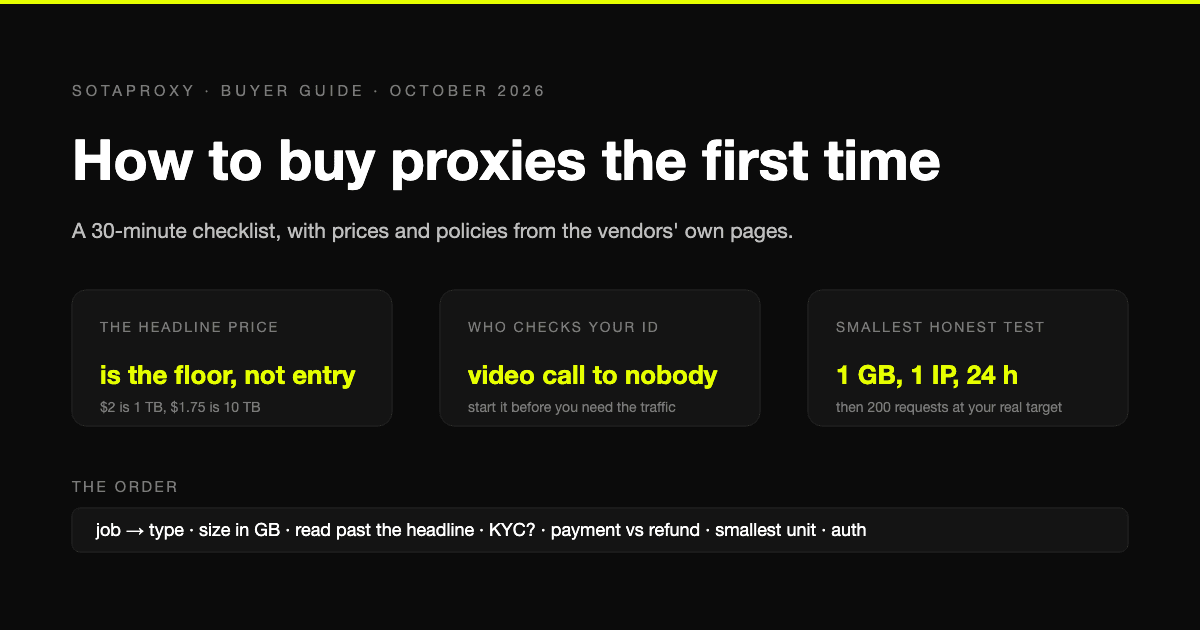
How to Buy Proxies for the First Time: A 30-Minute Checklist
A first purchase goes wrong in predictable places: the wrong proxy type, a headline price nobody pays, an identity check nobody mentioned, a refund that does not apply to how you paid. The checklist, with prices and policies from the vendors' own pages.
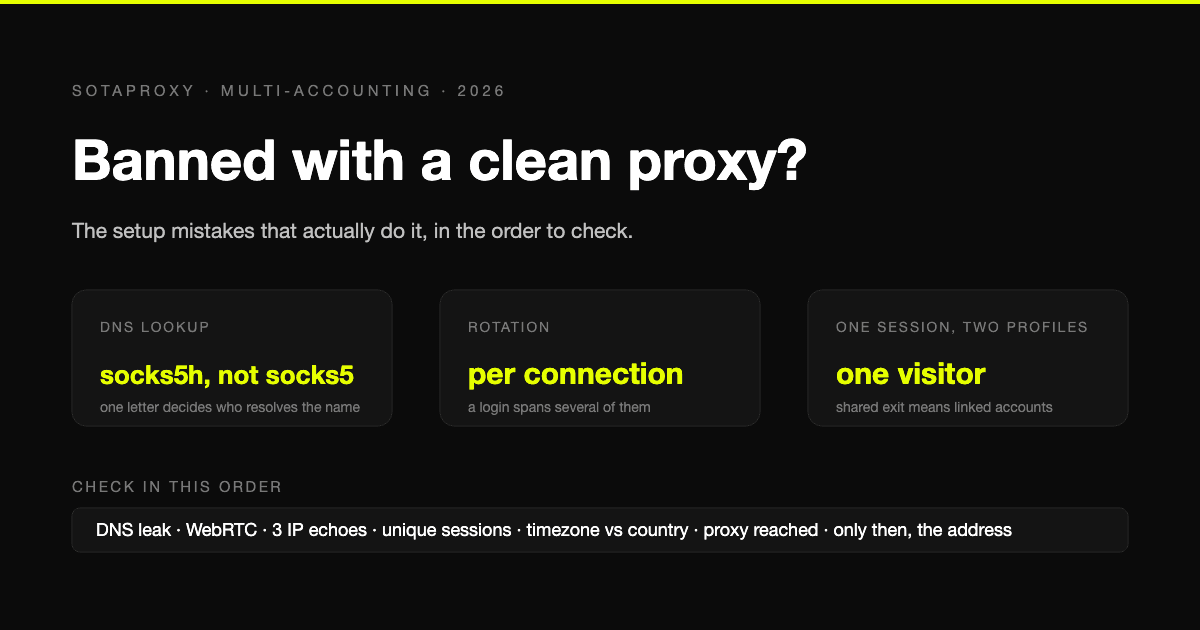
Banned With a Clean Proxy? The Setup Mistakes That Actually Do It
The proxy was clean, the address was residential, and the account still died. In most cases we see, the address was never the problem. Seven setup faults, each one checkable in a minute, in the order they usually turn out to be the cause.
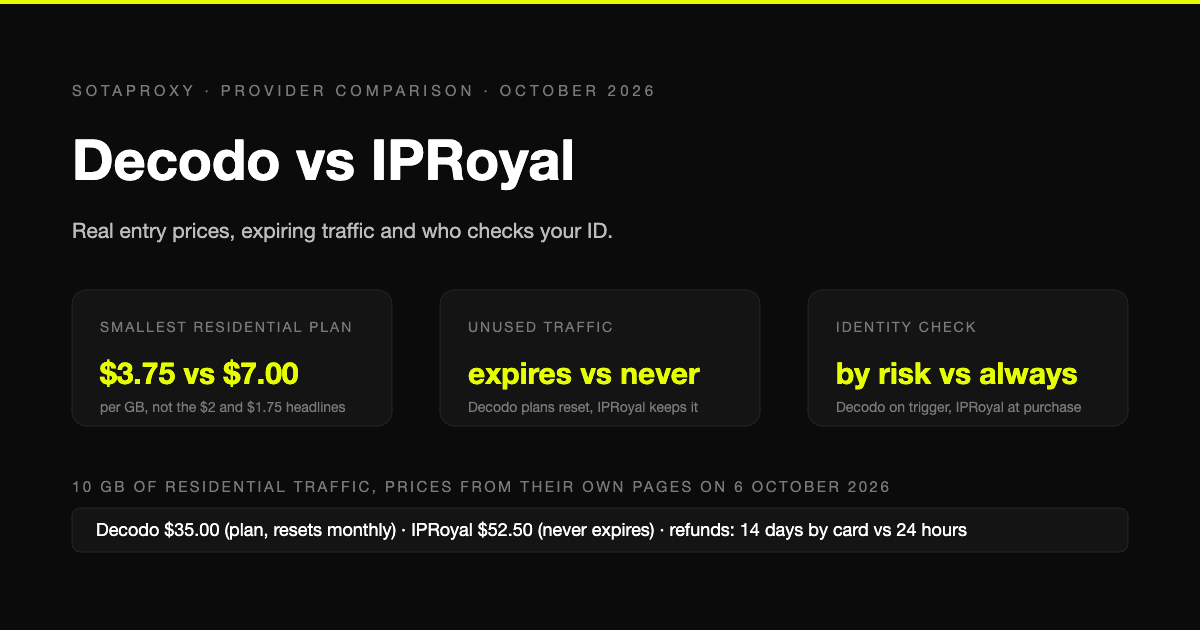
Decodo vs IPRoyal in 2026: Real Entry Prices, Expiring Traffic and Who Checks Your ID
Both are mid-market proxy vendors that take cards and crypto and sell by the gigabyte. The prices on their own pages on 6 October 2026, why neither headline rate is an entry price, whose traffic expires, who checks your identity before you can buy, and who gives money back.
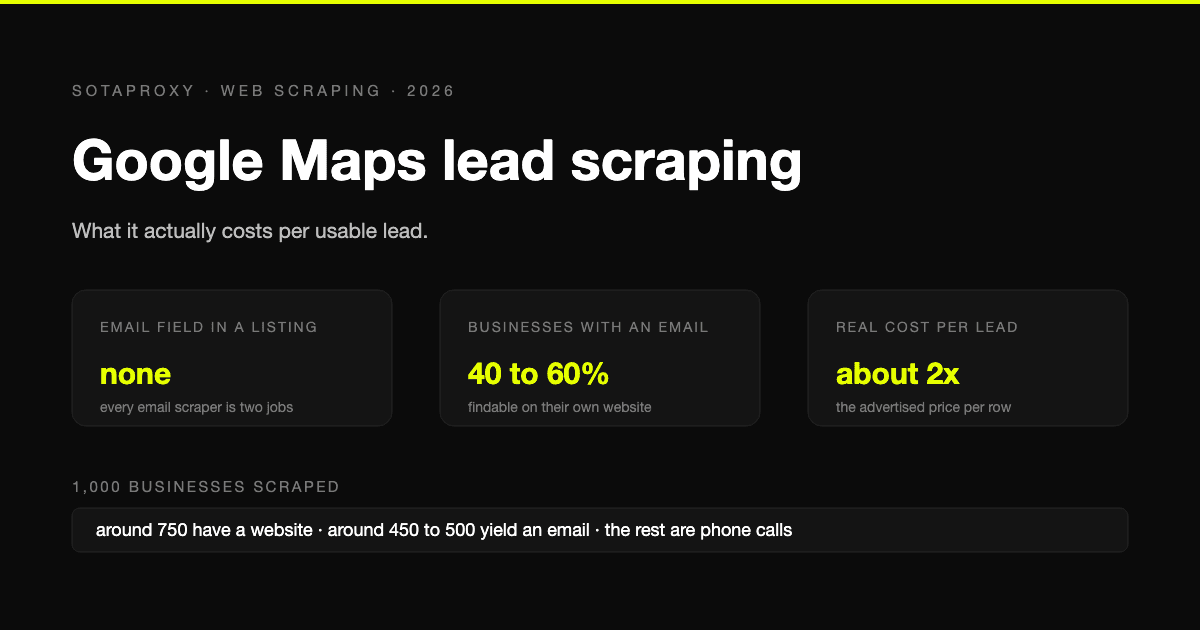
Google Maps Lead Scraping: What It Actually Costs Per Usable Lead
Google Maps has no email field, so every email scraper is a two-stage pipeline and only about half of businesses yield an address. What a thousand listings really costs per usable lead, the businesses-without-websites play, and where the law stands after the SerpApi ruling.
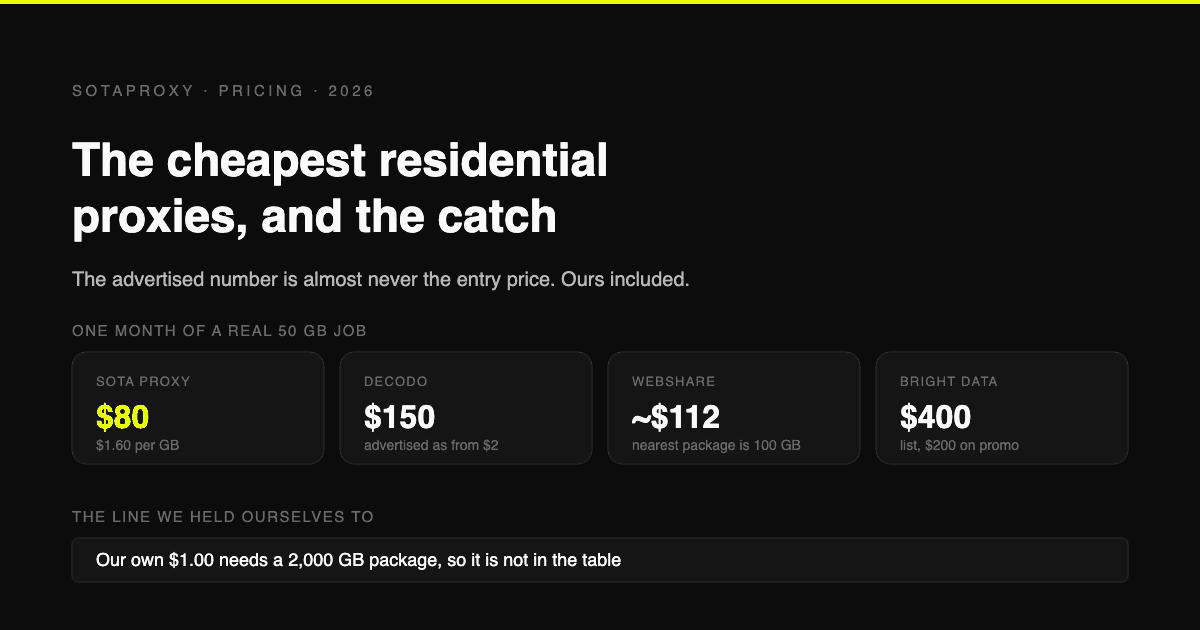
The Cheapest Residential Proxies in 2026, With the Catch Each One Hides
Verified per-gigabyte prices from five vendors' own pages, not from last year's blog posts. Why the advertised number is almost never the entry price, which providers put a monthly floor under your bill, and how to work out your real cost per gigabyte.
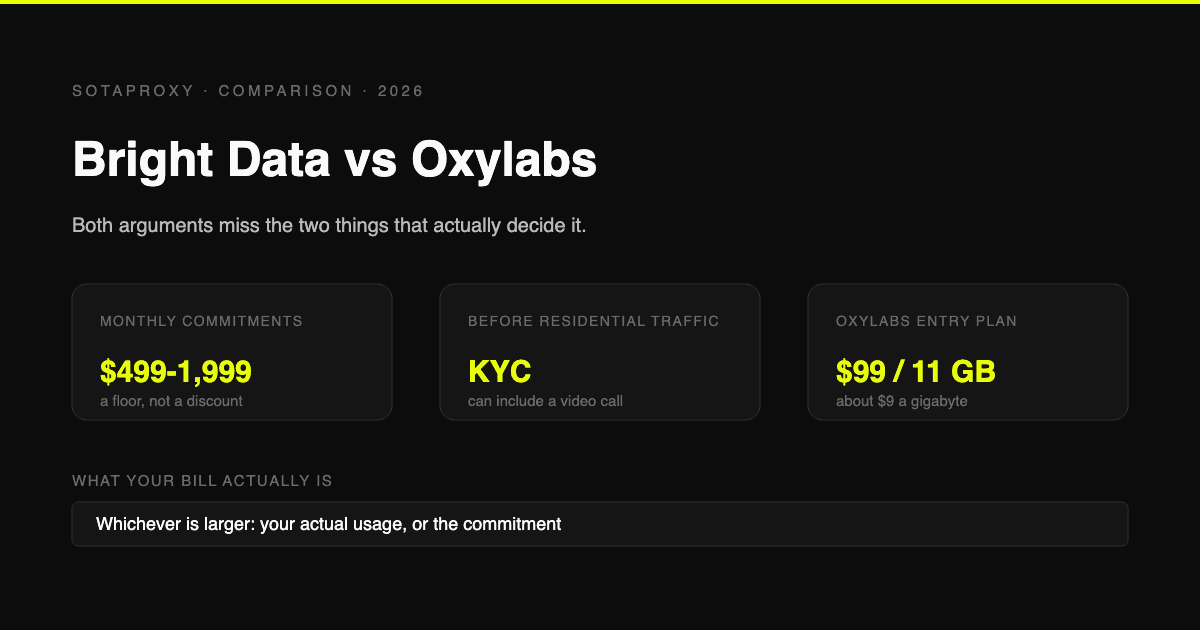
Bright Data vs Oxylabs in 2026: Prices, Commitments and the KYC Nobody Mentions
Both are enterprise platforms with minimum monthly commitments and a compliance check before you can touch residential traffic. Current prices from both vendors' own pages, what the commitment actually costs if you underuse it, and who each one is genuinely for.