Your Best Proxy for Sneaker Bot Success in 2026
A technical guide to selecting the right proxy for sneaker bot operations. Learn to configure residential, ISP, and datacenter proxies for drops and avoid bans.

Most advice on a proxy for sneaker bot setups is stuck in the old playbook. People still say, “just use rotating residentials,” as if every drop works the same. It doesn't. On modern releases, that advice can actively hurt you.
A key variable isn't only proxy type. It's how the target store handles identity across the session. Queue-based drops, CAPTCHA-heavy flows, direct Shopify checkouts, and app-driven entries all reward different behavior. If your proxy rotates at the wrong moment, your task can lose queue position, break session continuity, or trigger a risk check right before payment.
That same logic already matters outside sneaker botting. Teams running Facebook and TikTok ad accounts in AdsPower, Dolphin Anty, GoLogin, Multilogin, or Hidemyacc already know that session stability beats raw IP churn when they farm accounts, run cloaking flows, or launch geo-targeted campaigns. Sneaker drops are no different. Different target, same operational rule: match the proxy behavior to the platform's enforcement logic.
Table of Contents
- Rethinking Your Sneaker Proxy Strategy
- Matching Proxy Type to Sneaker Bot Task
- Sticky vs Rotating Sessions for Queue Systems
- Configuration for Bots and Antidetect Browsers
- Budgeting and Scaling Your Proxy Operations
- Pre-Drop Proxy Health and Troubleshooting
Rethinking Your Sneaker Proxy Strategy
The default advice is too simple. “Use rotating residential proxies” sounds safe, but modern sneaker releases don't reward generic safety. They reward fit.
If the retailer uses a waiting room, queue token, or checkout session that expects continuity, aggressive rotation becomes a liability. If the retailer punishes repeated requests but doesn't care about long session state, rotation helps. That's the difference that decides whether your setup behaves like a real buyer or a broken automation stack.
A better way to think about proxy strategy is to start with the release architecture:
- Queue-based drop: continuity matters more than churn
- Direct checkout flow: speed and low-friction routing matter
- Raffle or account entry: IP reputation and geo consistency matter
- Monitoring and stock checks: cheap volume matters more than trust
The strongest setup usually isn't the most anonymous one. It's the one that behaves the way the retailer expects.
That same rule shows up in multi-account operations for ad platforms. When operators manage Facebook and TikTok ad accounts inside GoLogin or Multilogin, they don't pick proxies by label alone. They match IP behavior to the action: account farming, profile aging, cloaking review flows, or city-level ad delivery checks. Sneaker botting benefits from the same discipline.
If you want a broader breakdown of high-trust IP behavior, this guide to residential proxy use cases is a useful companion. The key point for drops is narrower: don't ask which proxy type is “best” in the abstract. Ask which combination of IP reputation, latency, geo, and session behavior the target site rewards.
Matching Proxy Type to Sneaker Bot Task
A lot of failed setups come from using one proxy class for every stage of the release. That burns budget and lowers survivability. Monitoring, queueing, checkout, account prep, and raffle entry don't need the same network profile.
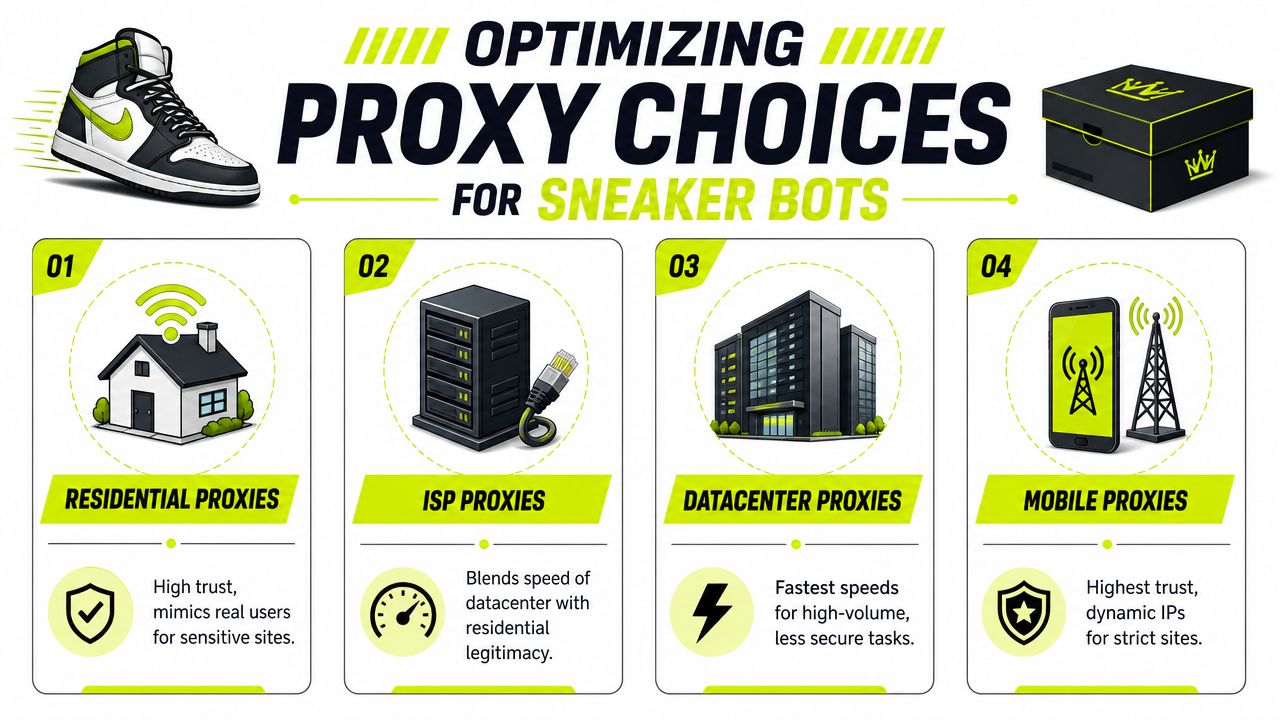
Stop picking one proxy type for everything
Low-quality datacenter infrastructure gets exposed fast. In an independent analysis, researchers collected 4,287 unique IPs from a sneaker-proxy setup and found that over 99% were clearly datacenter IPs, which shows how easy low-grade pools are to classify and block. The same analysis also points to providers promoting large residential pools such as 40 million+ rotating residential IPs across 195+ locations as the market moved toward harder-to-classify traffic patterns, detailed in Castle's sneaker proxy analysis.
That doesn't mean datacenter is useless. It means datacenter is a tool for the right job, not a universal answer.
Here's the practical split:
| Proxy type | Best use in sneaker ops | Main strength | Main weakness |
|---|---|---|---|
| Residential | Queue entry, account work, sensitive storefronts | Strong trust profile | Costs more and can be less predictable |
| ISP | Checkout, stable task execution, longer sessions | Speed plus stronger reputation than pure datacenter | Smaller pools and easier burn if overused |
| Datacenter | Monitoring, early stock checks, low-risk utility tasks | Fast and cheap | Easier to classify and ban |
| Mobile | App-like flows, strict trust environments, hard targets | Strong trust and natural-looking network profile | Higher cost and less efficient for broad task volume |
| IPv6 | Niche use where target supports it well | Large address space | Compatibility varies by retailer and tooling |
What each proxy type is actually good for
Residential proxies are what most operators reach for when they need trust. They fit queue entry, account creation, raffle submissions, and storefronts that punish obvious non-consumer traffic. They also map well to antidetect workflows. If you already run AdsPower or Dolphin Anty for account farming, the same logic applies here: stable identity, realistic geography, and clean reputation beat brute force.
ISP proxies are often the sweet spot for checkout tasks. They give you more speed and consistency than residential while still looking closer to consumer traffic than raw datacenter. For direct cart and checkout flows, that balance matters. You want stable sessions, low delay, and less risk of getting hit by simple ASN-based filtering.
Datacenter proxies belong in support roles. Use them for monitoring product pages, polling stock, checking site changes, or handling utility requests where getting flagged doesn't kill the whole operation. They're also useful in adjacent work like ad verification, SEO checks, and bulk scraping, where throughput matters more than purchase trust.
Practical rule: don't waste your cleanest IPs on tasks that can survive bans. Save them for queueing, account state, and payment flow.
Mobile proxies make sense when the target strongly favors mobile-like traffic or when you need the highest-trust profile available. They're also familiar territory for teams running TikTok account farms, mobile app ad verification, or geo-targeted cloaking checks. But they're not always the most economical option for broad sneaker task volume.
IPv6 proxies are a specialized tool. They can work well for scale-heavy peripheral tasks where the target supports them cleanly. They're less useful when the retailer, payment flow, bot, or supporting browser stack still behaves better on IPv4. That's why most experienced operators treat IPv6 as an extra lane, not the core lane.
For a deeper operational comparison, use this breakdown of proxy types and where they fit.
Sticky vs Rotating Sessions for Queue Systems
If there's one mistake that keeps killing otherwise solid setups, it's rotating too aggressively during the wrong phase. On queue-driven releases, that can ruin the task even if the proxy pool itself is clean.
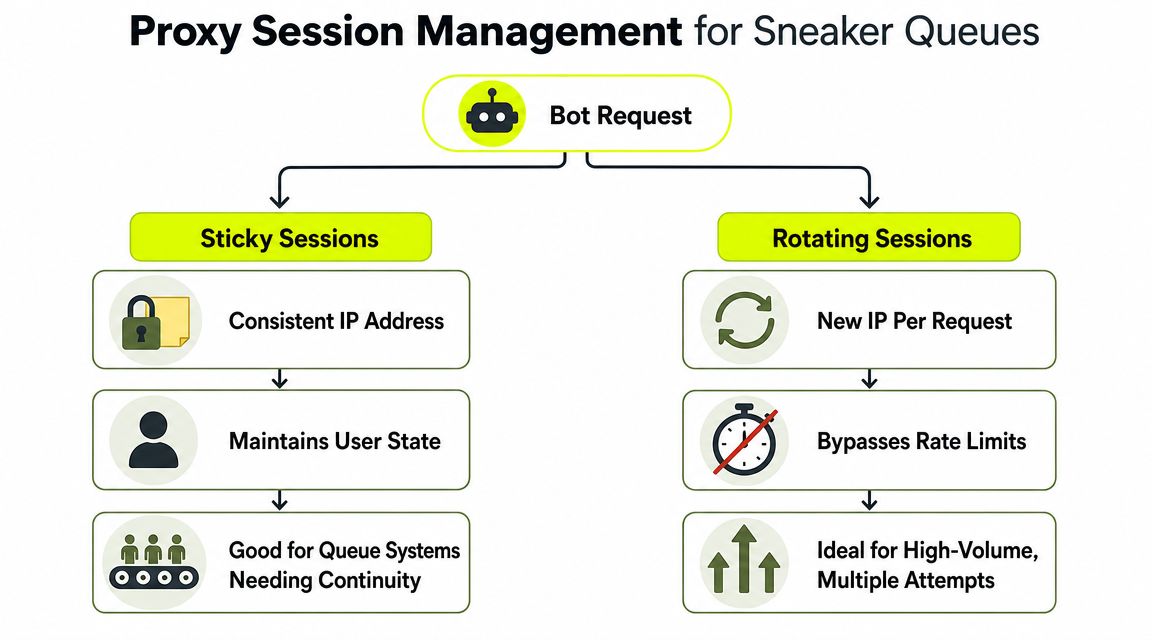
Why rotation fails on queue-heavy drops
Many modern shoe stores use queue-based systems. For those setups, proxy guides recommend keeping the same IP for at least 10 minutes, and they warn that frequent rotation can backfire if the IP changes before checkout. That's the core argument in Proxyway's guide to sneaker proxies.
The mistake is assuming that “more rotation” always means “less detection.” It doesn't. In a queue system, the retailer often cares about continuity. If your session token, browser fingerprint, and IP stop matching mid-flow, you can lose your place, trigger another challenge, or get soft-blocked without a clean error.
That's why sticky sessions are usually the right call once a task enters the waiting room or starts a sensitive checkout path. The queue doesn't reward randomness. It rewards consistency.
A simple decision model works well:
- Before queue entry, use rotation if you need to spread lighter requests.
- At queue entry, lock the task to a stable session.
- During checkout, keep the same IP until the order is confirmed.
- After a hard ban or broken session, replace the task with a fresh IP instead of forcing constant churn on the same one.
Where rotating still makes sense
Rotating sessions still have a role. They're useful for broad monitoring, lightweight page fetches, and situations where each request is disposable. They also work well in adjacent operator workflows like scraping product variants, checking geo-targeted content, or cycling through ad review pages in cloaking operations.
For sneaker drops, use rotating sessions where continuity isn't the asset. That includes:
- Monitoring jobs: product checks, stock polling, preload scans
- Wide recon: testing endpoints and basic access behavior
- Non-critical warm traffic: light browsing without a queue token attached
- Support tasks: utility traffic that can tolerate resets
If you start seeing soft bans, challenge loops, or queue resets, review the whole identity path. IPs are only part of it. Browser fingerprint stability, cookie reuse, and DNS consistency matter too. This guide on avoiding IP bans in automation is useful if you're debugging repeated invalidations across multiple tasks.
A rotating residential proxy can look “clean” on paper and still perform worse than a sticky ISP session if the site rewards continuity.
Configuration for Bots and Antidetect Browsers
A clean pool still fails if the config is sloppy. Most drop-day mistakes come from bad grouping, wrong geo, session mismatch, or testing too late.
Start with a structure that separates proxy roles before you even open the bot. Keep one group for monitors, one for queue or entry tasks, one for checkout, and one backup group that doesn't touch production until something dies. Don't blend them.
Build clean proxy groups before the drop
For drop execution, operators should test latency and location accuracy first, then move to sticky sessions once they enter a queue or checkout flow. A common recommendation is under 200 ms latency, one proxy per task, and keeping the same IP through order confirmation, as outlined in this sneaker proxy execution guide.
That gives you a practical pre-drop standard:
- Latency check: remove slow endpoints before they touch a live task
- Geo check: match the proxy to the store region and your intended buyer profile
- Session check: confirm the session can stay stable long enough for the release flow
- Role check: don't assign the same pool to monitors and checkout tasks
Use standard credential formatting your tools already support. In bots and antidetect browsers, that usually means a simple host:port:user:pass import pattern or the equivalent authenticated field set. Pick HTTP or SOCKS5 based on what the bot and browser profile handle cleanly. Don't switch protocols at random during troubleshooting.
Set up bots and antidetect profiles correctly
Sneaker operators increasingly overlap with multi-account workflows. The same person running Kodai or another bot often also runs AdsPower, GoLogin, Multilogin, Dolphin Anty, or Hidemyacc for Facebook and TikTok ad accounts, account farming, or cloaking. The setup principles are nearly identical.
Use one browser identity per proxy-backed account or task where continuity matters. Keep these aligned:
- Geo profile: browser locale, timezone, and proxy region should point in the same direction
- Account purpose: don't run checkout traffic and farmed account maintenance on the same proxy group
- Session duration: queue and checkout profiles need stability. Recon and monitoring profiles can rotate
- Reuse policy: if a profile gets challenged hard, quarantine that pair instead of immediately recycling it
A provider like Sota Proxy can fit into that kind of workflow because it supports residential, mobile, ISP, and datacenter options with rotation or sticky behavior. That matters if you're running both sneaker tasks and parallel traffic operations from the same control stack.
Keep the identity stack coherent. Proxy geo, browser fingerprint, account region, and payment expectations should all tell the same story.
Validate before go time
Don't wait for release minute to test. Run a small live-fire check against the target flow with limited tasks. Confirm the proxy lands in the right geography, loads the expected localized storefront, and keeps the same IP through the stage where continuity matters.
Use your bot's built-in tester if it's reliable. Then validate in the environment that actually matters. A proxy that looks fine in a dashboard can still break inside a browser profile, especially if your antidetect config leaks conflicting timezone or language settings.
After you've validated the profiles, use this walkthrough as a visual reference point for dashboard-side setup and traffic handling:
Budgeting and Scaling Your Proxy Operations
The fastest way to waste money is to scale tasks before you scale judgment. More proxies don't automatically mean more checkouts. If the IPs don't match the release behavior, you're just paying to fail faster.

What drives cost
A practical rule in botting is a 1:1 task-to-proxy ratio. That means 50 tasks need at least 50 proxies, plus an extra 10%–20% as backup capacity. Cost planning also changes by proxy class. Datacenter proxies are often priced around $1–$5 per IP per month, while residential proxies are commonly priced at $5–$15 per GB, with moderate sneaker-bot usage often around 10–50 GB per month, based on this proxy cost breakdown for sneaker operations.
That pricing structure changes how you should build each layer:
| Layer | Better fit | Why |
|---|---|---|
| Monitoring | Datacenter | Cheap fixed-cost coverage |
| Sensitive queue work | Residential or ISP | Better reputation and lower classification risk |
| Checkout stability | ISP or sticky residential | Lower friction during payment flow |
| App-like or strict trust targets | Mobile | Highest-trust lane when needed |
Fixed-cost IPs are easier to budget. Usage-based pools are easier to adapt. Neither is “better” in the abstract. It depends on whether your operation needs wide standing coverage or sharp bursts around a small number of serious tasks.
How experienced operators keep spend under control
Teams that stay profitable don't throw premium IPs at every request. They separate must-win traffic from replaceable traffic.
A disciplined setup usually looks like this:
- Cheap pool for broad work: monitoring, basic page checks, low-risk recon
- Clean pool for critical work: queue entry, checkout, sensitive account state
- Reserved backup pool: untouched until bans or latency spikes start
- Task cap: no overloading a “good” pool just because it tested well once
This logic should feel familiar if you run ad operations. Media buyers doing geo-targeted campaigns, TikTok account work, or cloaking tests already split proxy spend by function. They don't burn premium mobile or residential IPs on throwaway checks when cheaper pools can handle them.
If you refer other operators, supplier economics can offset part of your own spend. Sota Proxy runs a referral program with up to 40% commission, which can make sense for cook groups, account-farm operators, or agencies that already recommend infrastructure to clients and team members.
Pre-Drop Proxy Health and Troubleshooting
A serious operator treats the last hour before a release like a pre-flight sequence. Don't ask whether the proxies are “good.” Verify whether they're good for this release, with this region, under this session model.
The current direction in sneaker proxy operations is toward more selective deployment. The bottleneck is increasingly anti-bot detection and queue integrity, not just access to any IP. That's why operators are using fewer but better-matched IPs, while still keeping the 1:1 task-to-proxy ratio and prioritizing fast, nearby endpoints, as described in Oxylabs' discussion of sneaker proxy economics.
Run this checklist before every release
Use a short checklist and enforce it:
- Confirm geo accuracy: the proxy location should match the market you intend to hit
- Check latency: remove slow endpoints before they contaminate task groups
- Validate session behavior: make sure sticky proxies stay sticky for the needed flow
- Inspect overlap: no shared IP across sensitive tasks if you can avoid it
- Review browser pairing: the antidetect profile should match the proxy's timezone and locale
- Verify DNS path: if DNS handling is inconsistent, use guidance like this primer on proxy DNS behavior
The best backup plan isn't “more proxies.” It's a second pool that behaves differently when the first one starts getting classified.
What to do when the pool starts failing
When tasks begin to fail, don't react with blind rotation across the same damaged pattern. Identify the failure mode first.
If queue sessions reset, the issue is often session continuity. If localized pages break or payment friction increases, look at geo mismatch. If lots of tasks fail at once, the pool may share too much network similarity and need replacement rather than churn.
Use three immediate responses:
- Kill overlap first: stop multiple sensitive tasks from sharing burned IP behavior.
- Swap the lane, not only the IP: if sticky residential fails, test ISP or another geo-matched segment.
- Preserve clean backups: don't throw your untouched pool into monitors or recovery spam.
A reliable proxy for sneaker bot work isn't the biggest pool or the cheapest rate. It's the setup that matches the retailer's session rules and survives long enough to finish the order.
If you run sneaker bots, ad accounts, account farms, or geo-targeted automation, Sota Proxy is one option for managing residential, mobile, ISP, and datacenter IPs from a single dashboard. That makes it practical when you need different session types for different tasks, or when the same team handles sneaker drops alongside Facebook and TikTok campaign operations.
Related articles
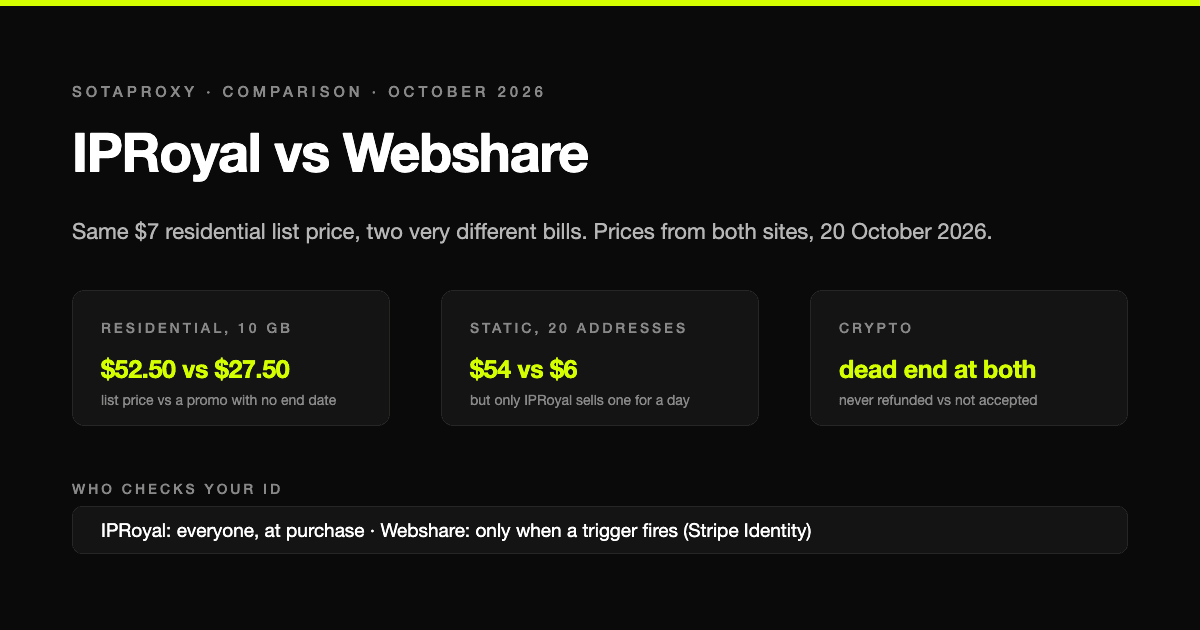
IPRoyal vs Webshare in 2026: Same List Price, Half the Bill, and Who Checks Your ID
IPRoyal and Webshare print the same $7 per gigabyte on their residential pages and charge very different money for it. Prices from both sites on 20 October 2026, whose traffic expires, static addresses at a tenth of the price, who verifies identity before you can buy, and why crypto is a dead end at both for different reasons.
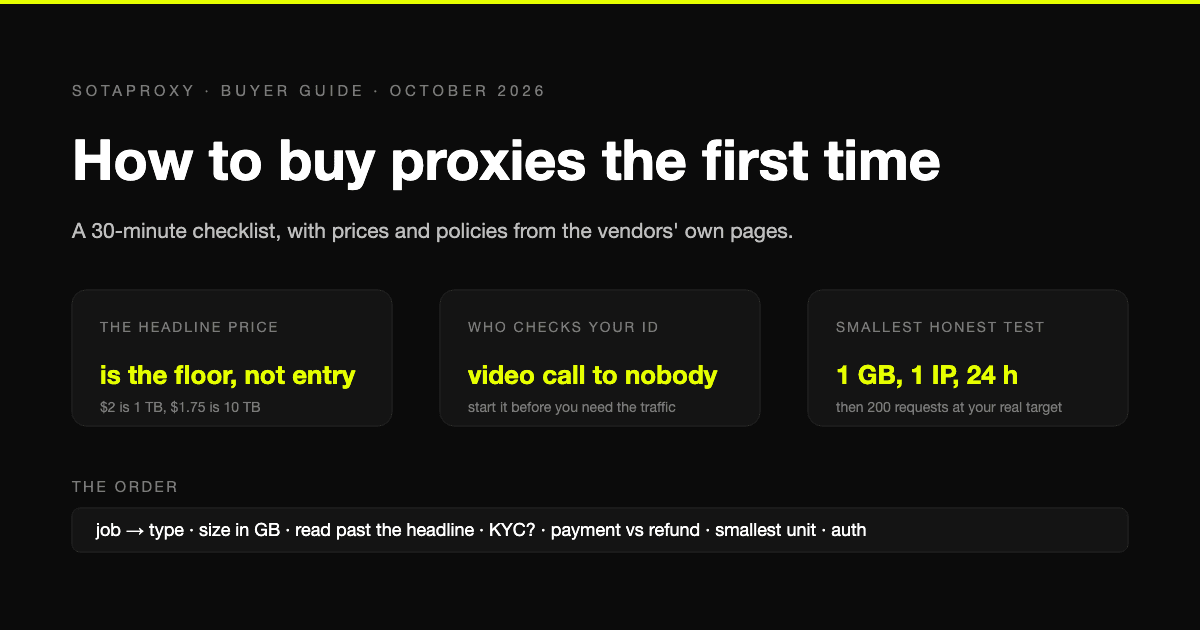
How to Buy Proxies for the First Time: A 30-Minute Checklist
A first purchase goes wrong in predictable places: the wrong proxy type, a headline price nobody pays, an identity check nobody mentioned, a refund that does not apply to how you paid. The checklist, with prices and policies from the vendors' own pages.
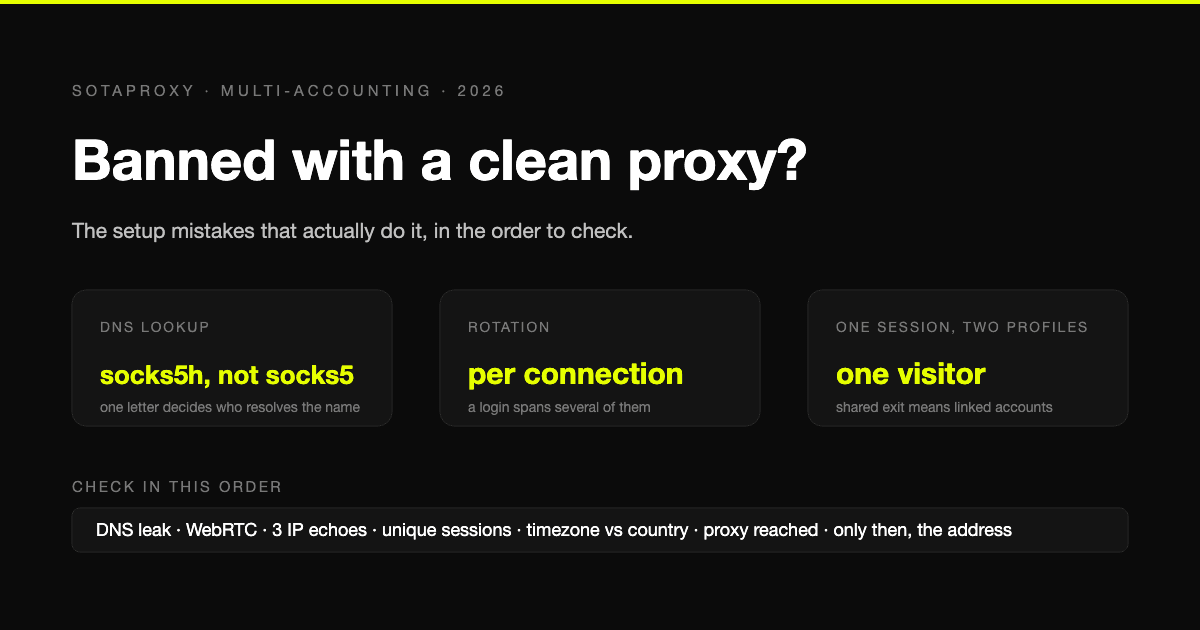
Banned With a Clean Proxy? The Setup Mistakes That Actually Do It
The proxy was clean, the address was residential, and the account still died. In most cases we see, the address was never the problem. Seven setup faults, each one checkable in a minute, in the order they usually turn out to be the cause.
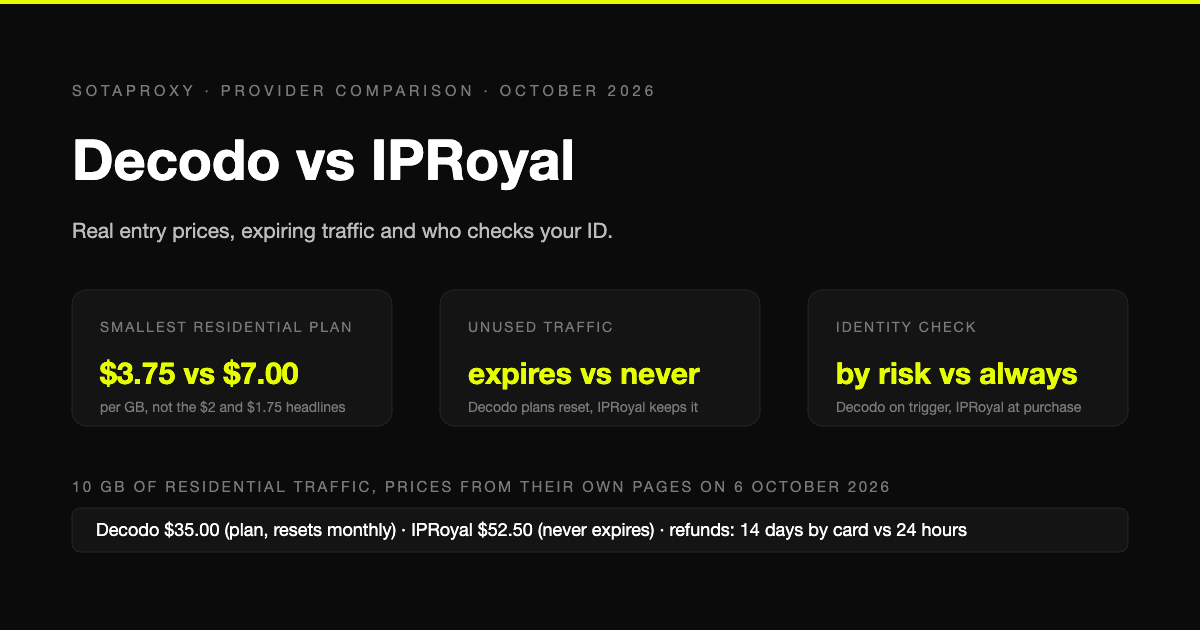
Decodo vs IPRoyal in 2026: Real Entry Prices, Expiring Traffic and Who Checks Your ID
Both are mid-market proxy vendors that take cards and crypto and sell by the gigabyte. The prices on their own pages on 6 October 2026, why neither headline rate is an entry price, whose traffic expires, who checks your identity before you can buy, and who gives money back.
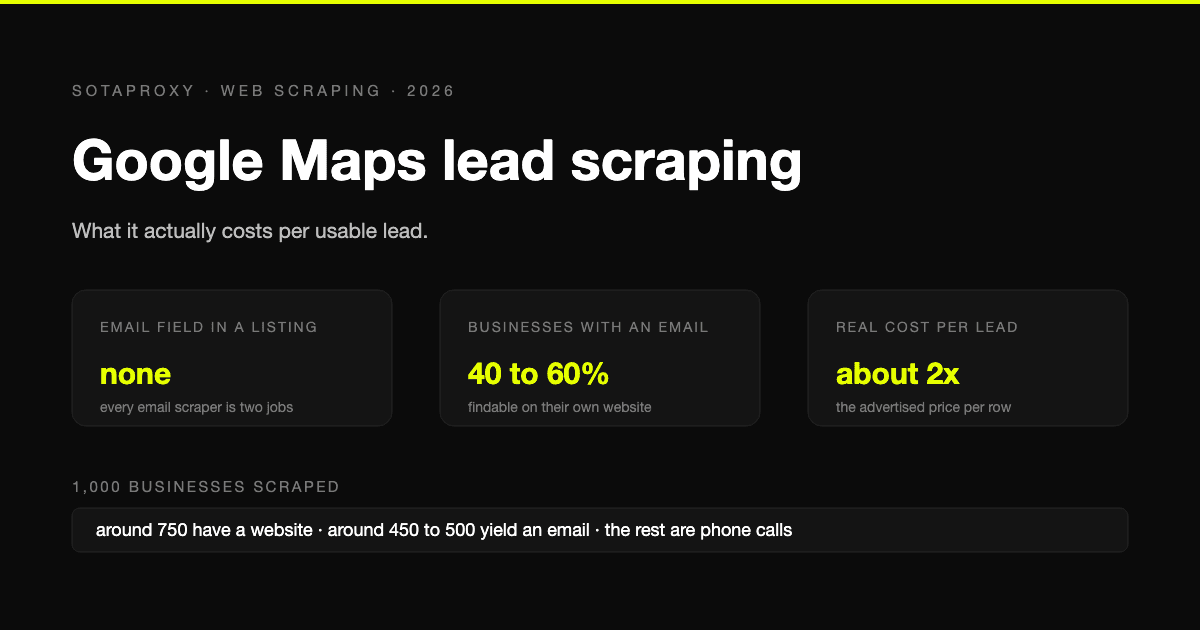
Google Maps Lead Scraping: What It Actually Costs Per Usable Lead
Google Maps has no email field, so every email scraper is a two-stage pipeline and only about half of businesses yield an address. What a thousand listings really costs per usable lead, the businesses-without-websites play, and where the law stands after the SerpApi ruling.
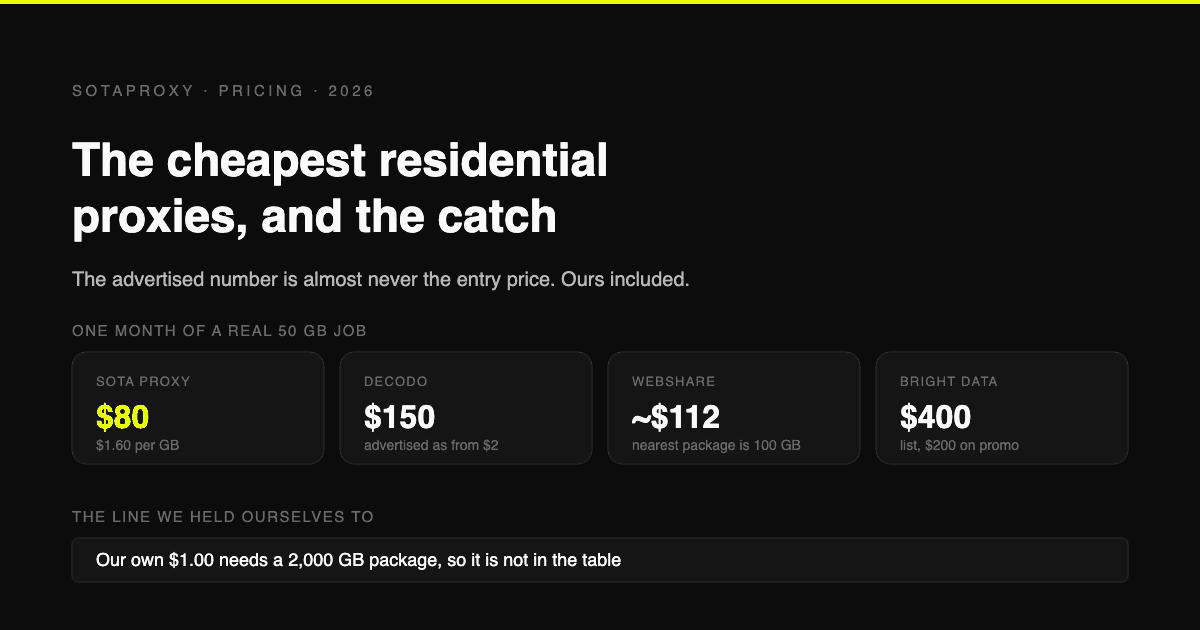
The Cheapest Residential Proxies in 2026, With the Catch Each One Hides
Verified per-gigabyte prices from five vendors' own pages, not from last year's blog posts. Why the advertised number is almost never the entry price, which providers put a monthly floor under your bill, and how to work out your real cost per gigabyte.