Best Residential Proxies in 2026: What to Buy, What It Costs, and When Not To
What residential proxies cost at the volume you will actually buy, what to check before paying, and which provider suits which job. Prices verified on vendor pages.
There is no single best residential proxy. There is a best one for the job you are running, and most of the money lost in this market is lost before the purchase: buying rotating residential traffic for work that needs one fixed address, or sizing a plan by the advertised price instead of the real one.
This guide follows the decision in the order it should be made: whether residential is the right product at all, what it costs at the volume you will actually buy, what to check before paying, and which provider suits which job. Prices come from each vendor's own pricing page, checked on 30 September 2026. We sell residential proxies ourselves, so our numbers sit in the same tables as everyone else's, including the places where we are the wrong choice.
The short answer, by job
| If your job is | Buy | Why |
|---|---|---|
| Scraping search results, listings or prices | Rotating residential, billed per gigabyte | Every request stands alone, and rotation is what keeps rate limits away |
| Ad verification, checking what a city or country sees | Rotating residential with city targeting | Many locations, each for a short session |
| Checkout, multi-step forms, account warming | Residential with sticky sessions | One address held for minutes, up to an hour |
| Holding an account for weeks | An ISP proxy, not residential | The address must never change |
| A target that does not check address class | Datacenter | The same result at a fraction of the price |
The fourth row is the one that costs people accounts. A residential exit is a real household device. It can hold a session for a while, and with us the ceiling is one hour, but it cannot promise to be the same address next Tuesday. An account that has to log in from the same place for weeks belongs on a static ISP address. Ours cost $3.00 per address per month for a single one, with traffic not metered, which is cheaper than per-gigabyte pricing as soon as that account uses more than about two gigabytes a month. The full comparison of the four types is in ISP vs residential vs datacenter vs mobile.
If your job is in the first three rows, residential is the right product. The rest of this guide is about buying it well.
What residential proxies cost at the volume you will buy
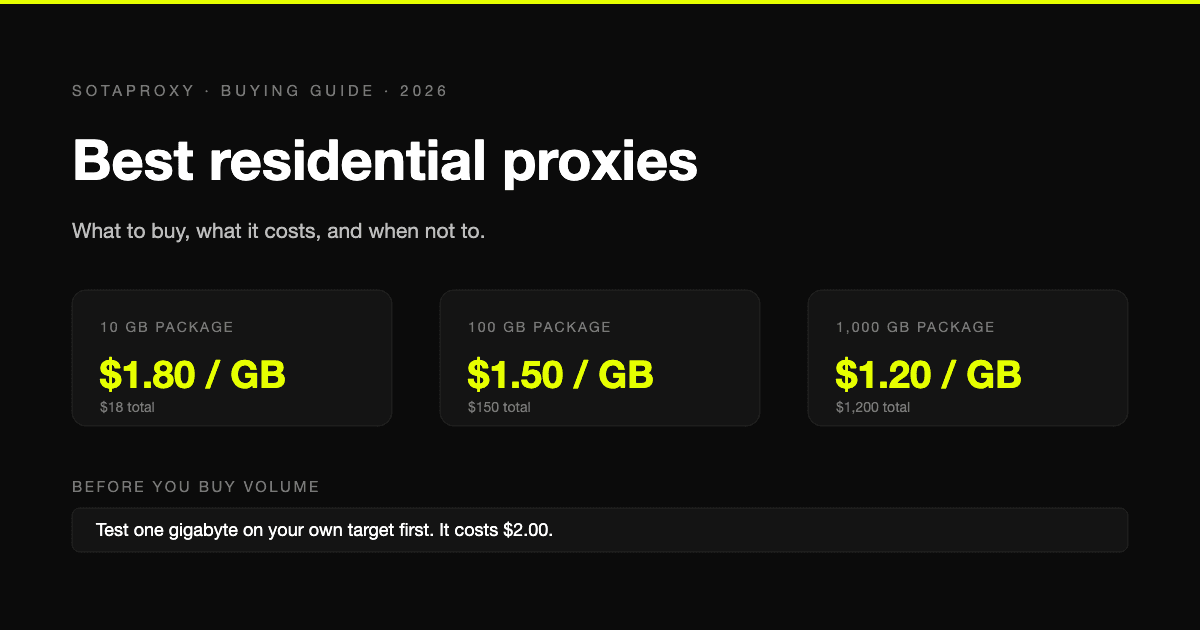
Residential traffic is sold per gigabyte on a volume ladder: the more you buy at once, the lower the rate. Almost every vendor advertises the bottom of that ladder. What you pay depends on where your order sits on it, so the table below shows three points instead of one.
| Provider | 10 GB | 100 GB | 1,000 GB | Monthly commitment |
|---|---|---|---|---|
| Sota Proxy | $1.80 per GB | $1.50 per GB | $1.20 per GB | None, prepaid packages |
| Decodo | $3.50 per GB | $2.75 per GB | $2.00 per GB, enterprise tier | Subscription, or $4.00 pay as you go |
| Webshare | $2.75 per GB on promotion, $7.00 list | $2.25 per GB on promotion | $1.50 per GB on promotion | Monthly subscription |
| Oxylabs | $6.00 per GB on the 5 GB plan, $5.00 on the 20 GB plan | $4.00 per GB on the 125 GB plan | $2.50 per GB on the 1 TB plan | Monthly plans |
| Bright Data | $8.00 per GB list, $4.00 on promotion | $7.00 per GB list on the $499 plan | $5.00 per GB list on the $1,999 plan | Monthly plans above pay as you go |
The Webshare and Bright Data rows carry promotions that will move. Plan against the list price and treat the promotional one as a month-one discount.
Turned into a first order, ten gigabytes costs $18 with us, $27.50 on Webshare's current promotion, $35 on Decodo's ten-gigabyte subscription and $80 at Bright Data's list rate, or $40 while their promotion runs. Oxylabs has no ten-gigabyte plan: the choice is 5 GB for $30 or 20 GB for $100.
We are the cheapest row at all three volumes. That is a fact about price and nothing else, and the section on choosing a provider below explains why it should not settle the question on its own. The mechanics of reading these ladders, and the catch each vendor's headline number hides, are covered in the cheapest residential proxies.
Buying residential proxies in bulk
Bulk pricing is the same ladder, further down. Ours in full, with the total for each package:
| Package | Rate per GB | Total |
|---|---|---|
| 250 GB | $1.40 | $350 |
| 500 GB | $1.30 | $650 |
| 1,000 GB | $1.20 | $1,200 |
| 1,500 GB | $1.10 | $1,650 |
| 2,000 GB | $1.00 | $2,000 |
The rate applies to the whole package, not only to the gigabytes above a threshold. The $1.00 figure exists, but it needs a two-thousand-gigabyte order, so treat it as the floor of the ladder and not as the price.
Two rules make bulk orders safe:
- Buy volume only after a small package has passed on your own targets. A one-gigabyte package costs $2.00 and answers the question. A thousand gigabytes of traffic that your target blocks is not a discount.
- Check what happens to unused traffic. A large package is cheap only if you use it. With us, unused traffic stays on the package while the package is active. On a subscription elsewhere, check whether it rolls over or resets each month, because a reset turns the per-gigabyte rate into fiction.
If you are buying in bulk to resell or to split between clients, the package can be cut into sub-accounts with their own limits. That is described on the reseller page.
Five things to check before you pay
Pool size is the number every vendor leads with and the one that tells you least. These five decide whether the traffic works for you.
1. Session control. Ask which sticky lifetimes exist and who sets them. We support three, set by you in the login: thirty seconds for a login and its redirect, fifteen minutes for a checkout or a multi-step form, one hour for account warming. Those are ceilings, not guarantees. A household device can drop earlier, so your code has to handle a reconnect.
2. What rotation actually rotates. On our gateway, and on most others, the unit of rotation is the connection, not the request. A client that reuses a pooled connection keeps the address it started with until that connection closes. That is why a scraper can show one address for minutes while you believe it is rotating.
3. Geo depth. Country targeting is reliable. City targeting depends on which devices are online at that moment, at every vendor, so test the exact cities you need and not a national average.
4. What is billed. Traffic is metered in both directions, headers included, and a failed request costs the same as a successful one. A gigabyte that fails a fifth of the time costs a quarter more than its rate card says.
5. Parallel sessions. Each worker, profile or account needs its own session identifier. Two workers sharing one share an exit address, and from the target's side their behaviour merges. It is the most common way accounts get linked behind a proxy setup that looks correct.
You can run the session and geo checks in a minute with curl:
# which address and country the target sees
curl -x login_c_US:password@proxy.sotaproxy.com:10000 https://api.ipify.org

# three identical answers mean the sticky session holds
for i in 1 2 3; do
  curl -s -x login_c_US_s_9_ttl_15m:password@proxy.sotaproxy.com:10000 https://api.ipify.org
  echo
done
The longer version is in how to test a proxy before you buy it.
Which provider for which job
Small or irregular volume, no commitment, paying in crypto: us. Packages start at one gigabyte, there is no subscription or monthly minimum, and the balance is topped up from $1.
Large workloads where a failed request is expensive: Decodo. Independent benchmarks have repeatedly put it at the top for cost efficiency on residential traffic. We have no published third-party benchmark, so if you need a measured success rate before you buy, that is a real reason to pay more there. See Decodo alternatives.
Unblockers, prebuilt scrapers, datasets: Bright Data and Oxylabs. You are buying a platform, not traffic, and you accept a monthly commitment to get it. The two are compared in Bright Data vs Oxylabs.
Closest to us on price: Webshare. On its current promotion it charges $2.25 per gigabyte at 100 GB and $1.50 at 1,000 GB, billed monthly, against a list price of $7.00. Their trade-offs are in Webshare alternatives.
How buying works with us
- Top up the balance in cryptocurrency. Thirty-four coins are accepted and the minimum is $1. We do not take cards. Details are on the crypto payments page.
- Pick a package from 1 GB to 2,000 GB. The code WELCOME10 takes 10% off a first order.
- Use one login for everything. The package comes with a single login and password. Country, city and session are suffixes added to the login, so changing location does not mean buying or generating anything new.
- Verify the exit with the curl commands above before you build on it.
Buying for one country only works the same way. For United States traffic, add _c_US to the login:
login_c_US                               United States, rotating
login_c_US_city_New-York                 New York
login_c_US_city_New-York_s_1_ttl_1h      New York, one address for an hour
You still pay per gigabyte, not per country. The full syntax is in the connection string reference.
Where we are the wrong choice
- You need to pay by card or get an invoice. We accept cryptocurrency only.
- You want a free trial without asking. There is no trial button. Support can open a trial package on request.
- You need a signed SLA or a published third-party benchmark. We have neither.
- You need an unblocker or managed scraping. We sell proxies, not a scraping platform.
FAQ
Where can I buy residential proxies?
From any of the five vendors in the table above, directly on their sites. The difference is in how you buy: Decodo, Webshare, Oxylabs and Bright Data sell monthly subscriptions and plans, with pay as you go at a higher rate at Decodo and Bright Data, and we sell prepaid packages from one gigabyte with no subscription.
How much do residential proxies cost?
Between $1.80 and $8.00 per gigabyte for a ten-gigabyte order across the five vendors compared here, falling to between $1.20 and $5.00 at a thousand gigabytes. The spread is wide because vendors advertise different points on their volume ladders.
Can I buy residential proxies with crypto?
Yes. With us it is the only way to pay: thirty-four coins, top-ups from $1. Whether the larger vendors accept crypto depends on the vendor and the plan, so check their checkout before you plan around it.
Can I buy US residential proxies only?
Yes. Residential traffic is not sold per country. You buy gigabytes and choose the country in the login, so a package used only for United States exits costs the same as one used for any other location.
Are residential proxies fast?
Slower than datacenter proxies, because the traffic leaves through a household connection. We do not publish latency figures, and you should be careful with anyone's: speed depends on the exit country and on your target. Buy one gigabyte and measure it on the site you care about.
Should I buy rotating or static residential proxies?
Rotating, if each request stands alone. Static, which is sold as ISP proxies, if an account has to keep one address. A sticky session on rotating residential sits between the two and holds for up to an hour.
Related articles
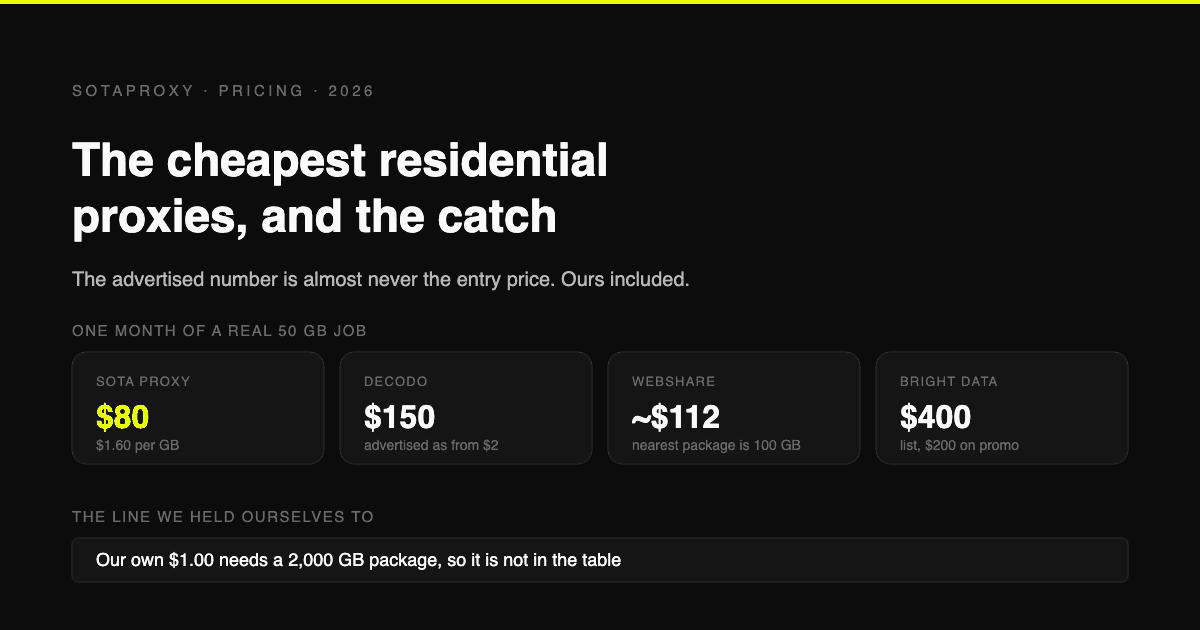
The Cheapest Residential Proxies in 2026, With the Catch Each One Hides
Verified per-gigabyte prices from five vendors' own pages, not from last year's blog posts. Why the advertised number is almost never the entry price, which providers put a monthly floor under your bill, and how to work out your real cost per gigabyte.
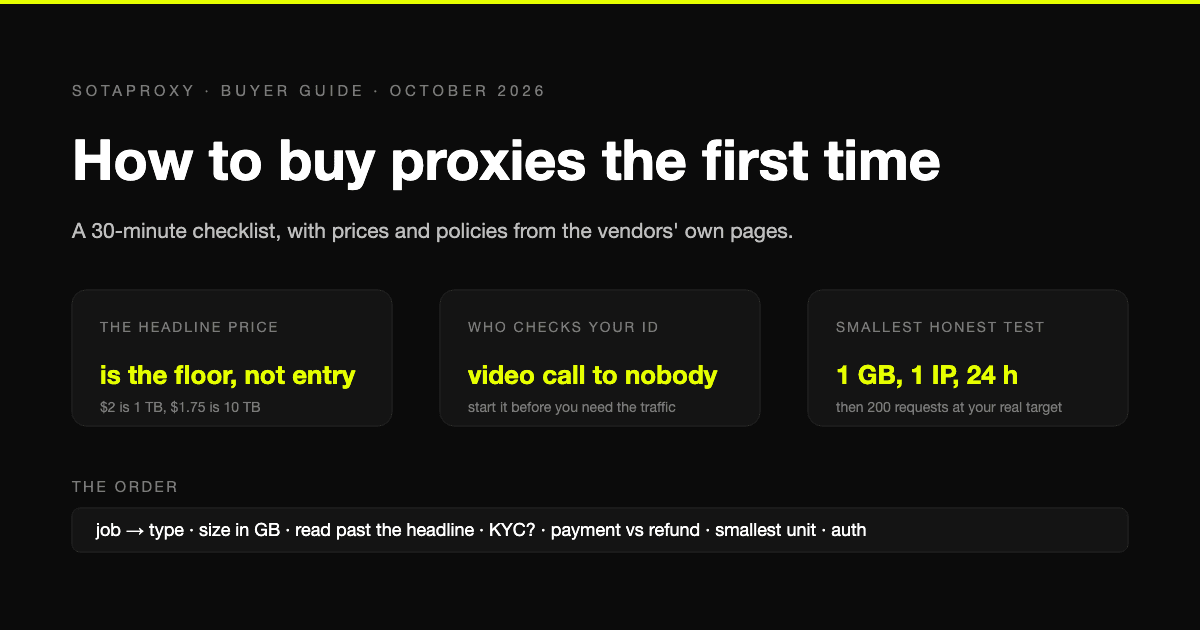
How to Buy Proxies for the First Time: A 30-Minute Checklist
A first purchase goes wrong in predictable places: the wrong proxy type, a headline price nobody pays, an identity check nobody mentioned, a refund that does not apply to how you paid. The checklist, with prices and policies from the vendors' own pages.
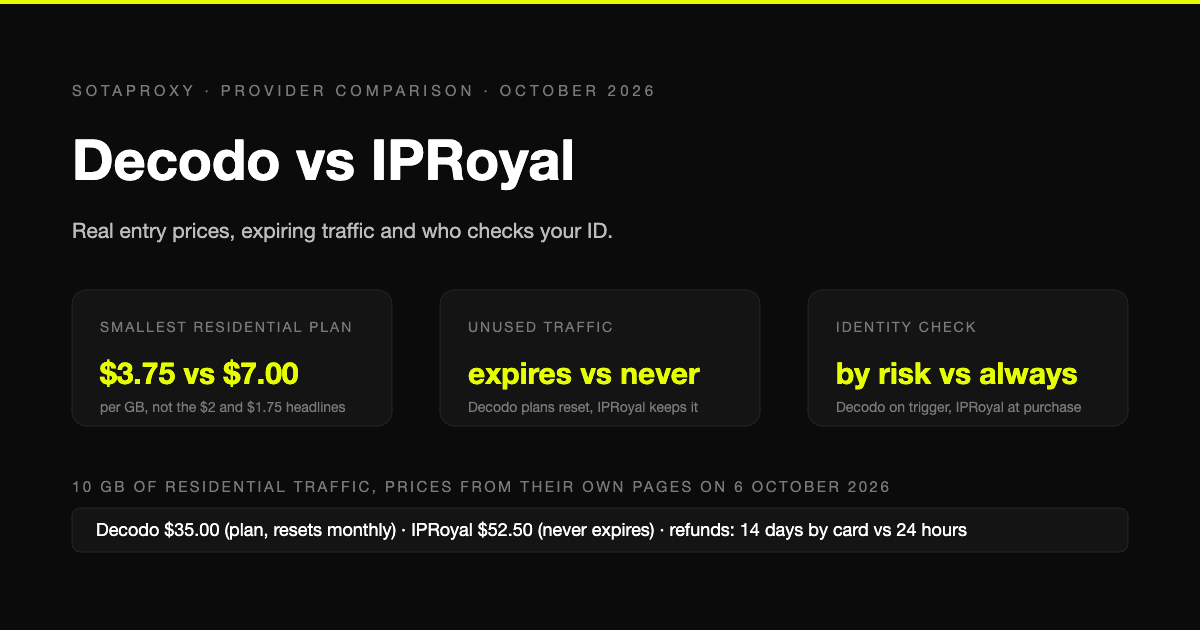
Decodo vs IPRoyal in 2026: Real Entry Prices, Expiring Traffic and Who Checks Your ID
Both are mid-market proxy vendors that take cards and crypto and sell by the gigabyte. The prices on their own pages on 6 October 2026, why neither headline rate is an entry price, whose traffic expires, who checks your identity before you can buy, and who gives money back.
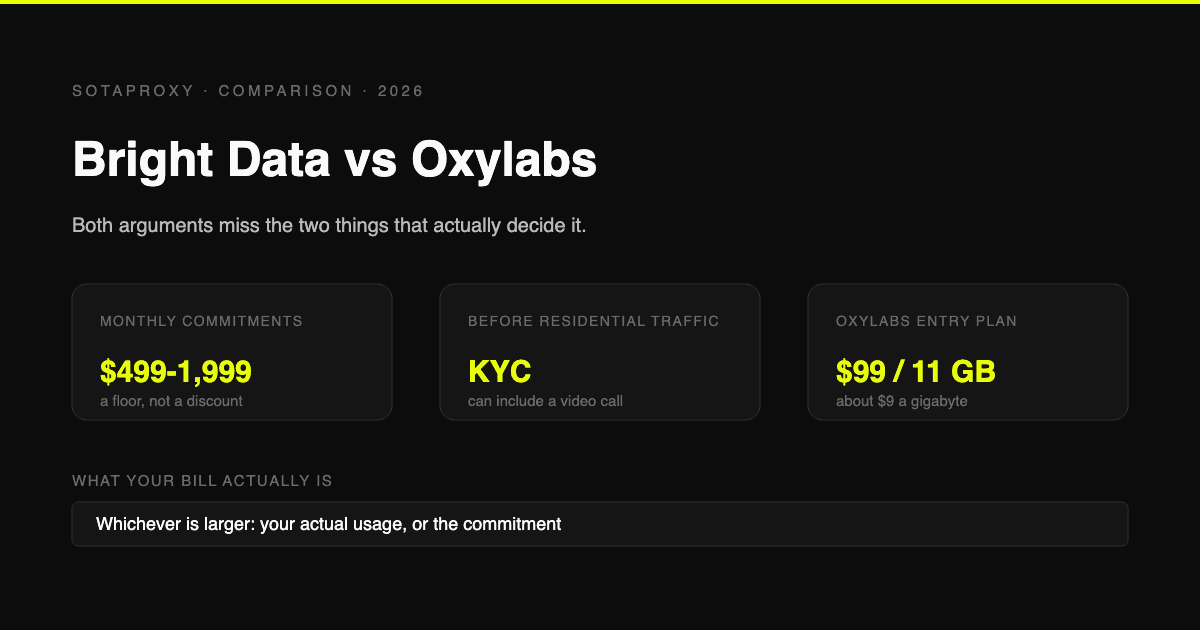
Bright Data vs Oxylabs in 2026: Prices, Commitments and the KYC Nobody Mentions
Both are enterprise platforms with minimum monthly commitments and a compliance check before you can touch residential traffic. Current prices from both vendors' own pages, what the commitment actually costs if you underuse it, and who each one is genuinely for.
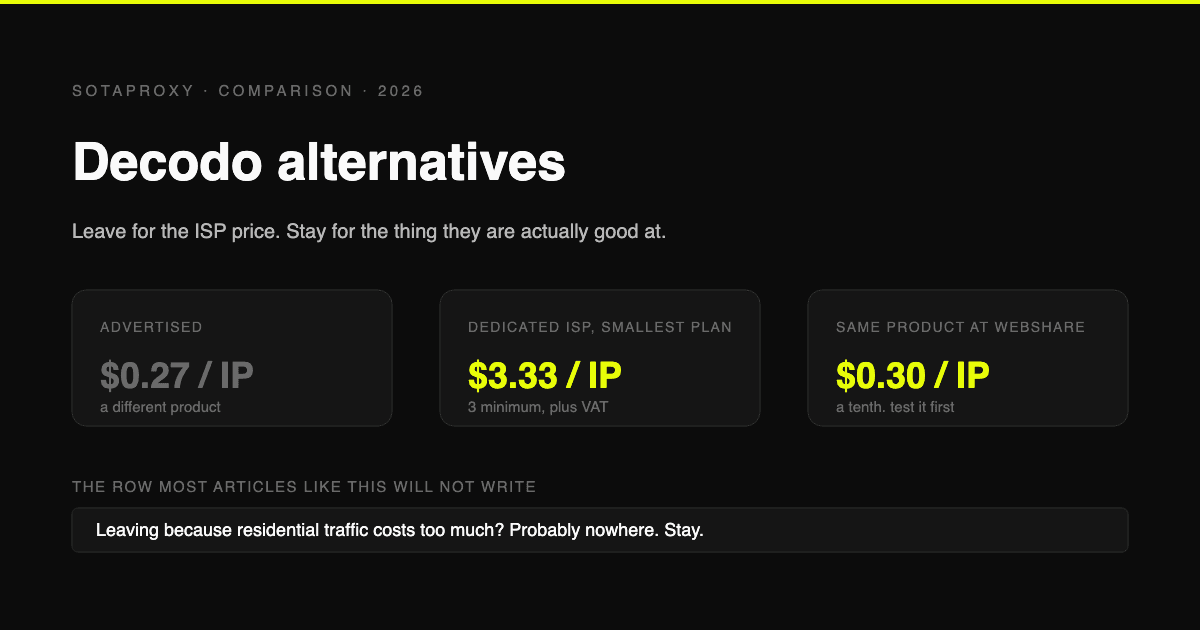
Decodo Alternatives in 2026: Who to Move to, and Who Not to Bother
Decodo is the cost leader on rotating residential and one of the pricier options on dedicated ISP. Verified prices for both, the reasons people actually leave, and which alternative fits each one.

How to Make Money With Web Scraping in 2026: Five Models, Priced
Five ways scrapers get paid, what each one charges, and what a scrape actually costs to run, measured on real pages: HTML-only against a full browser render.