Banned With a Clean Proxy? The Setup Mistakes That Actually Do It
The proxy was clean, the address was residential, and the account still died. In most cases we see, the address was never the problem. Seven setup faults, each one checkable in a minute, in the order they usually turn out to be the cause.
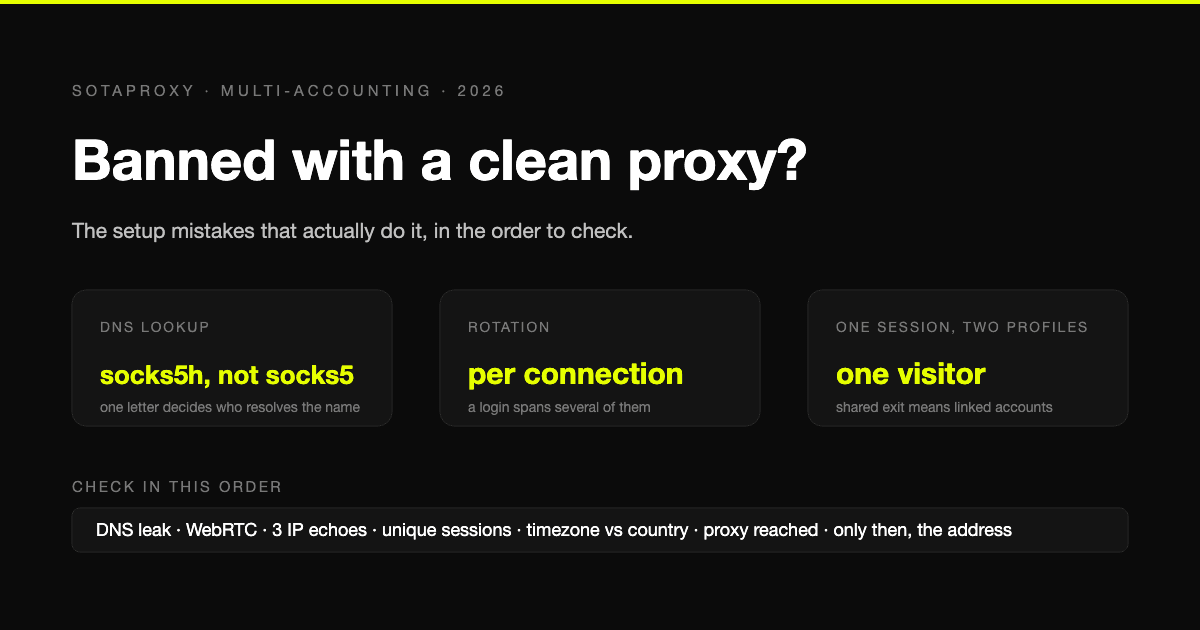
The address was residential, it was in the right country, the IP checker said it was clean, and the account still got flagged within a day. When that happens the instinct is to blame the provider and buy a different proxy. In most cases we see, the address was never the problem. Something around it told the platform a different story than the address did.
Here are the faults that actually cause this, in roughly the order they turn out to be the cause. Each one has a check you can run in a minute, and most of the checks are ones we have run ourselves in earlier guides.
1. The DNS lookup never went through the proxy
The proxy carries your traffic. It does not automatically carry the question "what is the address of this site", and a surprising number of setups answer that question through your own connection. The platform never sees your address, but your resolver's operator does, and so does any leak test that lists DNS servers.
When we measured this across clients, the result depended on one letter. socks5:// resolved names locally in several clients; socks5h:// sent the name to the proxy. HTTP proxies send the hostname to the proxy by design, so the leak is mostly a SOCKS problem, and mostly a configuration one. The measurements and the per-client table are in what is a DNS proxy.
Check: open a DNS leak test through the profile. If a resolver from your own ISP or country appears, the lookups are not going through the proxy.
2. WebRTC handed over the real address
A browser can reveal the real local and public address through WebRTC regardless of the proxy, because WebRTC negotiates connections outside the proxy path. Every antidetect browser has a WebRTC setting for this reason, and a surprising number of profiles have it left on the default.
Check: any WebRTC leak page, opened inside the profile. The only acceptable result is the proxy's address or nothing. How to turn it off in Firefox and Chrome is in the Firefox guide and the Chrome guide.
3. The address rotated in the middle of a flow
Residential proxies rotate by default, and rotation is per connection, not per request. A login spans several connections: the form, the redirect, the session cookie, the first page. If two of those arrive from different addresses, the platform sees an account that teleported mid-login, and that is the oldest fraud signal there is.
The fix is a sticky session with a lifetime that covers the whole flow, or a static address for anything that lives for weeks. The session rules, including why a browser behaves like a sticky session until it is restarted, are in how to use residential proxies.
Check: request an IP echo three times in a row from the profile. Three different answers during an account flow is the fault.
4. Two things shared one session
The opposite failure. Two workers, two profiles or two accounts were given the same session number, so they shared an exit address, and the platform saw one visitor doing the work of two. On a rotating pool this is usually a copy-paste mistake in the login string; on static addresses it is one address assigned to two accounts to save money.
Check: list every profile's proxy login side by side. Every session number appears once. Every static address appears once.
5. The browser said one place and the address said another
Timezone, language, locale and the address should agree. A US residential address with a browser that reports a Moscow timezone and a Russian Accept-Language is not a US user, and the platform does not need the address to know it. Antidetect browsers can derive timezone and locale from the proxy address; most leave it as a checkbox you have to tick.
Check: the profile's timezone offset and language against the address's country. A geolocation test page shows both on one screen.
6. The proxy connection itself looks wrong
Two technical cases, both from our own measurements.
The first is the protocol. Some tools, Chrome among them, refuse a login inside the proxy address outright: --proxy-server=http://user:pass@host produced ERR_NO_SUPPORTED_PROXIES in our test, and the usual workaround is an extension or a whitelist. A profile that "works" after someone disabled the proxy to make it work is the worst outcome of all.
The second is the certificate. If a tool is pointed at an https:// proxy address and the proxy's certificate does not match its hostname, a client that verifies will refuse and a client that does not will carry on with an unverified tunnel. We measured which clients do which in SSL proxy server. Know which one you are using.
Check: the tool reports the proxy's address on an echo page, not your own, and it got there without a certificate warning you clicked through.
7. Everything above was fine, and the address had a history
Only now does the address come into it. A residential address can have been used by someone else last week on the same platform; a datacenter range can be blocked wholesale; a static ISP address bought today may have carried accounts yesterday. This is real, and it is the one fault on this list that is the provider's rather than yours.
But it is checkable before you commit an account to it, and the check is the same as for everything else: one small purchase, a plain request, and a look at how the target treats it. The method is in how to test a proxy before you buy it.
The order to check in
Run the list top to bottom, because the cheap checks are at the top and the expensive conclusion is at the bottom:
- DNS leak test inside the profile.
- WebRTC leak test inside the profile.
- Three IP echoes in a row during a flow.
- Session numbers and static addresses unique across profiles.
- Timezone and language against the address's country.
- Proxy reached without a disabled setting or a certificate warning.
- Only then, the address's history on this target.
Most people who get to step 7 find the answer somewhere in steps 1 to 5. The proxy was clean. The setup was the problem.
What a proxy cannot fix
Three things get blamed on proxies and are not proxy problems. Behaviour that does not look like a person: a new account that posts fifty times in an hour from any address is a new account that posts fifty times in an hour. Device and browser identity, which is the antidetect browser's job and not the proxy's; how many accounts a platform will tolerate per device, email and phone is in how many accounts can you have. And payment and contact details that link accounts regardless of where they connect from.
A proxy changes one thing, the address the platform sees. Everything else in the profile has to agree with it.
FAQ
Why was my account banned even though I used a residential proxy?
Usually something around the address disagreed with it: a DNS lookup or WebRTC that exposed your real connection, an address that rotated during the login, a session shared with another profile, or a timezone and language that did not match the country. Check those before blaming the address.
How do I know if my proxy is leaking?
Open a DNS leak test and a WebRTC leak test inside the profile that uses the proxy. If a resolver from your own provider appears, or WebRTC shows an address that is not the proxy's, the proxy is not covering everything.
Should every account have its own proxy?
Every account should have its own exit address for as long as it is active. On residential that means its own sticky session number; for an account that must keep one address for weeks it means its own static address. Sharing an exit between accounts is one of the fastest ways to link them.
Does a clean IP score mean the proxy is safe?
It means a scoring service has not seen that address misbehave. It says nothing about whether your setup leaks, whether the address will rotate mid-flow, or how the specific platform you use treats it. Test on the target.
Can the same mistakes happen with a static ISP address?
All of them except rotation. DNS and WebRTC leaks, timezone mismatch, a disabled proxy setting and one address shared by two accounts do not care what kind of address it is.
Схожі статті
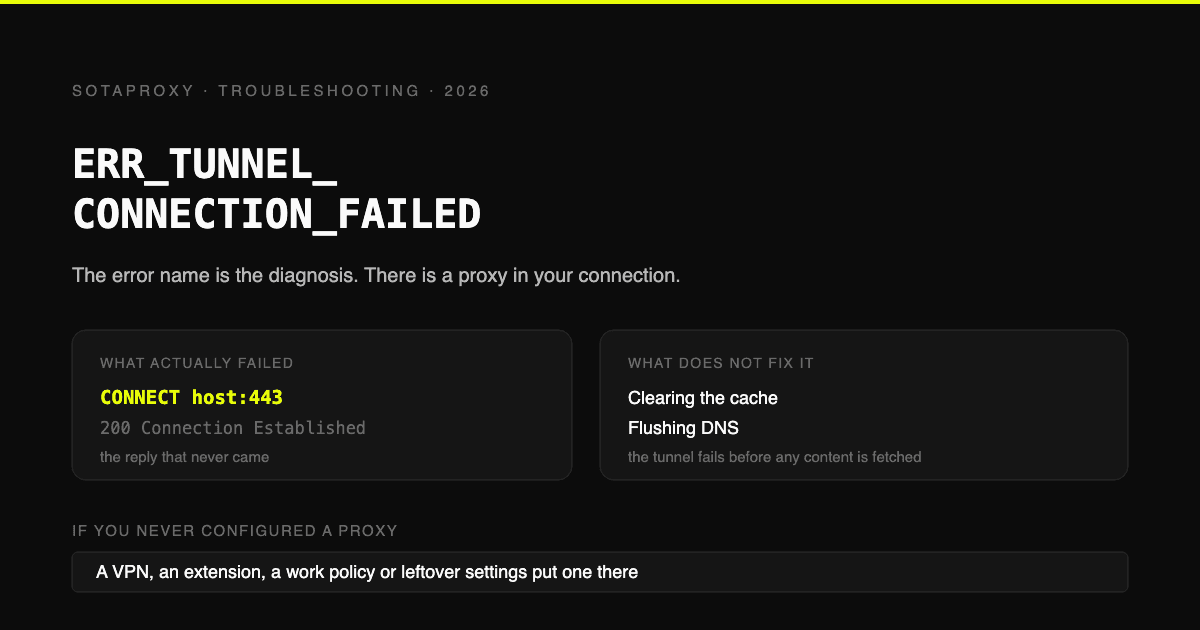
ERR_TUNNEL_CONNECTION_FAILED: назва помилки вже є діагнозом
Chrome попросив проксі-сервер відкрити CONNECT-тунель, і це не вдалося. Ось і вся помилка. Звідки береться проксі, коли ви його не налаштовували, шість причин, чому налаштований проксі викликає цю помилку, і чому очищення кешу нічого не виправляє.
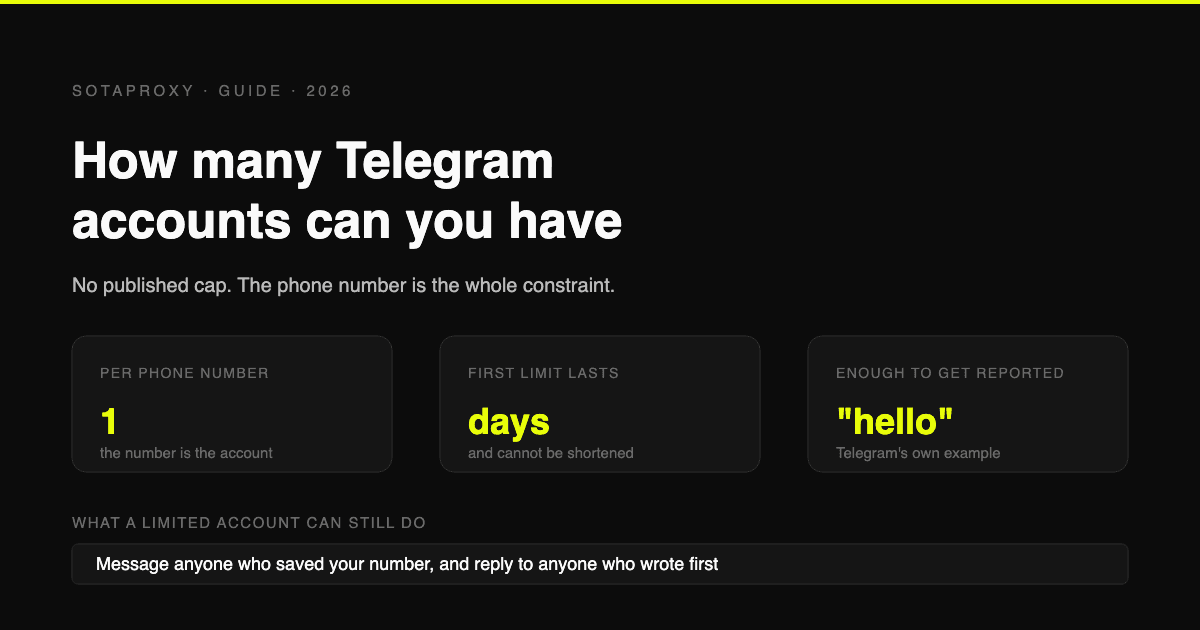
Скільки акаунтів Telegram можна мати у 2026 році (і що насправді означає «обмежений»)
Telegram не публікує ліміту на кількість акаунтів, один номер на акаунт, а власні FAQ про спам стверджують, що обмежений акаунт може писати всім, хто зберіг ваш номер. Що саме провокує обмеження, чому VOIP-номери блокуються ще до першого повідомлення і чому дострокового зняття обмежень не існує.
Dolphin Anty для мультиакаунтингу: можливості, автоматизація та підключення проксі
Як працювати з Dolphin Anty для мультиакаунтингу: профілі браузера, Cookie Robot, сценарії, Synchronizer, автоматизація через API та три способи підключення проксі SotaProxy. Промокод SOTA20 дає знижку 20%.
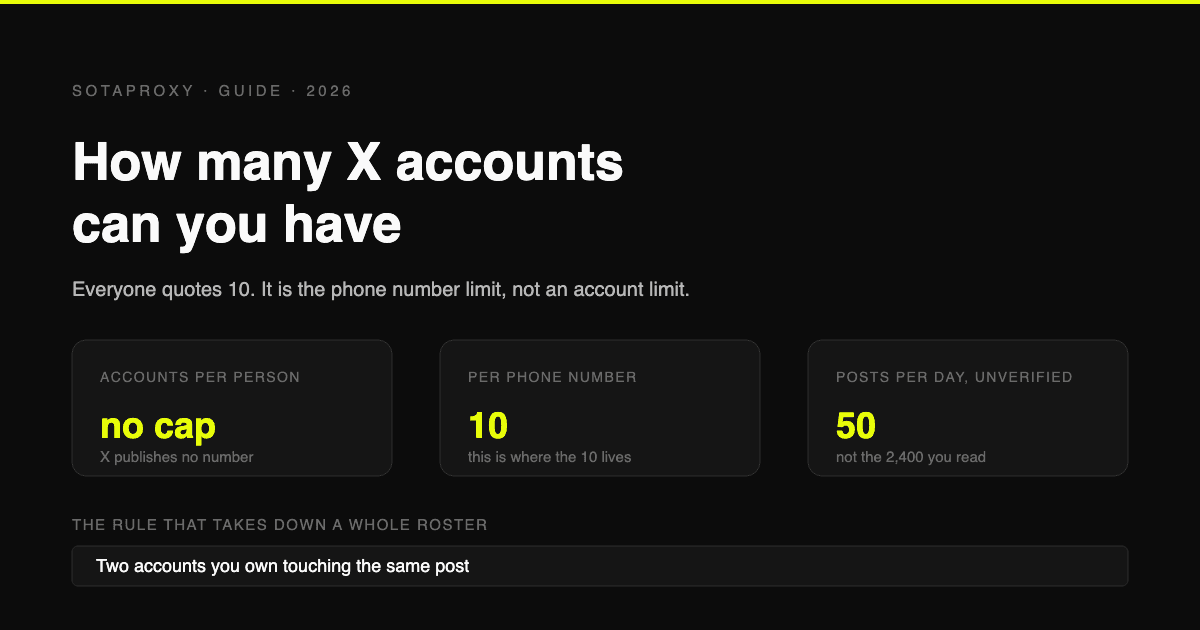
Скільки акаунтів X (Twitter) можна мати у 2026 році (10 - це ліміт на номер телефону, а не на кількість акаунтів)
X не встановлює обмежень на кількість акаунтів для однієї людини. Цифра 10, яку всі цитують, стосується лише кількості акаунтів, які можна прив'язати до одного номера телефону. Справжні обмеження - це 50 постів на день для безкоштовного акаунта, дублювання сценаріїв використання та взаємодія між акаунтами.
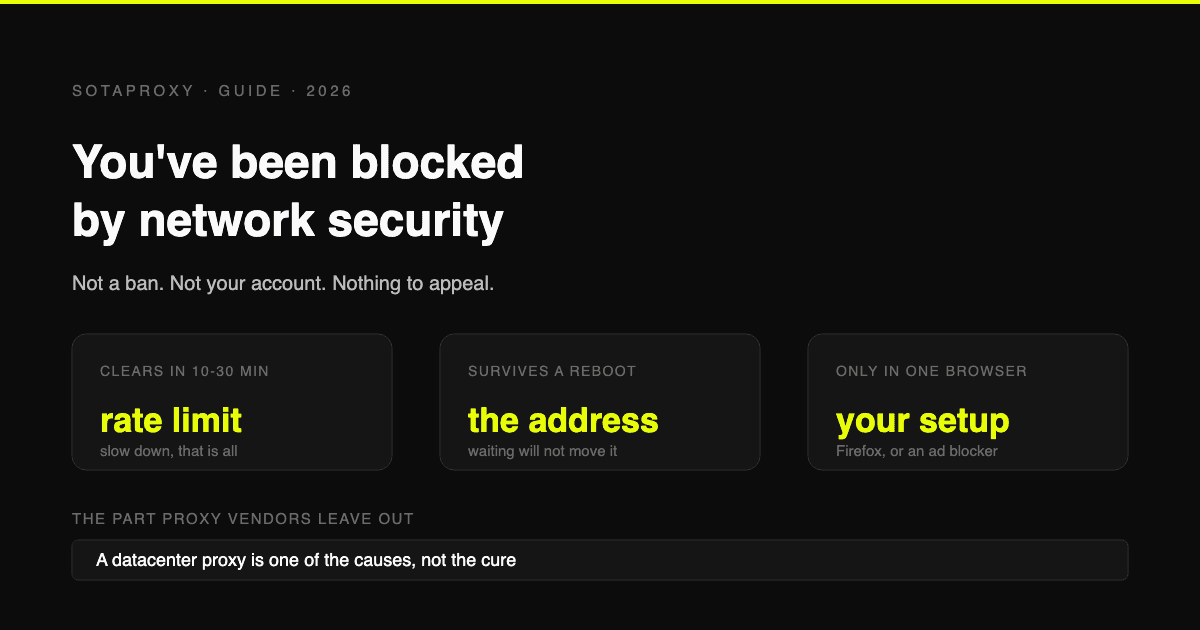
Reddit "You've Been Blocked by Network Security": кожна причина та виправлення для кожної
Це не бан, і нема чого оскаржувати. Це походить від edge-сервера Reddit, застосовується до вашого з'єднання і має шість причин. Ось як визначити, яка саме у вас, і скільки триває кожна.
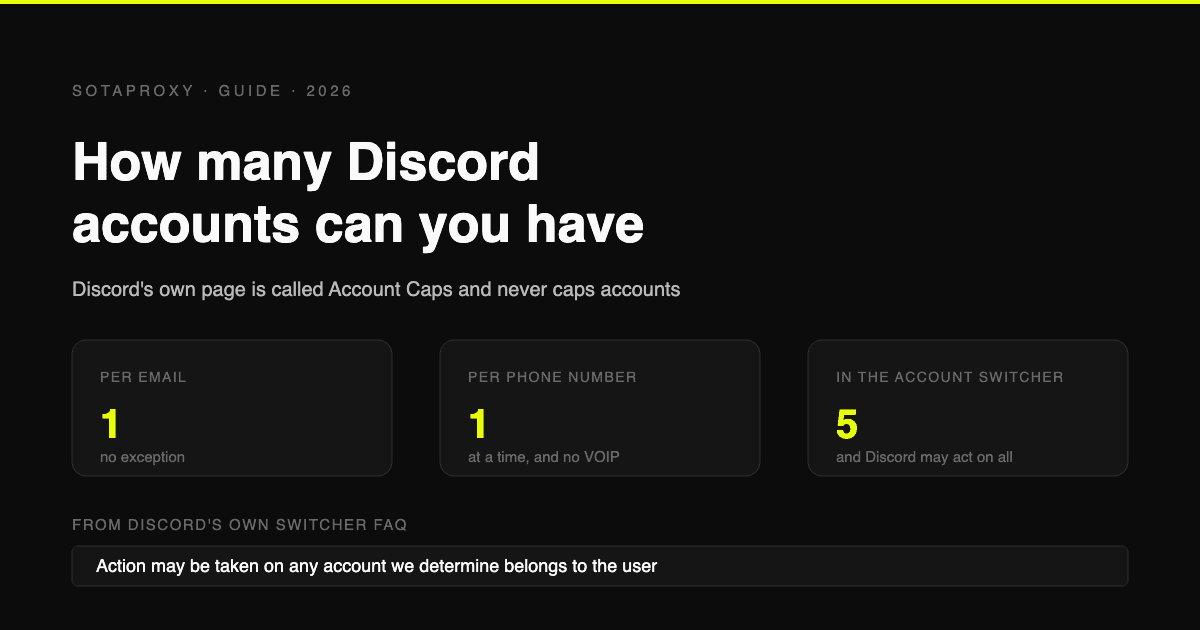
Скільки облікових записів Discord можна мати у 2026 році (на email, телефон, пристрій)
Discord не публікує жодних обмежень на кількість облікових записів. Реальні ліміти: один на email, один номер телефону одночасно без VOIP, і п'ять у перемикачі облікових записів, які Discord може застосовувати глобально.