Bing Search API Key: Setup, Testing, and Scaling in 2026
Get a working Bing Search API key in 2026, test requests, secure the key, and scale high-volume scraping without blocks. Practical guide for technical teams.

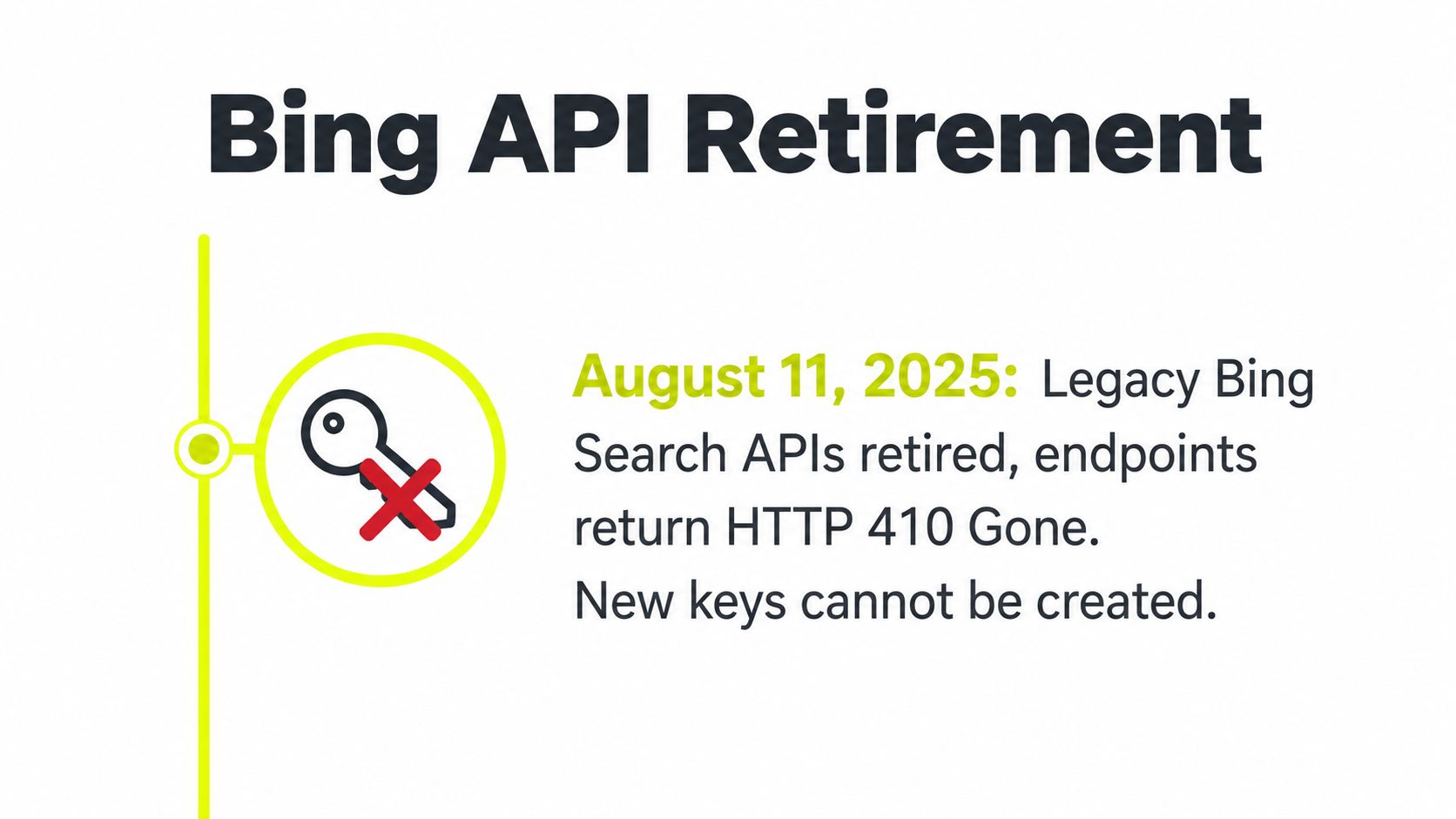
Most guides still talk about the Bing Search API key like it's something you can mint on demand in Azure today. That advice is stale. Microsoft retired the legacy Bing Search APIs on August 11, 2025, and the endpoints now return HTTP 410 Gone, so if you're still looking for a fresh v7 key, you're chasing a dead product Microsoft retirement notice.
What still matters in 2026 is the surrounding plumbing, auth headers, query normalization, proxy strategy, and error handling. The choice is whether you can live with Microsoft's current Bing connector flow, or whether you should move straight to a third-party SERP API and keep the same operational patterns your scrapers, ad-verification jobs, and geo-targeted monitors already use.
Table of Contents
- Why the Legacy Bing Search API Key Is Dead
- Creating a Bing Resource and Pulling the API Key
- Authenticating and Testing Your First Request
- Choosing Proxies for High-Volume Bing Scraping
- Securing, Rotating, and Hiding the API Key
- Quotas, Pricing, and the Analytics Add-In
- Troubleshooting Common Bing API Errors
Why the Legacy Bing Search API Key Is Dead
The first mistake is assuming you can still create a Bing Search API key the way old tutorials describe. You can't. Microsoft's lifecycle notice says the Bing Search APIs were retired on August 11, 2025, and any pre-retirement instance was decommissioned after that date, with public endpoints later returning HTTP 410 Gone retirement notice. If a guide still tells you to provision a legacy Bing Web Search v7 resource and copy out a new key, it's out of date.
What replaced the old path
Microsoft didn't leave a direct v7-style successor sitting in Azure for the same raw SERP workflow. The current options are the Bing Search connector in Logic Apps and Power Automate, Azure AI Foundry grounding with Bing search, or a third-party SERP API that wraps Bing results. The connector still expects an API Key plus a Search Query field, and it exposes Market and Safe Search controls, which tells you the request model didn't disappear, only the legacy endpoint did Bing Search connector.
That matters for operators running Facebook and TikTok stacks through AdsPower, Dolphin Anty, GoLogin, Multilogin, or Hidemyacc. Your job didn't change, only the source of Bing-backed data did. If you use search results for ad verification, cloaking checks, account farming, or geo-targeted campaigns, the interface can move while the workflow stays the same.
Practical rule: if the article you're reading still uses the retired v7 endpoint as the first step, treat the rest of it as historical reference, not implementation guidance.
For teams deciding whether to keep reading or pivot, the decision is simple. If you need Microsoft's official workflow for automation, the connector path is still alive. If you need raw Bing SERP output at scale, move to a third-party SERP API and keep going. For a related operational pattern around social automation, the API-for-social-media playbook is the closer mental model than the dead v7 docs.
Creating a Bing Resource and Pulling the API Key
The surviving credential path starts in the Azure Portal. Microsoft says the subscription key comes from the Bing resource you create there, and the key is retrieved from the resource's Keys & Endpoint blade after provisioning Azure key retrieval guidance. The important part is not the click path, it's the separation between the retired web-search resource and the current connector-oriented setup.
The resource flow that still works
Create the Bing Search resource under the subscription you use for production, not under a test tenant you'll forget about later. Give the resource a naming convention that tells you the environment, market, and workload, because multi-account operators rarely run one clean instance for long. If you're juggling ad verification, cloaking checks, and local market research, a bland name becomes a future outage.
Microsoft's connector documentation shows the request model clearly. The connector uses an API Key as a secure string, a Search Query parameter named q, an optional Market parameter like en-US, and a Safe Search filter for adult-content control Bing Search connector. That is the shape you want to keep in your notes, even if you eventually swap the backend to another provider.
What to confirm before you test
Region still matters in practice because the endpoint and the resource need to line up. If you're running separate environments for Facebook ad account checks, TikTok ad review, or account-farming verification, confirm the endpoint region before you burn time debugging a bad credential. Also make sure you're not confusing the current connector with the retired Bing Web Search v7 resource from older posts, because the names look similar and the failure mode is ugly.
Use this checklist before you move on.
- Resource created: Confirm the Bing resource exists in the right subscription.
- Key copied: Pull the subscription key from Keys & Endpoint.
- Endpoint region confirmed: Match the region to your deployment.
- Market code chosen: Set the locale, such as
en-US, for consistent results. - Safe Search level set: Decide the content filter before automation starts.
Authenticating and Testing Your First Request
The request still looks like a classic Bing Web Search call, even if the backend path is now different depending on which service you use. The legacy workflow used the Ocp-Apim-Subscription-Key header, and that header shape remains the reference point for Bing-style integrations Bing v7 reference. If your code doesn't send that header from the backend, you're not authenticated.
Minimal cURL test
Use the smallest possible query first. Keep it boring, keep it short, and keep the market explicit.
curl -sS -D - \
  -H "Ocp-Apim-Subscription-Key: YOUR_KEY" \
  "https://api.bing.microsoft.com/v7.0/search?q=best+running+shoes&mkt=en-US"
If you're testing through the current connector or another proxy layer, the shape stays the same from your app's point of view, only the service host changes. Microsoft's docs also stress that Bing search URLs must use HTTPS, and historically the URL cap sat at 2,048 characters, with guidance to keep query parameters under 1,500 characters to avoid 404 errors Bing v7 reference. Long operator syntax, nested filters, and aggressive keyword packing can push you over that line fast.
Minimal Python test
import requests

url = "https://api.bing.microsoft.com/v7.0/search"
headers = {"Ocp-Apim-Subscription-Key": "YOUR_KEY"}
params = {"q": "best running shoes", "mkt": "en-US"}

resp = requests.get(url, headers=headers, params=params, timeout=20)
print(resp.status_code)

if resp.ok:
    data = resp.json()
    results = data.get("webPages", {}).get("value", [])[:3]
    for item in results:
        print(item.get("name"), item.get("url"))
If you need a clean request-building pattern for shell-based testing, the cURL auth basics guide is a decent reminder of how headers and auth flow through a simple request. For production code, log the response code on every call. If the next section's quota logic starts screaming, you want per-request codes already in your logs.
Choosing Proxies for High-Volume Bing Scraping
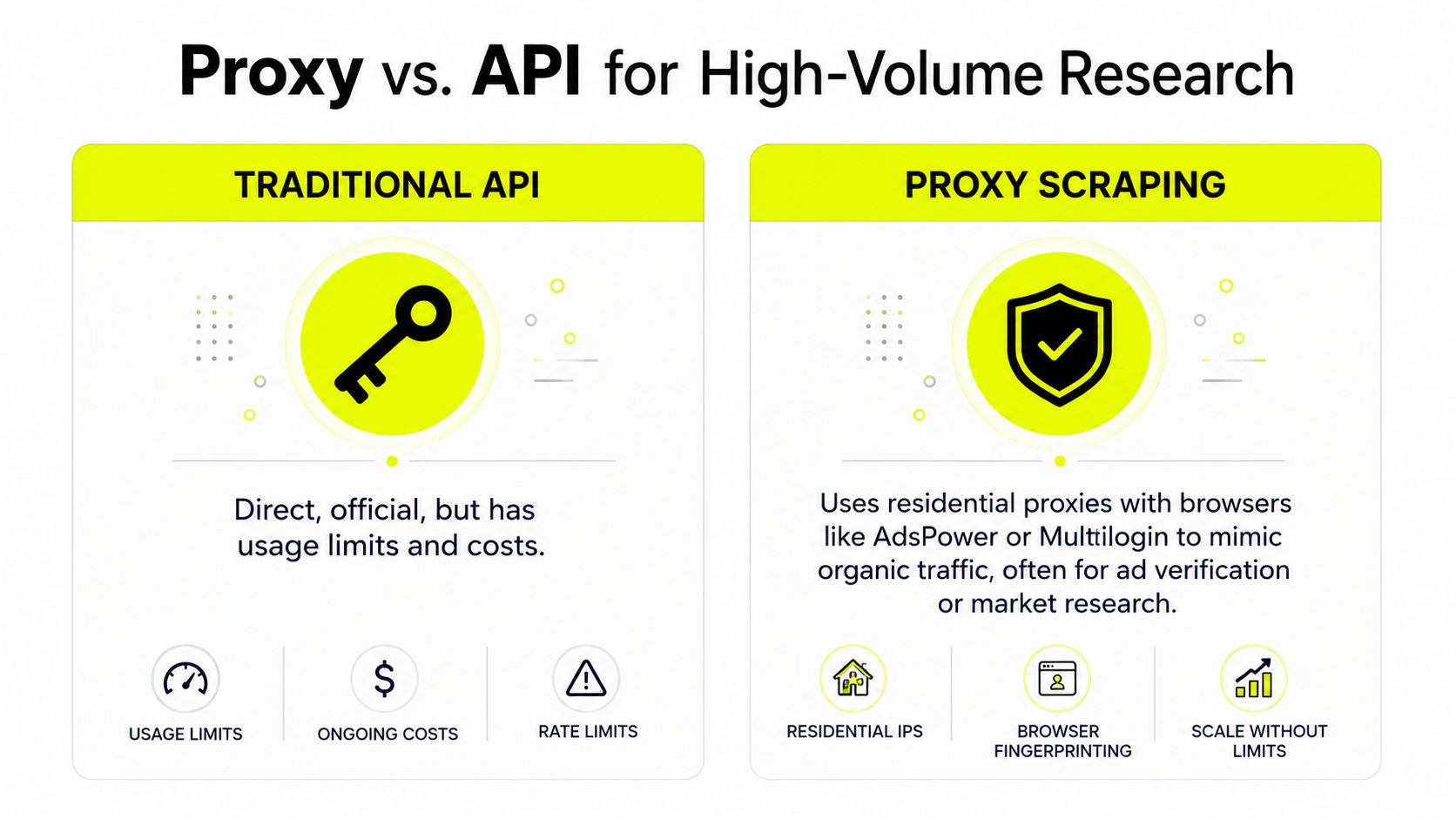
Once volume goes up, the conversation stops being about the key and starts being about network behavior. That matters for teams running search verification from AdsPower, Dolphin Anty, GoLogin, Multilogin, or Hidemyacc, and it matters just as much for Facebook and TikTok ad ops that need local SERPs to check creative, landing pages, and cloaking flows. The proxy choice changes how often Bing trusts the traffic, how cleanly you can segment markets, and how painful rotation becomes.
Residential, mobile, datacenter, and IPv6 in practice
Residential proxies look like normal household traffic. They are the safest default for geo-targeted campaigns, ad verification, and searches that should blend into organic usage. They are also the first choice when you need Bing results that match a city or country with less obvious automation noise.
Mobile proxies usually carry the highest trust because they map to carrier networks. They are the heavy artillery for fragile accounts, but they cost more per GB and you should not waste them on simple rank checks. Use them when account risk matters more than throughput, or when you are dealing with pages and login paths that tend to trip softer proxy types.
Datacenter proxies are fast and cheap. They work well for broad monitoring, but search engines flag them faster. If you lean on them for Bing scraping at scale, expect more churn and more filtering. They fit jobs where speed beats stealth, not cloaking or sensitive ad verification.
IPv6 proxies give you a very large address pool at low cost when the target accepts IPv6. They are useful for volume, but they are not a magic stealth layer. If the destination or the proxy chain handles IPv6 poorly, you just created a wider failure surface.
The mistake teams make is buying raw IP count instead of designing rotation around the workload. Bing does not care how many proxies you own if your session behavior looks synthetic.
Match the proxy to the job
For account farming, stick to residential or mobile when account lifespan matters. For cloaking, use proxies that match the market you are trying to simulate and keep the backend clean. For SEO monitoring, datacenter or IPv6 can be fine if you are only collecting low-risk SERPs, but the minute the campaign is geo-sensitive, move back to residential.
If you want a similar breakdown for another scraping workload, the Amazon price API guide shows the same trade-off on marketplace monitoring. The target changes, the proxy logic does not. Rotation policy still matters more than the size of the pool.
For a rotating setup pattern that does not collapse under load, the rotating proxy server guide is the right operational companion piece. Sota Proxy is a practical fit here because its proxy catalog covers residential, mobile, ISP, and datacenter inventory across 220+ geolocations, and its referral program can pay up to 40% commission when you send peers into the same workflow.
Securing, Rotating, and Hiding the API Key
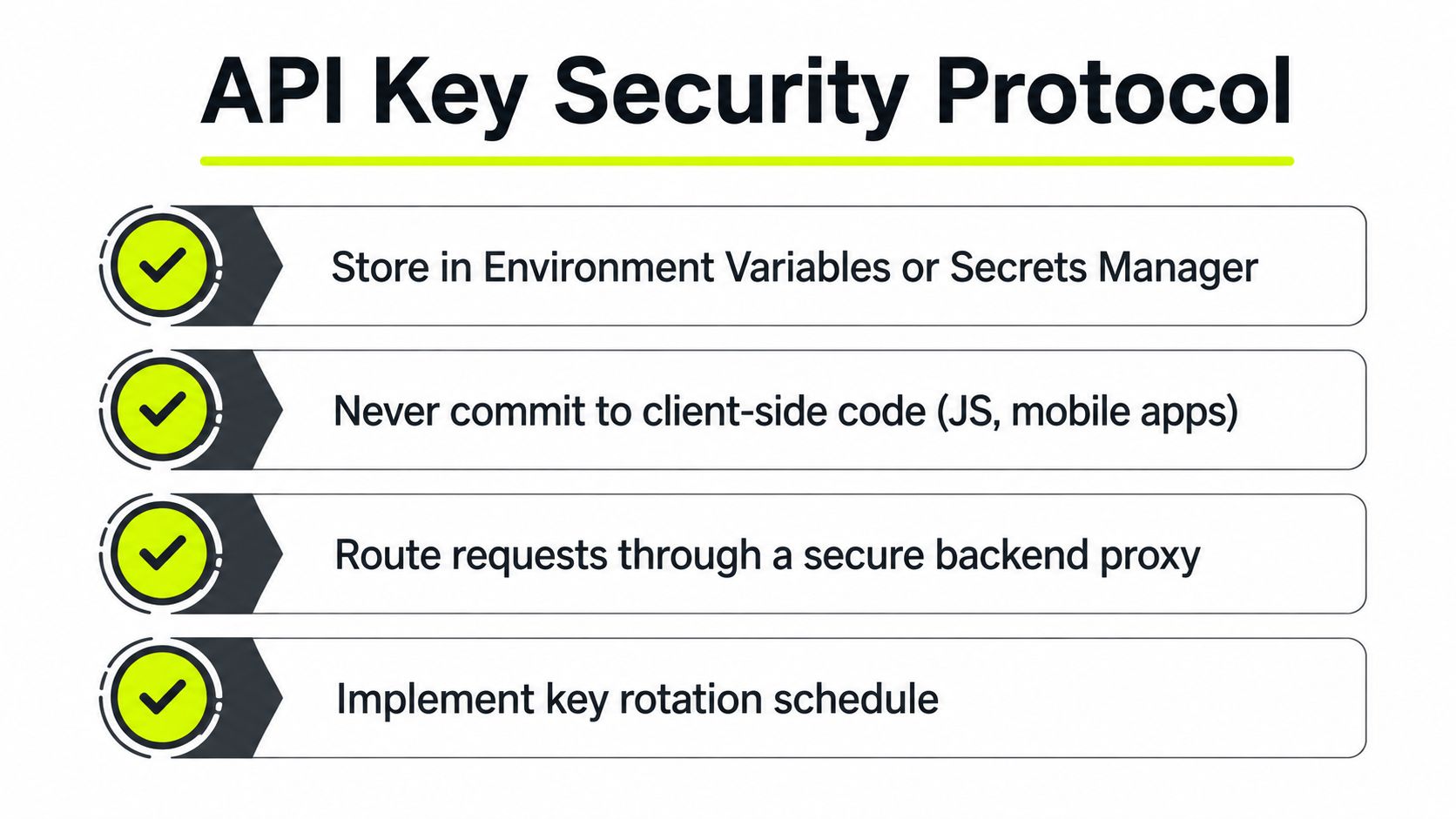
Treat the key like a production secret, not a config value. Put it in an environment variable or a secrets manager, then read it server-side and attach the Ocp-Apim-Subscription-Key header in your backend proxy, never in browser JavaScript or a mobile bundle. If a crawler can see the client bundle, assume the key is exposed.
Rotation and access control
Rotate the key on a regular cadence. A sane pattern is to regenerate every 60 to 90 days, keep two active keys during the cutover, and revoke the old one only after the new key works in staging. That keeps your automation from dying because someone rotated the secret before the code path was verified.
Add server-side rate limiting so one broken script can't consume your quota in a day. Log response codes per caller so you can attribute abuse to a service, account, or campaign instead of guessing after the fact. If you run cloaking or geo-targeted creatives, that logging becomes the only clean way to separate normal regional variance from a bad proxy path.
Don't leak the secret twice
The API key and the proxy credentials need the same treatment. Keep both behind the backend. If you expose one and not the other, you've only solved half the problem, and the platform crawler will still pick up the weak link.
Operational rule: if a human can inspect the frontend and recover the auth material, the auth material isn't protected.
The internal control often overlooked is IP allowlisting, because focus tends to rest on the key while the caller path is ignored. Keep that policy tied to the backend and the proxy layer, not to the client app, and review the IP-whitelisting glossary note if you're tightening access for multi-environment deployments.
Quotas, Pricing, and the Analytics Add-In
Legacy Bing pricing is only useful now as a budgeting reference, but it still tells you how Microsoft expected heavy users to think. The free F1 tier gave 1,000 transactions per month, and the older paid tiers eventually landed at $25/1,000 for S1, $15/1,000 for S2, and $6/1,000 for S3 after the 2023 price increase, according to the historical pricing notes already cited in migration guidance. If you're shopping replacement SERP APIs, those numbers are your old anchor point, not your current bill.
What the analytics add-in actually surfaced
Microsoft's Bing Statistics add-in reported call volume, top query strings, geographic distribution, response-code summaries, and market distribution. The dashboard refreshed every 24 hours and retained data for up to 13 months, which gave teams a meaningful window for trend analysis, seasonality checks, and month-over-month comparisons Bing Statistics add-in. That's the part most operators needed, not just the raw result payload.
Here's the practical table for budgeting and operations.
| Tier | Limit / Price | Notes |
|---|---|---|
| F1 | 1,000 transactions per month | Free tier, useful only for light testing |
| S1 | $25 per 1,000 | Historical paid tier reference |
| S2 | $15 per 1,000 | Historical paid tier reference |
| S3 | $6 per 1,000 | Historical paid tier reference |
| Statistics add-in | 24-hour refresh, up to 13 months retained | Used for trend analysis and response-code review |
How teams should use the window
Size your monthly call budget around peak traffic, not average traffic. Search-driven verification workloads spike around campaign launches, market rollouts, and creative refreshes. If you're moving to a third-party SERP API, the same logic applies, because the expensive failure is not a single call, it's a silent undercount when one market starts failing and nobody notices.
Set alerts when daily call volume hits 70 percent of your quota. That threshold gives you time to slow traffic, tighten rotation, or move a batch to a cheaper endpoint before the pipeline stalls. The 13-month window also lets you see whether a spike is seasonal or just one overactive account pushing the same query set repeatedly.
Troubleshooting Common Bing API Errors
The failures that matter are usually obvious once you map them to a cause. HTTP 410 Gone means the endpoint was retired, so the fix is migration, not retries. If you're still hitting the old service, the problem is architectural, not temporary.
Error to fix mapping
- HTTP 401: The
Ocp-Apim-Subscription-Keyheader is missing, malformed, or tied to the wrong resource. Recheck the backend secret and the resource you copied it from. - HTTP 404 on long URLs: Your query string blew past the historical 2,048-character limit, or Microsoft's guidance on keeping parameters under 1,500 characters wasn't respected. Shorten, normalize, and validate before dispatch.
- HTTP 429: You hit rate limits. Back off with jitter, reduce concurrency, and stop hammering the same market code.
- 5xx errors: Region-qualified endpoint mismatch or upstream instability. Switch the endpoint region before you assume the key is broken.
If your search results are empty or inconsistent across countries, the proxy layer is usually the first thing to inspect. Geo-targeting, rotation speed, and session stickiness affect what Bing shows you more often than the auth header does. The right diagnostic habit is to compare the same query across the same market with the same proxy policy, then isolate the variance.
For a practical reminder on how upstream instability surfaces in automation, the HTTP 503 response code guide is a useful adjacent read. Keep the proxy and the API layer separate in your logs, or you'll spend hours blaming the wrong component.
If you need proxy infrastructure that behaves well under ad verification, multi-account work, and search-driven monitoring, Sota Proxy gives you residential, mobile, ISP, and datacenter coverage built for that kind of traffic. Visit Sota Proxy if you want a proxy layer that fits Bing scraping, geo-targeted campaigns, and account-heavy workflows without turning your backend into a guessing game.
Related articles

10 Best Proxy Services for Ads, Scraping, and Automation
Compare the best proxy services for ad verification, scraping, account operations, and geo-targeting by IP type, price, uptime, and controls.
10 Smartproxy Alternatives for Technical Teams
Compare 10 smartproxy alternatives by proxy type, IP quality, targeting, rotation, speed, pricing, and use case for technical teams.
10 IPRoyal Alternatives for Serious Proxy Workloads
Compare 10 IPRoyal alternatives for scraping, ad verification, account farming, antidetect browsers, geo campaigns, pricing, rotation, and support.
10 Oxylabs Alternatives for Scraping and Ad Operations
Compare 10 oxylabs alternatives by proxy type, geo coverage, uptime, rotation, pricing, and use case for scraping, ad verification, and account farming.
Top Brightdata Alternatives for Proxy Teams in 2026
Explore the best brightdata alternatives for scraping, ad verification, and geo-targeted campaigns in 2026, plus migration tips.
Resource Limit Is Reached: Fixes for Proxies, Servers, And
Learn how to fix resource limit is reached errors on proxies, servers, and APIs with practical solutions for 2026.